SbieShell: The Shell Inside the Sandbox
SbieShell is a third-generation fork of ReactOS Explorer, rebuilt to give Sandboxie's isolated desktops a taskbar, a Start menu, and a working file browser.
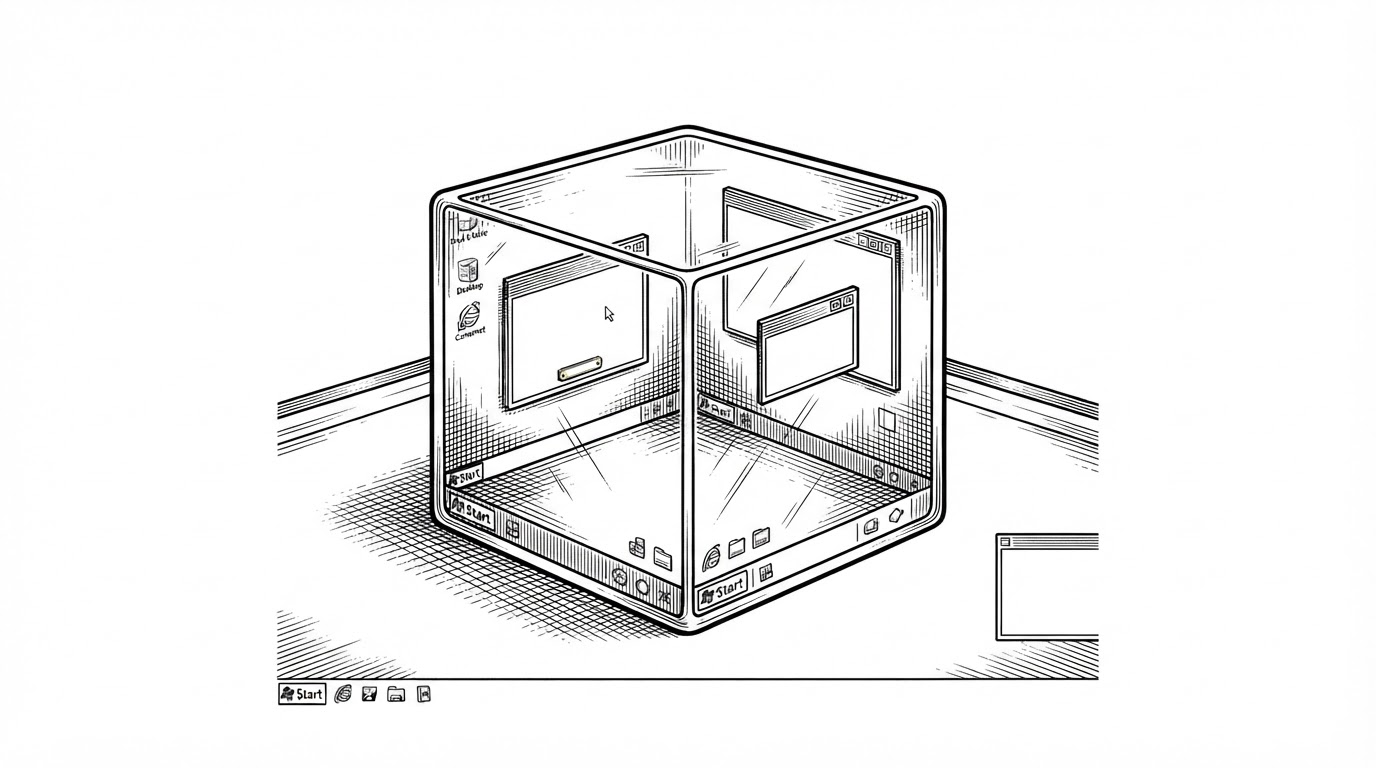
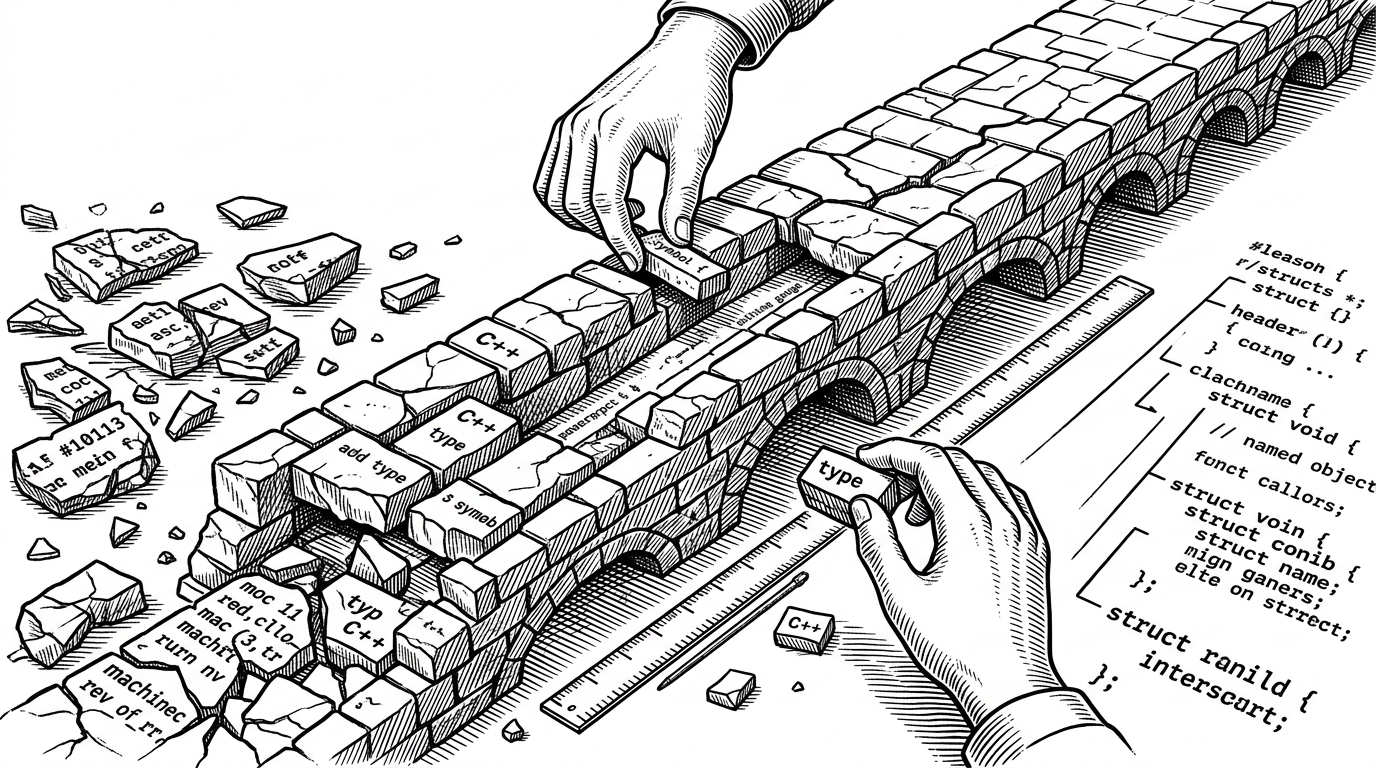
- SbieShell gives every Sandboxie isolated desktop its own taskbar, Start menu, and file browser by impersonating Explorer's window class name and command grammar.
- The impersonation is deliberate compatibility engineering: software that searches for CabinetWClass finds SbieShell's windows, so existing shortcuts and Open verbs keep working.
- The Desktop struct already models a desktop as a set of windows with a foreground window and a minimize list, the per-desktop seam Sandboxie needed years before it asked for it.
- The icon cache keeps three independent maps keyed by path, by path plus index, and by PIDL, so any icon request resolves through a single ICON_ID.
The Window That Calls Itself CabinetWClass
In explorer.h, a single line defines the class name for the shell's frame windows. It is not SbieShell's own name. It is Explorer's.
#define CLASSNAME_FRAME TEXT("CabinetWClass") // same class name for frame window as in MS ExplorerThat is not a bug or a leftover. The comment says so. CabinetWClass is the class name Explorer uses for its folder windows. Third-party software that enumerates windows looking for it will find SbieShell's windows instead. The shell earns the right to coexist with the rest of Windows by answering to Windows' name.
The deception goes further than a string. ExplorerCmd parses the command grammar that Explorer's shortcuts and Open verbs use.
/e,/root,c:\
::{20D04FE0-3AEA-1069-A2D8-08002B30309D}\::{21EC2020-3AEA-1069-A2DD-08002B30309D}
The /e and /root switches, the CLSID paths that name shell folders like Control Panel. A shortcut written years ago still lands in the right place, because SbieShell speaks the same language. Compatibility here is not a feature bolted on. It is the shell's survival strategy: be indistinguishable.
Why Sandboxie Needs Its Own Shell
Sandboxie runs programs in isolated environments. Isolation changes where files and registry keys live, but it does not change what a program expects to see when it asks for a desktop. A program that wants a taskbar wants a taskbar.
The obvious answer, run the host's explorer.exe inside the sandbox, is the wrong one. Explorer is a large, stateful process with hooks and shell extensions that assume it owns the machine. Running a second copy inside a sandbox invites conflicts. So each isolated desktop gets its own shell, a smaller one built to live there.
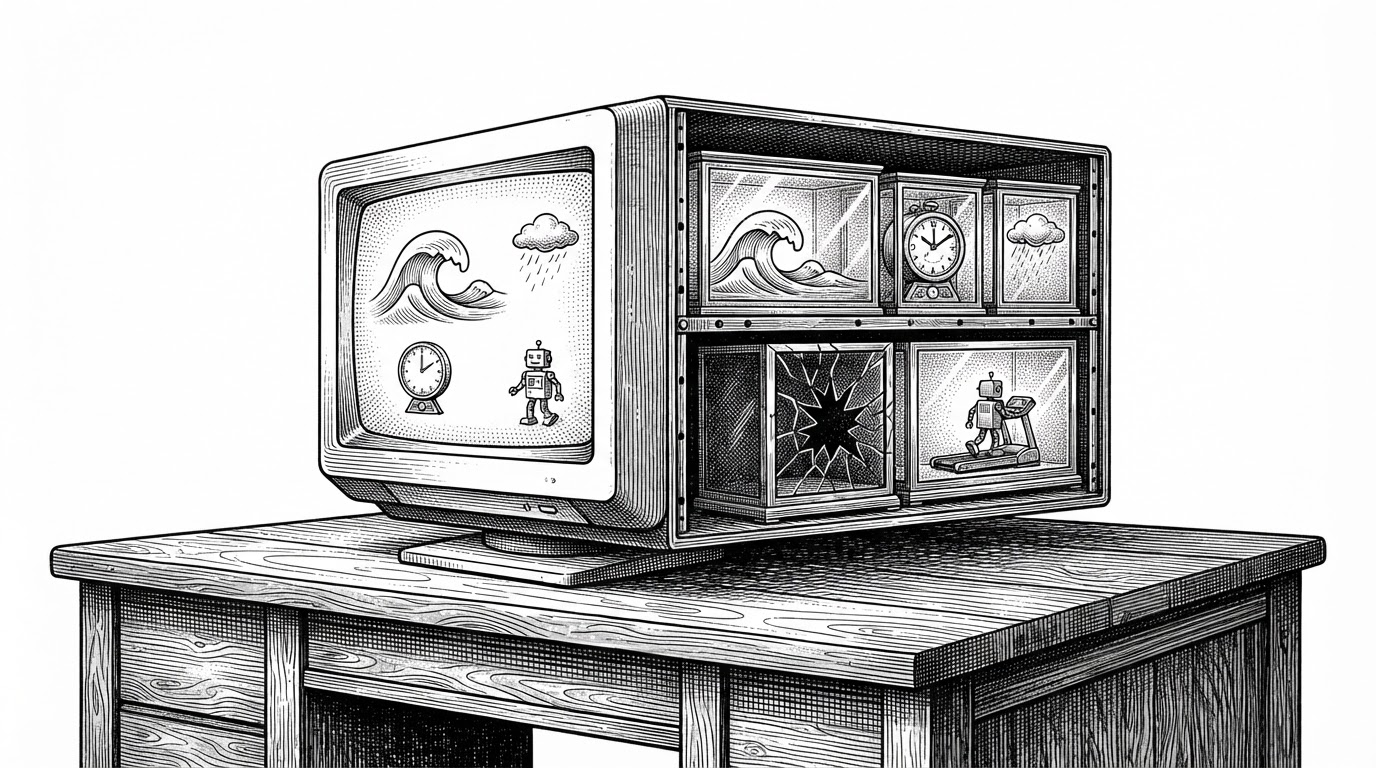
The part that makes this more than a convenience is in globals.h. The Desktop struct already models a desktop as a thing with its own windows.
struct Desktop {
    set<HWND> _windows;
    WindowHandle _hwndForeground;
    list<MinimizeStruct> _minimized;
    void ToggleMinimize();
};
A window set, a foreground window, a minimized list. Explorer proper has exactly one desktop. This structure assumes there could be more, and tracks the state each one would need. That assumption is the seam Sandboxie needed, and it was sitting in the code years before Sandboxie asked for it.
Three Generations of Shell
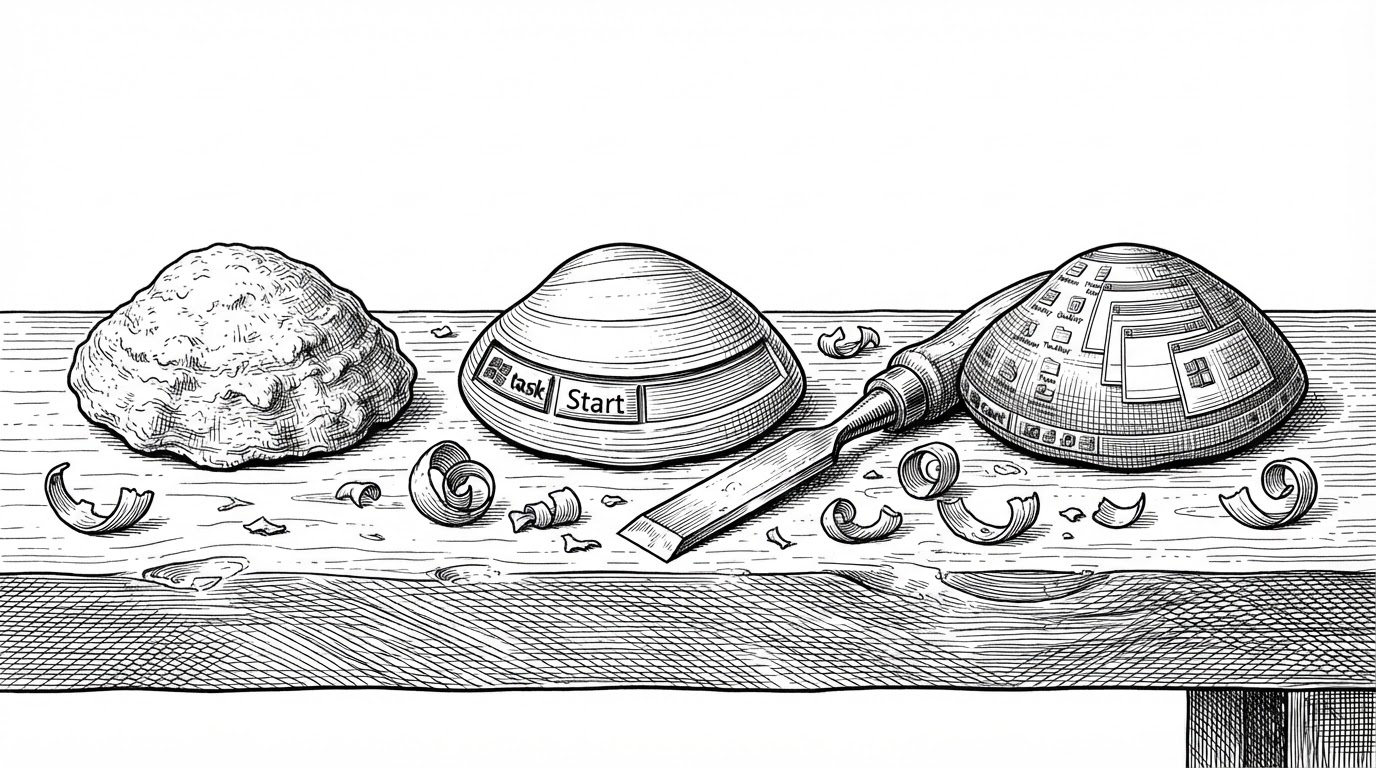
SbieShell did not start as SbieShell. The README is plain about the lineage.
A shell program (desktop, startmenu, taskbar, notifyarea, etc) for the isolated sandboxie desktops. It is based on the ROS Explorer.
WinXShell itself descends from ROS Explorer, Martin Fuchs's LGPL shell written for ReactOS between 2003 and 2006. That makes SbieShell a third-generation fork: a shell built for ReactOS, adapted for Windows PE, adapted again for Sandboxie's isolated desktops.
- ROS Explorer (Martin Fuchs, 2003 to 2006, LGPL): a Windows-like shell and file manager built for ReactOS.
- WinXShell: the shell part extracted and aimed at Windows and WinPE images.
- SbieShell: that same code aimed at Sandboxie's isolated desktops.
The code still carries evidence of its travels. Guards like #ifndef __WINE__ keep it compiling on Wine, and a ROSSHELL macro marks the ReactOS code paths. A shell written for one operating system now runs on three, because the code was written to be portable before anyone knew it would need to be.
One Icon, Three Ways to Find It
The most interesting engineering in the repo is also the least visible. A shell repaints constantly: every folder view, every taskbar button, every tray icon. If each repaint re-extracted an icon from disk, the desktop would stutter. So the icon cache in globals.h is built to answer the same question three different ways.
An icon can be requested by file path, by a resource index inside an EXE or DLL, or by a shell namespace item (a PIDL). Rather than force callers to normalize their request, IconCache keeps three separate maps.
typedef map<CacheKey, ICON_ID>    PathCacheMap;   // (path, flags)
typedef map<IdxCacheKey, ICON_ID> IdxCacheMap;    // (path, (index, flags))
typedef map<PidlCacheKey, ICON_ID> PidlCacheMap;  // (ShellPath, flags)
Three drawers, one output. Every request resolves to a single ICON_ID, and the Icon struct behind it carries one of four types. IT_STATIC is a shared icon. IT_CACHED is owned by the cache. IT_DYNAMIC is an HICON the shell owns and must destroy. IT_SYSCACHE is an index into the system image list. Accessors enforce the distinction: get_hicon() returns 0 for IT_SYSCACHE, and get_sysiml_idx() returns -1 for everything else.
The _LAZY_ICONEXTRACT flag pushes extraction to paint time, so the cache only pays for icons it actually shows. Ownership is hand-rolled, and destroy() must be called manually for IT_DYNAMIC. That is the classic leak-or-double-free surface of Win32 C++, and the code lives with it in exchange for speed.
How SbieShell Compares
SbieShell is easy to misplace in a lineup of Start menu replacements. It is not one. The table below puts it next to the shells it resembles and the shells it descends from.
| SbieShell | Windows Explorer | WinXShell | ReactOS Explorer | Open-Shell | Cairo Desktop | |
|---|---|---|---|---|---|---|
| Purpose | Shell for Sandboxie isolated desktops | Default Windows shell | Explorer replacement for Windows and PE | Explorer replacement for ReactOS | Start menu and shell customization | Desktop shell replacement |
| Target environment | Sandboxie isolated desktops | Host Windows | WinPE and custom Windows images | ReactOS | Windows host | Windows host |
| Lineage | ROS Explorer to WinXShell | Microsoft | ROS Explorer | Independent | Independent | Independent |
| License | LGPL-2.1 | Proprietary | Upstream varies | GPL and LGPL | GPL | GPL |
| Runs inside a sandbox | Yes, by design | No | Not its purpose | No | No | No |
The row that matters is the last one. None of the others are built to run inside a sandbox. That single constraint explains the impersonation, the per-desktop model, and the icon cache. SbieShell is not trying to replace Explorer everywhere. It is trying to be Explorer in a place Explorer cannot go.