EasyAPS: The Python Scheduler That Knows Radio’s Day Ends at 4 AM
A tiny broadcast automation tool turns CSV timetables, mpv, and JACK into a state machine for small stations that need live studio handoff and sane overnight scheduling.
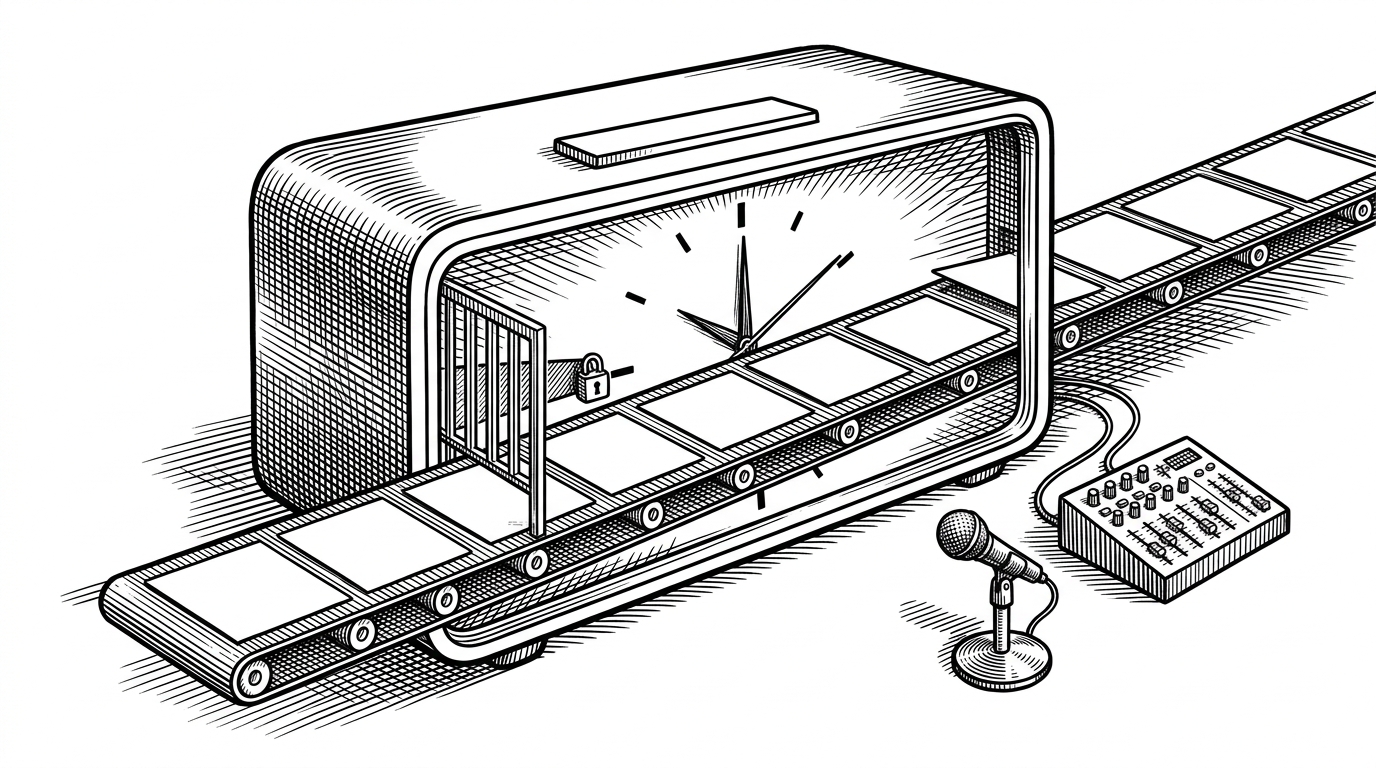
- EasyAPS solves a broadcast-day problem, not a generic scheduling problem, so its cutoff hour matters more than midnight.
- The core script behaves like a small state machine that can move from CSV playback to live studio routing without losing its place.
- JACK and PipeWire are central to the design because the tool treats audio like a patch bay, not like a media player.
- Its value comes from staying narrow, because small stations need one reliable workflow more than a sprawling broadcast suite.
Most schedulers assume the day resets at midnight. Radio often does not. EasyAPS bakes that exception into the core, so a 2:00 AM file can still belong to yesterday's log, and a live studio handoff can cut in without making the automation lose its place.
Radio’s Day Ends at 4 AM
That is the first reason this repo is interesting. A station does not think in calendar days first. It thinks in program continuity, overnight repeats, and a cutoff that keeps the overnight block attached to the previous broadcast day until the station decides morning has truly started.

EasyAPS Is a State Machine, Not Just a Scheduler
The repo's shape makes that clear. There is one core script, `easyaps.py`, plus a hardware-specific `device.conf` and a pair of setup guides for Linux audio. That is not the architecture of a broad platform. It is the architecture of a tool that has a single job and knows exactly when to change hands.
# Simplified decision path
broadcast_day = today if now.hour >= day_end_hour else yesterday
row = rows[current_index]

if row.filename == 'ST':
    route_live_studio()
else:
    mpv.play(row.file, start=row.resume_at, ao='jack', af='loudnorm')

current_index += 1
next_row = rows[current_index]
That sketch reflects the two main classes described in the repo: `MusicScheduler`, which interprets the CSV and decides what the station should do next, and `mpvPlayer`, which launches playback with JACK output, loudness normalization, and a seek offset when the script restarts mid-show. The point is not just playing the next file. It is preserving broadcast state.
Studio Mode Is the Real Clever Bit
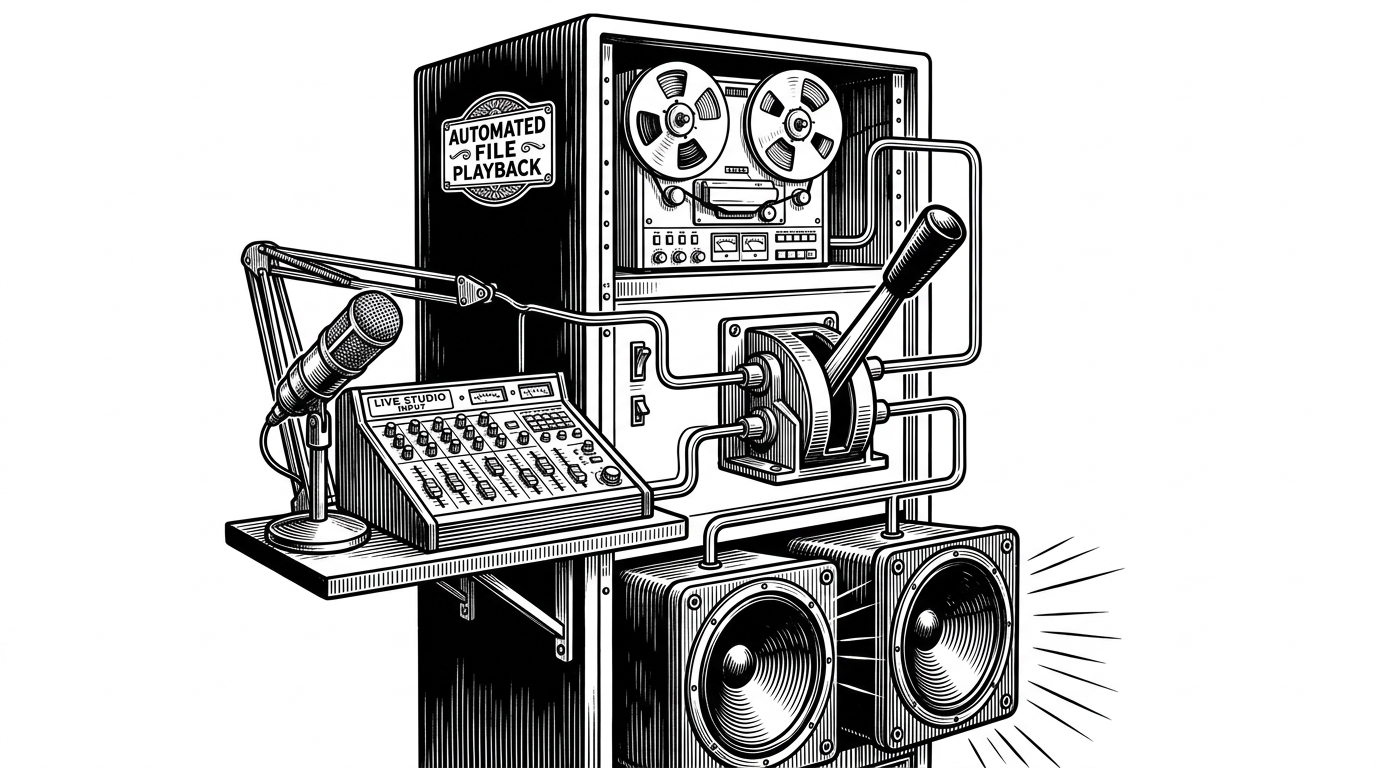
The `ST` record is where the tool stops being a player and starts acting like a studio console. When the scheduler sees that marker, it shifts away from automated playback and routes live audio instead. That is the difference between a playlist tool and a station tool.
Why JACK and PipeWire Matter Here
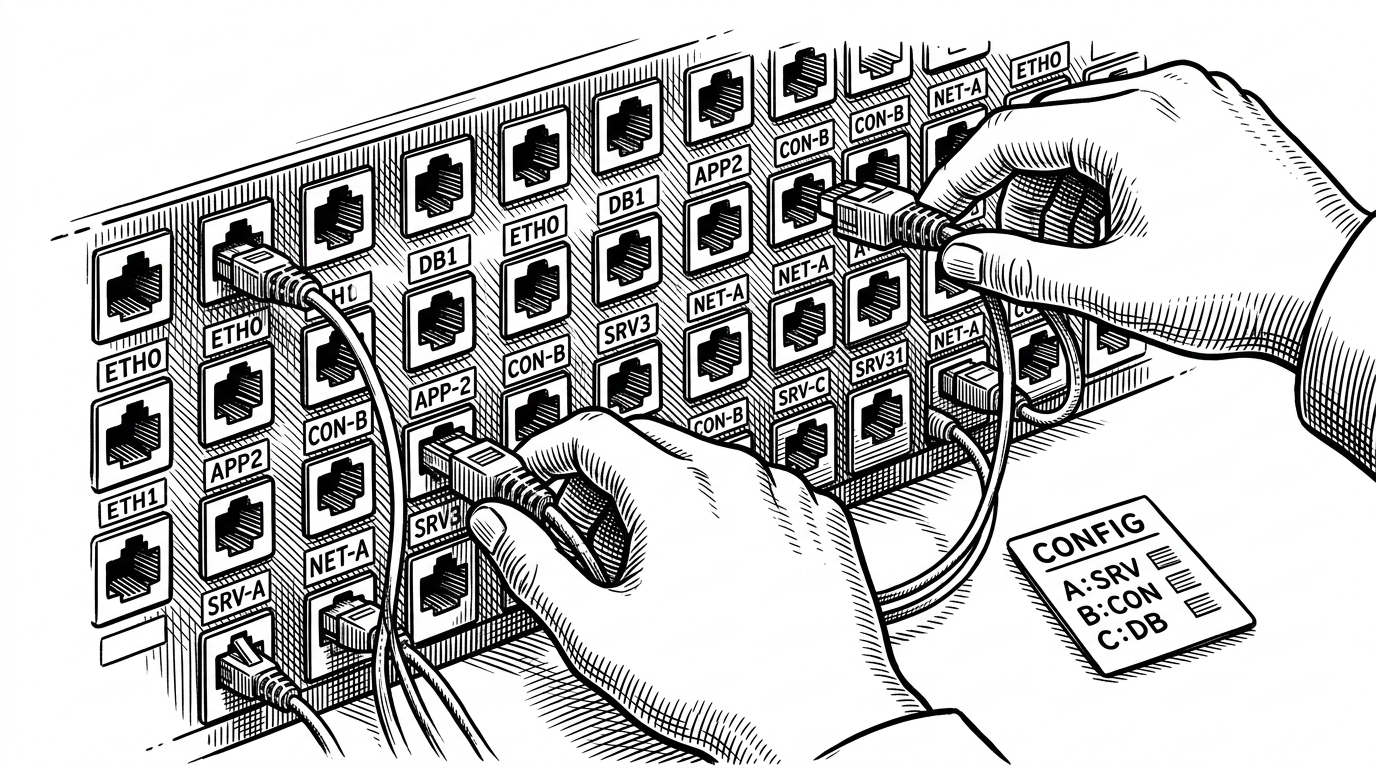
EasyAPS is built for Linux stations that need low-latency audio routing, not just file playback. That is why the setup docs talk about JACK and PipeWire-JACK, and why the repository keeps hardware names in `device.conf` instead of hardcoding them into the script. On one box, the playback ports are one thing. On another, they are completely different.
What EasyAPS Replaces
The temptation is to compare EasyAPS with ordinary schedulers, but that misses the point. Cron can launch jobs, and media players can play files, yet neither one naturally understands a broadcast day that spills past midnight and then hands the studio back to a human operator. Heavy broadcast suites solve the same class of problem, but they bring a much larger footprint than a small station needs.
| Tool | Broadcast-day awareness | Live studio handoff | Audio routing | Setup burden | Best fit |
|---|---|---|---|---|---|
| Cron plus a playlist script | Weak. Midnight is the boundary. | Brittle or manual. | Usually external and ad hoc. | Low at first, high in practice. | Simple chores. |
| Generic media player automation | Weak. | Possible, but awkward. | Basic playback, not a routing graph. | Moderate. | Background playback. |
| Heavy broadcast suite | Strong. | Strong. | Strong, with more built-in plumbing. | High. | Large stations. |
| EasyAPS | Strong, with a day-end cutoff. | Strong through Studio Mode. | Strong through JACK or PipeWire-JACK. | Low for a Linux-first station. | Small stations that need one reliable workflow. |
The Small-Station Advantage
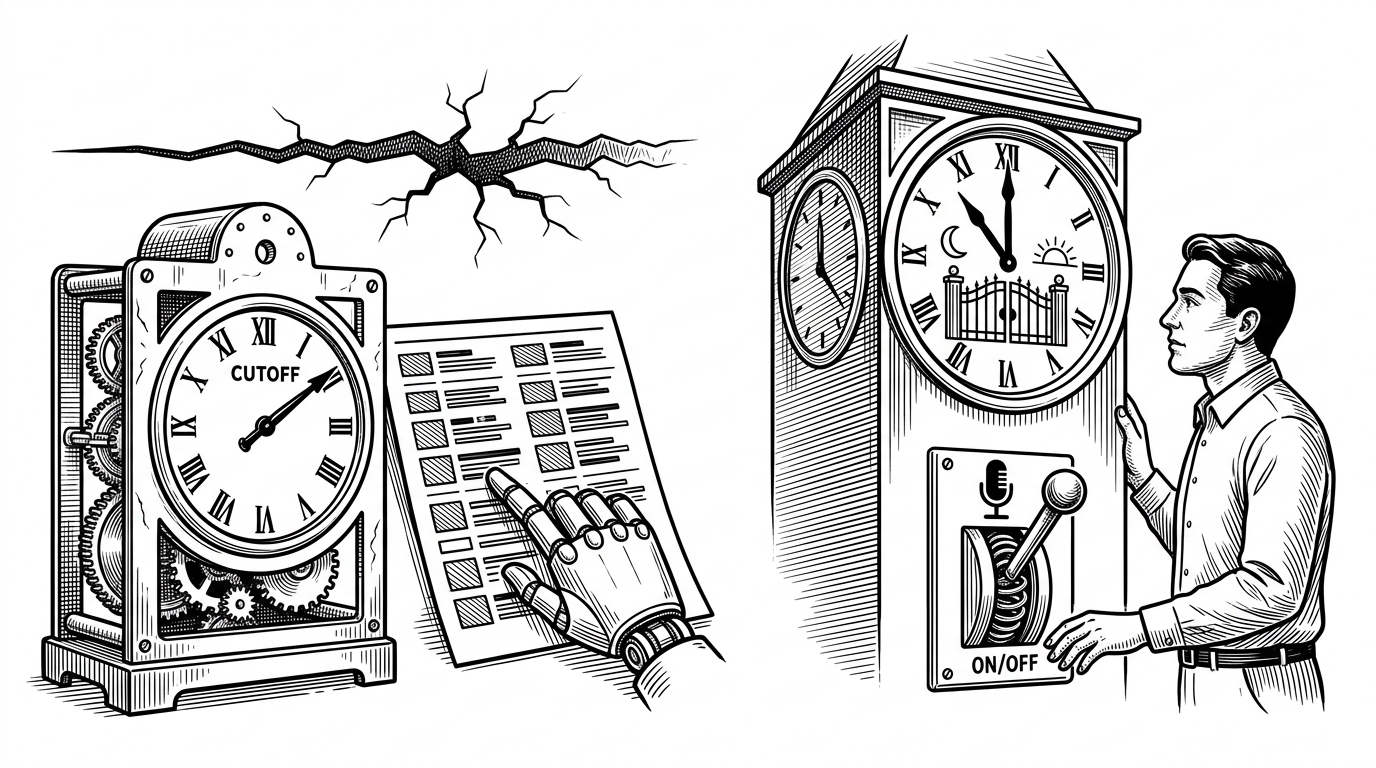
That narrowness is the strength. EasyAPS does not try to become a media CMS, a web dashboard, or a giant broadcast management suite. It focuses on one operational truth: for a small station, the hardest part is not playing audio. It is making sure the right audio, on the right day, at the right hour, can still be interrupted by a human without the system falling apart.