Tropy: The Desktop App That Turns Research Photos Into Structured Evidence
Inside the local-first archive tool that blends Electron, SQLite, Pixi.js, and linked data to help historians organize, describe, and preserve primary sources.
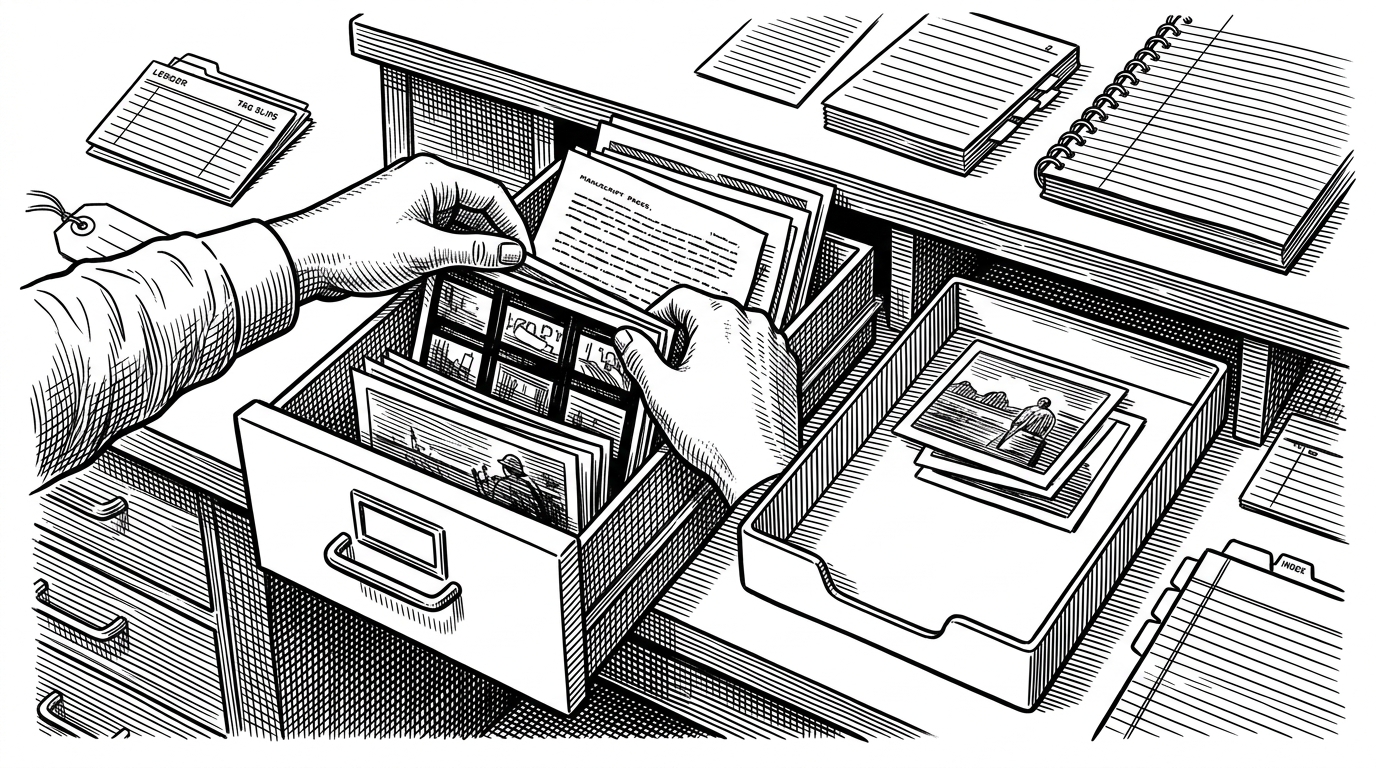
- Tropy’s real innovation is conceptual: it treats archive photography as a structured research object, not a folder of image files.
- Its item-photo split mirrors how historians actually work, which makes the app feel less like photo management and more like evidence handling.
- The stack matters because the model matters, with SQLite, linked data, and Pixi.js all serving the same goal of durable, fast research workflows.
- Tropy stands apart from Zotero and Lightroom by owning a narrower category, archival photo description, and doing it with local-first control.
Why Tropy Exists
Most photo apps assume the image is the thing. Tropy rejects that premise. In archive work, the photo is usually a trace of something else: a manuscript page, a folder, a ledger, a label, a document spread across multiple shots.
That distinction sounds small until you are staring at hundreds or thousands of captures from a reading room. Tropy exists to turn that pile into a working archive, with description, annotation, and structure attached at the point of capture rather than bolted on later.
Tropy is a freely licensed, open-source tool for organizing, describing and annotating archival research photos.
The Item Is Not the Photo
This is the core abstraction. A photo is a file. An item is the research object, the letter, folder, volume, or manuscript fragment you actually care about.
That matters when one item has many pages, many angles, or many details. You do not want to describe each image as if it were a separate thing. You want the metadata, notes, and transcriptions to live with the item, while each photo remains attached as one view of that object.
That model is why Tropy feels different from a generic photo manager. It is not trying to improve your camera roll. It is trying to preserve archival context without flattening it.
The Database Mirrors the Archive
Under the hood, Tropy is unusually disciplined for a desktop app. It uses SQLite, but not as a loose bag of key-value pairs. Its schema separates project data from ontology and vocabulary data, which means the app can keep a local collection while still enforcing structured description.
The project database stores the researcher’s actual work: items, photos, notes, tags, and metadata. The ontology database stores the rules that shape those descriptions. That split lets Tropy stay metadata-aware without hardcoding one fixed cataloging system into the product.
| Layer | What it stores | Why it matters |
|---|---|---|
| Project database | Items, photos, notes, tags, metadata | Keeps the user's working archive local and editable |
| Ontology database | Controlled vocabularies and metadata rules | Makes descriptions reusable and consistent |
| Export formats | JSON-LD, CSV, Omeka S | Preserves structure outside the app |
The payoff is normalization. A value like a place name or archive repository can be stored once and reused across many records. That keeps large collections lean and, more importantly, keeps meaning consistent across years of work.
Why It Feels Fast Even on Huge Collections
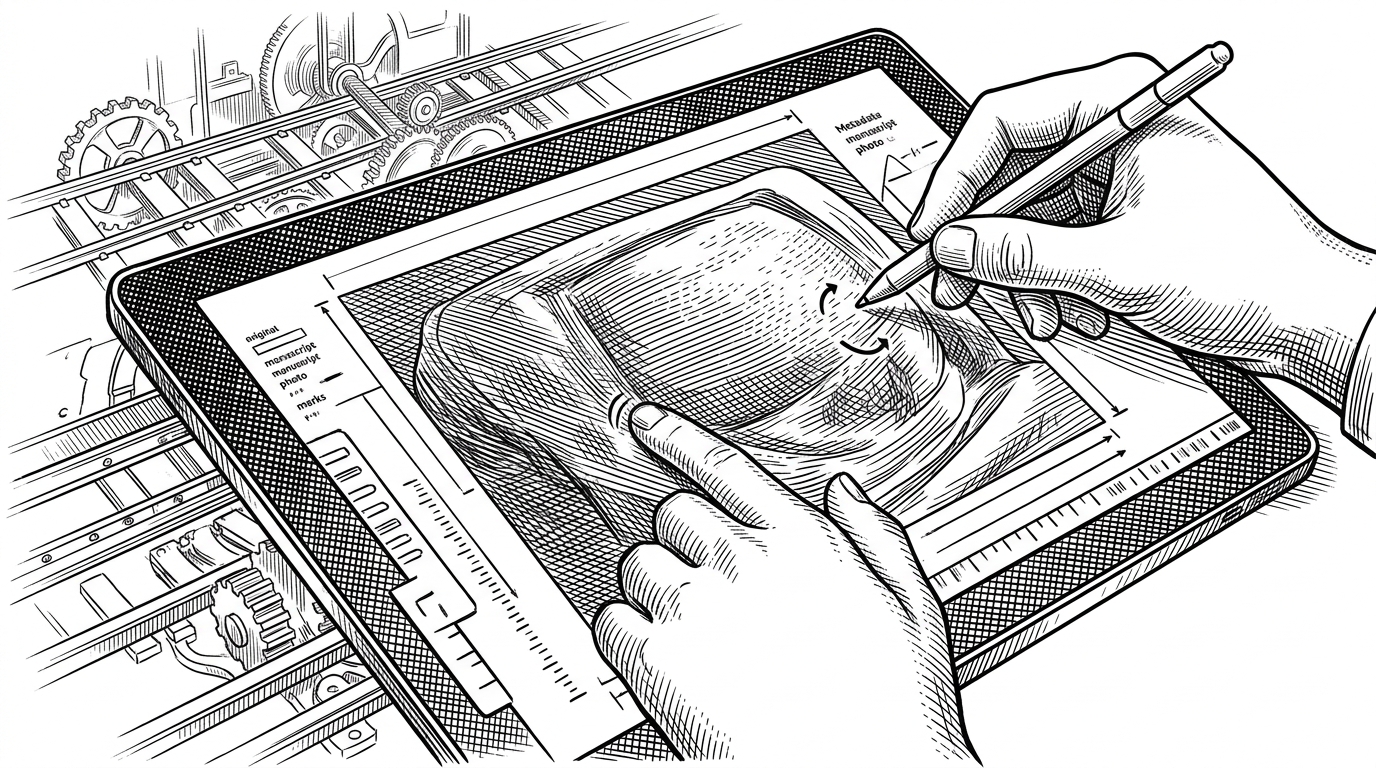
Electron gives Tropy the desktop shell. Pixi.js gives it the image surface. That combination is what makes the app feel immediate when a user is zooming into a page, rotating a capture, or comparing a dense scan with its annotations.
The engineering choice is not flashy, but it is smart. Researchers spend most of their time inside one image at a time, not browsing a gallery. Tropy optimizes for the work that actually happens.
Tropy thinks the way you do: like a researcher. Say goodbye to IMG_5261.JPG and IMG_5262.JPG, and say hello to your sources.
Metadata With a Memory
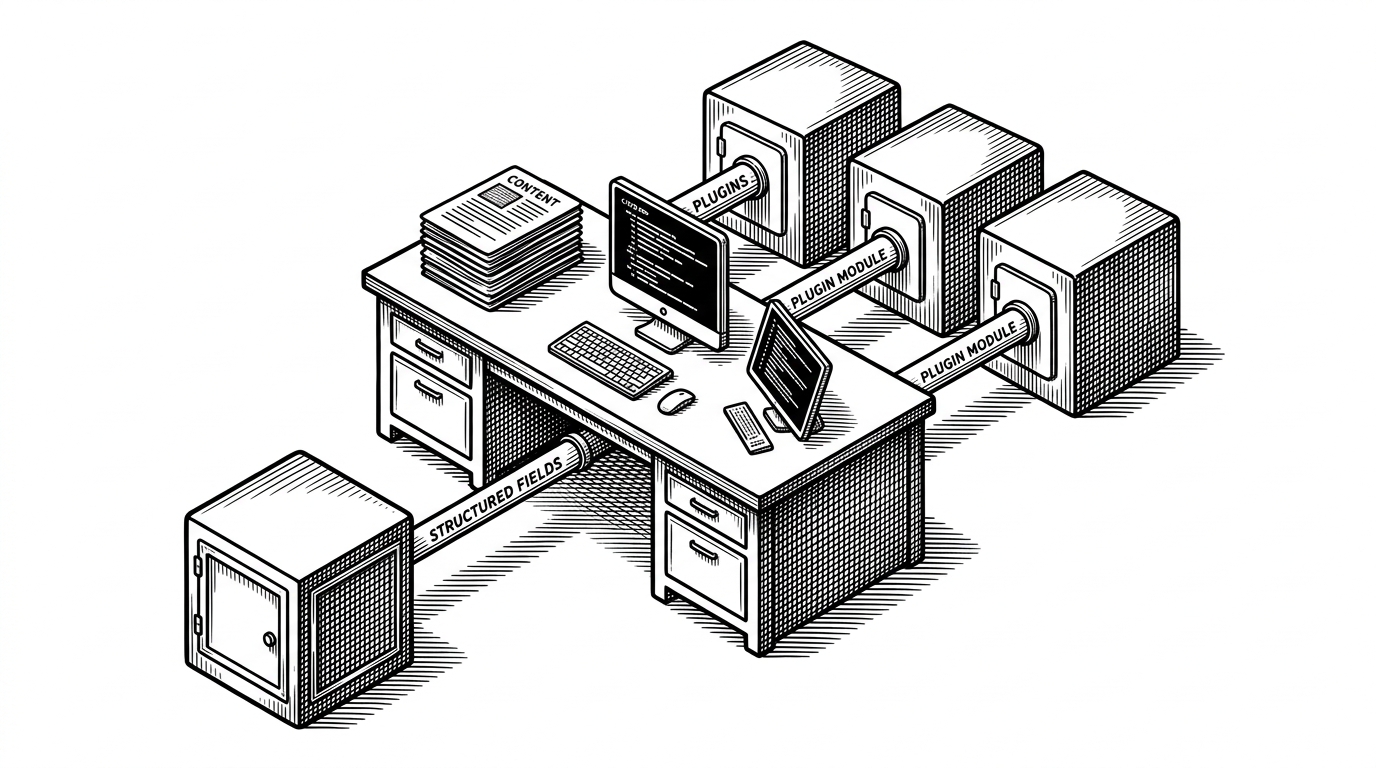
Tropy is not just storing labels. It is storing relationships. Controlled vocabularies, metadata templates, JSON-LD, and RDF-inspired structure let descriptions survive export and collaboration without collapsing into flat text fields.
That matters for interoperability. A tool that only exports files can move pixels around. A tool that exports structured description can move meaning around too.
| Feature | Plain tagging | Tropy's model |
|---|---|---|
| Field values | Freeform and inconsistent | Validated against vocabularies |
| Structure | One-off notes | Templates and linked metadata |
| Export | Loose metadata text | Semantically structured data |
| Reuse | Hard to standardize | Designed for long-term interoperability |
This is why Tropy feels closer to library science than to consumer software. It is preserving the descriptive layer as carefully as the images themselves.
Why It Is Not Just Zotero, and Not Just Lightroom
Tropy sits between categories, but it is not a compromise product. Zotero is built for citations and bibliographic objects. Lightroom is built for photographic workflows. Tropy is built for archival photo description.
That distinction becomes obvious once you compare the primary object. Zotero manages sources. Lightroom manages images. Tropy manages research evidence that is photographed, described, annotated, and eventually exported into a scholarly workflow.
| Tool | Primary object | Core workflow | Best use case |
|---|---|---|---|
| Tropy | Archival item plus photos | Describe, annotate, group, export | Historical research in archives |
| Zotero | Citation and source record | Collect, cite, sync, write | Bibliography and literature workflows |
| Lightroom | Photograph | Edit, catalog, color manage | Professional photography |
| Generic DAM | Digital asset | Store, search, distribute | Broad media libraries |
The comparison is useful because it shows the product boundary. Tropy is not trying to become a better Lightroom or a more visual Zotero. It is defining a narrower category and owning it.
The Maintenance Story Is Part of the Product
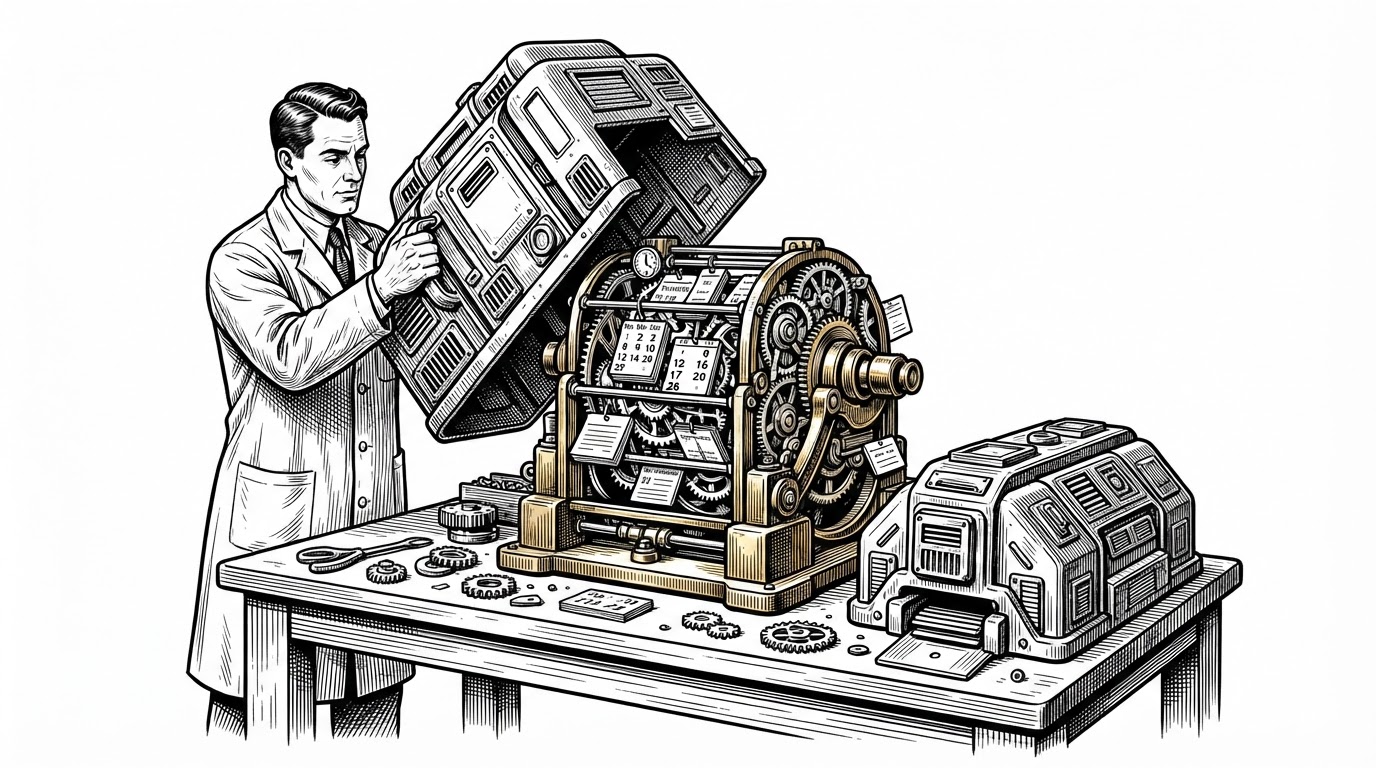
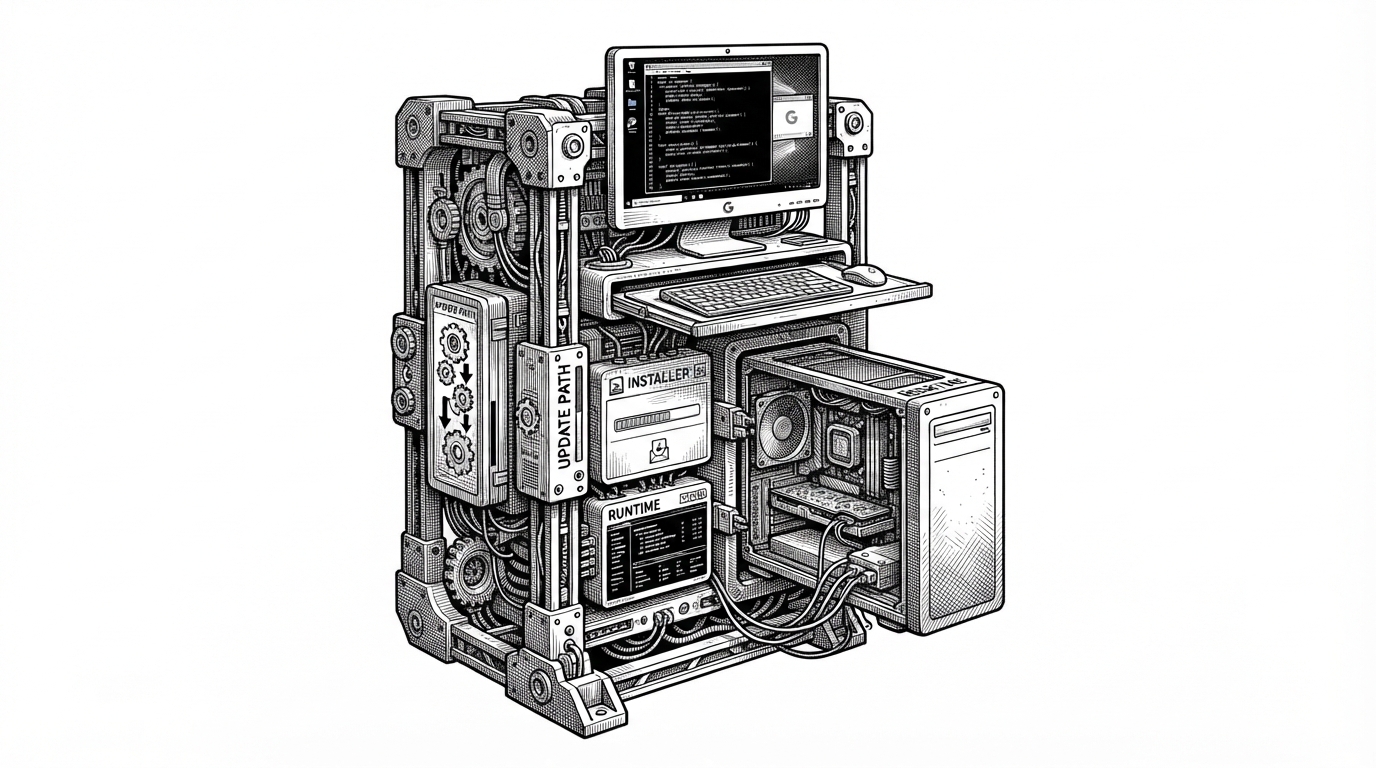
Durability is not a side benefit here. It is the product. Research data has to survive schema changes, Electron updates, platform shifts, and years of use by people who may return to the same project long after the software version has changed.
That is why the migration system, native dependency handling, and local storage choices matter. Tropy is engineered for continuity. The goal is not novelty. It is keeping evidence legible over time.
The open-source governance model reinforces that. With RRCHNM, C2DH, and Digital Scholar behind the project, Tropy is shaped by institutions that care about preservation, not churn.
What Tropy Really Is
Tropy is best understood as a research instrument with a desktop interface. The images matter, but the structure around them matters more. That is the unusual thing here: a photo app that behaves like a semantic archive.
For historians, archivists, and anyone doing primary-source work in large repositories, that design choice is the whole point. Tropy does not ask researchers to adapt their workflow to generic software. It turns the workflow into the software.