Geolocation-based-Attendance-Tracking-System-GeoAttend-: GeoAttend: The Flutter App That Turns Weak Signals Into Proof of Presence
A geofencing attendance system that combines polygon checks, circular geofence tiling, Wi-Fi validation, and device fingerprinting to keep attendance honest in the real world.
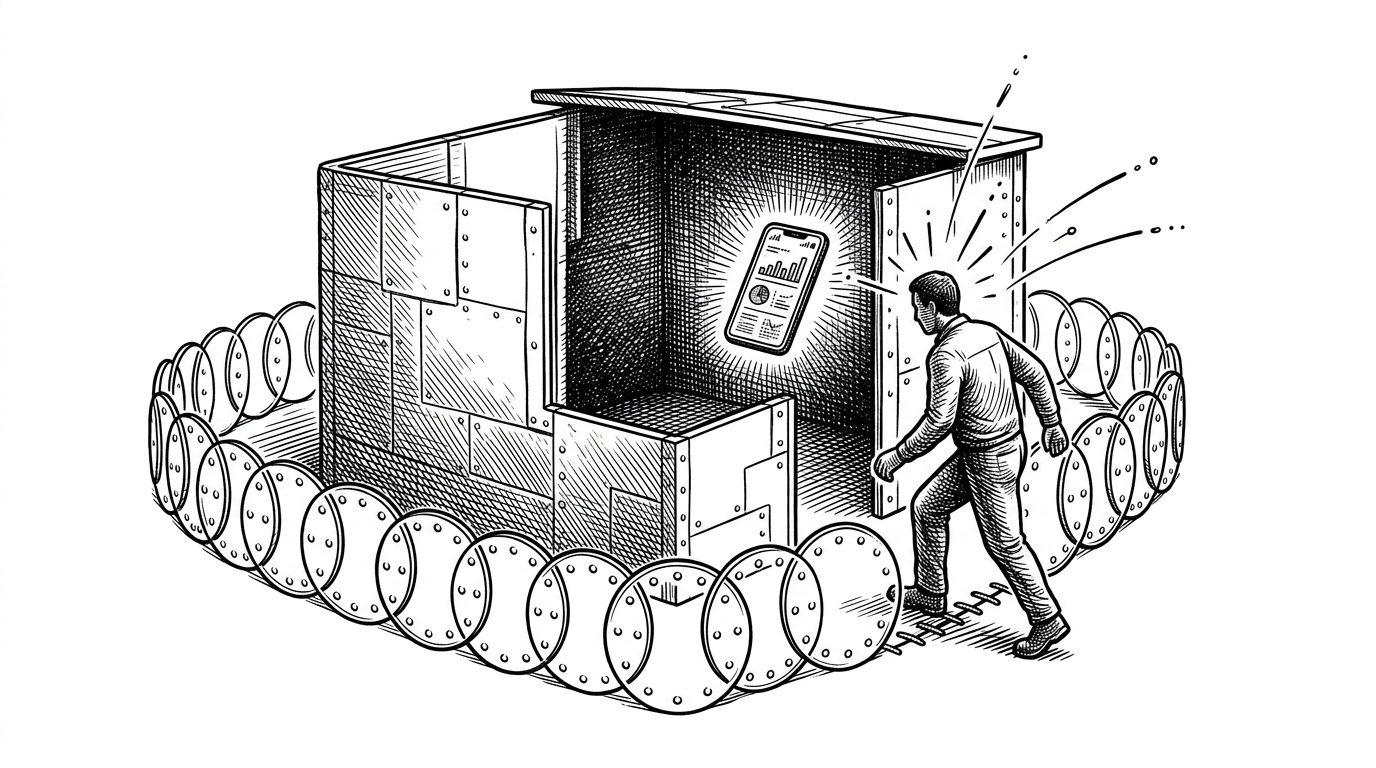
- GeoAttend treats attendance as a verification problem, not a check-in screen, and it answers with layered signals instead of one brittle location test.
- Its geofencing strategy is pragmatic: it uses circular geofence tiling to make mobile background behavior more reliable than a single clean polygon would be.
- Auto-out is the enforcement core, because the app keeps checking presence after the user has already crossed the boundary.
- The broad employee model and reporting stack suggest a product that is drifting from attendance tracking toward a full HRMS.
The app is really a proof-of-presence system
GeoAttend is easiest to understand if you stop calling it an attendance app. It is an enforcement layer for one question: was this person physically present when the system said they were?
That matters because the real problem is not clocking in. It is keeping the clock-in honest when GPS drifts, background tasks die, and users have every incentive to find a loophole.
| Project | Stack | Verification methods | Background enforcement | Best for | Weakness |
|---|---|---|---|---|---|
| GeoAttend | Flutter + Firebase | Geofence, Wi-Fi, device ID | Yes, auto-out monitoring | Organizations that want proof of presence | Still depends on mobile OS behavior |
| GPS-only attendance app | Usually web or mobile | Location only | Often weak or absent | Simple demos | Easy to spoof or drift |
| Web geofencing system | JavaScript + PHP | Browser geolocation | Limited | Quick deployments | Less robust on mobile background use |
| Full HR suite | Varies | Usually bundled | Strong, but broad | Large orgs with payroll needs | Heavier than attendance alone |
GeoAttend’s core trick is signal stacking
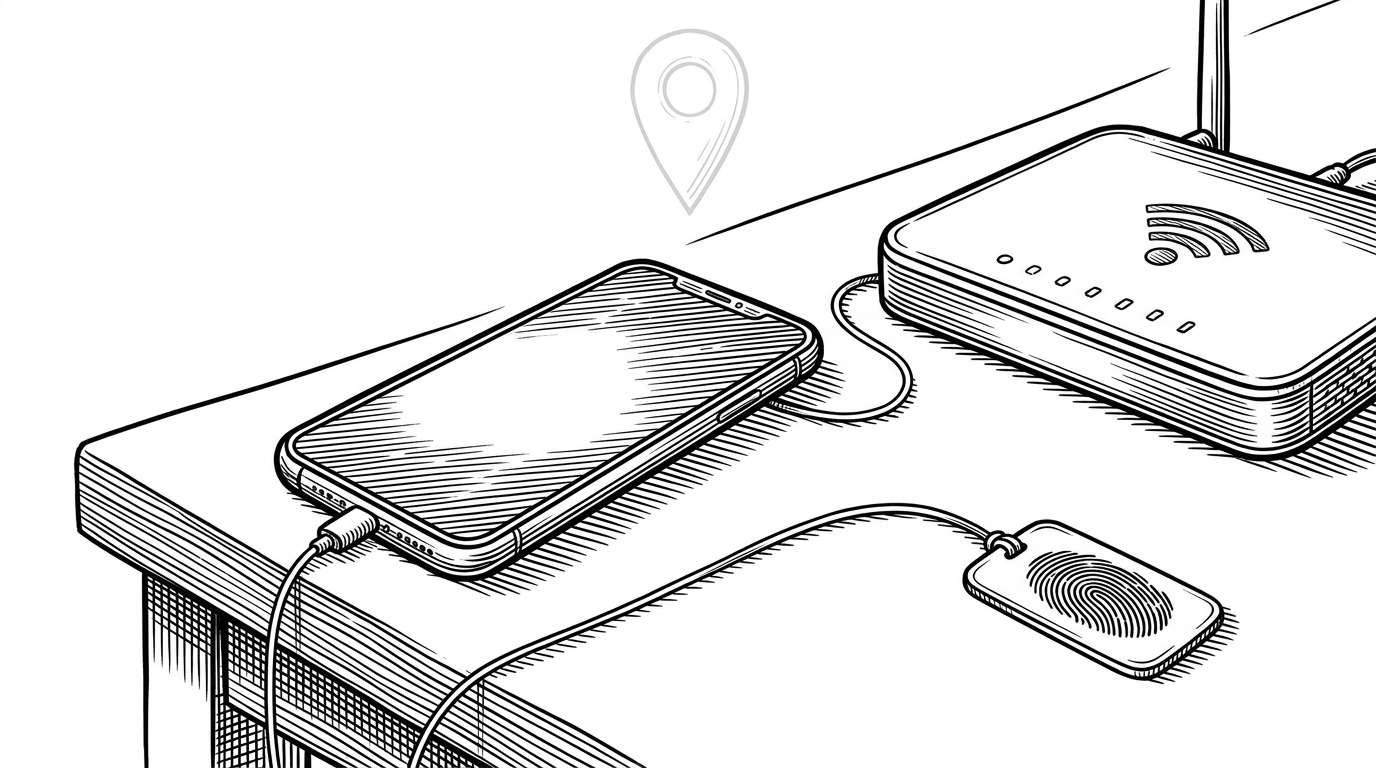
The project does not trust one source of truth. It layers location, network context, and device identity into a single decision path. That is the difference between a map widget and a policy engine.
Why the geofence is built from circles, not one clean polygon
The repo’s geofencing service uses a pragmatic trick. Instead of betting everything on one complex background polygon, it places circular geofences around perimeter vertices. That is a mobile-first compromise, because background geofencing tends to behave better with simple circles than with a single elaborate shape.
The UI may still present an office boundary as a polygon. Under the hood, the app is trying to make mobile OS behavior less fragile by tiling the edge with overlapping circles. The result is not geometric purity. It is better odds.
// Simplified idea from geofencing.dart
for (final vertex in officeBoundary.vertices) {
  addGeofence(
    center: vertex,
    radiusMeters: 30,
  );
}
Auto-out is the real enforcement layer
GeoAttend’s strongest move is not entry detection. It is continuous verification after entry. A singleton attendance monitor wakes up on a 5-second timer, checks location, tests whether the user is still inside the office polygon, and writes an out record when the answer turns negative.
That is a policy decision, not passive tracking. The app is saying that presence is not a one-time event. It is a condition that can expire.
Wi-Fi and device identity close the loopholes
The fallback layers matter because GPS is not always enough indoors. GeoAttend checks Wi-Fi SSID and IP prefix so the app can treat the office network as a second clue. It also reads a device identifier, which helps tie attendance to a specific handset instead of a borrowed login.
That does not make spoofing impossible. It does make casual buddy punching harder, which is the real target for a system at this scale.
This codebase looks like a product trying to become an HRMS
The giveaway is the employee model. It does not stop at attendance metadata. It carries fields like blood group, religion, nationality, and skills, which is a strong signal that the project is expanding from a narrow attendance tool into broader HR administration.
That changes how you read the repo. The geofencing logic is the headline feature, but the surrounding data model says the long-term ambition is a full internal workforce system, not just a clock-in app.
| Layer | Attendance-only tool | GeoAttend |
|---|---|---|
| Identity | User logs in and marks attendance | User plus device identity plus network context |
| Location | GPS check at entry | Geofence entry plus periodic auto-out checks |
| Indoor fallback | Often missing | Wi-Fi SSID and IP checks |
| Scope | Narrow | Moving toward HRMS data and reporting |
| Failure mode | Easy to bypass | Harder to bypass, though still not perfect |
How it compares to simpler geolocation attendance projects
Compared with lightweight GPS-only projects, GeoAttend is more opinionated and more defensive. Compared with full HR suites, it is smaller, faster to understand, and closer to the problem it actually solves.
That middle position is the point. It is not a toy demo. It is not an overbuilt enterprise suite. It is a practical attempt to make mobile presence checks survivable in the real world.
What GeoAttend reveals about modern internal tools
GeoAttend shows how far you can get with commodity pieces: Flutter for the client, Firebase for persistence and messaging, mobile geofencing for perimeter logic, and a few pragmatic validation tricks to cover the gaps. The stack is ordinary. The assembly is the interesting part.
That is why the repository is worth a look. It turns a familiar office chore into a systems problem, then solves it with enough redundancy to feel credible.