lark-minutes-tasks: Turning meeting transcripts into executable work
A tiny Claude Code skill that reads Lark Minutes, detects action cues, and pushes tasks into the Lark ecosystem with a human confirmation step.
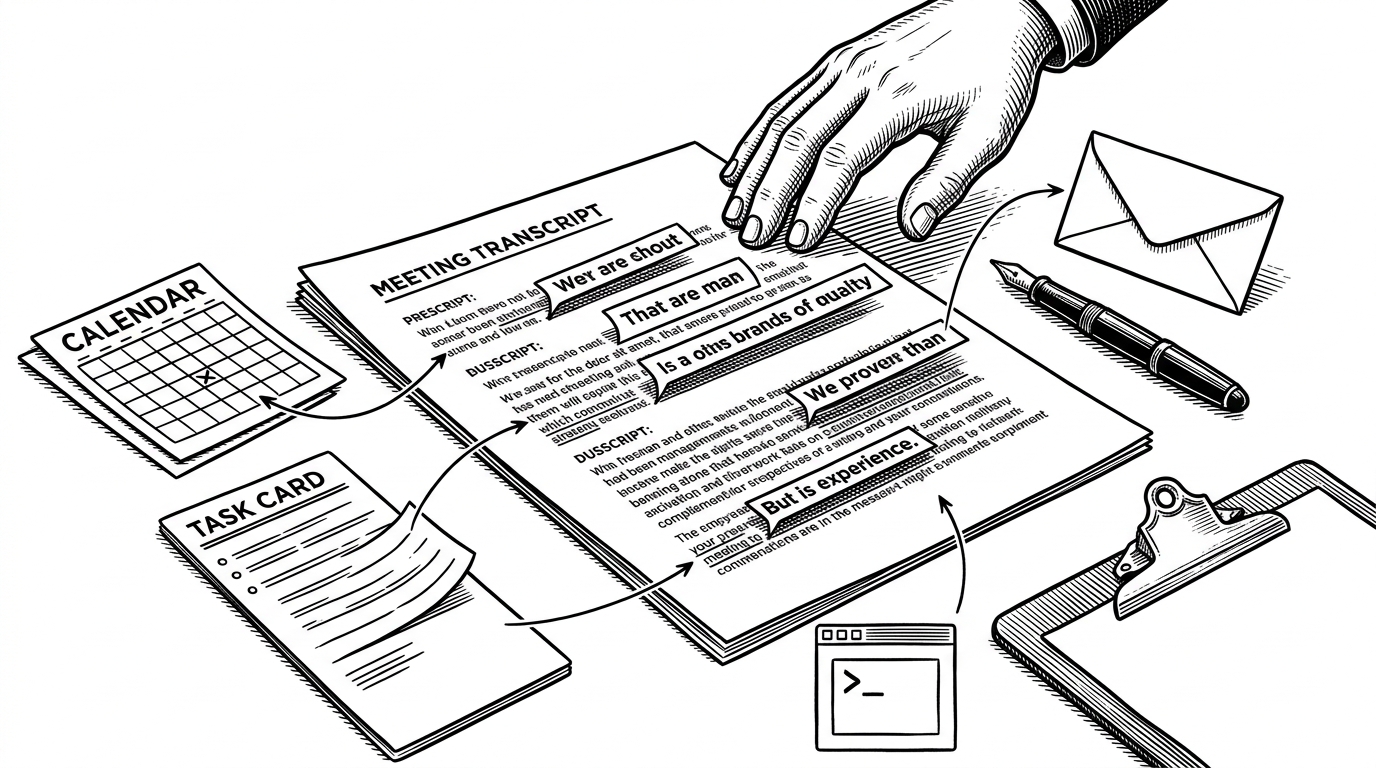
- lark-minutes-tasks treats a meeting transcript like a delayed command line, not a passive archive.
- The wake word is the repo’s real innovation because it turns a spoken phrase into a later execution path.
- The project stays tiny because prompt-as-code handles the orchestration while lark-cli provides the broad API surface.
- The confirmation gate is the product feature that makes transcript-to-action automation feel usable instead of reckless.
The meeting transcript is not an archive. It is a control surface.
Most meeting tools stop at memory. They summarize, extract, and file things away. `lark-minutes-tasks` pushes one step farther: it treats the transcript as a place where intent can be recovered later and turned into action inside Lark.
An AI agent skill that reads Lark/Feishu meeting transcripts, extracts action items, and actually gets them done. Not just a to-do list generator. The agent executes the tasks for you.
The wake word turns passive transcription into active intent
The clever part is not summarization. It is the wake word. You can say a phrase during the meeting, forget the exact wording, and let the agent find it later inside the transcript. That recovered phrase becomes a high-priority signal, not just a line of text.
if transcript.contains(trigger_phrase):
    context = extract_nearby_lines(transcript)
    plan = map_intent_to_lark_action(context)
    confirm(plan)
    execute(plan)
Set a trigger phrase (like "hey agent" or anything you want). Say it during a meeting, and the agent will pick up your command from the transcript after the meeting. You don't need to remember what you said. The agent remembers for you.
Inside minutes.md, prompt-as-code replaces glue code
The repo is tiny on purpose. Most of the logic lives in a single Markdown skill file, `minutes.md`, which behaves less like documentation and more like an orchestration spec. It resolves identity, ingests the transcript, scans for the trigger, maps the action, and pauses before anything writes back.

1. Resolve the user with lark-cli.
2. Load the transcript from Minutes, Docx, or Wiki sources.
3. Scan for the wake word and inspect nearby context.
4. Map the recognized intent to a concrete Lark action.
5. Stop for confirmation before anything writes back.
6. Use the CLI or the clipboard to finish the job.
That shape matters because it keeps the repo legible. There is no sprawling service layer to debug, no custom backend to run, and no hidden state machine to reverse engineer. The skill is mostly instructions, and that makes its behavior easier to audit.
Why the Lark CLI matters
`lark-cli` is the reason this project can stay narrow. The skill does not need to learn every Lark API from scratch, because the CLI already exposes a broad set of operations across calendar, docs, tasks, minutes, and messaging. `lark-minutes-tasks` only has to decide what should happen next.
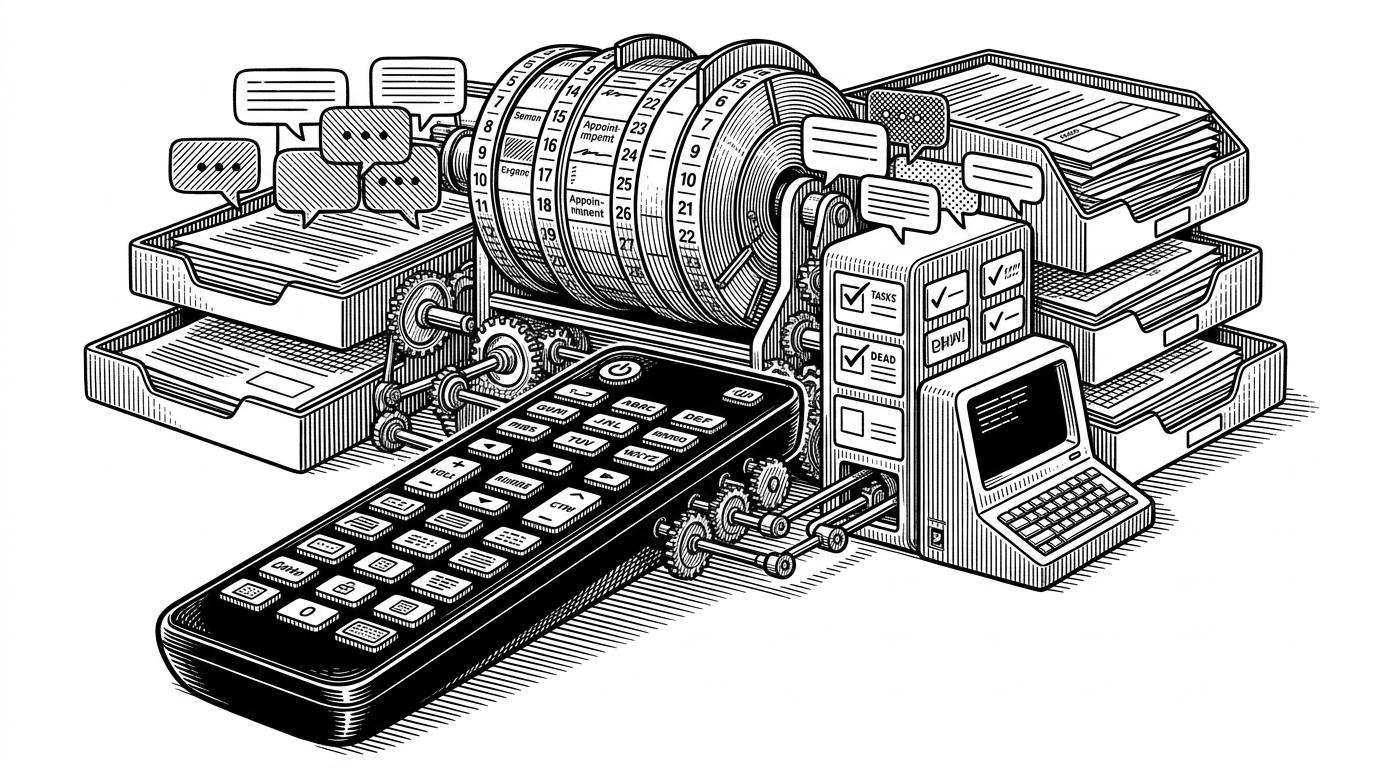
That is also the repo’s business logic. It does not compete with the platform. It rides on top of it, using a broad, trusted execution layer instead of rebuilding one. Small surface area, large reach.
The human-in-the-loop safeguard is the product
The confirmation step is not a compromise. It is what makes the workflow believable. The agent can draft, suggest, and prepare, but it still asks before it acts, and sensitive steps can be handed off through the clipboard so a person can review them first.
- The transcript scanner flags a candidate action from the spoken context.
- The agent drafts the plan or payload without committing anything yet.
- The user confirms the move before any write access happens.
- The final step either executes through Lark CLI or lands in the clipboard for manual review.

How it compares to meeting assistants, CLI tools, and browser tweaks
| Project | Trigger | Execution depth | What it optimizes |
|---|---|---|---|
| Summary-first meeting assistants | Transcript ingestion after the call | Summaries and extracted action items | Understanding what happened |
| larksuite/cli | Explicit commands and API calls | Broad API access across Lark | General automation for builders |
| Lark-Minutes-Enhancer | Browser interaction and UI shortcuts | Local UI tweaks only | Reducing friction inside Minutes |
| lark-minutes-tasks | Wake word inside the transcript | Closed-loop actions with confirmation | Turning spoken intent into work |
That contrast is the point. The repo is narrower than a platform, but more operational than a note-taker. It lives in the gap between hearing something useful and actually doing something about it.
What this repo signals about agent workflows
The bigger lesson is that useful agent skills do not need to be broad. They need to sit at a choke point where language becomes action. In this repo, the choke point is the meeting transcript, which means the system catches intent while it is still fresh enough to matter.
That is why the project feels larger than its file count. It shows a pattern that will keep showing up in agent tools: small, domain-specific skills that depend on a strong execution surface and a carefully placed human check. The intelligence is useful, but the placement is what makes it work.