Cowart: The AI Whiteboard That Treats the Canvas Like a Prompt
A local-first Codex plugin that turns arrows, labels, and image holders into a visual editing language for AI-generated images.
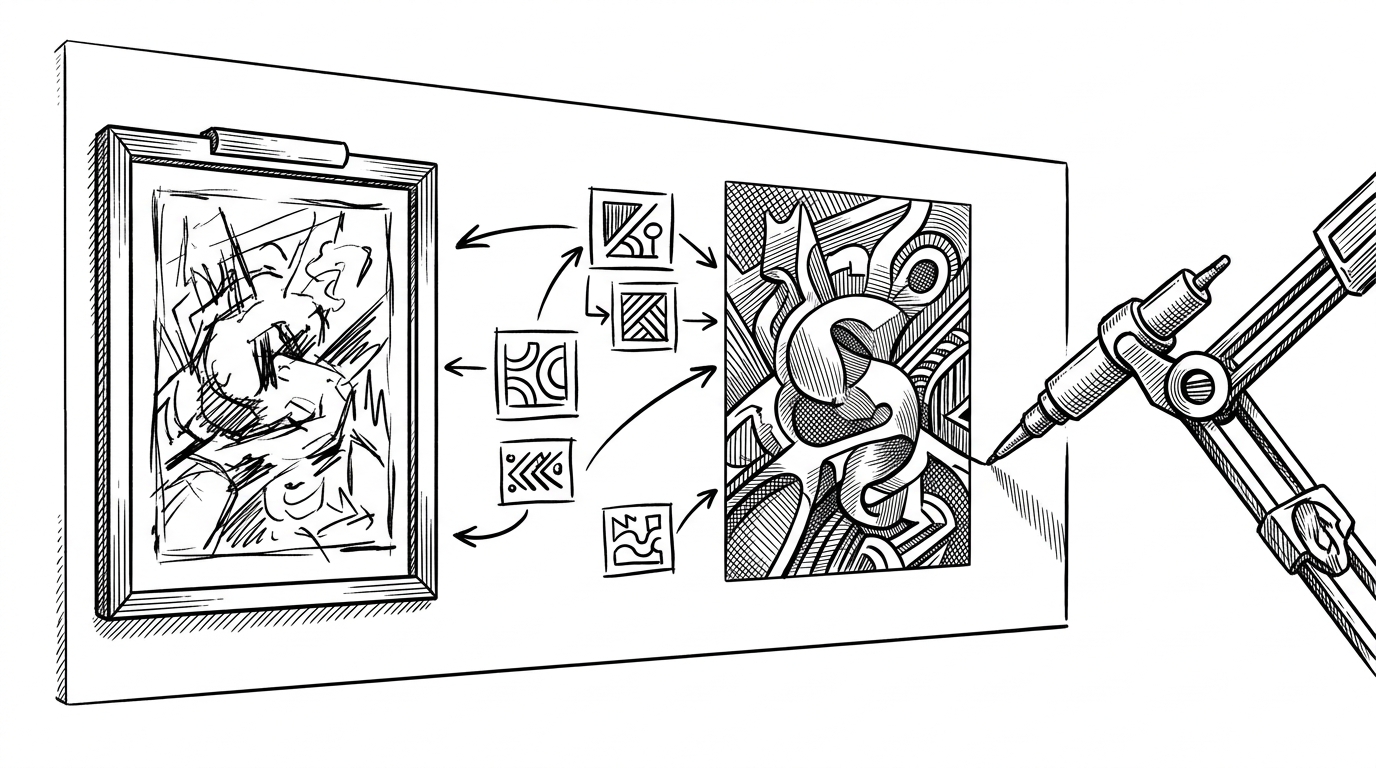
Cowart 是一个面向Codex 的本地无限画布插件。它基于tldraw 提供可视化画布,用于构思、标注、生成图片和根据标注图迭代图片。
- Cowart’s real novelty is spatial prompting, because it turns placement, arrows, and labels into model-readable instructions.
- Its screenshot-to-edit loop is a practical workaround that preserves human intent without forcing perfect vector-level synchronization.
- Local-first storage makes the canvas part of the project, so iteration is versionable, traceable, and less fragile than a separate SaaS workspace.
- Cowart is less a drawing app than a new interface pattern for AI image work, where the workspace itself carries memory.
The canvas is the prompt
Cowart is easy to misread as an image generator with a nicer front end. That undersells it. The repo is really about a different interface contract: instead of typing a prompt into a box, you place visual intent directly onto the canvas and let the model read the layout back.
That matters because the canvas is not just decoration. It carries proximity, grouping, and emphasis. An arrow pointing at a face, a note attached to a crop, or two images sitting side by side become part of the instruction set.
Why screenshot-to-edit is the clever move
The clever part is not that Cowart can generate images. It is that it does not try to serialize every brushstroke or arrow into structured model input. Instead, it uses a screenshot as the handoff point. The model reads the visual state, extracts the edit brief, and responds to what is already on the canvas.
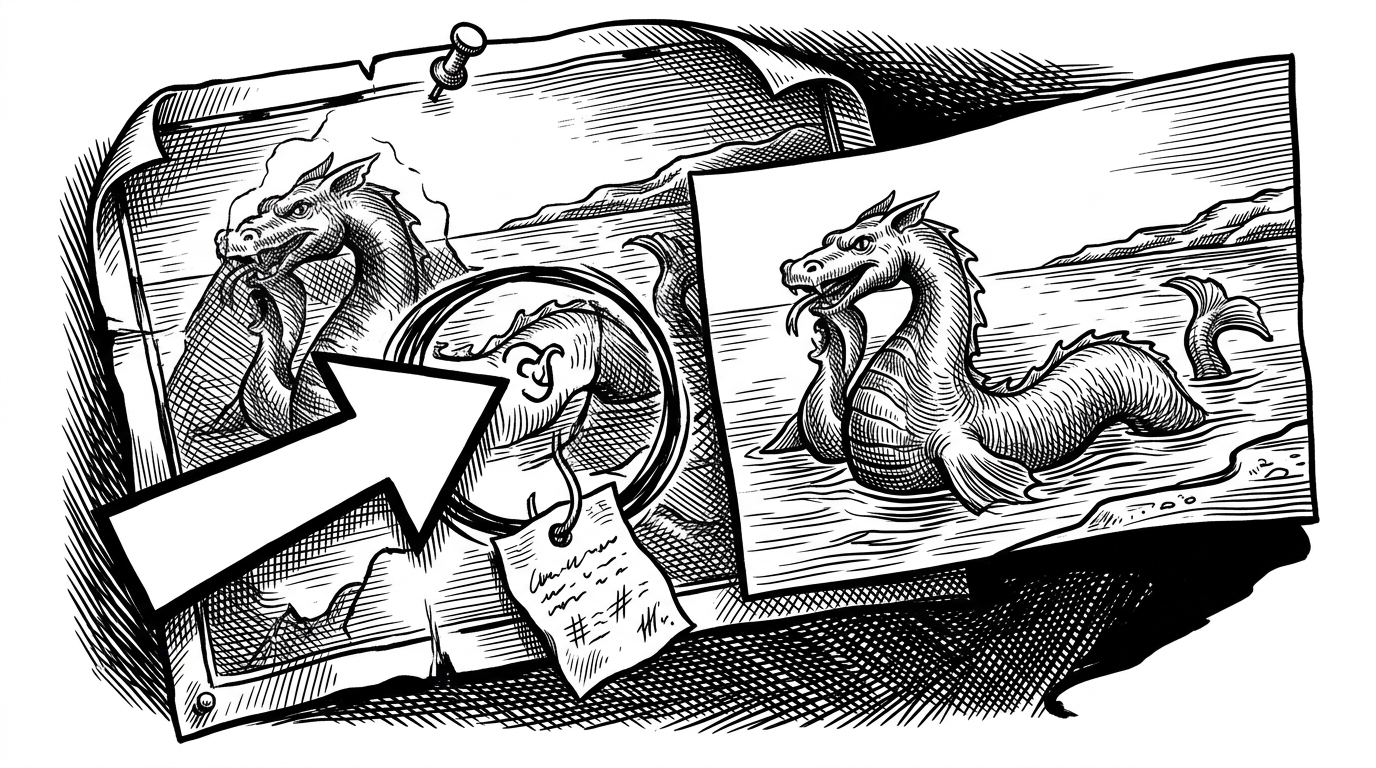
Inside the bridge between canvas and agent
Under the hood, Cowart sits on a small but opinionated stack. The front end uses tldraw, while the local bridge and MCP layer handle state, selection, and file operations. That split is important because the UI stays fluid while the agent gets narrow, explicit tools.
// Conceptual flow in Cowart
const selection = await get_cowart_selection();
await insert_cowart_image({
  path: selection.targetPath,
  asset: generatedImage,
  layering: generateKeyBetween(selection.beforeKey, selection.afterKey)
});

// The UI also merges remote updates back into the local canvas
applyRemoteCanvasSnapshot(snapshot);
The notable engineering detail is layering. Fractional indexing keeps inserted assets in the right z-order, which matters when the canvas is a comparison surface. If the generated image lands in the wrong place, the interface stops reading as a thought process and starts reading as a pile of files.
| Surface | What the model sees | Where state lives | How edits are expressed |
|---|---|---|---|
| Cowart canvas | Screenshot plus annotations | Project folder and local canvas state | Arrows, labels, boxes, and image holders |
| Plain chat prompt | Text only | Conversation history | Words describing the image |
| tldraw alone | Canvas state without agent tools | Local canvas state | Manual drawing and editing |
Local-first is not a storage choice. It is the product
Cowart saves into the project folder, which changes the meaning of the tool. The canvas is not a separate workspace you visit and forget. It becomes part of the repository, alongside the rest of the project state.
That has practical consequences. It makes the work versionable. It makes iteration easier to inspect. It also lowers the trust gap, because collaborators can see what changed instead of treating the image layer as invisible SaaS residue.
| Property | Cowart | External image tool |
|---|---|---|
| Persistence | Files live in the project folder | Files live in a separate workspace |
| Traceability | Canvas state can be versioned with the repo | Iteration history is often siloed |
| Collaboration | Project-local and inspectable | Depends on the external product |
| Workflow | Canvas is part of development | Canvas is adjacent to development |
What Cowart is really competing with
Cowart does not compete with a single product so much as with a workflow default. Plain prompt boxes ask for a description. tldraw asks for manual composition. General AI coding tools usually leave visual iteration out of the loop entirely. Cowart claims the space between them.
| Workflow | Best at | Weak spot | Cowart’s edge |
|---|---|---|---|
| Plain prompt-based generation | Fast text entry | No spatial intent | Canvas annotations are first-class |
| tldraw alone | Manual whiteboarding | No AI readback loop | The model can interpret the canvas |
| AI coding assistant without canvas | Code and text generation | Visual iteration is awkward | Image work stays local and project-bound |
Why this interface pattern matters
The larger idea is not that whiteboards should generate images. It is that AI interfaces may need to look more like workspaces than chat windows. Position, proximity, and annotation are not just UI details. They are memory structures.
Cowart is interesting because it treats the canvas as shared context between human and machine. That is a stronger model than a prompt box. It is also a better fit for creative work, where the thing you mean is often easier to show than to say.