budget: The Vanilla JS App That Shows the Plumbing Behind Modern UI Frameworks
A single-file budgeting tool built with the Module Pattern, manual DOM updates, and old-school discipline. It is a small app with a big lesson about how frontend state really works.
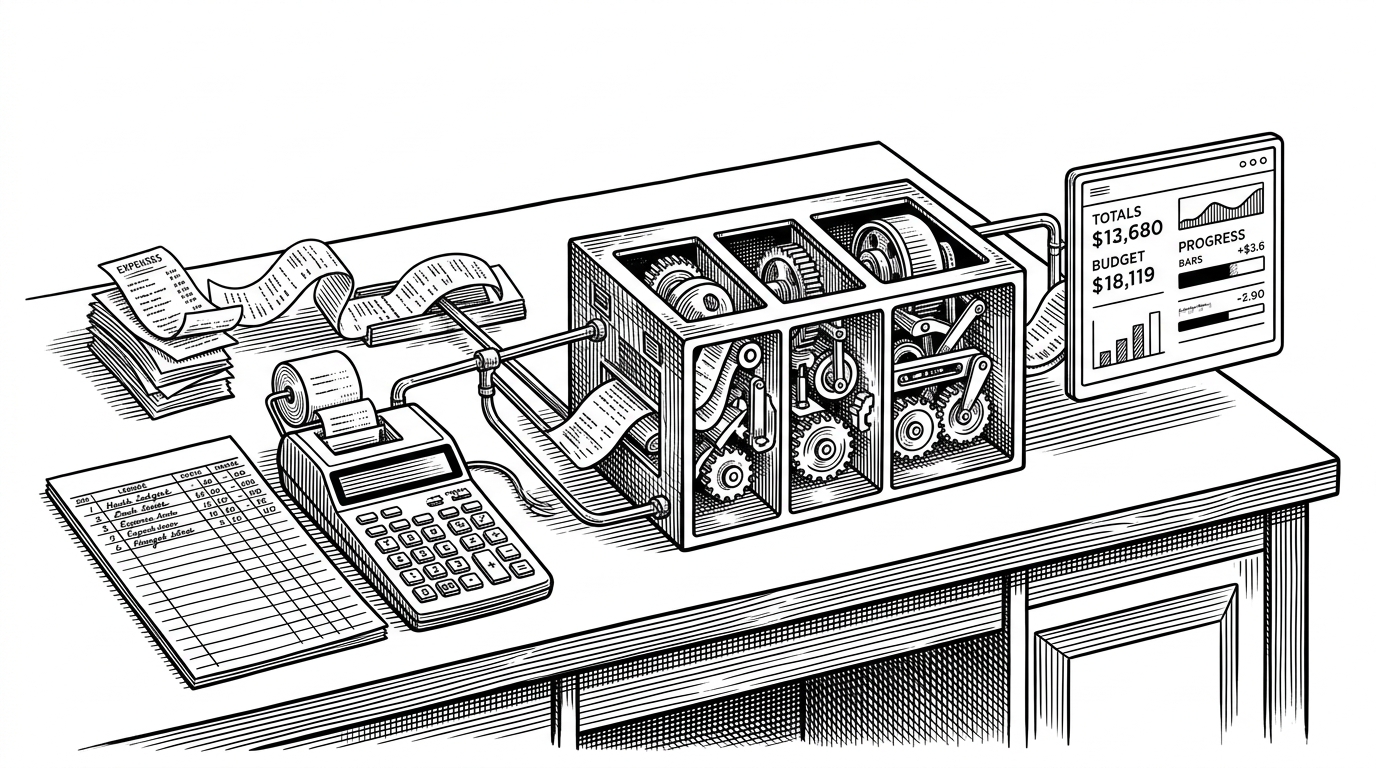
- `budget` is really a lesson in frontend coordination, not just a lightweight way to track money.
- The app splits model, view, and controller responsibilities cleanly enough that you can see the architecture without a framework doing the talking.
- Every update is manual, which makes the data flow visible and the trade-offs impossible to ignore.
- The simple local ID strategy works because the app owns its own state and never pretends to be distributed.
The hidden lesson in a tiny budget app
Most budget apps promise insight. budget promises something stranger and more useful to builders: it exposes the plumbing. The repo is a browser-only app that keeps income, expenses, totals, and percentages in sync with vanilla JavaScript and a carefully divided module structure.
That matters because the hard part of UI software is not drawing boxes. It is keeping state, DOM, and user actions from drifting apart. This project makes that coordination visible instead of hiding it behind a framework.
One file, three responsibilities
The whole application lives in app.js, but it is not a monolith in the sloppy sense. It is split into budgetController, UIController, and a global controller. The model owns the data and math, the view owns selectors and rendering, and the controller does the handoff between them.
var budgetController = (function() {
  // data and calculations
  return {
    addItem: function(type, des, val) { ... },
    calculateBudget: function() { ... }
  };
})();

var UIController = (function() {
  // DOM selectors and rendering
  return { ... };
})();

var controller = (function(budgetCtrl, UICtrl) {
  // event listeners and orchestration
})(budgetController, UIController);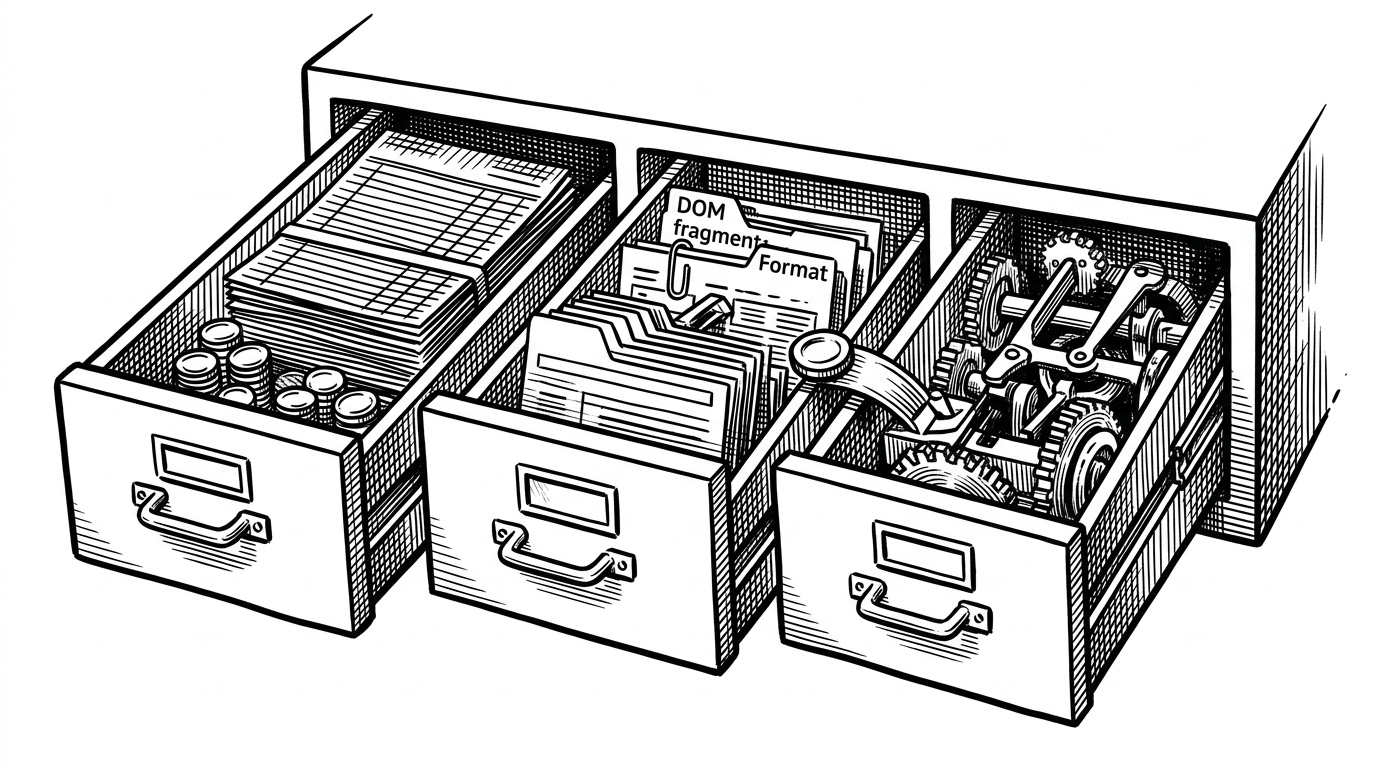
Why manual updates are the point
In a modern framework, change the state and the UI usually follows. Here, every step is explicit. Submit the form, parse the input, create an item object, push it into the right array, recalculate totals, format the numbers, inject markup, then refresh the percentage badges on every expense row.
That is the lesson. Frameworks reduce ceremony, but they do not erase coordination. This app keeps that coordination visible, which is why it reads like a systems diagram disguised as a budget tracker.
The little ID trick that keeps the list honest
The sharpest little detail in the app is the ID strategy. New items look at the last element in the array and add one. In a local-only browser app, that is enough. It is also a good reminder that identity is a design choice, not magic.
ID = data.allItems[type][data.allItems[type].length - 1].id + 1;The trade-off is visible too. Delete the last row and the next number still advances. That would be a smell in a distributed system. Here it is fine, because the number only needs to be unique inside one session.

This is what a framework hides
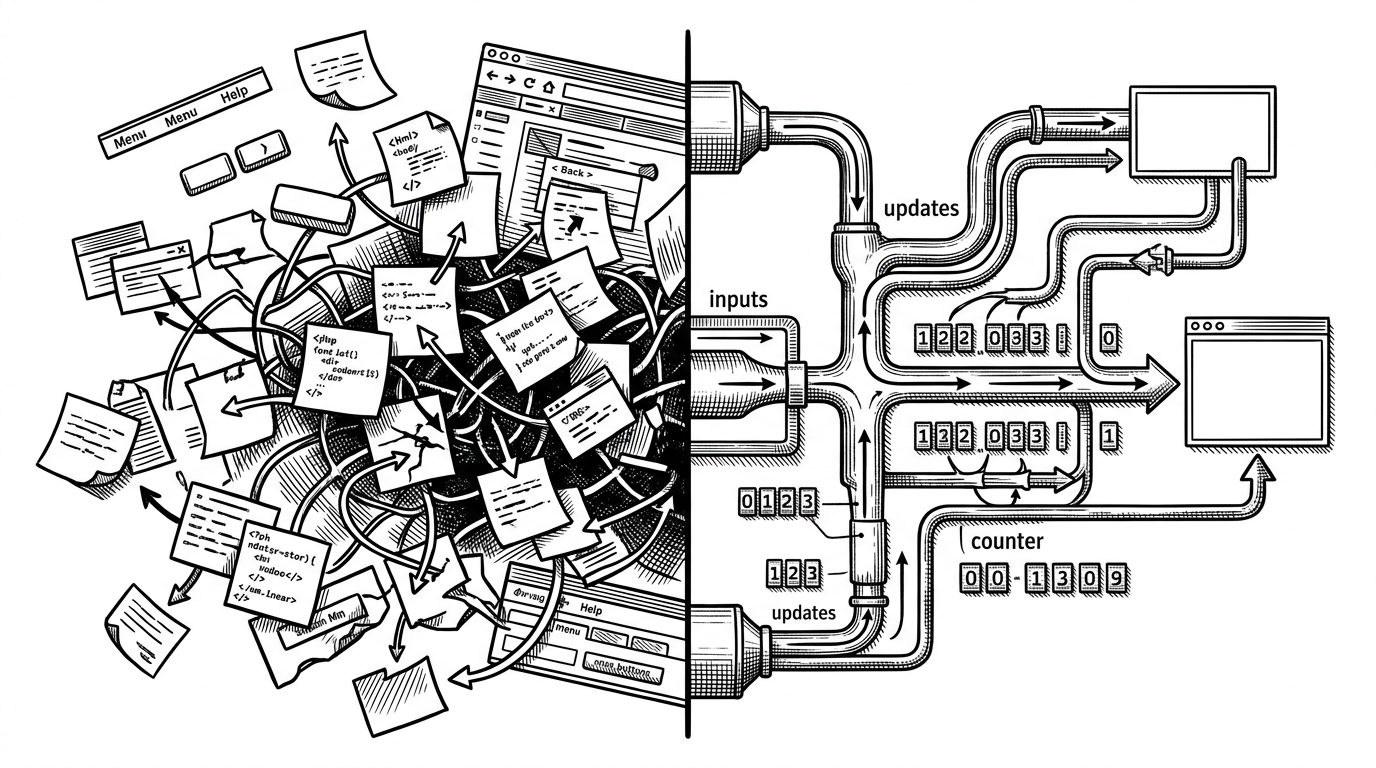
Seen next to modern frameworks, budget looks almost old-fashioned. That is the point. It does the same coordination work, just with fewer abstractions and more explicit responsibility. The comparison is not about winners. It is about what each stack chooses to make visible.
| Project | State model | Storage | What updates the UI | Main strength | Main trade-off |
|---|---|---|---|---|---|
| budget | Manual arrays plus calculated totals | In-memory browser state | Controller calls DOM methods directly | The plumbing is transparent | It demands discipline at every step |
| React or Vue app | Declarative component state | Component state plus app store | Renderer reacts to state changes | Composition scales well | The coordination is abstracted away |
| Actual Budget | Zero-sum budgeting with local-first sync | Local data plus optional sync server | Dedicated app workflows and views | Opinionated budgeting with strong data ownership | Heavier setup and a larger surface area |
| Plain text accounting | Ledger entries in text files | Files on disk | CLI tools and report generation | Portable, scriptable, durable | Less immediate for day-to-day spending entry |
Why it still matters
The code reads like an educational or portfolio project from the era before hooks normalized component state. That does not make it dated. It makes it legible.
You can hand this repo to someone learning frontend architecture and they will see the problem first, then the solution. That is rarer than it sounds. Most small apps work, but few show their own mechanics this cleanly.