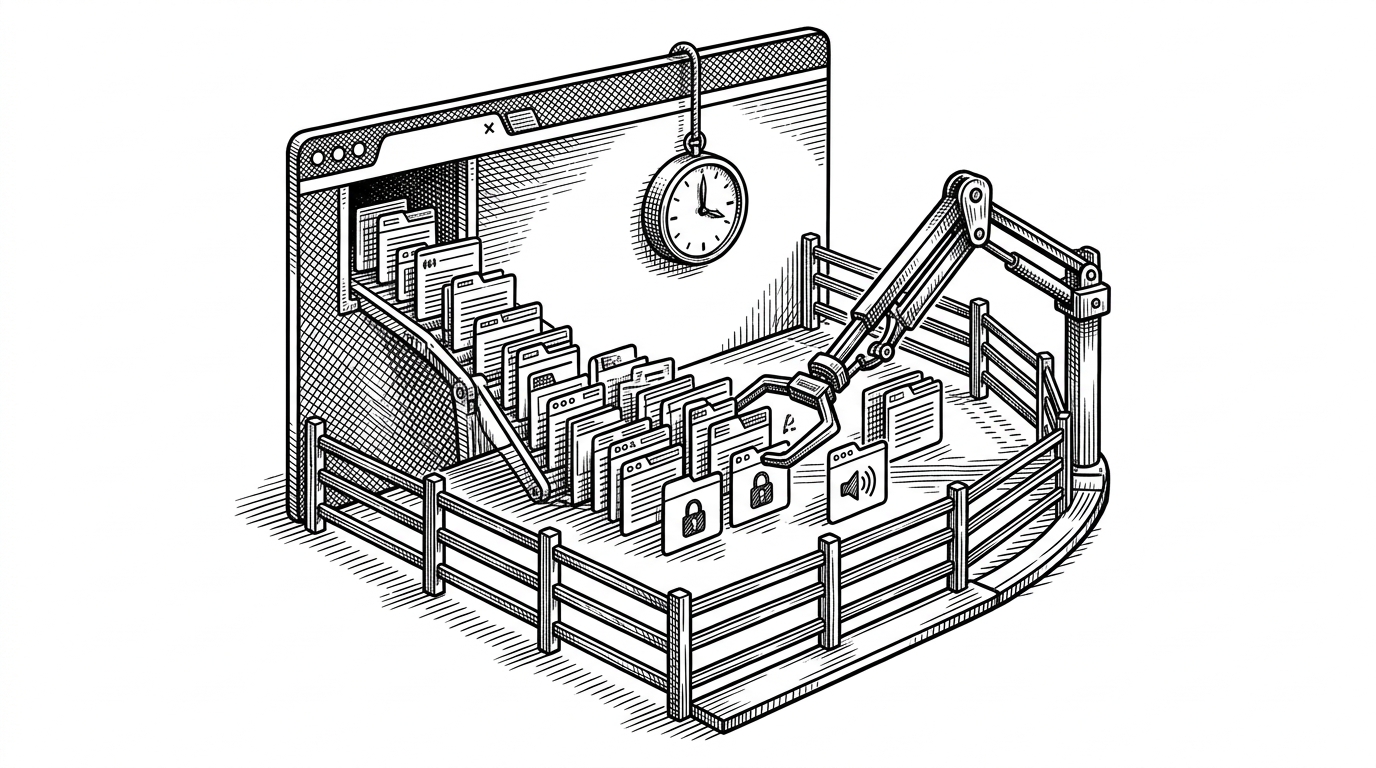
react-youtube-app: The Search Box That Teaches React’s Old Brain
A tiny YouTube browser that turns debounce, controlled inputs, and prop drilling into one clean lesson about state, timing, and tradeoffs.
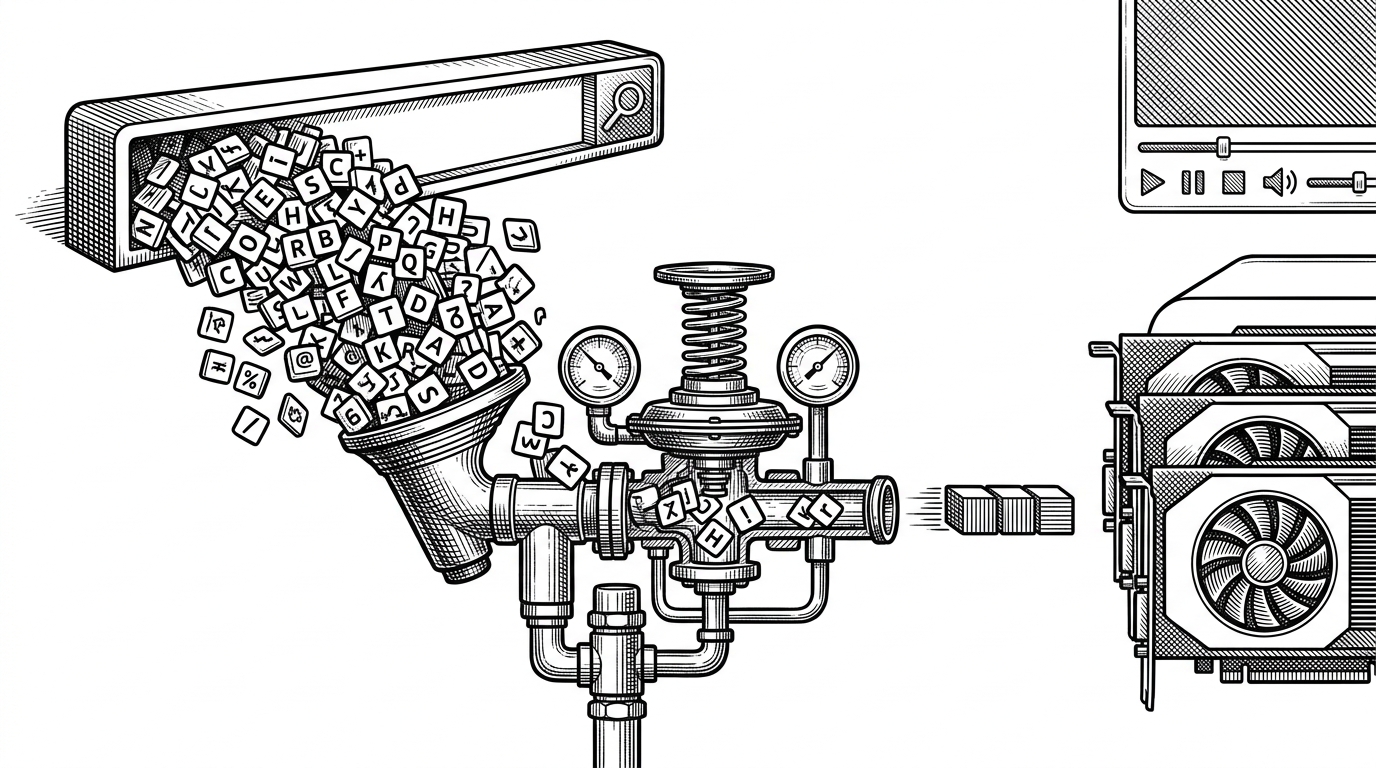
- react-youtube-app uses debounce to turn noisy typing into one deliberate request, so the interface feels calm instead of frantic.
- The repo’s real lesson is state flow, because it makes controlled inputs, lifted state, prop drilling, and null guards visible in one small tree.
- Its pre-hooks shape is not nostalgia, it is a teaching aid that exposes the plumbing modern abstractions often hide.
- The hardcoded API key is the clearest sign that this is a learning snapshot, not a production template.
The app waits for you to stop typing
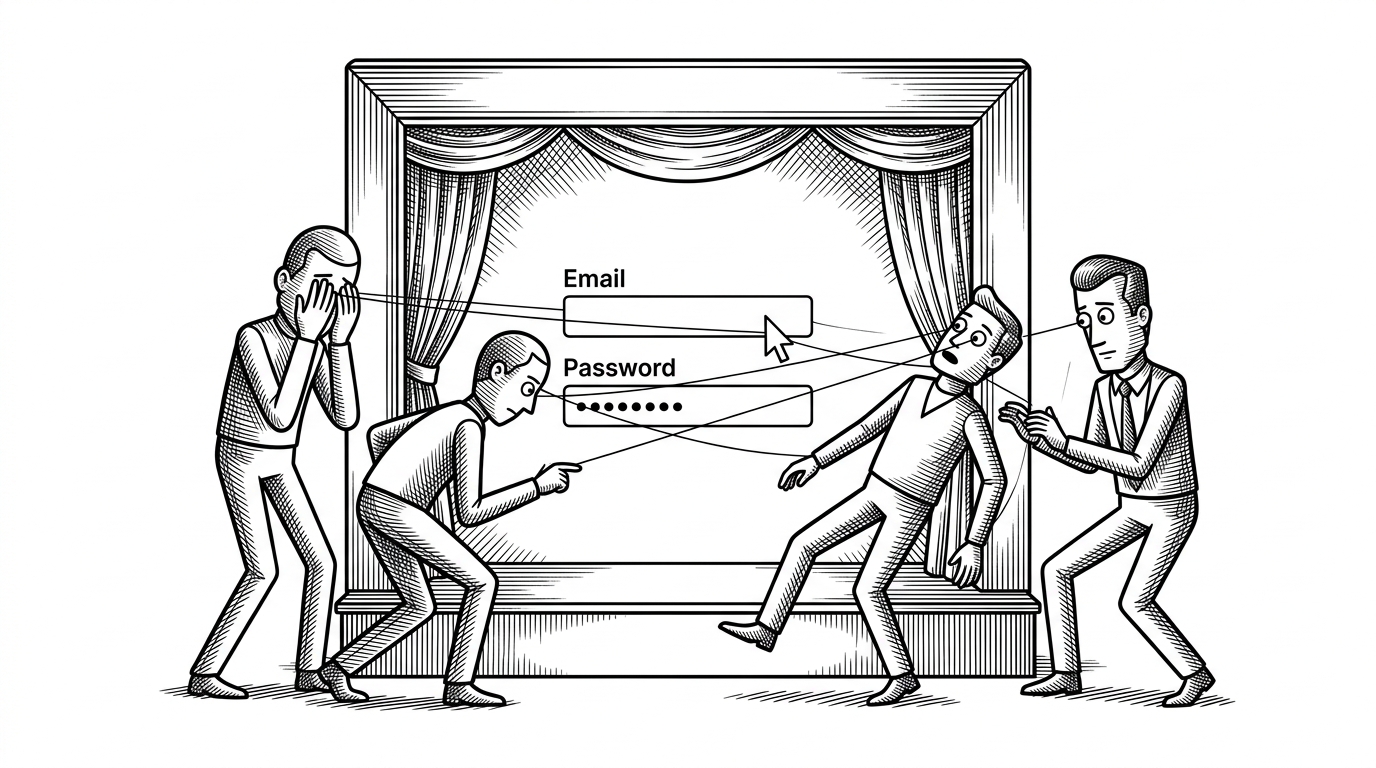
Most YouTube clones are about thumbnails, playback, or layout. This one is about restraint. It turns a stream of keystrokes into a single API call, and that delay is the whole point.
That makes react-youtube-app more interesting than its surface suggests. It is a compact lesson in latency control, where the interface stays responsive because the network does not get dragged into every keypress.
Why this exists at all
The repo looks like a learning project because it is one, and that is part of its value. The stack is simple, the component boundaries are clear, and the code leans on the classic React patterns that teach architecture by making you feel every step.
You can see the era in the choices: class components for stateful pieces, functional components for presentation, Bootstrap for quick layout, and lodash.debounce for one important timing trick. Nothing here is trying to hide the mechanics.
From keystroke to selected video
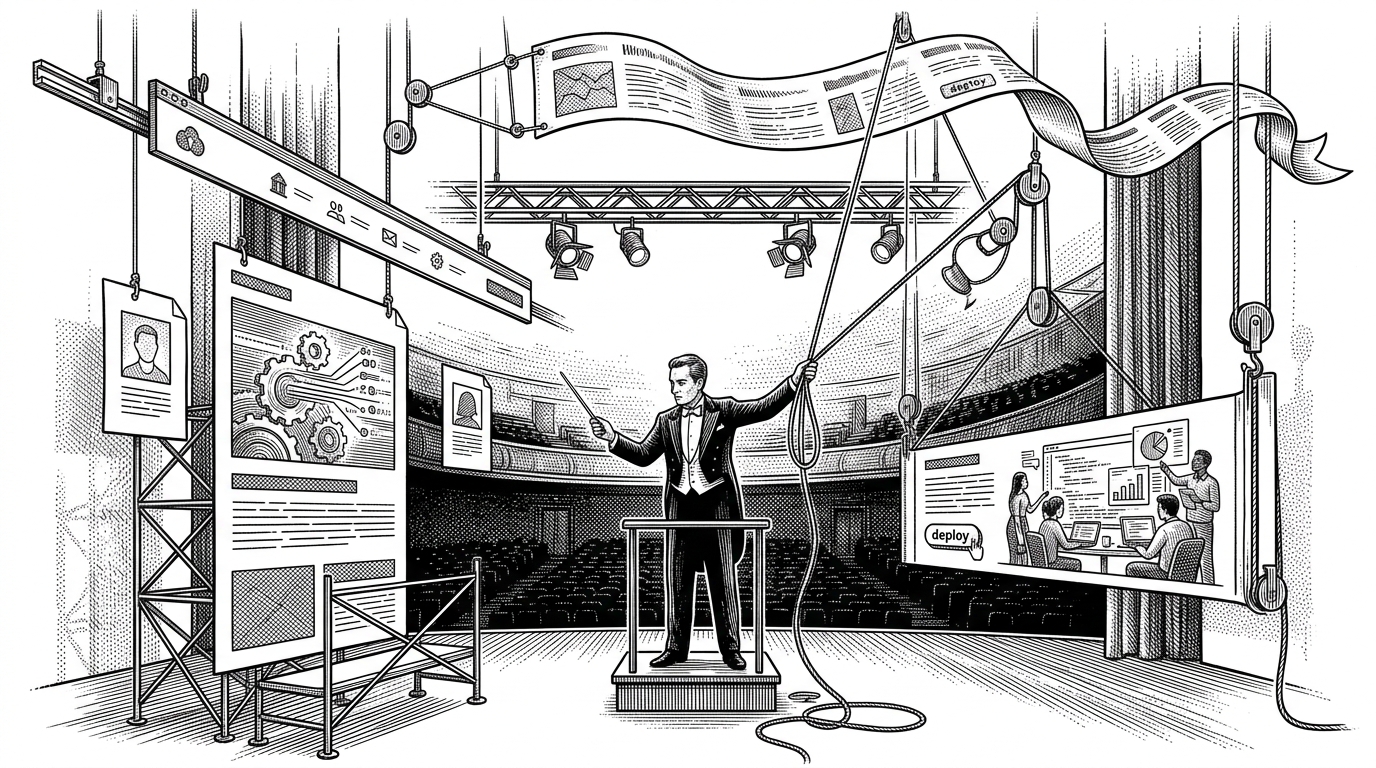
The data flow is the real product. SearchBar owns the input value, but App owns the results and the selected video, which means the child can capture intent while the parent controls the actual application state.
const search = _.debounce((term) => {
  youtube.search({ key: API_KEY, term }, (videos) => {
    this.setState({
      videos,
      selectedVideo: videos[0]
    });
  });
}, 300);

<SearchBar onSearchTermChange={search} />
That tiny snippet explains the whole app. The input stays controlled, the parent receives the search term through a callback, and the debounce layer refuses to let the API hear every single keystroke.
Once results arrive, VideoList maps them into items, and VideoDetail renders the current selection with a null guard so the interface does not collapse while data is still in flight. It is a small example of how top-down state makes asynchronous UI manageable.
What this teaches that a modern rewrite might hide
A hooks rewrite would be shorter, and a naive live-search version would be easier to write incorrectly. This repo sits in the middle: verbose enough to expose the plumbing, but compact enough that you can trace every state transition without guessing.
| Question | Naive live search | react-youtube-app | Modern hooks rewrite |
|---|---|---|---|
| Request cadence | Every keystroke fires a request | Typing is buffered, then one request goes out | Typing is buffered with effect logic or a custom hook |
| State location | Often mixed together in one component | Search term in the child, results in the parent | Usually split with <code>useState</code> and <code>useEffect</code> |
| Readability | Simple at first, noisy fast | Explicit and easy to trace | Familiar to modern React readers |
| Production hygiene | Usually weak | Learning-first, not secure by default | Better if env vars and cleanup are added |
| Learning value | Shows the symptom of a bad search loop | Shows the fix and the data flow together | Shows modern syntax, but less of the plumbing |
| Boilerplate | Low on paper, high in bug risk | Moderate, but visible | Lower component ceremony, higher hidden behavior |
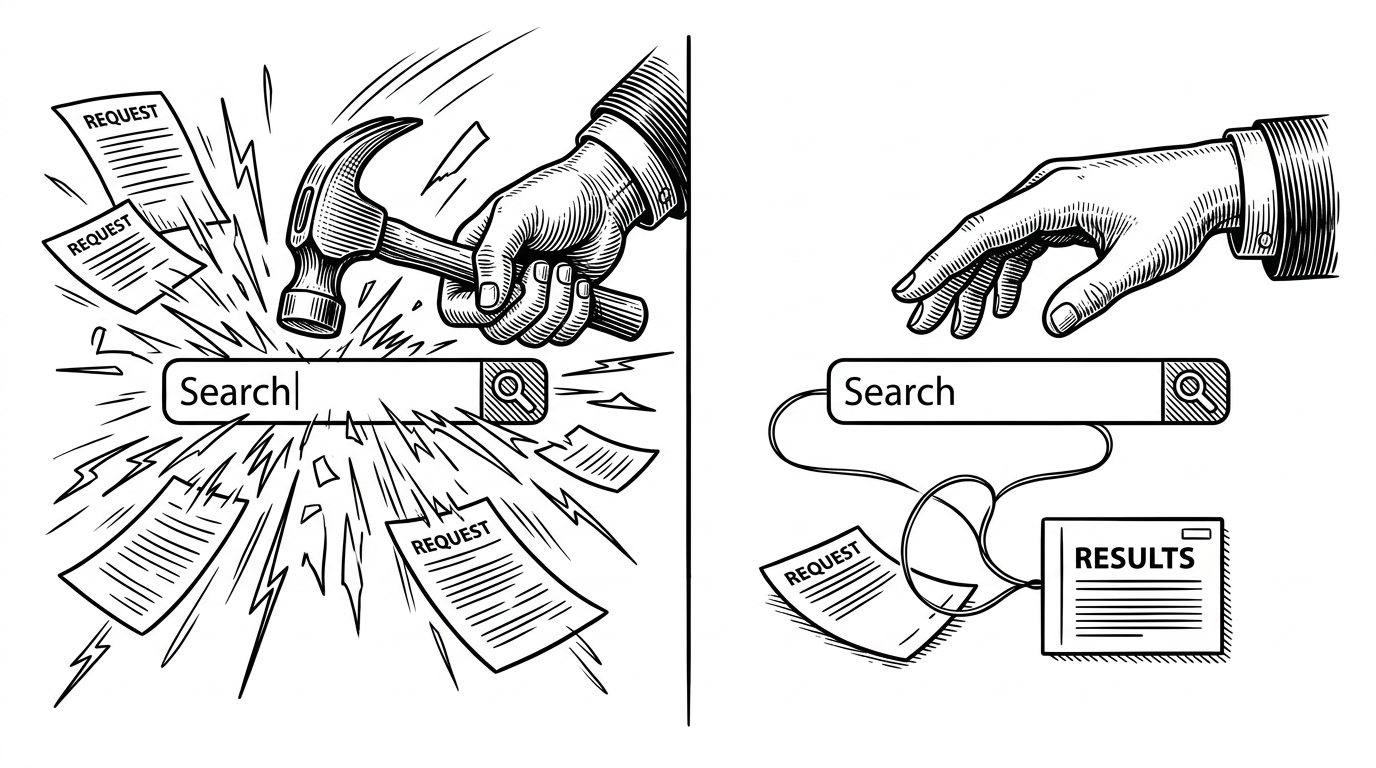
That comparison is the real argument for the repo. It does not just say, "use debounce." It shows why a search interface becomes more legible when state, timing, and rendering are separated into distinct jobs.
The one tradeoff that does not age well
The hardcoded API key is the clearest sign that this project is optimized for easy setup, not safe deployment. In a tutorial or learning repo, that tradeoff is understandable. In anything real, it should become an environment variable immediately.
That critique matters because it keeps the article honest. The code is a good teacher, but it is not a security model.
What to remember
The value of react-youtube-app is not that it can browse videos. It is that it compresses a whole frontend mental model into one small app: controlled input, lifted state, prop drilling, conditional rendering, and one timing gate that keeps the network quiet until the user is done.