RealActionButton: The Tweak That Teaches iPhone’s Action Button to Count
A deep dive into a jailbreak tweak that intercepts hardware events, separates single and double presses with a tiny timing engine, and even replays Apple’s own button lifecycle when you choose the system default.
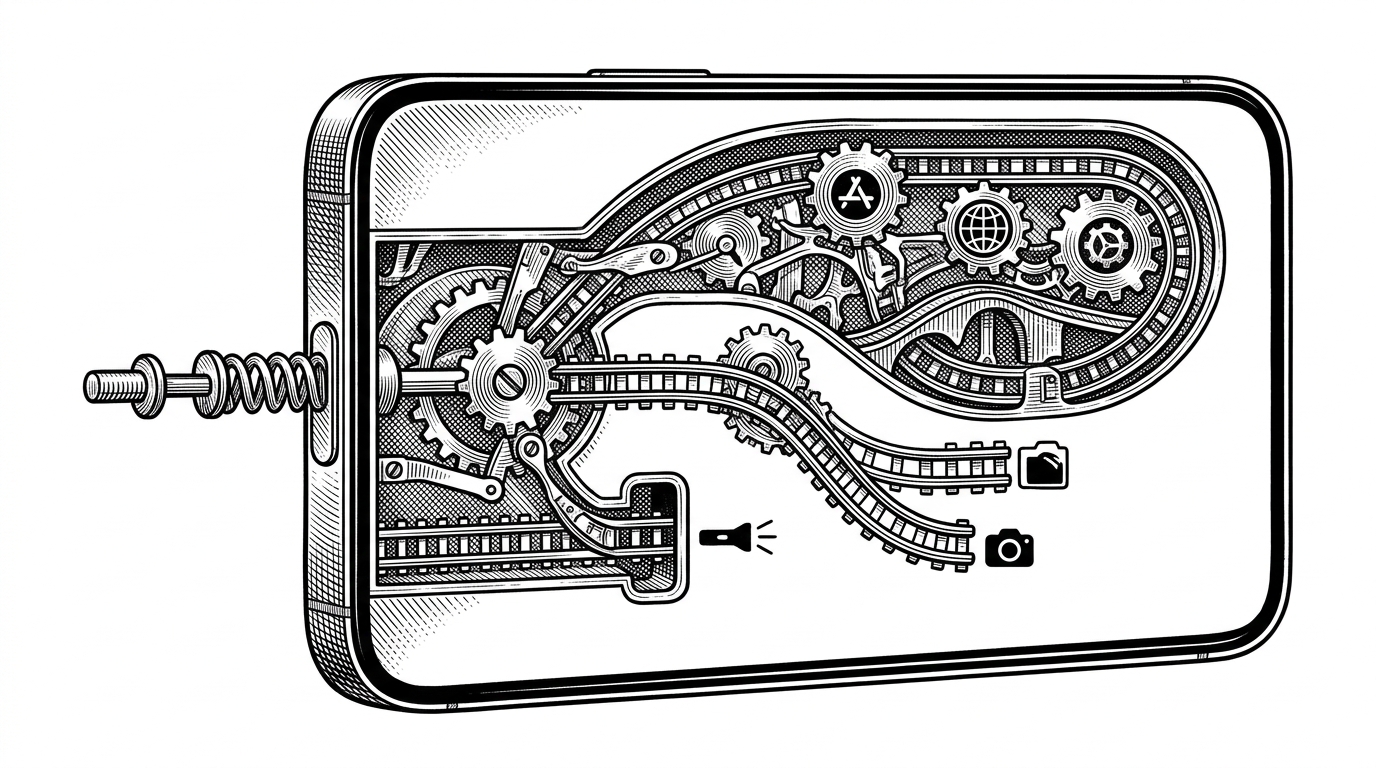
- RealActionButton is less a button remapper than a negotiation layer between hardware events and SpringBoard.
- Its most distinctive move is replaying Apple’s own button lifecycle so the system default still feels native.
- The click manager turns release timing into intent with a timer on a serial queue, not with guesswork in the UI.
- Calibration matters because the tweak learns the user’s cadence instead of forcing a raw delay number.
In RealActionButton, the surprising move is not that the iPhone Action Button can do more. It is that the tweak can sometimes hand the button back to iOS and still preserve the stock lifecycle. That makes the project feel less like a remapper and more like a small arbitration layer built with Theos, Logos, and a lot of restraint.
The replay trick is the point
The `System Default` path in `ABMCActionExecutor` does not replace Apple’s behavior. It replays it. The code sets `ABMCPerformingDefaultAction` before sending the original down, long press, and up sequence back through the system, then clears the guard so its own hook does not recurse. That is the whole sleight of hand: the tweak inserts itself into the pipeline, but it can still make SpringBoard believe nothing unusual happened, so the native UI and animations still fire.
How the click manager turns timing into intent
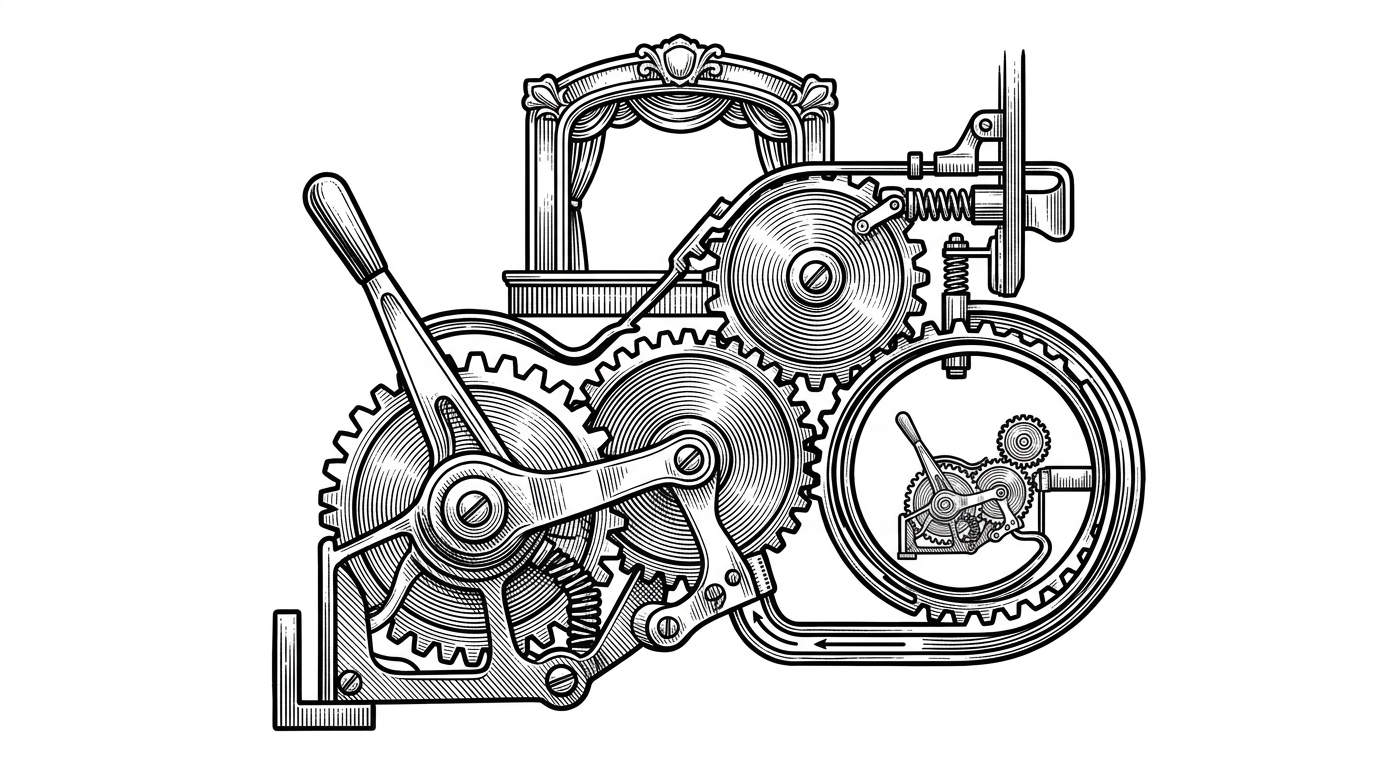
Single click versus double click is decided in `ABMCClickManager`, where a serial queue and a dispatch timer turn timing into a yes or no question. The first release starts the timer, the second release wins if it lands before the timeout, and the system arbiter is told to stand down by setting repeated press handling to zero. That is why the tweak can feel responsive without letting SpringBoard and the tweak fight over the same button event.
Calibration beats guessing
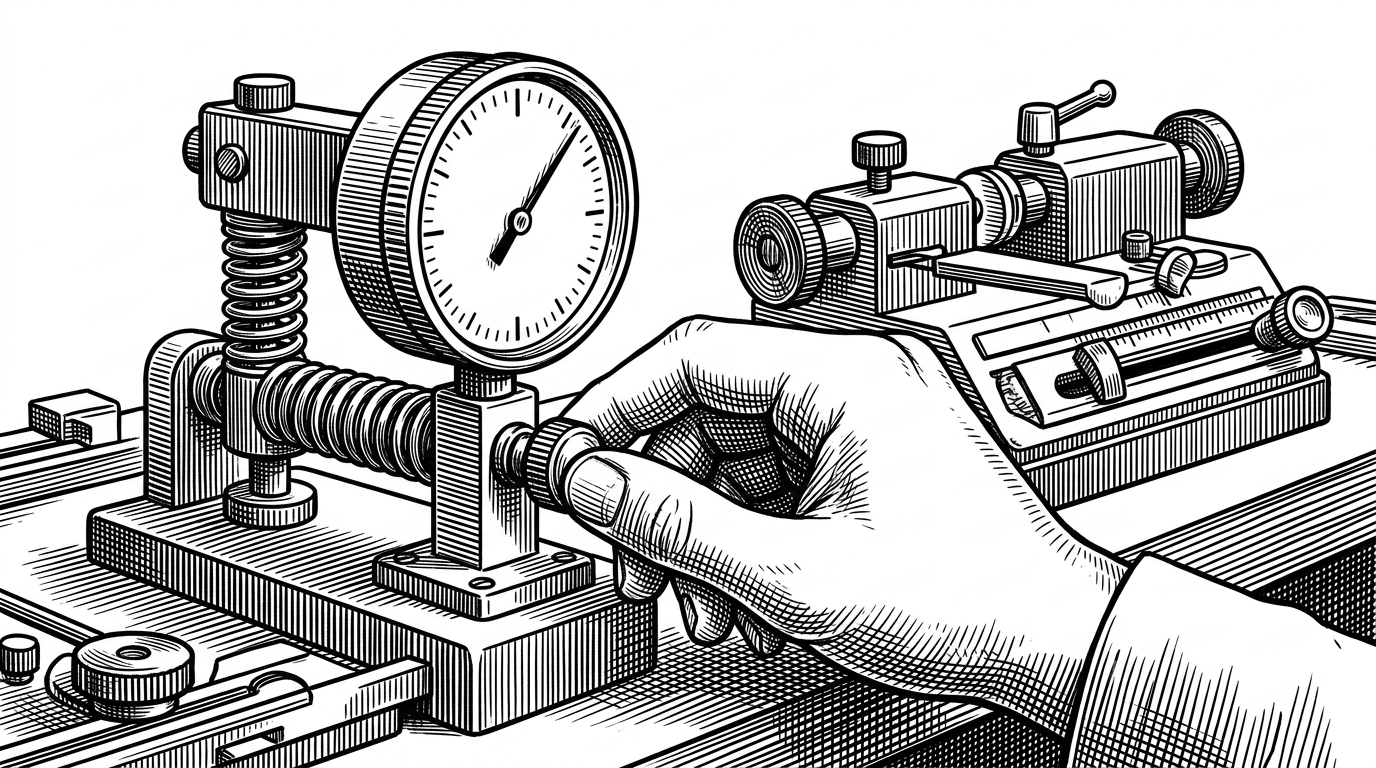
The Settings app side is small, but it matters. `startCalibration` lets the user tap the hardware button at a natural pace, then feeds that measurement back into the click timeout through a notification instead of making them tune a raw millisecond number by hand. That is a better user model for a physical button, because it treats cadence as something the system can learn.
What it changes, and what it leaves alone
| Dimension | Stock iOS | RealActionButton | Simple remapper |
|---|---|---|---|
| Trigger model | Long press only | Single click, double click, or system default | Usually one gesture, one action |
| Native default action | Built in | Replayed through the original lifecycle | Replaced by a new action |
| Click decision | Not user-facing | Timer plus serial queue | Often immediate dispatch |
| Calibration | None | Hardware-based learning | Manual delay sliders |
| System integration | Apple’s own path | SpringBoard hook plus arbiter override | Launcher or shortcut layer |
| Risk profile | Conservative | More power, but with native fallback | Simple, but less seamless |
| Mental model | A button as a shortcut | A button as a negotiator | A button as a trigger |
Stock iOS keeps the Action Button intentionally narrow. Generic remappers usually make the button useful, but at the cost of replacing the native path entirely. RealActionButton is interesting because it refuses that tradeoff. It gives you extra gestures, but it can also hand control back when you want the original Apple experience. That is the rare tweak that expands the surface without flattening the system underneath.