DigUp Kills Its Own Indexer to Stay Small
A macOS menu-bar app that searches your files by meaning, then fires the process that did the work. The architecture is the story.
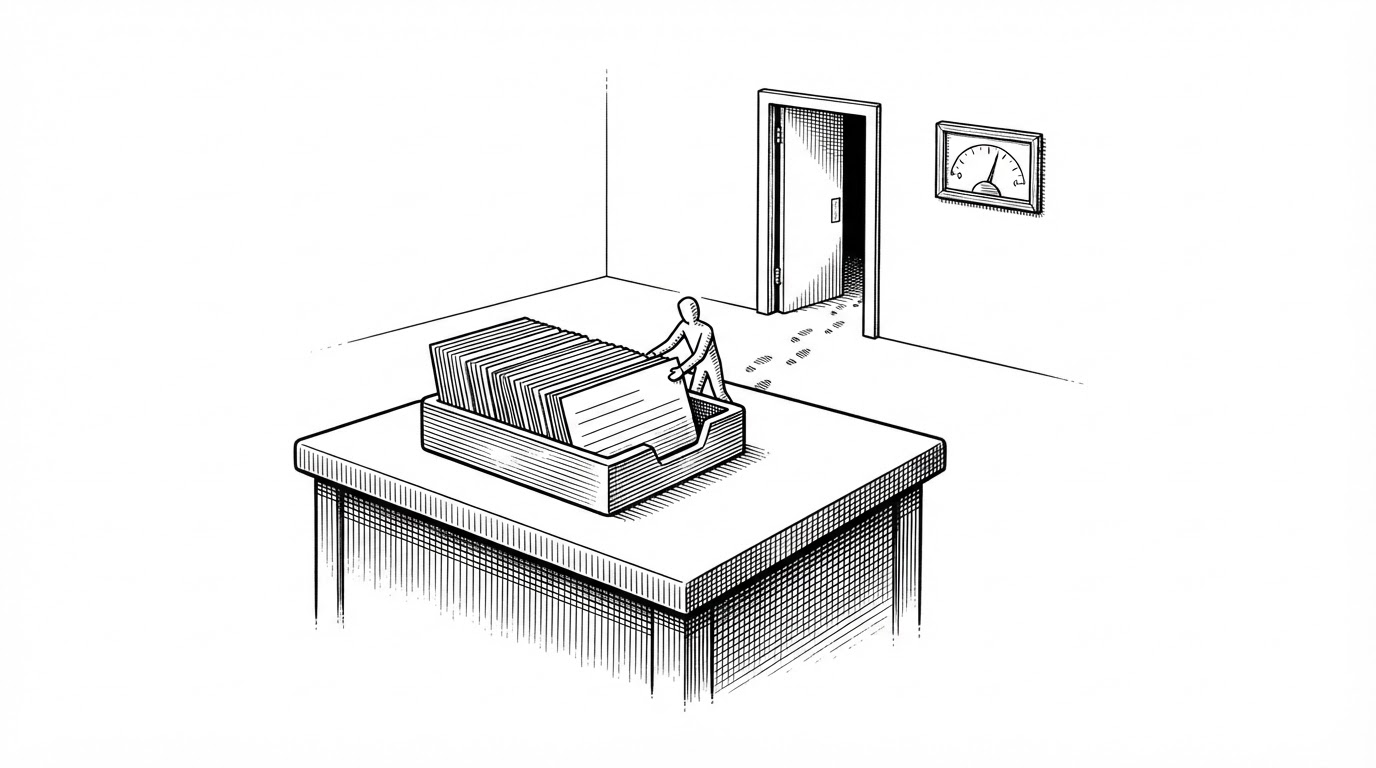
- DigUp runs its indexer in a short-lived helper process that exits when a pass finishes, so the app never holds the OCR and embedding models while idle.
- Every result opens at a location inside a file (a page, a timestamp, a line) rather than returning a matching filename.
- The engine trades compiler-enforced safety for four hand-confined serial queues, each with its own quality-of-service.
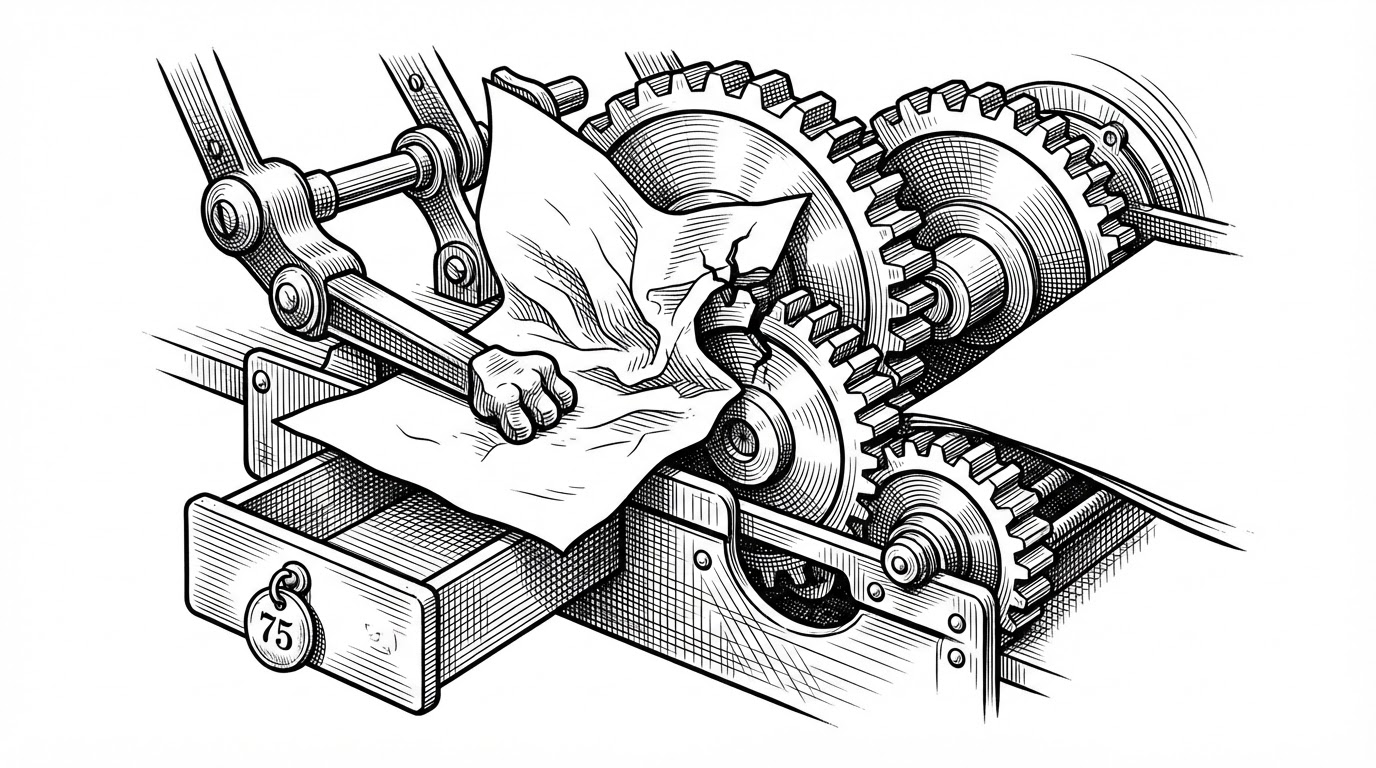
- When a helper wedges on a bad file, the watchdog kills it with exit code 75 so the engine can treat the stop as deliberate and quarantine the file.
The Indexer That Dies on Purpose
DigUp is a menu-bar app. It sits in the corner of your screen, waits for a keyboard shortcut, and searches chosen folders by meaning across photos, PDFs, recordings, video, and code. The interesting part is not the search. The interesting part is what happens between searches.
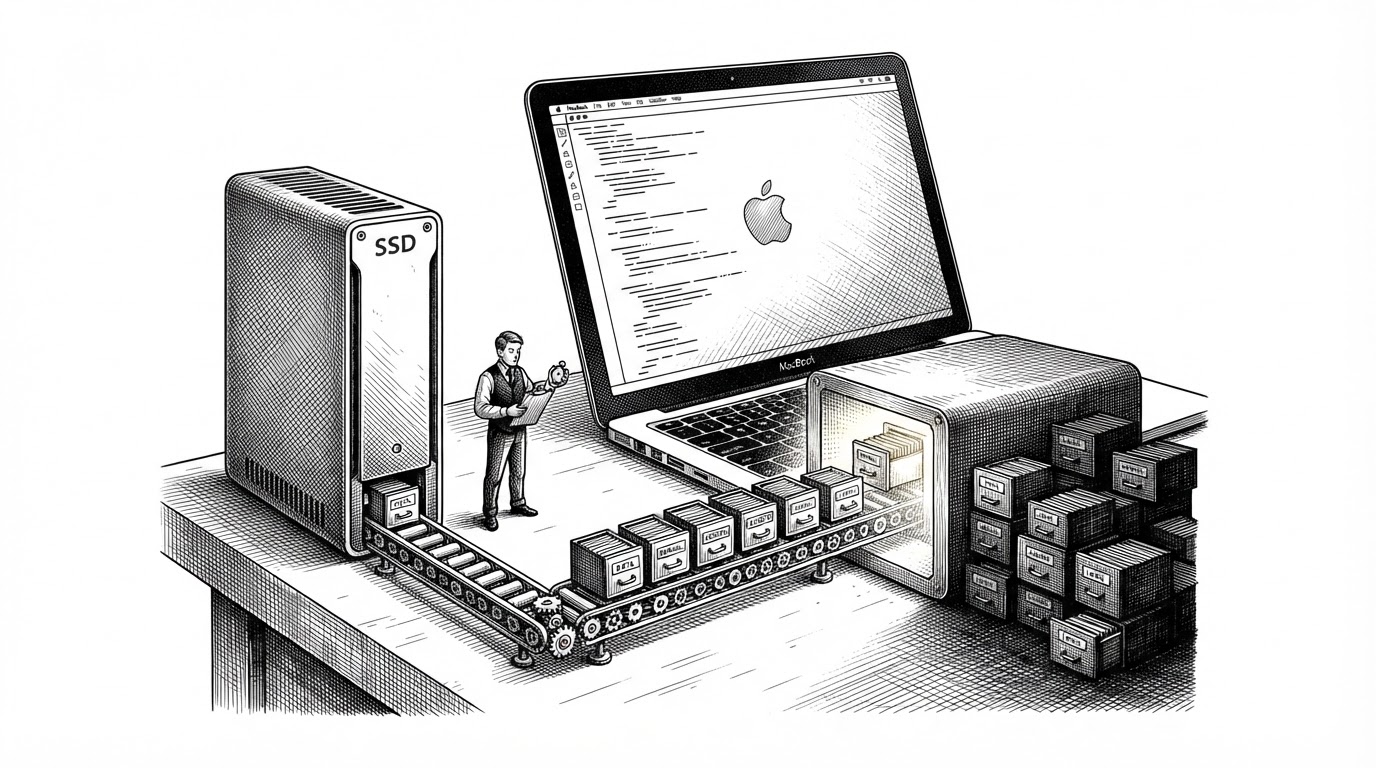
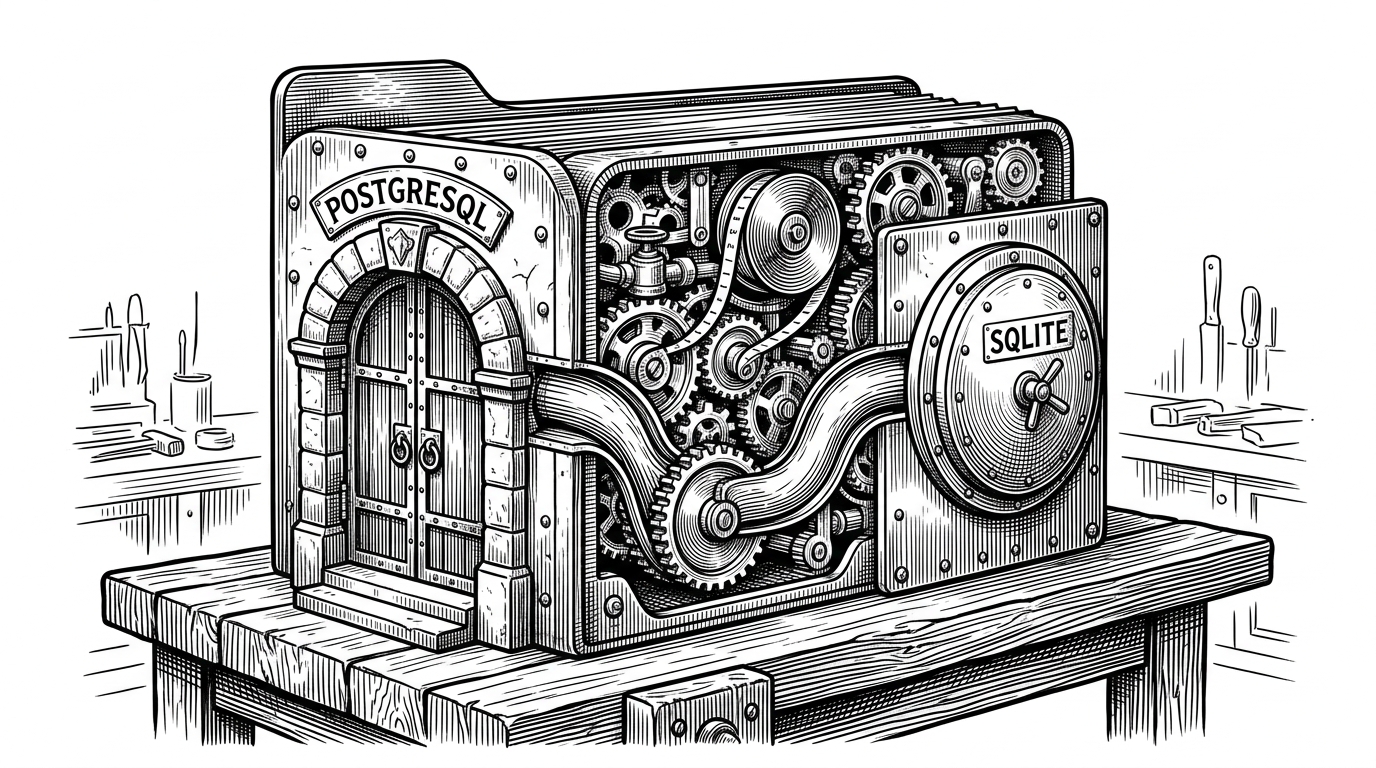
The heavy work (Vision OCR, media decoding, embedding) runs in a short-lived helper process at Contents/Helpers/digup index-service. When a pass finishes, the helper exits. The operating system reclaims its memory. The app goes back to being small. The Engine source states the reasoning directly:
// Indexing runs in a helper process (Contents/Helpers/digup index-service)
// that exits when it's done: extraction is heavy (Vision OCR alone keeps
// ~100 MB of models in the process that ran it), and the app has to stay
// small while idle.
Every menu-bar utility faces the same problem. The moment you do real work, you drag a hundred megabytes of models into memory and the app stops feeling like a background utility. DigUp's answer is radical and almost funny: make the indexer disposable. Spawn it, let it work, let it die. The cost is IPC complexity, because the app and the helper now have to talk over pipes and handle each other's failures. The payoff is a utility that stays invisible.
What You Actually Search For
Once the helper model makes sense, the product behind it is easier to see. You type a description and DigUp finds the thing you half-remember:
- A dog on the beach, across years of photos with no useful filenames.
- The clause about pets in the lease, inside a scanned PDF.
- The moment she mentions the deadline, in a two-hour recording.
- A function name or an error code, in source code you opted into indexing.
The distinction that matters is where a result takes you. DigUp opens a video at the timestamp, a PDF at the page, a codebase at the line. This is navigation to a location, not file retrieval. That single difference is what separates it from a filename search that happens to also scan text.
⇧⌘Space opens the search panel from any app. ↩ opens a video at the moment and a PDF with your words in Preview's search, and Space shows Quick Look right there.
A Reddit Project That Refused to Phone Home
DigUp comes from the GitHub account ARahim3 and traces back to a Reddit project thread. The release notes credit a small community of contributors and bug reporters by name, and a Windows port (cgoat/DigUp-Windows) follows the same design with llama.cpp and CUDA, Vulkan, or CPU backends. The concept traveled because the constraint did.
The privacy stance is not a marketing line bolted on afterward. There is no account and no telemetry. Indexing never leaves the machine. The only network traffic is a one-time model download and a daily update check that, per the release notes, sends nothing about your files. When a network blocks the download, the notes describe supplying the model files by hand.
Everything runs on your Mac.
Four Queues, Four Jobs, Zero Actors
The helper model forces the app to answer a concurrency question. DigUp splits work across four serial queues, each with its own quality-of-service:
indexQueue(utility) owns the indexing helper process.searchQueue(userInitiated) owns the Searcher and its read connection; SQLite in WAL mode lets reads proceed during writes.encoderQueue(userInitiated) owns the query encoder, whose roughly 0.35 second cold start must not block keyword results.watchQueue(utility) owns the folder watcher and its debounced work items.
The Engine class is declared @unchecked Sendable. The team chose manual confinement over Swift actors. That buys precise control over quality-of-service and avoids actor reentrancy surprises, but it moves correctness out of the compiler and into convention. The only enforcement is a comment ("Every engine object is confined to one serial queue") and per-property annotations like // indexQueue only and // watchQueue only. It is a classic trade: explicit and fast, but unchecked.
The Watchdog and the Poison File
A helper that wedges on one bad file must not be allowed to hang the whole index. So a watchdog watches. When it decides the helper is stuck, it kills the process with exit code 75. That number is EX_TEMPFAIL, and it carries meaning: the stop was deliberate and file-specific, not a crash. The engine reads it that way, tracks the event as watchdogStops, and can back off or quarantine the offending file while a fresh helper continues with the rest.
Two smaller rules keep the lifecycle honest. syncWantedAt records when a sync was requested but no helper has started yet, so a helper that exits too early gets restarted to finish the work. And pruneWanted, which drops index entries for folders you no longer chose, is guarded by a safety rule in the source: an app with no folders at all never empties the index by itself. That protects your index from a missing or unmounted drive.
Where DigUp Sits
DigUp is not the only way to search a computer. The axis that matters here is whether a tool returns a location inside a file or just a file.
| Tool | Retrieval mode | Multimodal | Local | Opens to a location |
|---|---|---|---|---|
| DigUp | Semantic + keyword | Images, audio, video, docs, code | Yes | Page, timestamp, line |
| Spotlight | Filename, metadata, some text | Limited | Yes | File |
| Recoll | Full-text | Documents | Yes | File / passage |
| DocFetcher | Full-text | Documents | Yes | File / passage |
| Everything | Filename | No | Yes | File |
| Rewind | Activity capture | Screen + audio | Local | Moment in activity |
A caveat worth stating plainly: the distinction from Spotlight is functional, not a published performance comparison. No independent benchmark puts these tools head to head. Treat the table as a description of design intent, not a scoreboard.
Exact words count too: invoice numbers, error codes and names, in file names, documents and the text inside screenshots.
What It Costs You
The design is opinionated, and the constraints are part of the deal:
- Apple Silicon and macOS 14 or later only.
- A one-time model download of roughly 865 MB.
- Cloud-only iCloud files are not indexed until they are downloaded locally.
- OCR language coverage is narrower than embedding language coverage.
- Exact matching is weaker for scripts that have no conventional word boundaries.
None of this is hidden. Stating it plainly is the honest version of the pitch: a specialized local semantic index, not a universal replacement for the search already built into your operating system.