`jamesob/local-llm`: The Home Lab That Treats PCIe Like a Data Center
A deep dive into how one repo turns local LLMs into a hardware-first discipline, where interconnects, VRAM, and routing matter more than app-layer convenience.
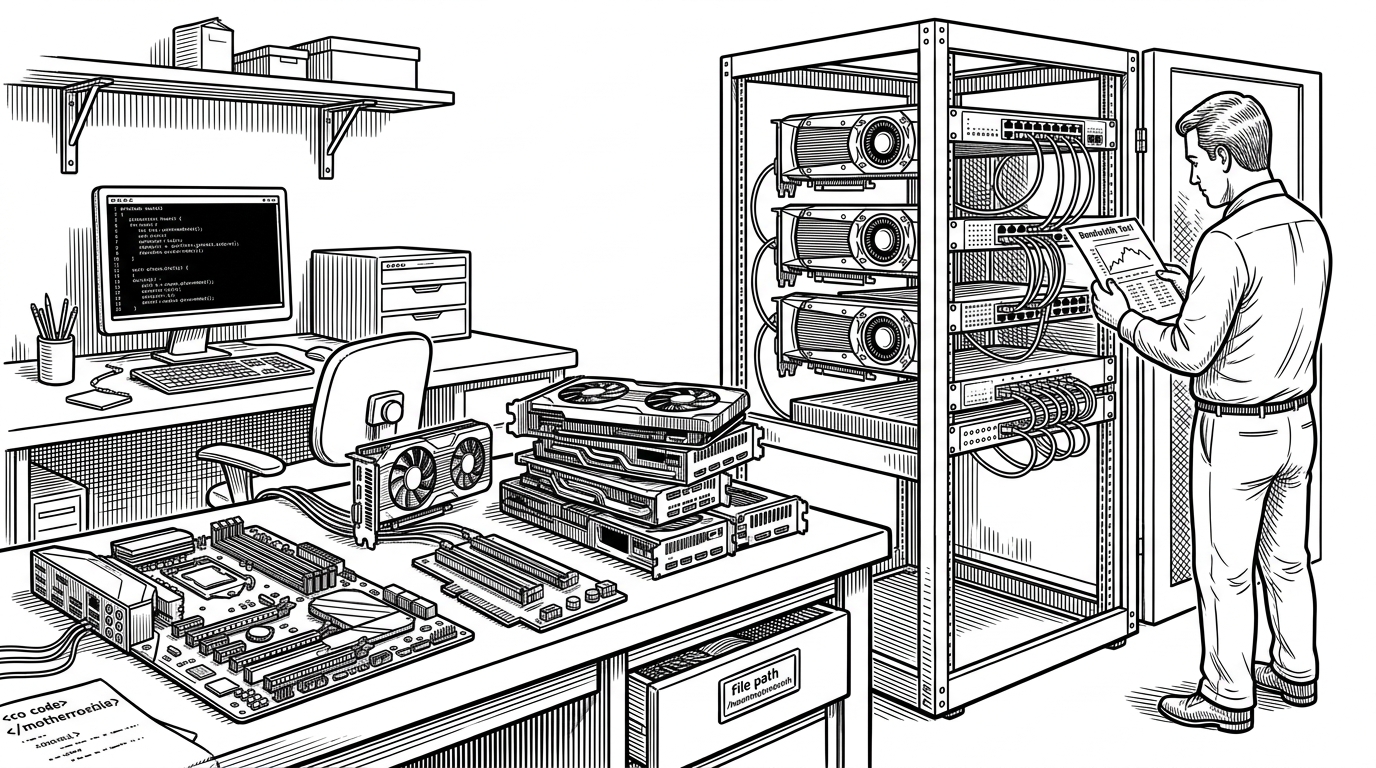
- This repo treats local LLMs as a systems engineering problem, not a convenience feature.
- The real bottleneck is the path data takes between GPUs, so PCIe topology matters as much as model choice.
- Its scripts and configs are less a product stack than a field manual for high-end inference hardware.
- Compared with Ollama or llama.cpp, it sits at the control-heavy, power-user end of the local AI spectrum.
The surprise in jamesob/local-llm is not that it runs models locally. It is that the repo treats the machine itself as the product. The documentation starts with hardware decisions, then works inward toward validation, routing, and serving.
That makes the project feel closer to a miniature infrastructure lab than a typical local-AI guide. The thesis is simple: if you want serious inference at home, you do not begin with a chat UI. You begin with PCIe lanes, VRAM pools, and the discipline to prove the topology is doing what you think it is doing.
Why a Local LLM Repo Starts With Hardware, Not Code
James O'Beirne frames the repo as a set of notes and scripts for running LLMs on his Ubuntu workstation. That modest description hides the point. The repo is opinionated about where performance comes from, and almost none of it comes from packaging polish.
Everything I know about running LLMs locally. This is a collection of notes and scripts I use to run LLMs locally on my workstation (Ubuntu).
The README reads like a hardware bill of materials first and a software guide second. That is the right order for this kind of build. Once the model is large enough and the GPU count is high enough, the central questions become physical ones: how much VRAM is available, how the cards talk to each other, and whether the motherboard is helping or getting in the way.
The Strange Part: PCIe Switching as the Secret Ingredient
This is where the repo leaves normal local-LLM territory. Instead of assuming the motherboard's default lane layout is good enough, the build introduces a PCIe switch fabric so GPU-to-GPU traffic can take a shorter and cleaner path.
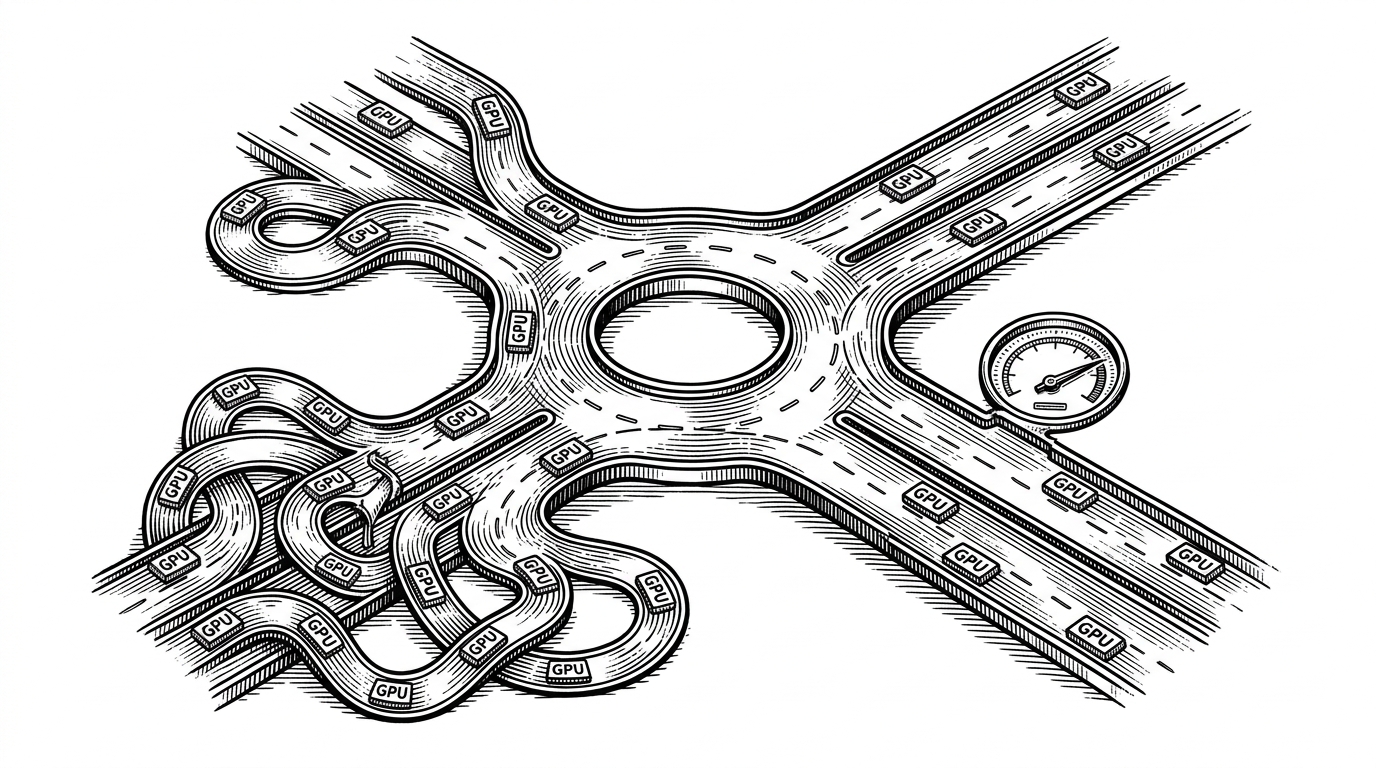
The point is not architectural trivia. It is latency and bandwidth. Once model parallelism starts moving tensors between cards, the route those tensors take becomes a first-class design decision. This repo elevates that route from background detail to headline.
How the Machine Proves It Is Wired Correctly
The repository's validation ritual is blunt and practical. A shell script, tools/measure-gpu-speed.sh, pulls in NVIDIA's CUDA samples, builds the peer-to-peer bandwidth test, and runs it against the live machine. The script is not ceremonial. It is the proof that the physical build and the kernel settings match the intended topology.
#!/usr/bin/env bash
set -euo pipefail

# Clone CUDA samples and build the P2P benchmark
# Then measure GPU-to-GPU bandwidth and latency

git clone https://github.com/NVIDIA/cuda-samples.git
cd cuda-samples/Samples/5_Domain_Specific/p2pBandwidthLatencyTest
make -j"$(nproc)"
./p2pBandwidthLatencyTest
That matters because the build includes the kinds of switches that are easy to misunderstand and hard to debug. When the author talks about ACS, IOMMU, and BIOS bifurcation, those are not optimization tricks in the abstract. They are enabling conditions for the topology to behave like a real peer-to-peer fabric.
Serving a Giant Model Is Mostly a Routing Problem
The serving side of the repo reinforces the same lesson. The Docker and vLLM stack is tuned around throughput, tensor movement, and model routing. The goal is not a pretty default. It is to keep a very large model fed without wasting the hardware under it.
That is why the configuration leans on environment variables and model-specific settings. The model is large enough that serving becomes a coordination problem. Quantization lowers the memory footprint, decode-context parallelism changes how work is split, and multi-token prediction tries to make the GPU pool do more useful work per pass.
| Dimension | Generic local LLM stack | jamesob/local-llm |
|---|---|---|
| Primary abstraction | App or runner | Hardware plus routing |
| Main optimization target | Ease of launch | Interconnect and VRAM efficiency |
| Typical assumption | One machine, one model | Multi-GPU topology matters |
| Failure mode | Bad UX or slow startup | The fabric is wrong and bandwidth collapses |
| Audience | General users | Power users and systems-minded builders |
That is the repo's identity in one sentence: it is a reference implementation for people who want control over every layer of the inference stack, and are willing to pay for that control in cost and complexity.
What Makes This Repo Different From Ollama and Other Local LLM Guides
Ollama, llama.cpp, and Text-Generation-WebUI occupy a different part of the map. They aim to hide complexity, standardize launch paths, or provide a friendlier interface. jamesob/local-llm does the opposite. It documents the messy parts that serious hardware owners still have to understand.
| Project | Type | Setup complexity | Control level | Hardware assumption |
|---|---|---|---|---|
| jamesob/local-llm | Knowledge base and scripts | High | Very high | High-end multi-GPU workstation |
| Ollama | Application and runner | Low | Moderate | Consumer-friendly local machine |
| llama.cpp | Core inference library | Medium | High | Broad CPU and GPU support |
| Text-Generation-WebUI | Web interface | Medium | Moderate | Flexible but user-managed |
| Awesome-Local-LLMs | Curated list | Low | Low | Any |
That difference is why the repo feels unusually honest. It does not promise simplicity. It promises leverage. If you already know the local-LLM ecosystem, this repo sits at the far end where infrastructure knowledge becomes the differentiator.
What James O’Beirne Is Really Building
The deepest read of the repository is that it is a sovereignty project. Not in the vague sense of self-hosting everything. In the practical sense of owning the entire inference path, from motherboard layout to model launch arguments.
That makes the repo more than notes. It is a doctrine for people who want their local AI stack to behave like a private data center. The tradeoff is obvious: more cost, more setup work, more things to understand. The upside is equally obvious: if the machine is tuned well, you control the whole system.
Setup a new workstation with dual 3090s and a Threadripper to run LLMs. Here are my notes on how I got everything running.
That is the real center of gravity here. The repo is not trying to be the easiest way to run a model. It is trying to be the clearest map of how a serious local inference box should be built, validated, and operated.