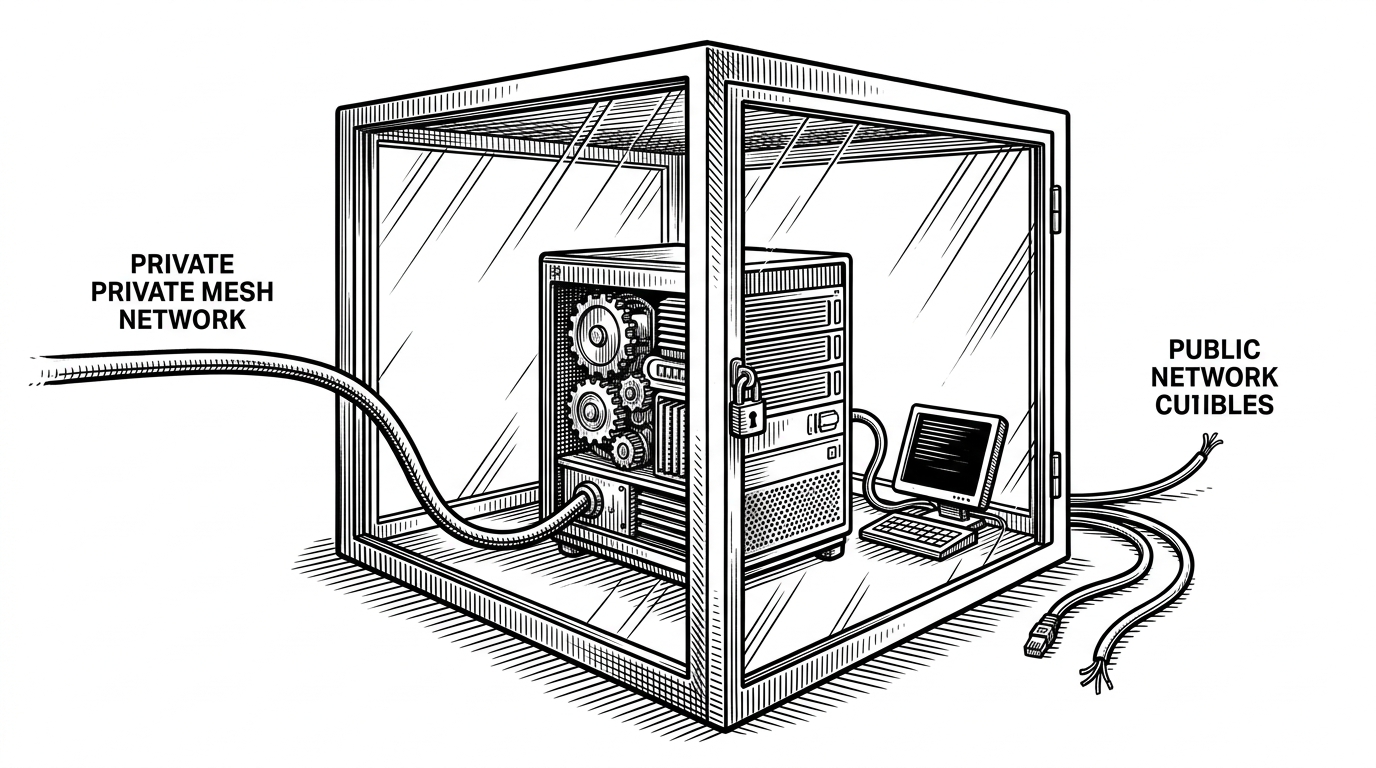
quickstartclaw: The One-Script Bridge Between WSL2, AMD GPUs, and a Local OpenClaw Agent
A Bash orchestrator that finds the Windows host, enables the right Linux plumbing, and turns a painful multi-step agent setup into a local workflow that feels nearly plug-and-play.
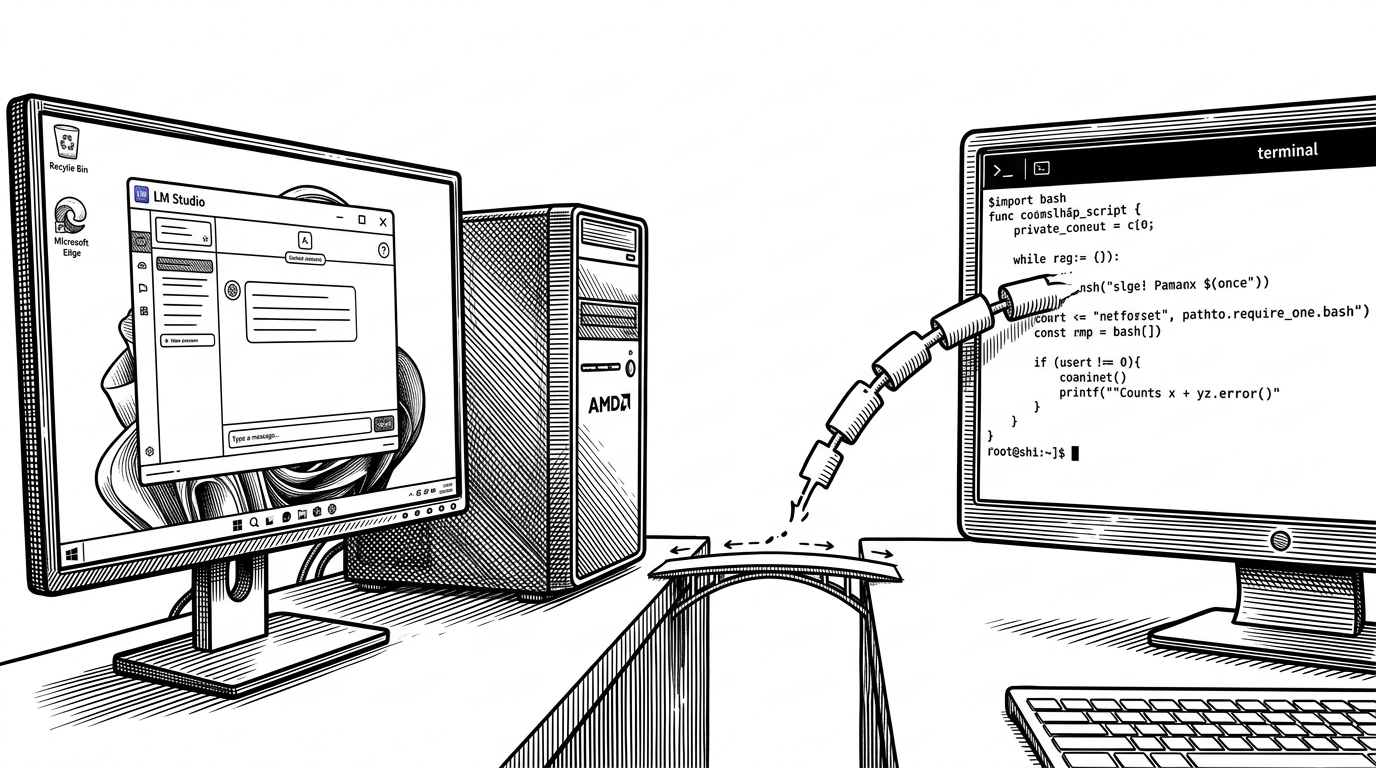
- quickstartclaw matters because it solves the last mile between Windows-hosted inference and Linux-native agent tooling.
- Its real invention is endpoint discovery inside WSL2, not package installation.
- The script treats onboarding as a sequence of gates, which makes a fragile setup repeatable and safer to rerun.
- This repo wins by being opinionated about local AMD hardware and loses by being narrow on purpose.
The part that makes this useful is the part nobody wants to do
A local agent stack sounds simple until the pieces land on opposite sides of the Windows and Linux boundary. LM Studio runs on the Windows host, OpenClaw wants Linux, and WSL2 adds its own network and configuration quirks on top. `quickstartclaw` exists to remove the human from that mess.
That is why this repo feels less like an installer and more like an integration layer disguised as a Bash script. It does not chase generality. It solves the exact problem of getting a browser-capable agent working locally on an AMD-heavy Windows machine with WSL2 in the middle.
OpenClaw并不是一个新的大语言模型,而是一个AI代理框架。它的核心价值在于推动AI从内容生成转向任务执行。
How the script finds the Windows host from inside WSL
The technical heart of the repo is host discovery. WSL2 cannot assume that `localhost` means what you want it to mean, so the script checks multiple candidates until it finds the LM Studio endpoint that actually answers.
In plain language, the loop looks like this: try the modern mirrored-network route first, fall back to the default gateway, then inspect `/etc/resolv.conf` for a nameserver that points back toward Windows. Each candidate gets probed, and the first working URL becomes the LM Studio base path.
resolve_lmstudio_url() {
  local candidates=()
  candidates+=("http://localhost:1234")
  candidates+=("http://$(ip route | awk '/default/ {print $3; exit}'):1234")
  candidates+=("http://$(awk '/nameserver/ {print $2; exit}' /etc/resolv.conf):1234")

  for candidate in "${candidates[@]}"; do
    if probe_lmstudio "$candidate"; then
      echo "$candidate"
      return 0
    fi
  done
  return 1
}
That matters because the repo is solving an environment problem, not a model problem. If the endpoint is wrong, nothing else works. By treating discovery as a first-class step, the script turns a brittle network guess into a deterministic validation loop.
Three passes, one onboarding flow
Once the endpoint is known, the script does not try to do everything in one shot. It runs onboarding in three passes. The first pass injects environment variables non-interactively. The second asks the user for preferences. The third launches the finished setup.
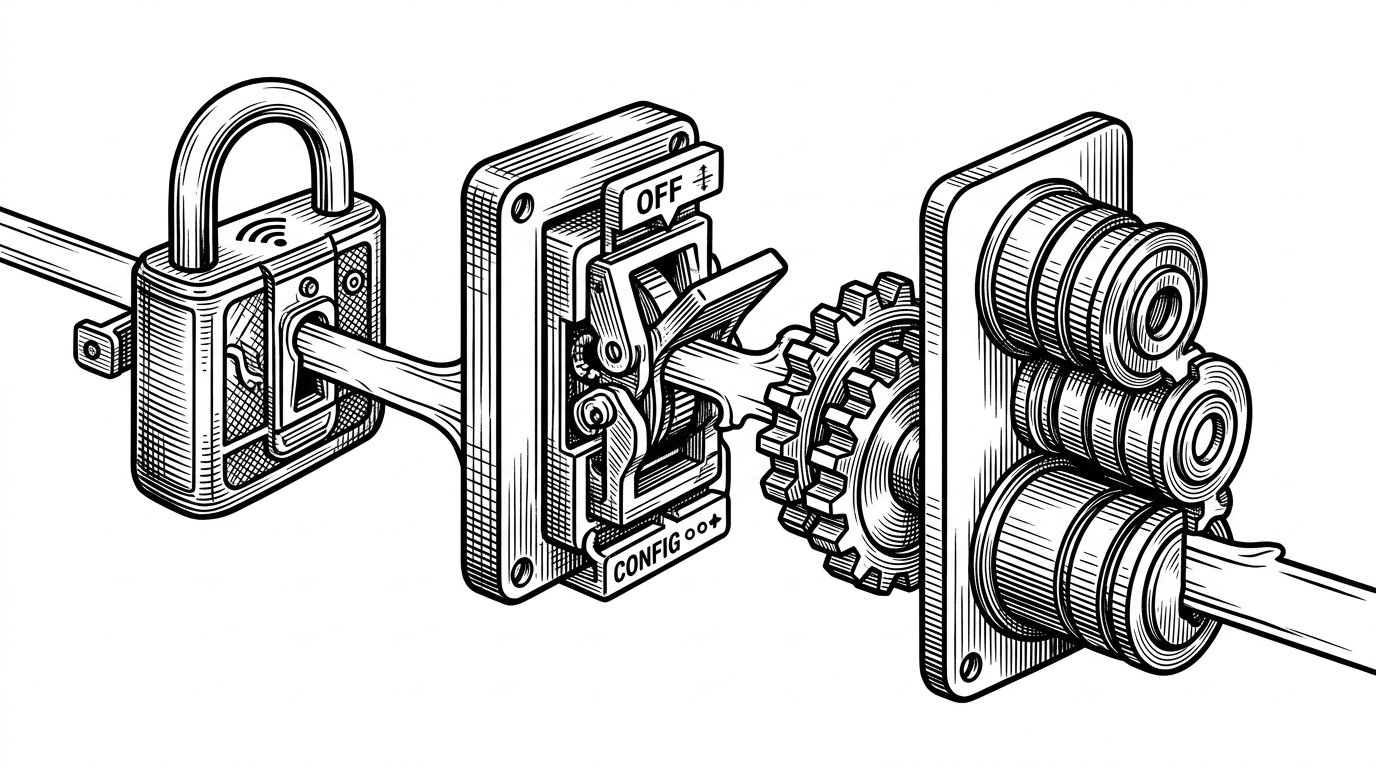
That pattern is the quiet insight of the repo. It automates the plumbing, but leaves the user in control of the parts that should stay human, like skills and high-level preferences. The result is less friction without turning the agent into a black box.
Why the script feels cautious instead of clever
The script is defensive in ways that matter. It starts with `set -Eeuo pipefail`, asks for explicit acceptance before modifying the system, and uses idempotent helpers so reruns do not trash dotfiles. Even the `wsl.conf` edit is handled through embedded Python instead of brittle text replacement.
| Safety choice | What it protects against | Why it matters |
|---|---|---|
| `set -Eeuo pipefail` | Silent failures and undefined variables | A setup script should fail loudly, not halfway through |
| Idempotent append helpers | Duplicate shell startup lines | Reruns should be boring |
| Python config editing | Broken `wsl.conf` syntax | Machine config deserves real parsing |
| Explicit reboot exit path | Half-applied systemd changes | The user needs a clear state transition |
That caution is not polish for its own sake. It is the difference between a local automation script and a setup trap. The repo is telling you, clearly, that environment changes are real and should be staged.
The defaults reveal the target user
The defaults are aggressive. The script assumes a serious machine, tunes for AMD hardware, and writes a large context window and high output token ceiling into `~/.openclaw/openclaw.json`. This is not aimed at casual tinkerers on lightweight laptops.
It is aimed at power users who want local autonomy and have already paid the hardware cost. That changes the product shape. The repo is optimizing for throughput, privacy, and repeatability, not for broad portability.
| Default | What it signals | User implication |
|---|---|---|
| AMD-specific tuning | Hardware-aware optimization | The project expects a capable local GPU stack |
| Large context and output limits | Serious agent workloads | This is for real tasks, not novelty demos |
| Ubuntu-centric package flow | Narrow distro support | Portability is traded for reliability |
| Single-script orchestration | Low setup friction | Distribution is part of the product |
What this repo is not
`quickstartclaw` does not install GPU drivers, fetch models for you, or pretend every Linux distribution behaves the same. It also does not try to be a general framework for all agents. Those omissions are a design choice.
The repo is intentionally monolithic and Ubuntu-centric because it is trying to collapse a specific setup path into one repeatable action. A narrower target makes the automation stronger. The cost is obvious. The gain is that the right users get a much shorter path to a working local stack.
| Task | quickstartclaw | Manual setup | Hosted platform |
|---|---|---|---|
| Find the Windows host from WSL2 | Automated | Manual | Hidden |
| Enable systemd and edit config | Automated | Manual | Hidden |
| Tune for AMD local inference | Automated | Manual | Usually abstracted away |
| Portability across distros | Limited | User dependent | High |
| Local data control | High | High | Varies |
| Setup friction | Low after first run | High | Low |
How it compares to the rest of the agent stack
The right comparison is not `quickstartclaw` versus OpenClaw. OpenClaw is the agent framework. `quickstartclaw` is the thing that gets the framework into a usable state on a particular class of machine. It competes with the time tax of doing the setup by hand.
That puts it in a different category from generic install scripts and managed deployment platforms. The script is narrower, but that narrowness is the feature. It gives you local, private, AMD-tuned OpenClaw on WSL2 with much less friction than a custom manual buildout.
| Option | Best at | Weak spot | Where quickstartclaw wins |
|---|---|---|---|
| Manual setup | Maximum flexibility | Time and mistakes | Repeatability and host discovery |
| Managed deployment | Convenience | Data control and cost | Local control on your own machine |
| Generic installer | Dependency bootstrap | Does not solve integration | WSL2 networking and onboarding choreography |
| quickstartclaw | Local stack coherence | Portability | The exact last mile this repo targets |
Why this kind of repo matters
As AI tooling gets more layered, the installer layer becomes strategic. The repo that understands the host, the network boundary, the config order, and the launch sequence is no longer a throwaway wrapper. It is part of the product.
`quickstartclaw` is small, opinionated infrastructure. That is what makes it valuable. It turns a fragile ecosystem into something a focused user can actually run, rerun, and trust.