AdaptixC2: The C2 That Lets Scripts Reshape the Console
A deep dive into the Qt client, JavaScript bridge, and workflow design that turn a command-and-control tool into a programmable desktop workspace.
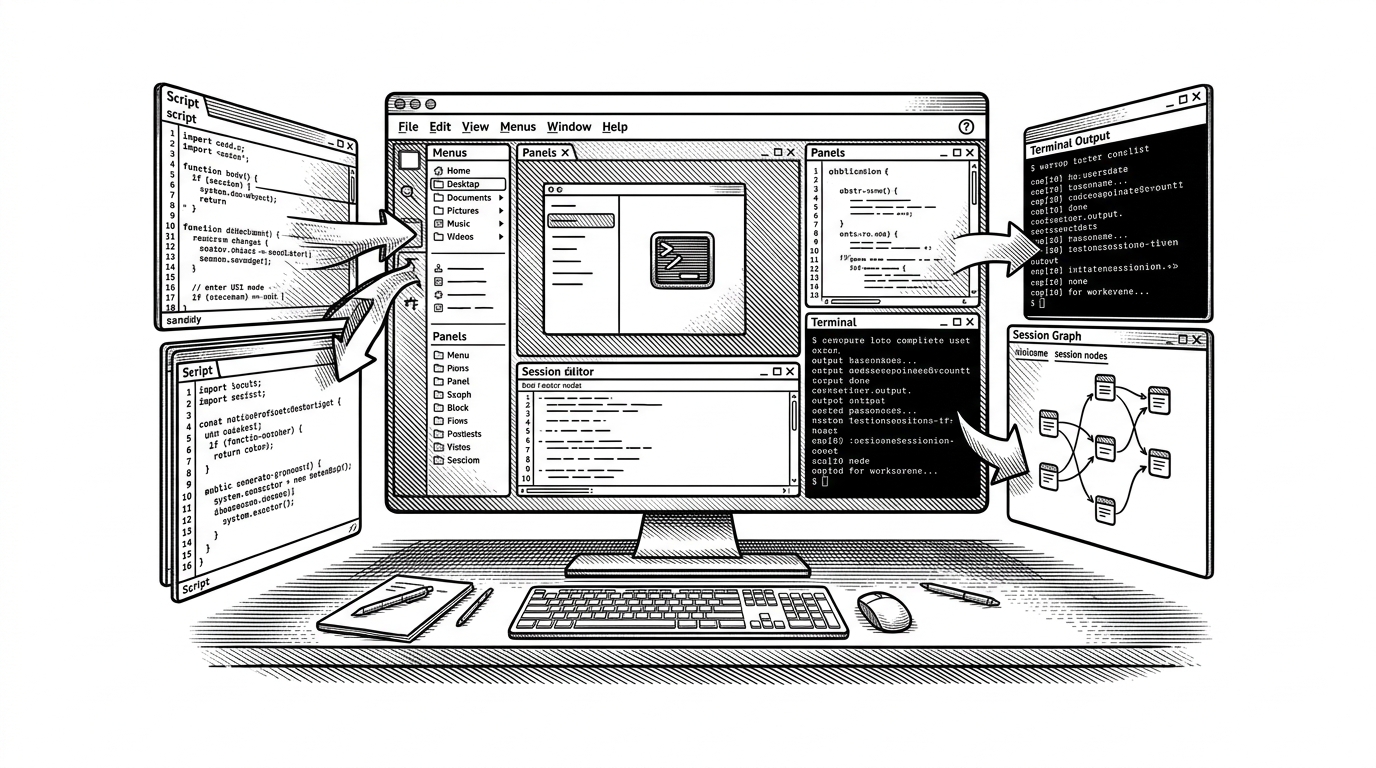
- AdaptixC2’s unusual bet is that the operator console itself should be programmable, not just the agents underneath it.
- AxScript turns JavaScript into a bridge for reacting to framework events and mutating native Qt UI behavior.
- The client behaves more like a persistent desktop workspace than a transient terminal, with storage, project state, and reusable profiles.
- Its closest rivals compete on breadth, but Adaptix stands out by coupling scripting, workflow, and interface design so tightly.
Why AdaptixC2 Feels Like a Desktop App, Not a Terminal
Most C2 frameworks start with transport, tasking, and payloads. Adaptix starts with the operator experience. The client is built around a native Qt application with dockable panes, embedded terminal behavior, and a layout that looks closer to a serious desktop tool than a command shell.
That matters because the project’s core idea is not just about getting commands to an agent. It is about making the console itself a workspace. In Adaptix, the UI is not a static dashboard. It is part of the system’s automation surface.
The main objective of Adaptix is to provide a highly modular yet robust framework for your red teaming needs.
AxScript Is the Real Differentiator
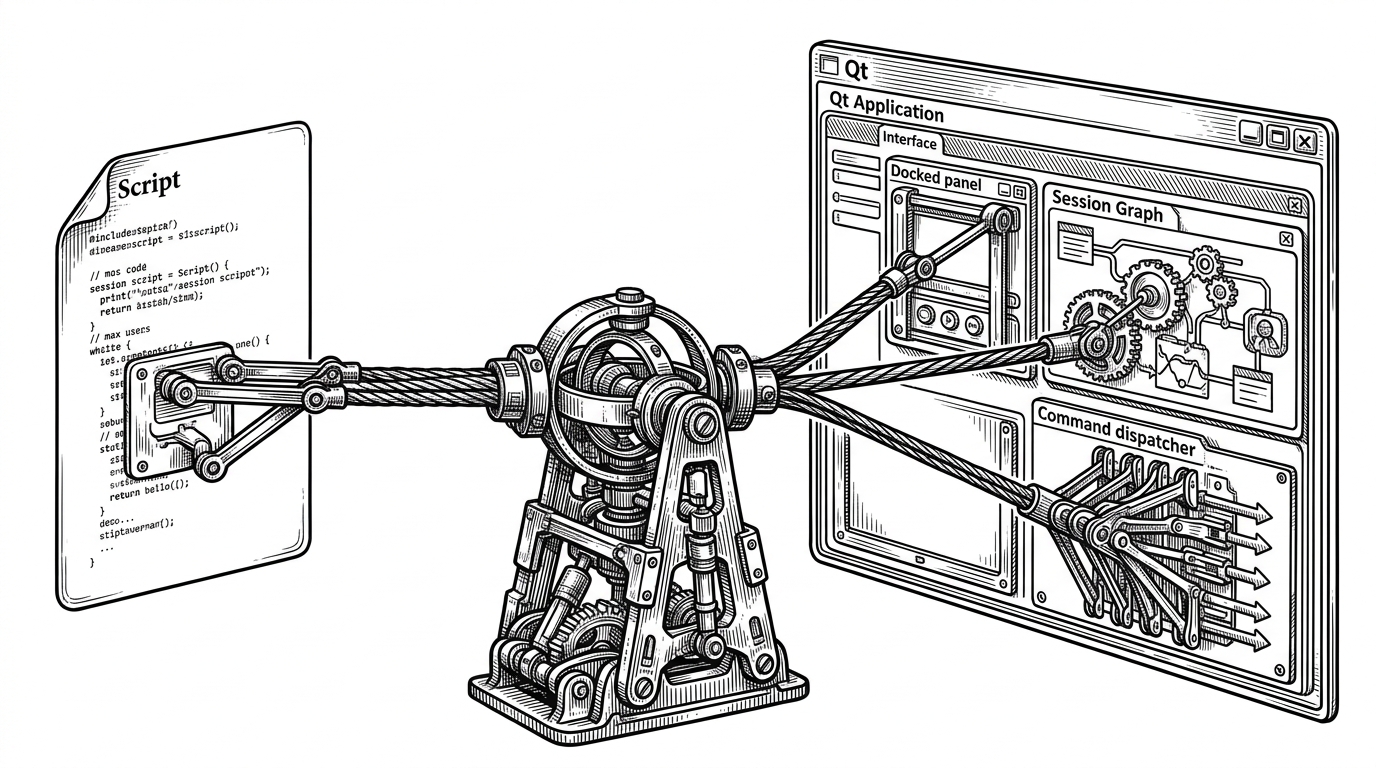
The most interesting code path in the client is the scripting bridge. Adaptix wraps QJSEngine with an AxScript layer so JavaScript can interact with native Qt objects through bridge classes such as BridgeApp and BridgeForm. That turns scripts into first-class participants in the UI, not external helpers glued on after the fact.
The practical result is a scripting model that can react to framework events, inspect state, and alter the interface immediately. A new session can trigger a script. A script can color, reframe, or reorganize parts of the client. The operator sees a workspace that responds instead of a window that merely displays.
How Commands Become Events
Under the hood, Adaptix uses a structured command model rather than a loose pile of UI actions. The client’s command layer organizes input, arguments, pre-hooks, post-hooks, and result handling so tasks can be observed and extended as they move through the system.
// Conceptual shape of the command layer
struct Command {
    QString name;
    QList<Argument> args;
    std::function<void()> preHook;
    std::function<void(const QVariant&)> postHook;
};

struct AxExecutor {
    Command command;
    QVariant result;
    bool async;
};

// Commands can be prepared, dispatched, and then fed back into automation.
That structure makes the client feel event-driven from end to end. A command does not just leave the UI and vanish. It can trigger hooks, return a structured result, and feed that result back into the scripting layer for more automation.
The Client Is Also a Workspace
Adaptix does not treat state as disposable. The client uses local persistence, project configuration, listener profiles, and extension metadata so operators can return to a working environment instead of rebuilding one from scratch every session.
| Dimension | AdaptixC2 | Typical C2 client |
|---|---|---|
| Primary role | Persistent desktop workspace | Live tasking console |
| Scripting model | JavaScript bridge into native UI | External scripts or limited automation |
| UI philosophy | Dockable, programmable, workflow-aware | Dashboard first, extensibility second |
| Storage | Local project state and metadata | Often session-centric or thin client state |
| Extension posture | UI and workflow can be shaped from inside | Extensions usually sit outside the interface |
That difference changes how the tool feels in practice. Instead of a transient operator terminal, Adaptix behaves like a place where engagements live. Profiles, extensions, and session state all point toward repeat use, not one-off usage.
The Session Graph Makes Movement Visible
The session graph is where the design becomes cognitive, not just technical. By turning relationships between agents and pivots into a visual graph, Adaptix helps operators reason about movement, lineage, and control paths without flattening everything into a list.
This matters in dense engagements. A graph can show which nodes are linked, which paths are active, and where the operator’s next action should land. It is not just a visualization layer. It is a way to reduce mental load.
How It Compares to Sliver, Mythic, and Havoc
Adaptix enters a crowded field. Sliver is the mature open-source reference point. Mythic leans hard into plug-and-play modularity. Havoc is known for its polished UI and modern posture. Cobalt Strike remains the commercial benchmark. Adaptix does not win by being the biggest. It wins by being the most visibly programmable at the client layer.
| Project | Main strength | Workflow philosophy | Where Adaptix differs |
|---|---|---|---|
| Sliver | Mature, broad, cross-platform | Strong all-around operator tooling | Adaptix leans harder into UI scripting and desktop feel |
| Mythic | Highly modular agent ecosystem | Containerized, plugin-heavy orchestration | Adaptix keeps the bridge inside the native client |
| Havoc | Modern interface and breadth | Operator-centric, polished console | Adaptix is more explicit about interface programmability |
| Cobalt Strike | Industry standard | Commercial, highly proven workflow | Adaptix offers an open-source path with a different UI model |
The comparison that matters most is philosophical. Other frameworks extend the backend. Adaptix extends the experience of using the backend. That is a narrower bet, but also a sharper one.
What AdaptixC2 Suggests About the Next Generation of Operator Tools
The project hints at a larger pattern in operator software. The next generation of C2 tools may be judged less by how many transports they support and more by how well they let teams shape the console around their own workflow.
Adaptix is interesting because it pushes the interface into the architecture. That makes the client feel less like a shell and more like a programmable desktop environment. For operators who live inside the tool, that is not a cosmetic choice. It is the product.