chrono-fs: ChronoFS: The Past Is Just Another Directory
A userspace filesystem in C where cat .snapshots/2min-ago/notes.txt works, and where keeping a year of history costs almost nothing.
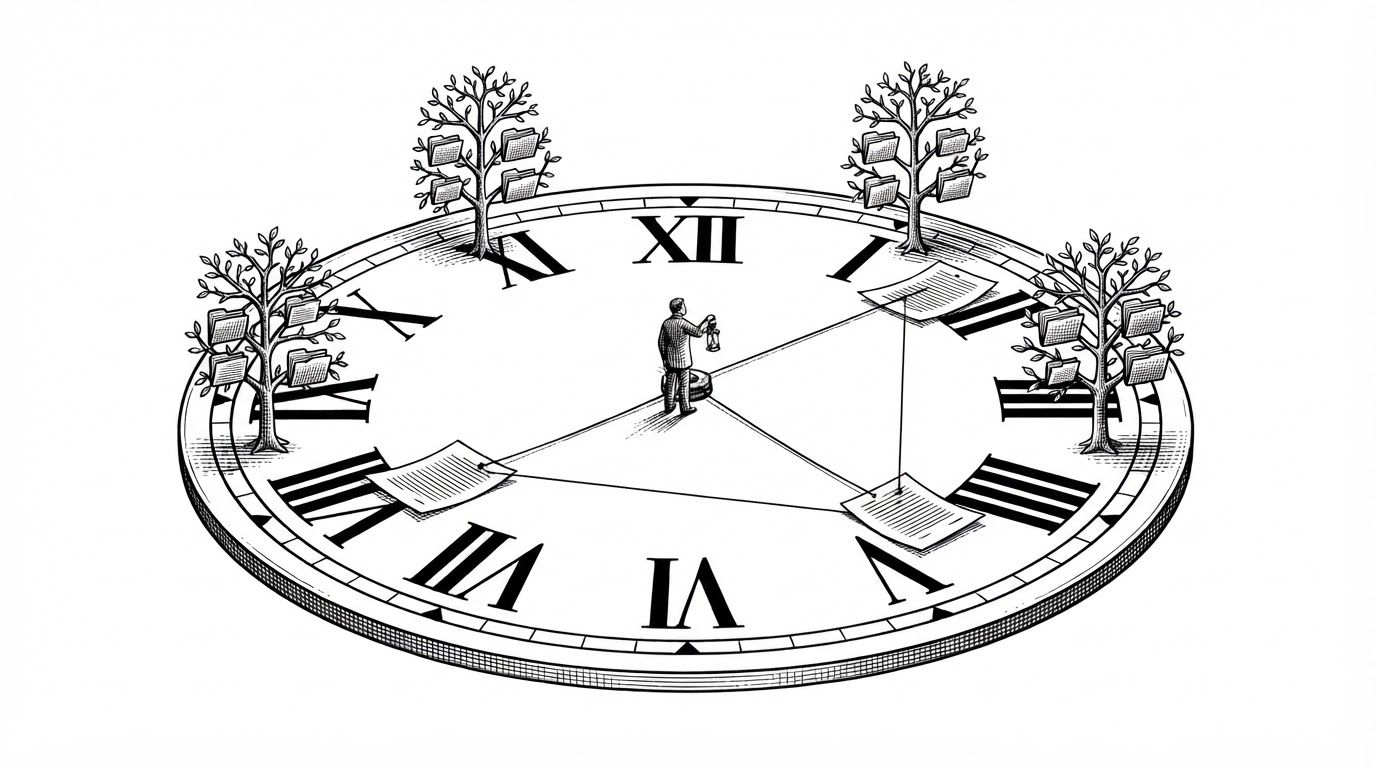
- ChronoFS makes the timestamp itself the path, so the past is navigable with cat, ls, and cp.
- Snapshots are manifest lookups over a SHA-256 content-addressed block store, which makes keeping history nearly free.
- The entire architecture lives in one header and a single fixed 1,096-byte journal record.
- Its niche is narrow and real: automatic capture plus temporal addressing, which neither Git nor Watchman does on its own.
The Past Has a Path
The pitch for ChronoFS fits in two shell commands.
cat mnt/.snapshots/@19:53:12/notes.txt
cp -r mnt/.snapshots/before-disaster/src mnt/
Neither of those paths exists on disk. Nothing on your machine created them. mnt/.snapshots/ is a read-only virtual tree that a FUSE daemon synthesizes on demand, and every directory inside it is named after a moment in time. @19:53:12 is not a folder someone made. It is a clock reading, and ChronoFS treats it as one.
The WHEN segment accepts four forms. A relative offset like 2min-ago. An absolute clock time like @19:53:12. A raw epoch number. Or a label you assigned yourself, like before-disaster. Type any of them and you are standing at that instant, reading the tree as it was.
That is the reframe. ChronoFS is not a backup tool you remember to run. It is a filesystem that quietly kept every version and never told you.
Two Data Structures Do All the Work
Two structures carry the whole design, and both live in one header file. include/chronofs.h is the de facto architecture document: it defines the shared types, the on-disk format, and every subsystem prototype. Read it and you have read the project.
The first is an append-only journal. journal.log is a flat array of struct jrec records, each exactly 1,096 bytes. A record holds a timestamp in nanoseconds, a mode, a size, a 32-byte manifest hash, and a 1,024-byte path. There is no padding, because every field is naturally aligned, and journal.c pins the size with a static assertion. It is a path with a little metadata stapled to it.
<store>/current/              live files; the mount passes through to here
<store>/objects/ab/cd...      4 KiB data blocks, named by SHA-256
<store>/manifests/ab/cd...    one manifest per file version (size + block list)
<store>/journal.log           append-only array of struct jrec (1096 bytes each)
<store>/tags                  "name ts_ns" lines
<store>/lock                  flock()ed by the mount daemon
<store>/mounted               mountpoint path while mounted
The second is the content-addressed block store. Every 4 KiB block of file data is written to objects/ under a filename that is its own SHA-256. Every file version is a manifest in manifests/, listing the size and the ordered block hashes that compose it. A snapshot is not a copy of your data. It is a manifest lookup.
Why a Snapshot Costs Almost Nothing
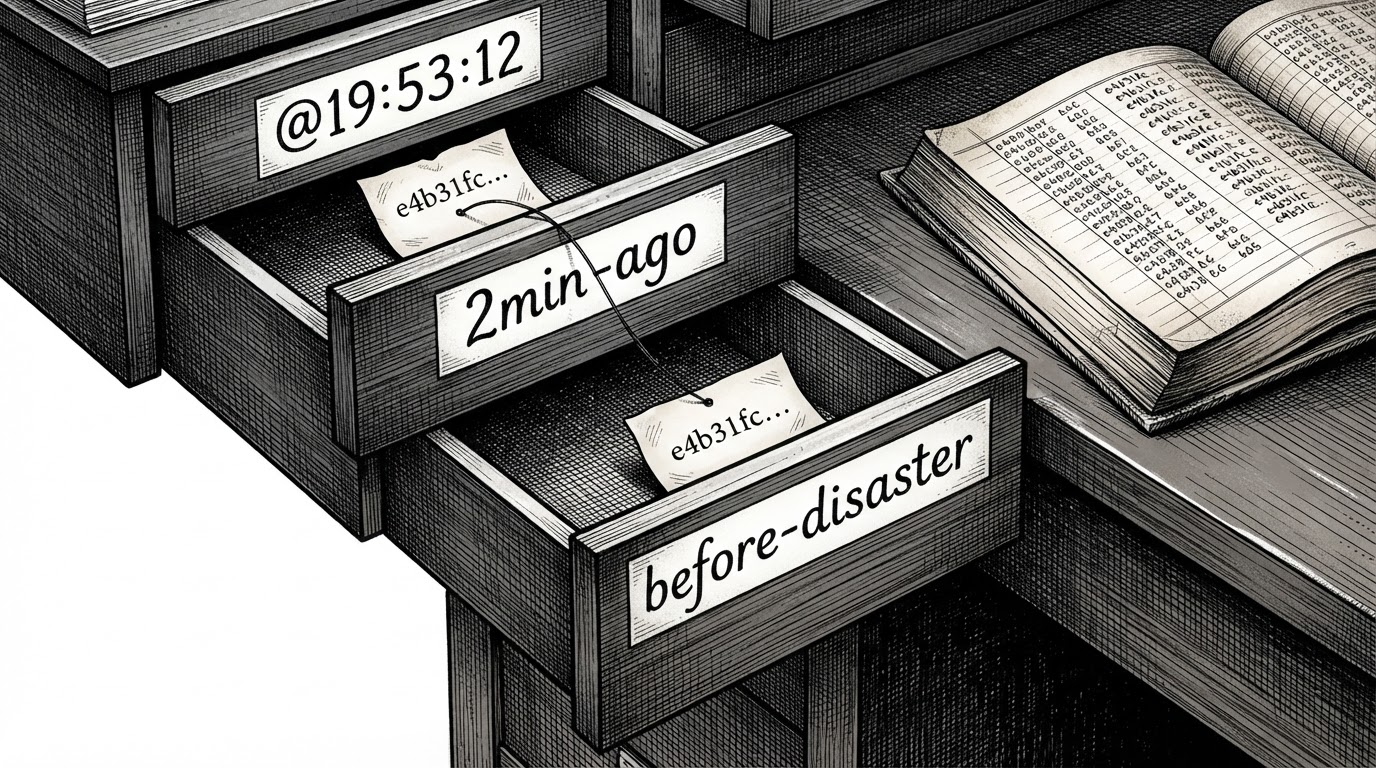
Here is the part that makes the trick affordable. Because a block is named by its content, writing a byte-identical file twice stores one block, not two. The second write produces a new journal record and a new manifest, but the manifest points at blocks that already exist.
That is deduplication falling out of the addressing scheme for free. There is no delta encoding, no chunking heuristic, no rolling checksum. Keep four hundred versions of a source tree and you pay only for the bytes that actually changed between them.
Compare the alternatives. Btrfs and ZFS deduplicate at the extent level inside a volume and require you to name a snapshot. restic and borg deduplicate well, but they make you run a command and think in snapshot IDs. ChronoFS deduplicates because of how it names things, and it does it while you work.
Time Is the Query Language
Resolving a WHEN expression is a single function. resolve_when turns 2min-ago, @19:53:12, an epoch, or a tag into a nanosecond timestamp. Then it walks the journal backward and returns the newest record at or before that instant. The scan is linear, the records are fixed-width, and the answer is a manifest hash.
The subcommands wrap that lookup.
logprints the journal for a path or the whole store.lslists a directory as it existed at a given time.catstreams a file version straight to stdout.restorecopies a past version back into the live tree.tagnames a moment so you can return to it by label.statsreports store size and dedup ratios.gcruns the retention policy and reclaims space.tuiopens an ncurses timeline browser, compiled only if ncursesw is present.
gc.c is the unglamorous half. It implements a retention policy with mark-and-sweep: reachable manifests and blocks are marked, everything else is swept. Without it, an append-only store grows forever. With it, history has a budget.
What It Is Not
If you were hoping ChronoFS replaces your version control or your backup system, here is the honest answer. It does neither. It is a local observation layer that sits between raw kernel notifications and a full storage system.
| Granularity | Who triggers it | Storage model | How you address a version | |
|---|---|---|---|---|
| ChronoFS | File close / fsync | The filesystem, automatically | SHA-256 content-addressed blocks + manifests | Time expression as a path |
| Git | Commit | You, explicitly | Packed objects | Commit hash or ref |
| Btrfs / ZFS | Volume or subvolume | You, or a schedule | COW extents, filesystem-internal | Snapshot name |
| restic / borg | Backup run | You, or a schedule | Chunked, deduped, remote-capable | Snapshot ID + path |
| Watchman | Event | The filesystem, continuously | In-memory query index | Query, not retrieval |
| inotify-tools | Event | The filesystem | None (you pipe it somewhere) | N/A |
Read the table by two columns. Only ChronoFS addresses a version by time and triggers itself automatically. Watchman is automatic but keeps no retrievable history. Git keeps history but waits for you to ask. That gap is the niche.
The Honest Limits
The repository tree shows no tests/ directory, and no test target is visible. That matters. A filesystem that appends to a journal has to answer hard questions about crash consistency, and this one does not document the answers.
- No visible
tests/directory or test target in the tree. - No documented crash-consistency guarantee for the journal append.
- No checksum over the journal records themselves.
- Non-Linux hosts need the shipped Docker container to get a FUSE-capable kernel.
None of that is fatal for what this is. ChronoFS is genuinely good for three things: teaching how a versioned filesystem works, experimenting with content addressing, and running on a personal machine where undo is worth more than throughput.