librechat-admin-panel: When YAML Becomes a User Interface
How LibreChat’s admin console turns Zod schemas, role-based overrides, and server-rendered React into a safer way to manage an LLM stack.
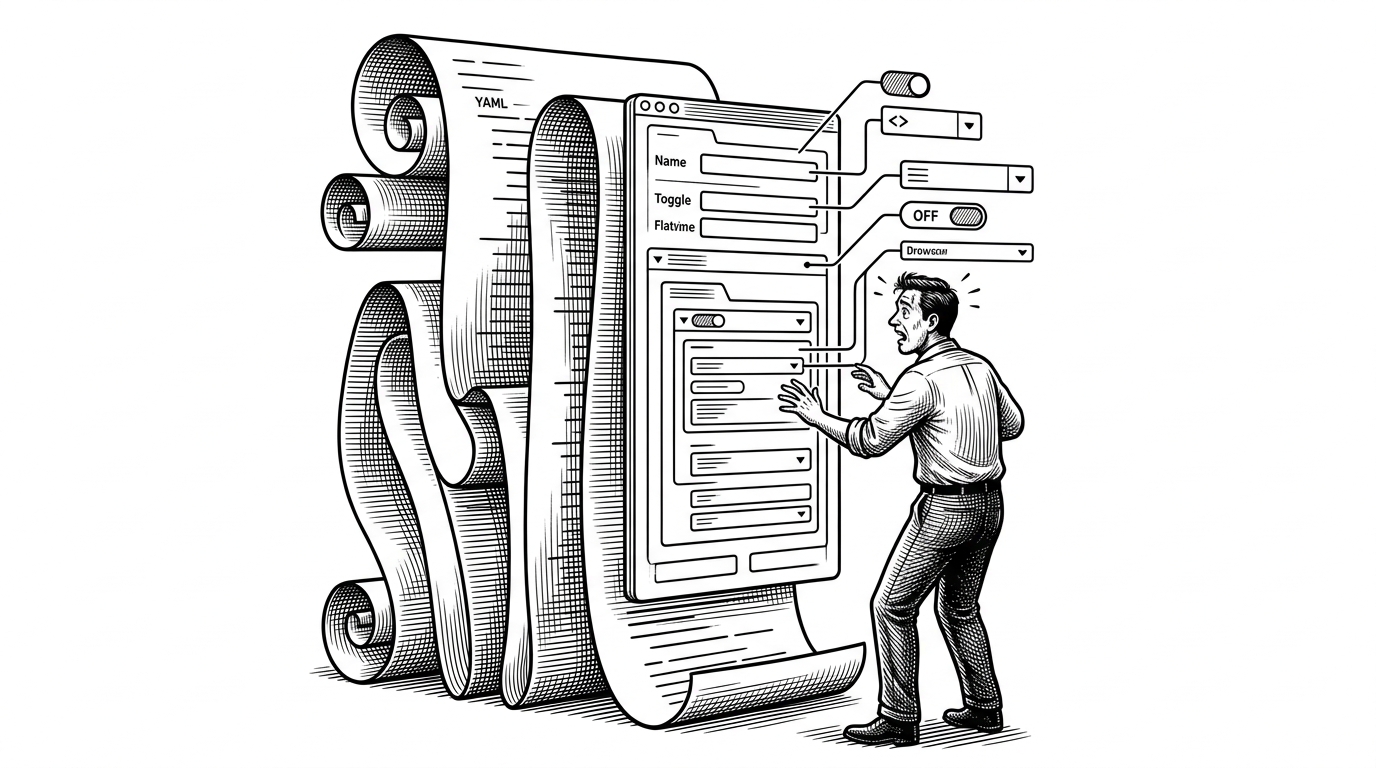
- LibreChat’s admin panel turns the app’s own schema into the source of truth for the interface, which removes a whole class of drift between config and UI.
- The core trick is recursive Zod introspection, where schema nodes are unwrapped and mapped into real form controls instead of being hand-coded one by one.
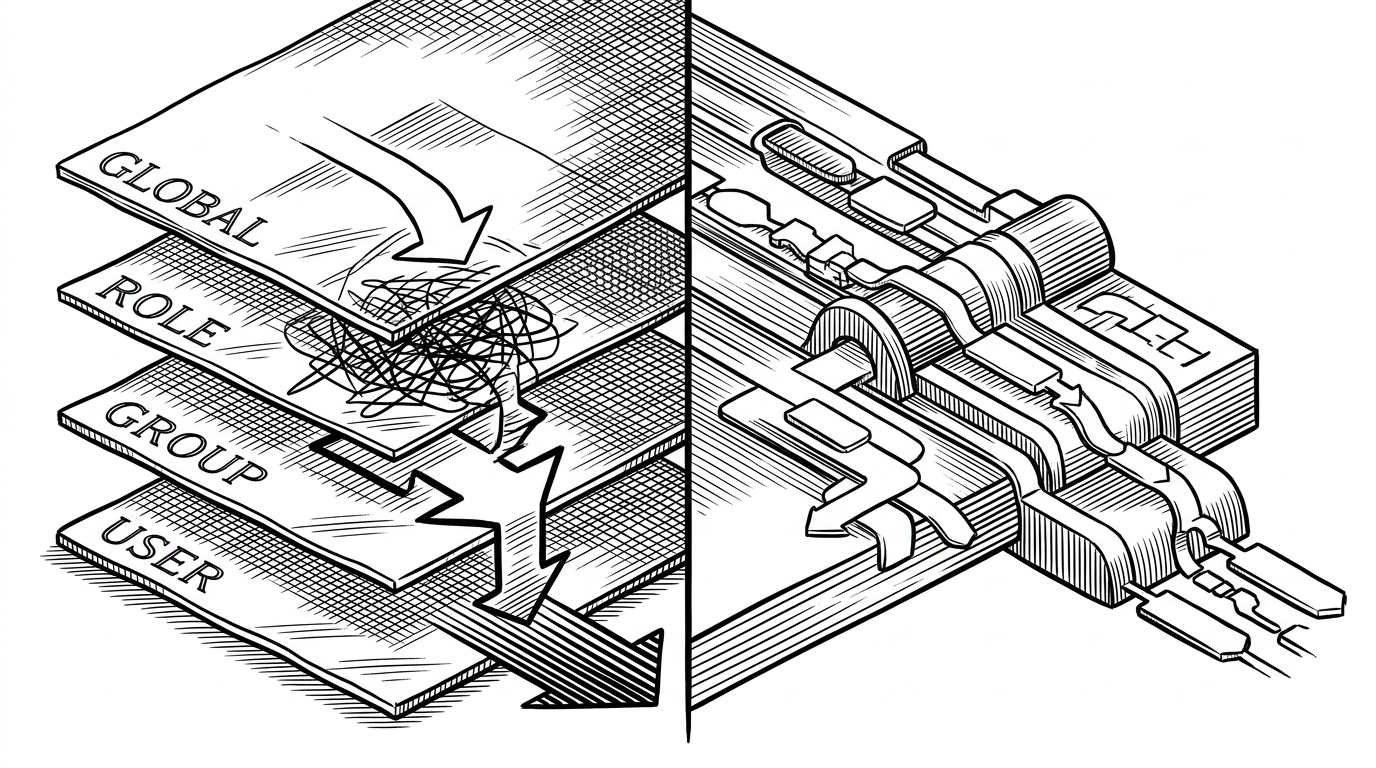
- Its cascading override model makes global, role, group, and user settings legible as one hierarchy, not four separate admin surfaces.
- TanStack Start and server functions give the panel a full-stack shape that fits operational work, not just a pretty dashboard.
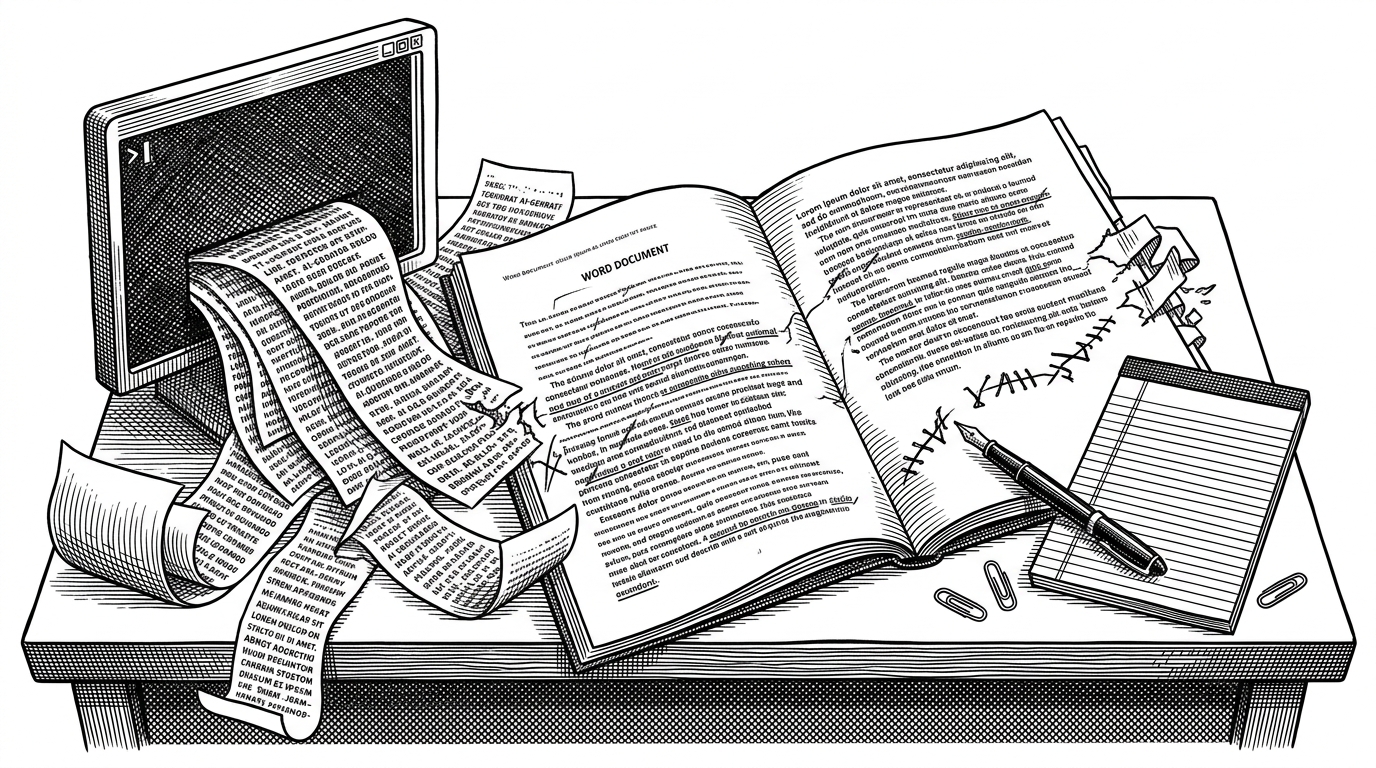
For years, the safest way to run a self-hosted LLM app was also the messiest: edit a YAML file, restart the service, hope nothing drifted. LibreChat’s admin panel is a direct attack on that workflow. It replaces file surgery with a browser-based control plane that reads the app’s own data model.
A browser-based management interface for LibreChat. It connects to the same database as the main application and provides a GUI for tasks that would otherwise require editing `librechat.yaml` directly.
The YAML Problem This Panel Solves
That sounds obvious until you look at what administrators were actually doing. LibreChat is not a single toggle and a theme file. It is models, auth, groups, roles, overrides, and per-user exceptions, all packed into a configuration surface that can be easy to break and hard to audit.
The panel is interesting because it does not merely wrap that complexity in prettier forms. It changes the unit of control. Instead of asking operators to memorize the shape of a config file, it gives them a live interface that can be safer, more discoverable, and less fragile under change.

We are excited to announce that ClickHouse has acquired LibreChat, the leading open-source AI chat platform that offers a unified interface for interacting with a wide range of large language models (LLMs), giving users and organizations full control over their data, agents, and conversations.
The Real Trick: Zod as the Source of Truth
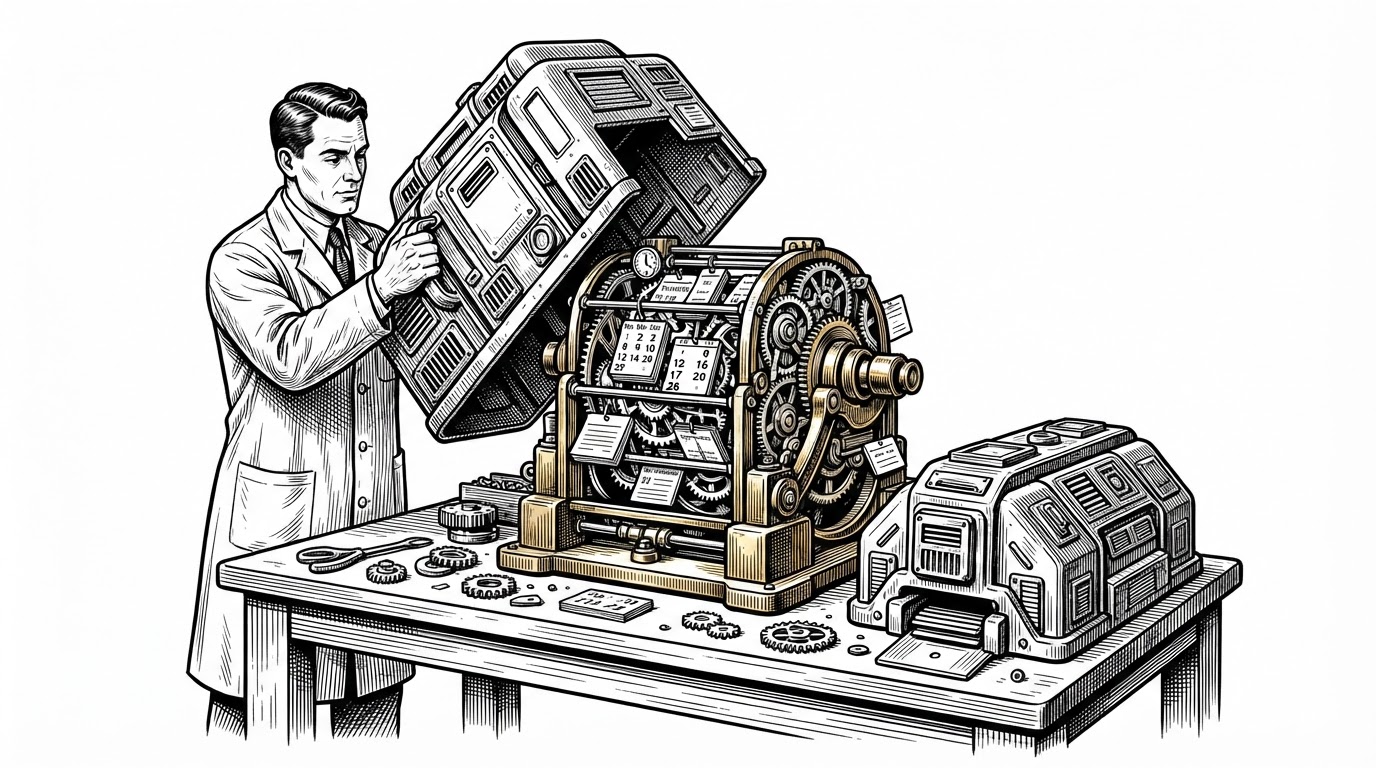
The technical surprise in this repo is that the panel does not treat forms as a separate product layer. It imports LibreChat’s schema definitions and walks them recursively. Functions like unwrapSchema, extractSchemaTree, and resolveIntersection turn schema metadata into the structure of the UI itself.
That matters because the UI is no longer a second source of truth. If the core app adds a setting, the admin panel can discover it from the schema shape rather than waiting for someone to hand-build a new form. That is how you shrink drift.
How Cascading Configuration Actually Works
The other important idea is precedence. LibreChat does not have one flat settings file anymore. It has a hierarchy: global settings, then role overrides, then group overrides, then user-specific exceptions. The panel makes that stack visible, which is the difference between managing a system and guessing at it.
| Layer | What it does | Why it matters |
|---|---|---|
| Global | Sets the default baseline for everyone. | Keeps shared behavior consistent. |
| Role | Adjusts configuration for a class of users. | Lets operators express policy without cloning settings. |
| Group | Applies shared rules to a team or cohort. | Matches real organizational structure. |
| User | Overrides the stack for one person. | Handles exceptions without breaking the model. |
The key point is not that overrides exist. It is that the panel lets operators reason about them as a chain. A setting is no longer just on or off. It is the result of a decision path.
Why TanStack Start Fits This Problem
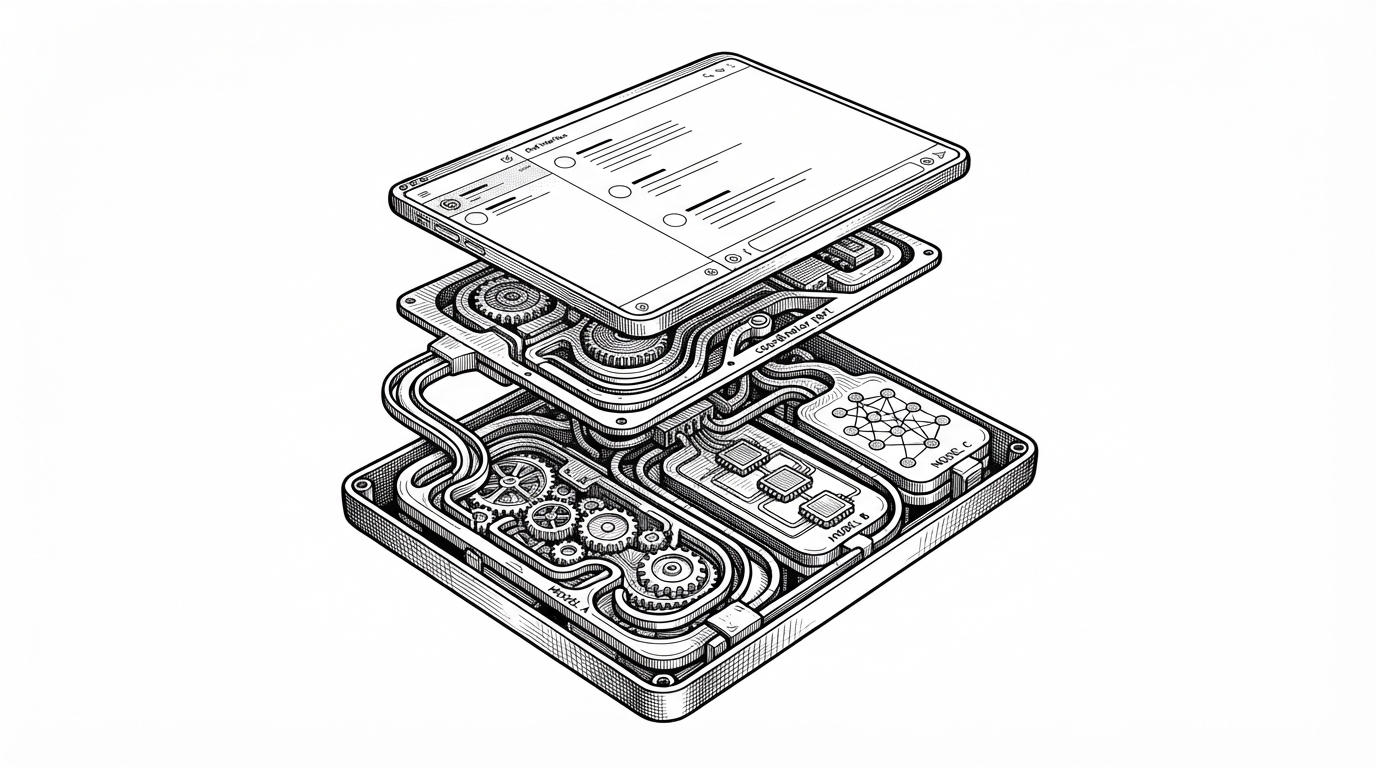
The stack choices follow the same logic. TanStack Start gives the app an SSR-friendly full-stack React model, which is a good fit when the first thing a user needs is not a pretty shell, but the right schema and session state. Server functions keep auth, proxying, and data access close to the app boundary.
That architecture matters because admin work is stateful. Operators need forms that arrive already informed by the backend, not a client that has to discover everything after hydration. The result is a dashboard that feels closer to an operating console than a consumer SPA.
| Approach | Strength | Trade-off |
|---|---|---|
| Manual YAML editing | Simple on paper. | Easy to drift, hard to audit, brittle under change. |
| Generic admin tool | Fast to assemble. | Usually blind to LibreChat’s schema and override logic. |
| LibreChat admin panel | App-aware and schema-driven. | Requires tight coupling to the product model, by design. |
Security and Ops Features That Make It Real
The repo is not pretending configuration is the whole story. It includes encrypted session handling, 2FA support, JWT rotation, audit logs, and localization hooks. Those are the details that separate a prototype from something an actual team can put in front of operators.
This would be extremely useful to me. I have some people I want to share my librechat instance with but don't want them to be able to burn through my credits with certain models. Being able to have permissions for models and apis would be great.
What It Replaces, and Why That Matters
The comparison is not really between LibreChat and some other dashboard. It is between a system that expects operators to touch raw config and one that understands its own shape. Generic tools like MongoDB Compass or Retool can help, but they do not know what a role override means inside LibreChat.
| Capability | Manual YAML | Generic admin tool | LibreChat admin panel |
|---|---|---|---|
| Schema awareness | None | Low | High |
| Override handling | Implicit | Custom work required | Built in |
| Operator safety | Fragile | Variable | Much stronger |
| Maintenance burden | High | Medium to high | Lower once wired to the schema |
| Drift risk | High | High | Lower |
That is why this repo matters beyond LibreChat. It is a concrete example of schema-as-UI. The schema is not only for validation. It is the blueprint for the control plane.
The Bigger Pattern
Self-hosted AI software is maturing past config files and into introspective interfaces. Once a product’s type system is rich enough, it can stop exposing raw structure and start compiling that structure into a safer UI. LibreChat’s admin panel is one of the clearest versions of that shift.
That is the real win here. Less hand-editing. Less drift. More policy encoded where the app can understand it. The panel is not an accessory to LibreChat. It is LibreChat learning how to operate itself.