ChannelWatch: Solving the "Notification Fatigue" Problem in Home Media
How a stateful Python middleware transforms volatile DVR event streams into high-signal alerts for the modern home lab.

I was a Channels DVR user who wanted real-time monitoring and alerts. Nothing existed. So I built it. Late nights, learning Python and Docker by doing, failing and iterating until it worked. That project taught me more than any course — and watching others use it was the best feeling I'd had in tech.
- ChannelWatch uses a stateful middleware layer to prevent notification storms caused by volatile DVR event streams.
- The Session Manager implements thread-safe locking and TTL tracking to deduplicate redundant alerts during network hiccups.
- A dedicated metadata provider enriches raw event payloads with program titles and high-resolution channel logos.
- The project evolved from simple environment variable configuration to a unified Docker container managed by a Next.js and FastAPI dashboard.
The Curse of the Chatty Stream
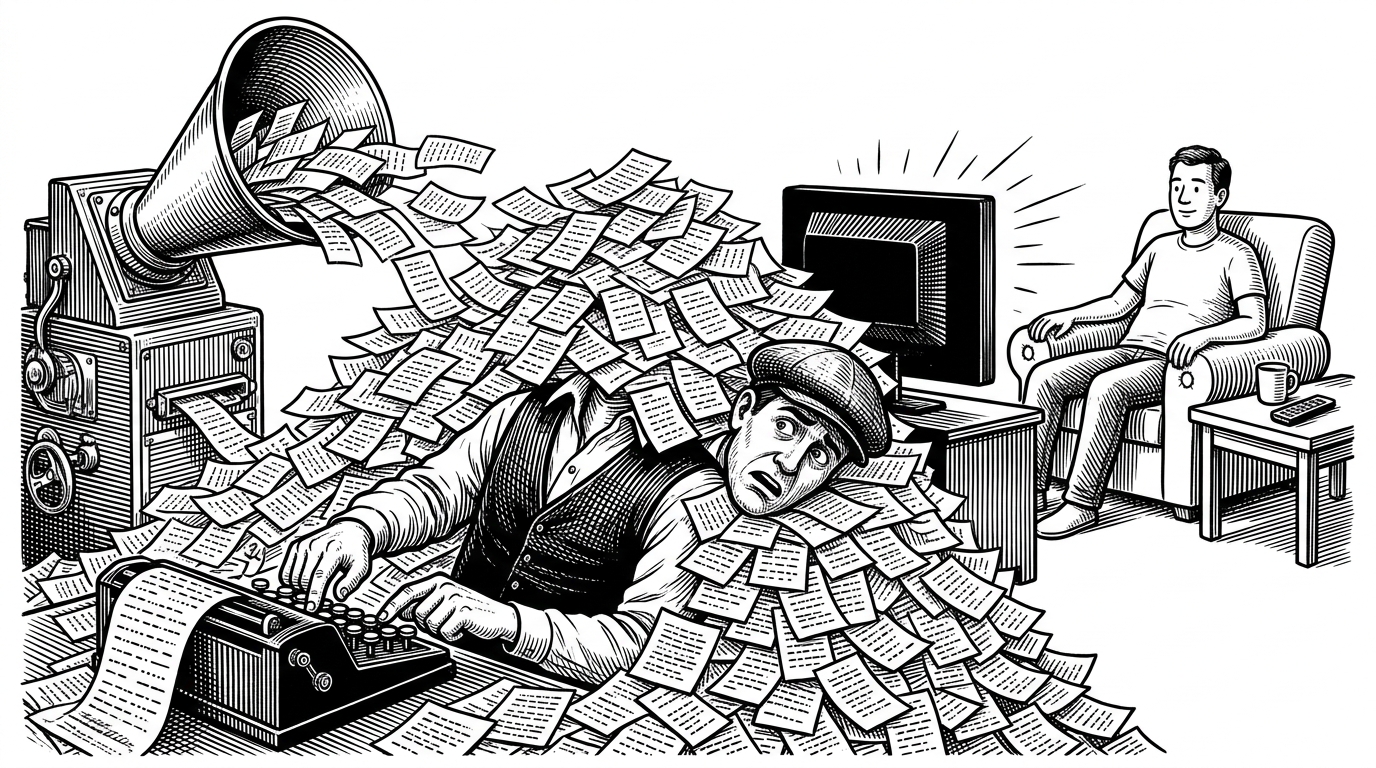
Home automation often falls into a predictable trap: you set up a webhook to alert you when an event occurs, and within a week, you mute the channel. The problem is volume. A single user watching a movie on a Channels DVR server can trigger dozens of "Stream Started" and "Stream Stopped" events simply by pausing, buffering, or experiencing a minor network hiccup.
Most monitoring scripts are stateless. They see an event, format a string, and fire a POST request. ChannelWatch takes a different approach by introducing a stateful middleware layer that understands the context of a viewing session.
Architecture of a "Memory"
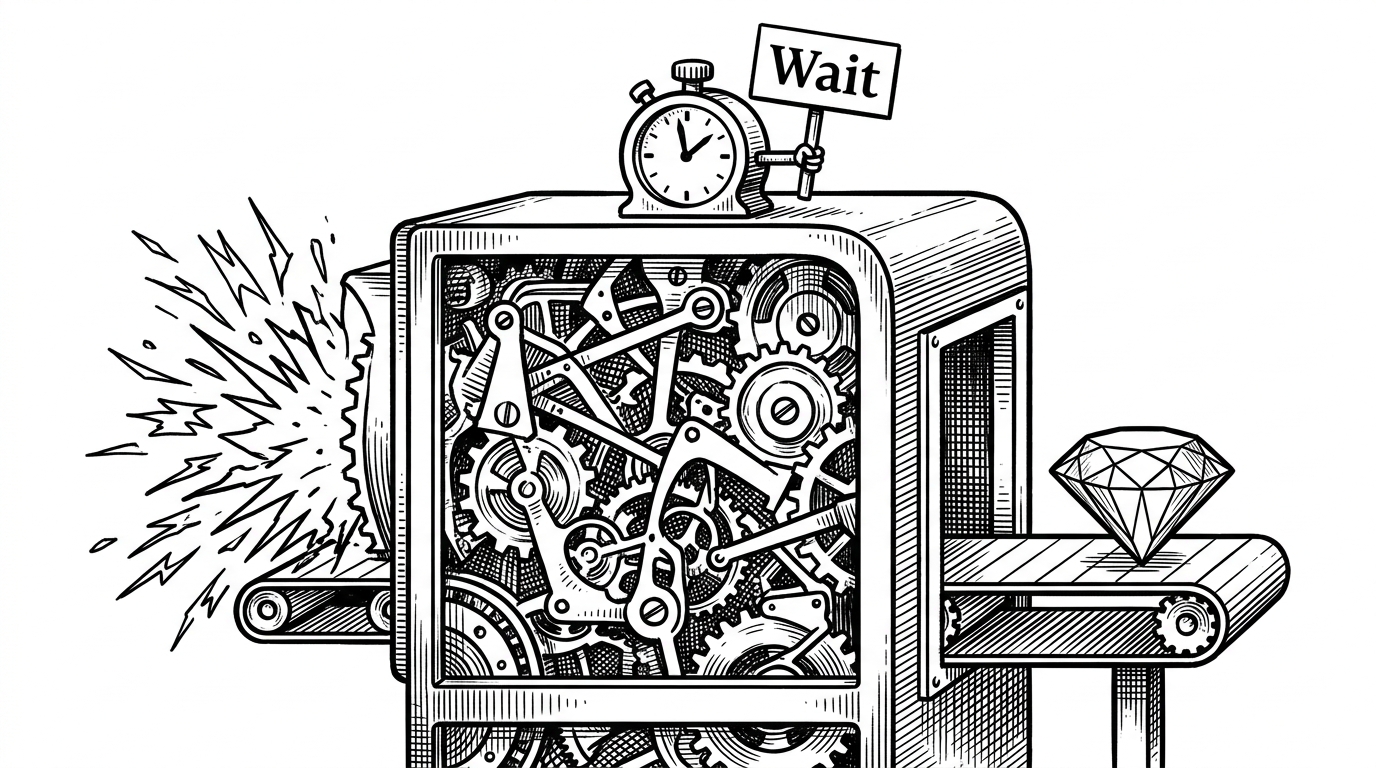
The core of ChannelWatch's anti-fatigue mechanism lives in core/alerts/common/session_manager.py. By implementing a thread-safe locking mechanism and Time-To-Live (TTL) tracking, the system maintains a "memory" of active streams.
When a new event arrives, the Session Manager checks if a session for that specific device and user already exists. If it does, and the event is just a minor state change, the notification is suppressed. A CleanupMixin works in the background to gracefully age out stale sessions, ensuring memory isn't leaked when a client disconnects unexpectedly.
From Raw Bytes to Rich Metadata
Raw DVR events are barebones. A payload might only indicate that a client is watching channel "6001". To make this useful, ChannelWatch employs a ChannelInfoProvider. This module intercepts the raw event, queries the DVR's API for the full channel lineup, caches the result using a thread-safe lock, and enriches the payload with program titles and high-resolution logos.
def format_message(self, data: dict, alert_type: str) -> str:
    # Ordered composition ensures consistent UI
    order = ['channel', 'program', 'device', 'ip']
    parts = []
    for key in order:
        if key in data and self.config.get(f'show_{key}'):
            parts.append(self._format_part(key, data[key]))
    return '\n'.join(parts)
The Modernization of the Home Lab
Early versions of ChannelWatch relied heavily on environment variables for configuration. As the project evolved to handle more complex routing rules, this became unmanageable. Version 0.6 introduced a significant architectural pivot: wrapping the Python engine in a Next.js and FastAPI dashboard, orchestrated via Supervisord within a single Docker container.
| Feature | Stateless Webhooks | ChannelWatch |
|---|---|---|
| Event Handling | Fires on every trigger | Deduplicates via Session Manager |
| Metadata | Raw IDs (e.g., ch6001) | Enriched (Titles, Logos, Resolution) |
| Configuration | Environment Variables / JSON | Next.js Web UI |
| Resource Tracking | None | Disk space and VOD progress monitoring |
By bringing "Tautulli-level" maturity to the Channels DVR ecosystem, ChannelWatch demonstrates how thoughtful state management can transform a noisy data stream into a polished, high-signal observability tool.