How `sbox_destiny_2_gear_shader` Rebuilds Destiny 2’s Cosmetic Logic in S&Box
A single shader stack turns masks, slots, and lookup tables into dyeable armor, glowing reticles, and layered material behavior that feels far bigger than its codebase.
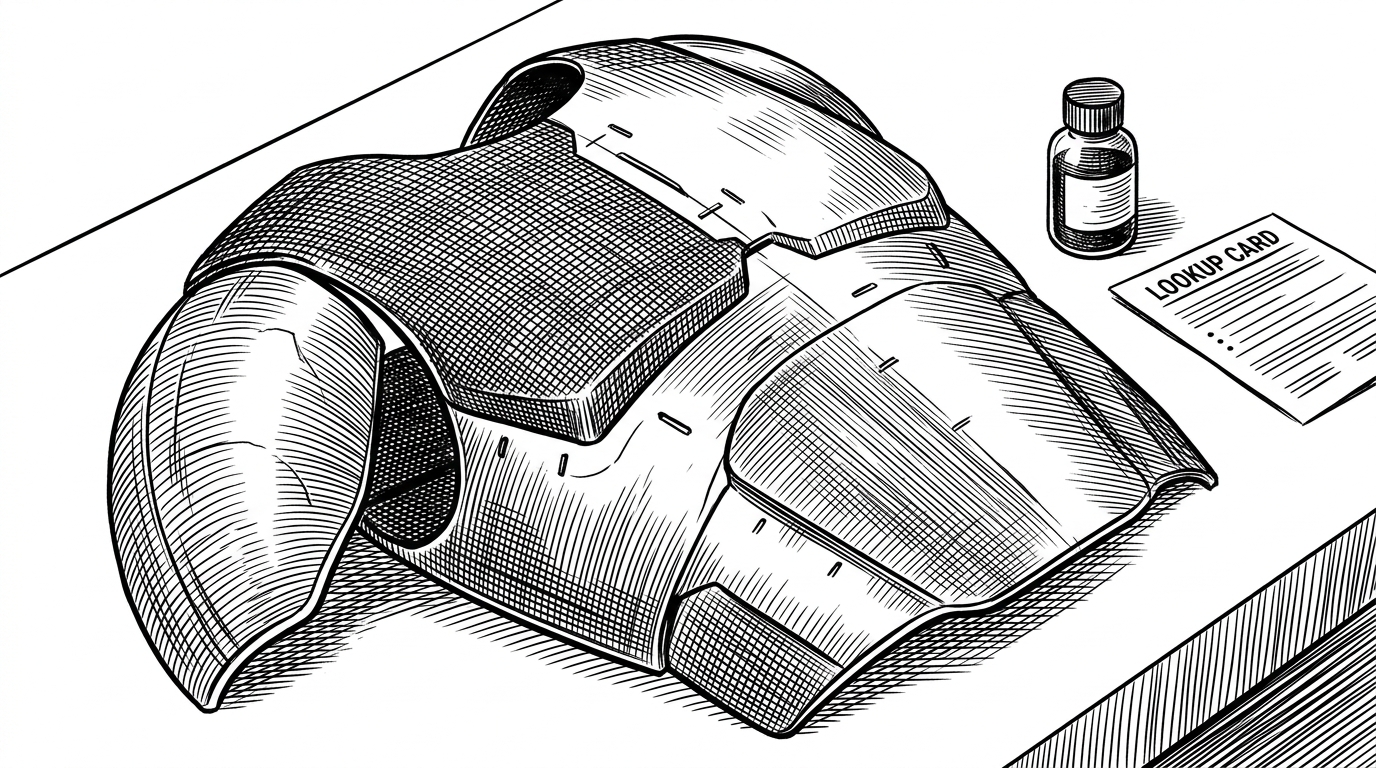
- This repo treats cosmetics as a rule engine, where masks, slots, and lookup tables decide what material lives on each part of a model.
- Its main trick is not tinting, but material selection, which lets one mesh carry cloth, metal, iridescence, and glow without texture sprawl.
- The shader pair for NPCs shows the same logic in two forms, which makes the workflow easier to debug and easier to optimize.
- The reticle shader proves the approach scales beyond armor, turning a UI-adjacent part into a small physical lighting system.
The big idea: cosmetics as logic, not paint
The surprise in `sbox_destiny_2_gear_shader` is not that it copies a Destiny 2 look. It is that it copies the decision system behind the look. Instead of baking every surface into a separate texture, the repo uses masks, slot data, and lookup-driven shading to decide which material belongs where.
That changes the mental model. A gear piece is no longer a single painted object. It becomes a small set of instructions: this zone is cloth, this one is metal, this one can catch iridescent light, and this one should glow when the shader asks it to.
What a GStack is actually doing
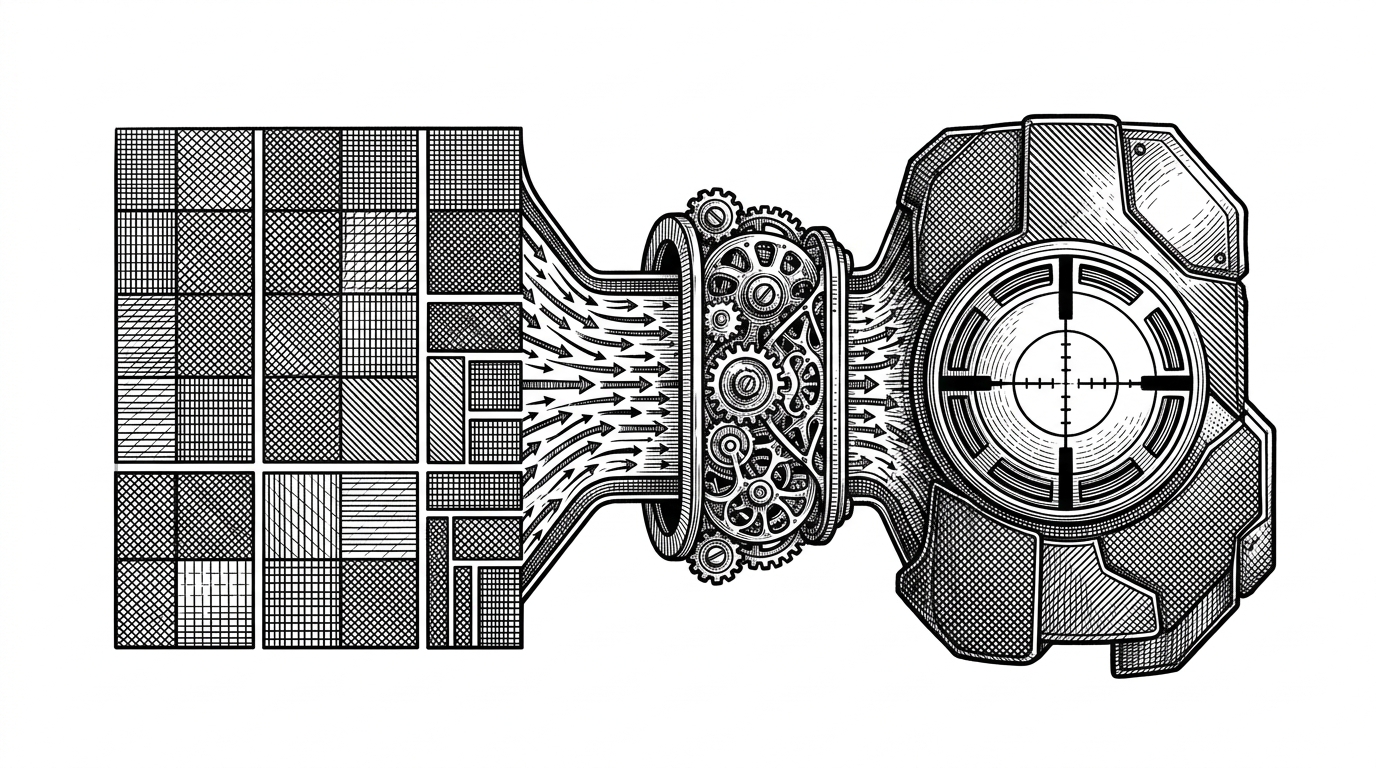
The repository’s gear shader builds around a GStack and a dye map. In practice, that means the shader is not choosing one color for a surface. It is selecting sub-materials using channel masks and slot metadata, then applying palette logic to the right zone.
| Simple tint workflow | `sbox_destiny_2_gear_shader` workflow | What changes | Why it matters |
|---|---|---|---|
| One base texture gets multiplied by a color | Masks and slots select which sub-material applies where | Color becomes routing, not just multiplication | You get cloth, metal, and special coatings from one asset |
| Edges can soften when filters blend neighboring pixels | Nearest filtering keeps mask boundaries crisp | The shader protects ID-style regions from bleed | Material zones stay readable and intentional |
| Special effects are usually baked per asset | Iridescence and emission are driven by tables and shader logic | Surface behavior becomes reusable | Less texture duplication, more system-level control |
| Each cosmetic variant often needs its own art pass | One rule set can produce many gear looks | Authoring shifts from painting to configuration | Scales better across a whole gear set |
Why the shader uses lookup tables
Lookup tables matter because some surface behaviors are too conditional to fake with one flat color pass. The repo’s iridescence path uses a lookup texture, which is a compact way to map inputs into richer surface response without hand-authoring a separate texture for every possible effect.
if(g_flSpecularScale > 0)
{
    material.Opacity = saturate(material.Opacity + g_flSpecularScale);
    material.Metalness = 1;
}
That tiny block says a lot. The material can shift behavior at runtime, moving from ordinary renderable surface toward something more metallic and emissive. The result is not a static skin. It is a surface with rules.
Two ways to author the same idea: shader graph and handwritten shader
The NPC shader pair shows the repo’s second useful habit: the same logic can live in a visual graph and in source. That gives the author a faster way to reason about the structure, then a direct way to inspect or refine the actual code path.
For technical art, that matters. Graphs are good for layout and iteration. Code is better when you need to check a blend function, trace a normal overlay, or confirm that a material path is doing exactly what you think it is doing.
The reticle shader proves the pattern scales
The reticle shader is smaller, but it is not a side quest. It uses RGB channels as masks for user-defined colors, then pushes the result toward emission and metallic response. That makes a weapon optic feel less like a flat UI ornament and more like a small physical object that happens to live inside the HUD.
material.Emission *= g_flEmitScale;
material.Metalness = 1;
This is the same philosophy in miniature. Start with channels as instructions. End with a surface that can glow, catch light, and still remain controlled by the shader author instead of by a pile of baked variants.
What this project gets right, and what it leaves unfinished
| Strength | Limit |
|---|---|
| The repo captures Destiny-style cosmetic logic with a surprisingly small amount of material infrastructure. | It is still a WIP package, so some pieces read more like experiments than finished tooling. |
| It shows a practical split between graph authoring and direct shader code. | That split can also reveal copy-paste development and partially finished branches of work. |
| It makes advanced surface variety feel reusable instead of expensive. | It is specialized enough that readers without S&Box context may need the surrounding engine mental model. |
That is not a flaw so much as a signal. This is a working shader lab, not a polished middleware product. The repo is most interesting when you treat it as a proof that a cosmetic system can be compact, expressive, and rule-driven at the same time.
Why this matters beyond Destiny
The broader lesson is bigger than one game or one engine. Modern cosmetic systems are increasingly about reusable logic. The valuable thing is not a larger texture atlas. It is the ability to describe surface behavior once, then let masks, slots, and lookup tables do the scaling.
That is why this repo stands out. It is a reminder that graphics work is often systems design in disguise. When the material logic is good, a single asset can behave like a whole wardrobe.