SuperSplat: The Browser Editor That Makes 3D Gaussian Splats Feel Editable
How PlayCanvas built a web-native 3DGS tool that handles selection, cleanup, sorting, and export by treating splat state as GPU data, not expensive mesh edits.

Today, we are thrilled to announce the launch of SuperSplat Studio — a brand new application for authoring interactive Gaussian splat-based experiences. Built on the SuperSplat platform, Studio takes your published splats to the next level, letting you craft rich, engaging presentations that tell a story.
- SuperSplat proves a browser app can do serious 3D authoring when it treats interaction, state, and rendering as one system.
- Its real trick is not faster geometry edits, but a GPU-friendly state model that lets selection, hiding, and transform changes propagate instantly.
- The project sits between research code and pure viewers, because it is built for post-processing, cleanup, and delivery rather than training alone.
- PlayCanvas turns Gaussian splats into a production asset class, which is why the editor feels closer to desktop creative software than a demo.
A 3D editor that lives in the browser
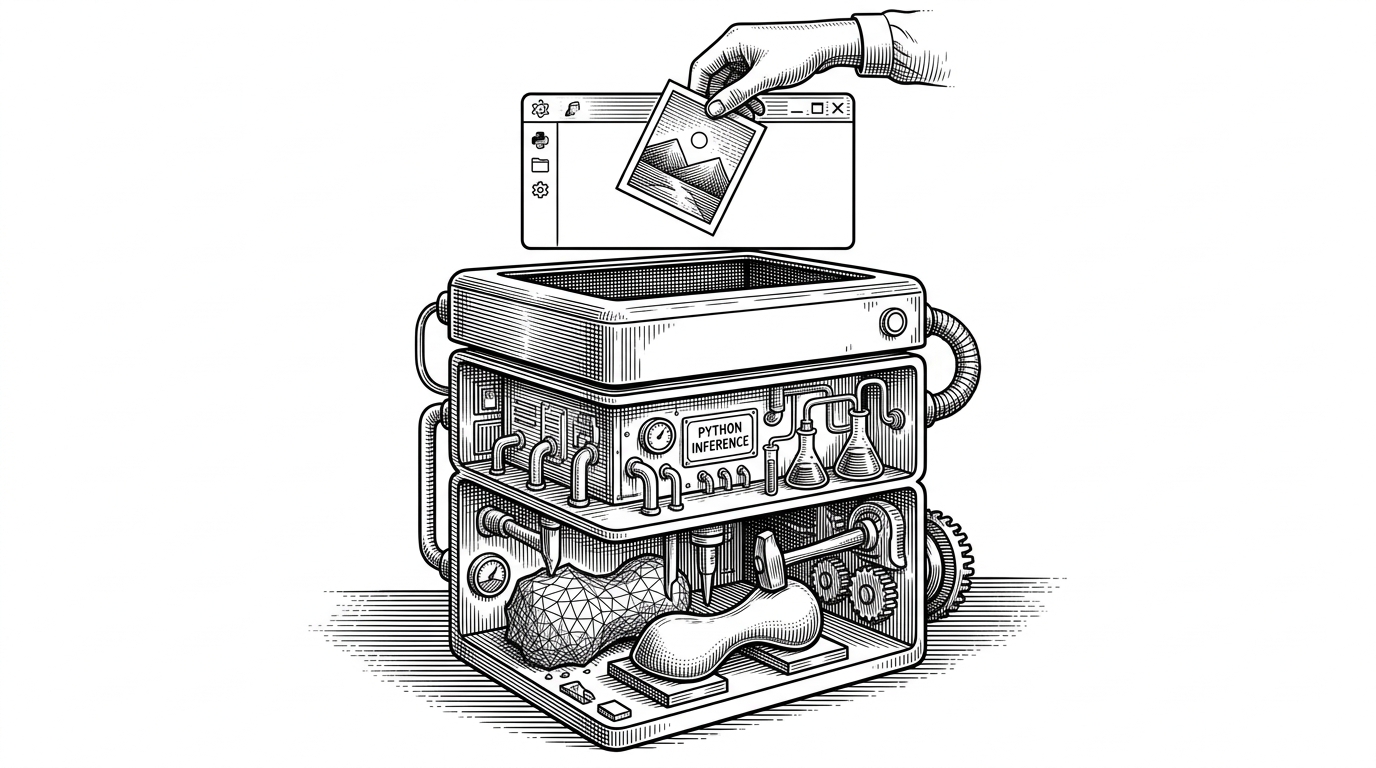
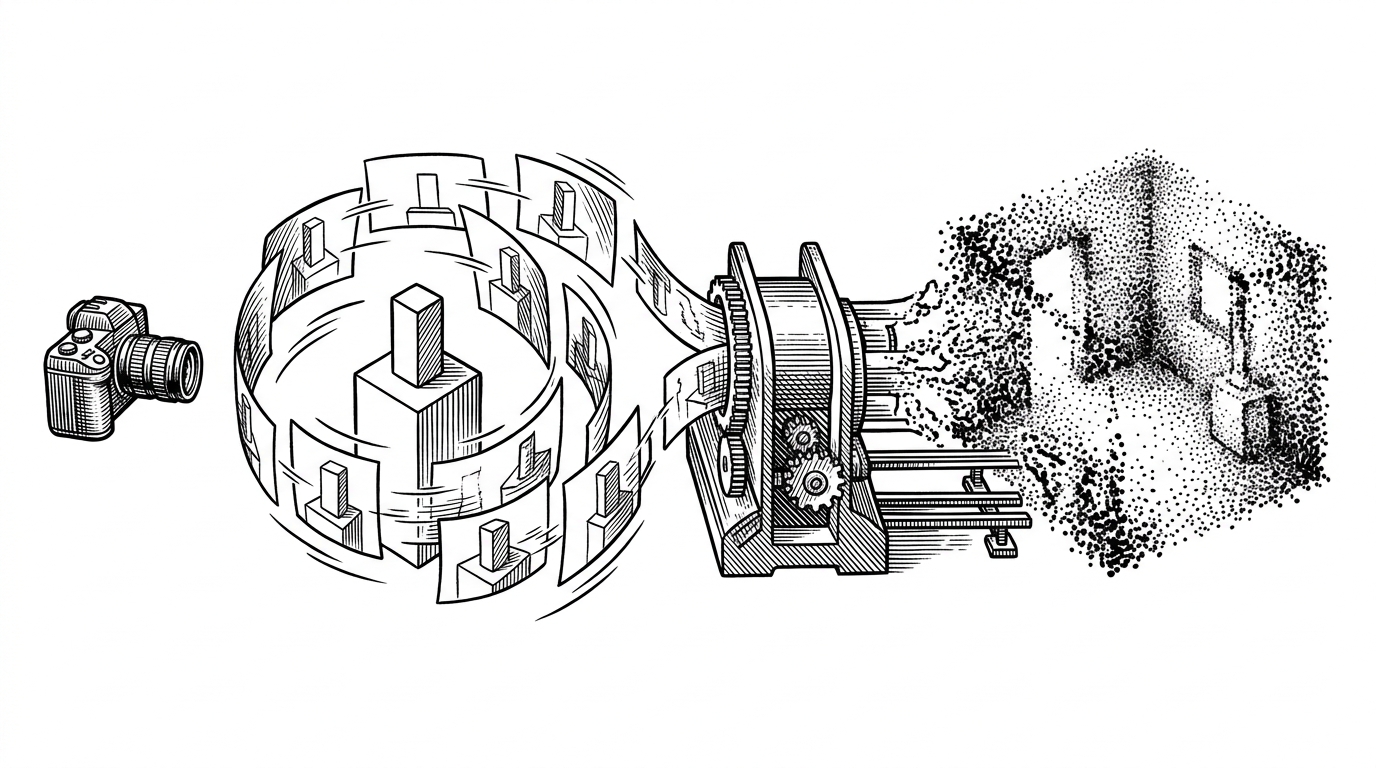
SuperSplat is easy to misunderstand if you call it a viewer. It is really a post-processing editor for 3D Gaussian splats, built to clean artifacts, crop scenes, reduce file size, and prepare assets for web delivery. The surprise is not that it runs in a browser. The surprise is that it behaves like a serious production tool anyway.
That matters because 3D Gaussian splatting is usually discussed as a rendering breakthrough or a research artifact. SuperSplat shifts the category. It shows that once the data model is tuned for the GPU, the browser can host real editing workflows instead of just passive inspection.
The problem: splats are simple to render, hard to edit
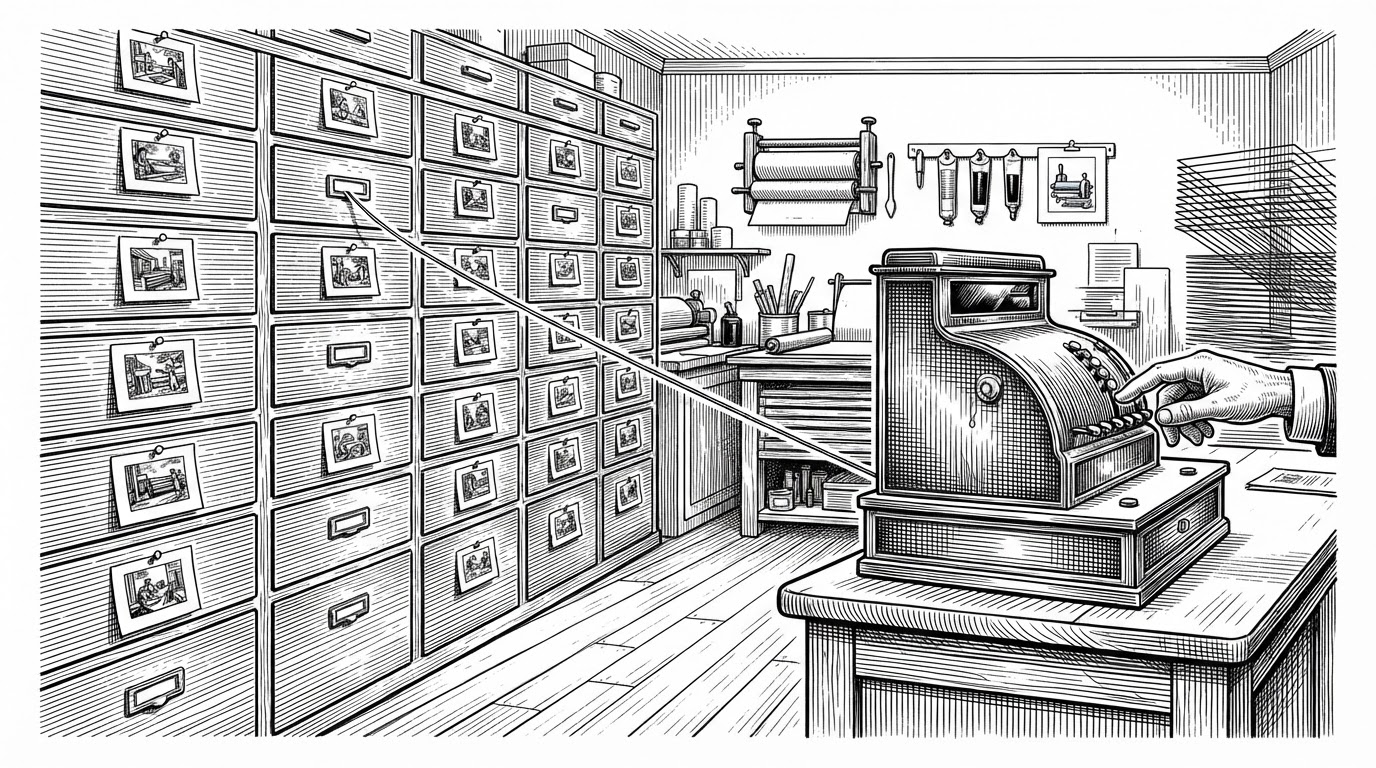
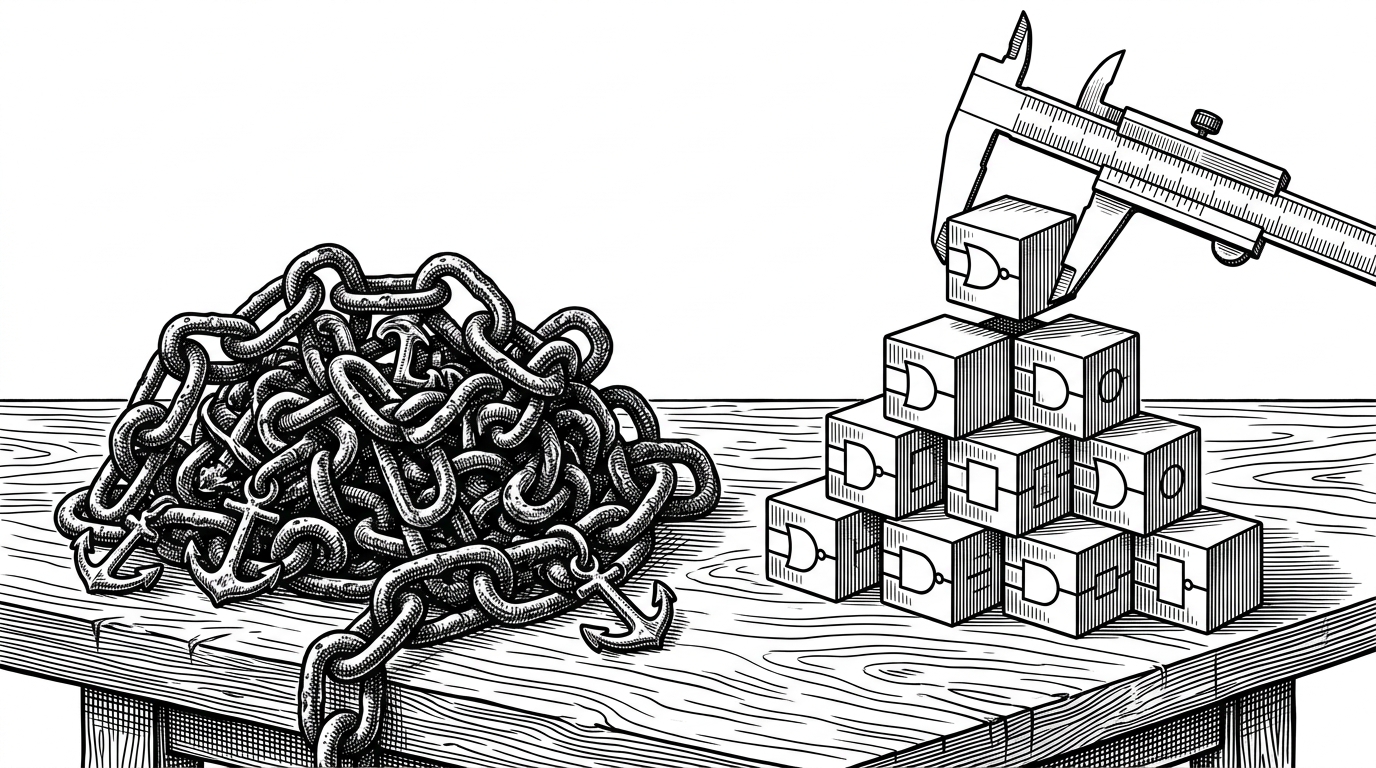
A splat scene can contain millions of tiny primitives. Rendering them is one problem. Selecting, hiding, deleting, transforming, and reordering them is a different problem entirely, because those operations can become expensive if the app treats every interaction like geometry surgery.
| Project | Primary job | Browser-based? | Editing? | Authoring / presentation? | Best for |
|---|---|---|---|---|---|
| SuperSplat | Post-process and edit splats | Yes | Yes | Yes | Cleaning, cropping, export, guided experiences |
| Original Gaussian splatting code | Train splats from images | No | No | No | Research workflows and model generation |
| Nerfstudio | NeRF and splat training | Mostly no | Limited | Some viewer tooling | Training pipelines and experiment management |
| antimatter15/splat | View splats | Yes | No | No | Lightweight inspection and demos |
That distinction is the whole story. SuperSplat is not trying to be the source of truth for reconstruction. It is the layer between raw splat output and something a team can actually clean up, review, and ship.
The trick: state is stored like GPU data, not rebuilt geometry
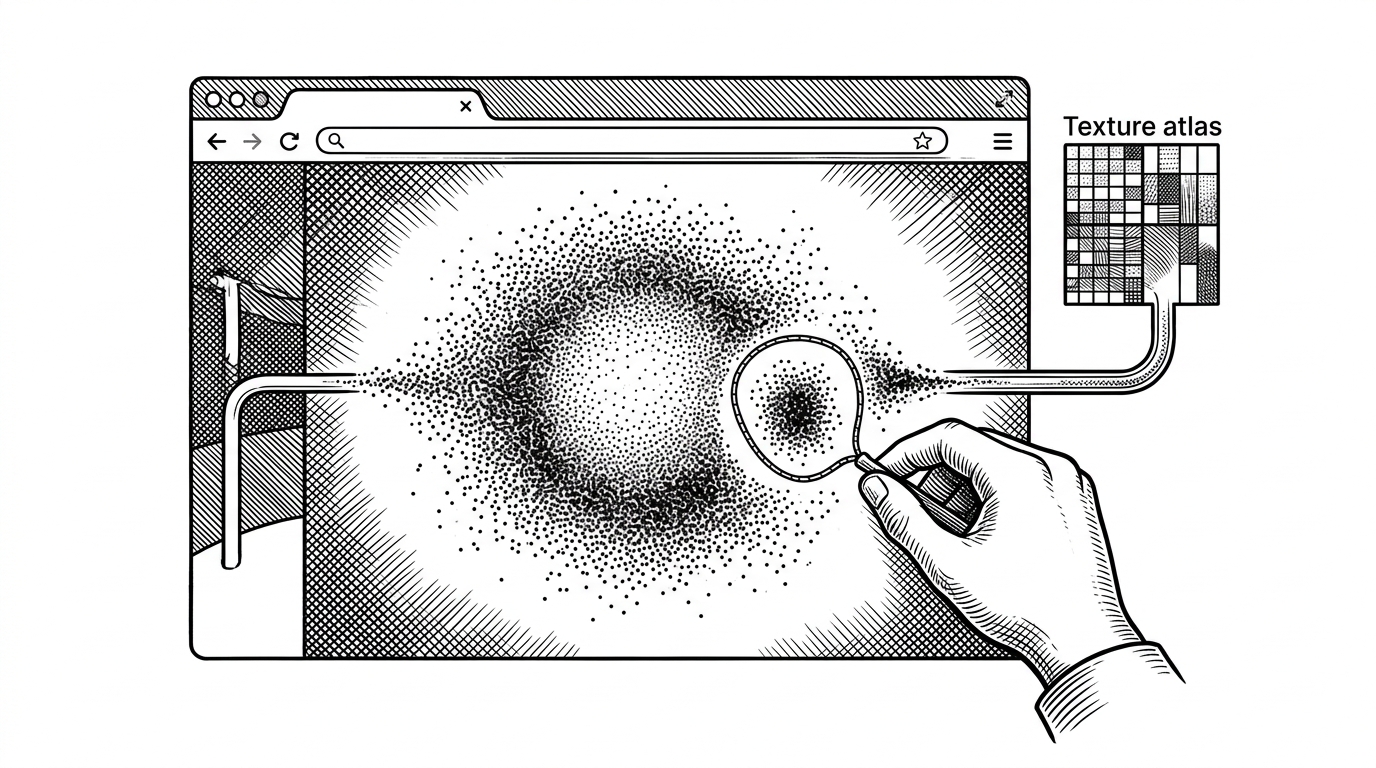
The most interesting file in the repo is the one that makes state feel cheap. Instead of constantly rebuilding heavy structures, SuperSplat pushes splat state into GPU-readable textures and lets the shader interpret those bits in real time. Selection, deletion, locking, and highlighting become data changes, not expensive mesh rewrites.
That is why the editor feels responsive even when the scene is huge. The app does not need to pretend the splats are ordinary meshes. It accepts that they are a different kind of asset and builds the editing model around that fact.

That model also keeps undo and redo tractable. The editor can treat interactions as discrete operations instead of a tangle of direct mutations, which is exactly what you want once the scene graph is large and the user starts chaining edits.
Why the editor feels instant
SuperSplat’s responsiveness comes from the separation between events, state, and rendering. UI actions fire events. Events are recorded into edit history. The state changes are then pushed to the GPU so the visual result follows immediately.
That pattern matters more than it sounds. When an app is built this way, the user is not editing pixels or meshes directly. They are editing a model of intent, and the renderer is just the last consumer in the chain.
Rendering is specialized because splats are not meshes
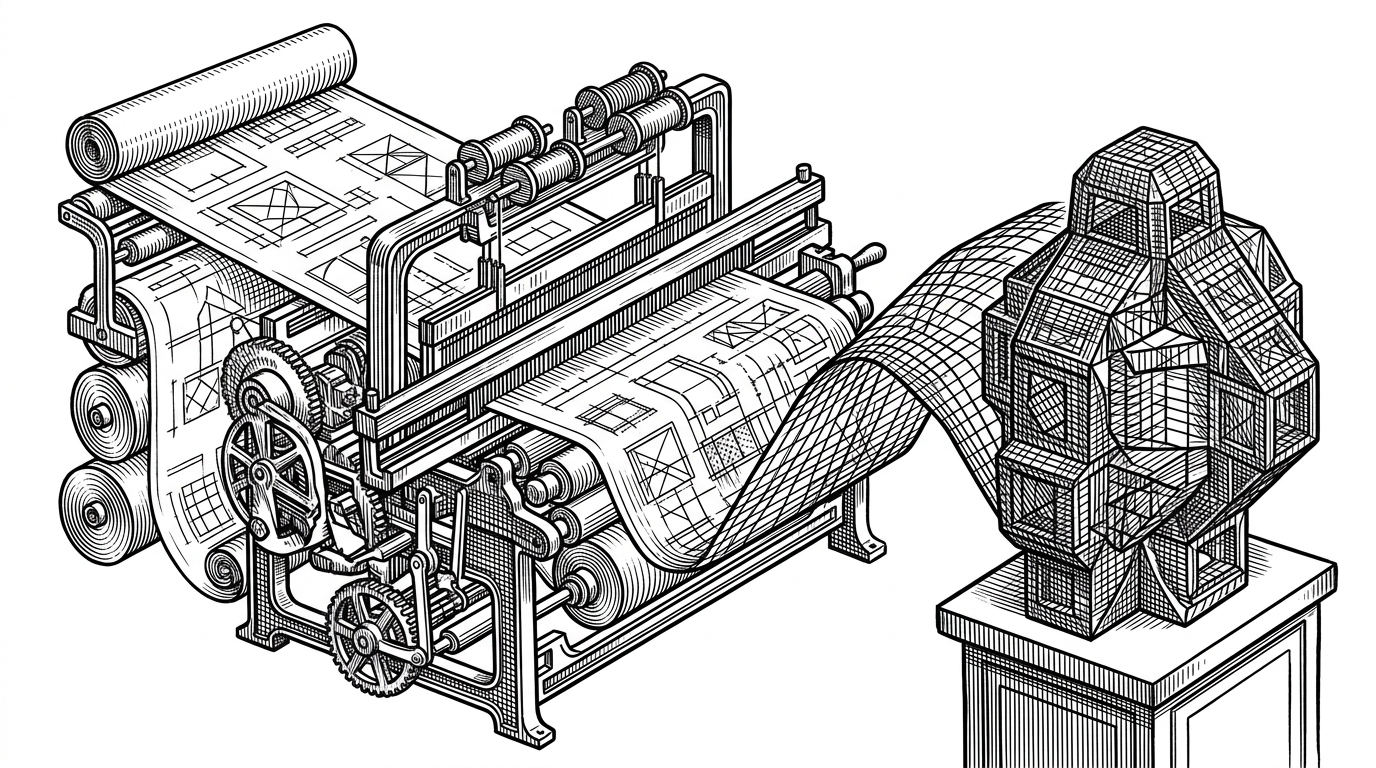
Gaussian splats behave differently from polygon meshes, especially when transparency and depth sorting enter the picture. SuperSplat leans into that difference with custom rendering paths, custom sorting, and a PlayCanvas setup trimmed down to the parts that matter for splats.
The result is a narrow but powerful runtime. It is not a generic 3D engine pretending to understand splats. It is a splat-focused application that uses the engine as a foundation and then narrows the stack around one job.
Why SuperSplat is different from viewers and training tools
The cleanest way to place SuperSplat in the field is by category. Research repos train splats. Viewers display them. SuperSplat edits them and prepares them for use, which is a different job from both.
| Project | Category | Strength | Limitation | Why SuperSplat is different |
|---|---|---|---|---|
| graphdeco-inria/gaussian-splatting | Training research | Creates the splats | Not built as an editor | SuperSplat starts after training output exists |
| Nerfstudio | Training framework | Flexible research workflow | Focuses on model generation | SuperSplat is for cleanup and delivery |
| Luma AI | Commercial platform | Capture and hosting | Closed ecosystem | SuperSplat is open and browser-native |
| antimatter15/splat | Viewer | Simple playback | No serious editing | SuperSplat supports post-processing and export |
That distinction is why the project feels bigger than its feature list. It is showing that the browser can host a production-grade authoring layer for a data format that used to look too dense for interactive editing.
What PlayCanvas is really building
SuperSplat is not just a tool, it is a proof of category. If a browser app can manage selection, sorting, cleanup, and export for millions of splats, then web-native 3D authoring is no longer a compromise story.
The broader implication is obvious. Once the editor, the renderer, and the interaction model are designed together, the browser can do serious creative work without pretending to be a desktop clone. SuperSplat is one of the clearest examples of that idea in open source.