EhViewer-NekoInverter/EhViewer: The Android Client That Turns a Messy Website Into a Native Library
A deep look at the hybrid parsers, native archive pipeline, and session-handling tricks that let a legacy fork behave like a high-performance gallery app.

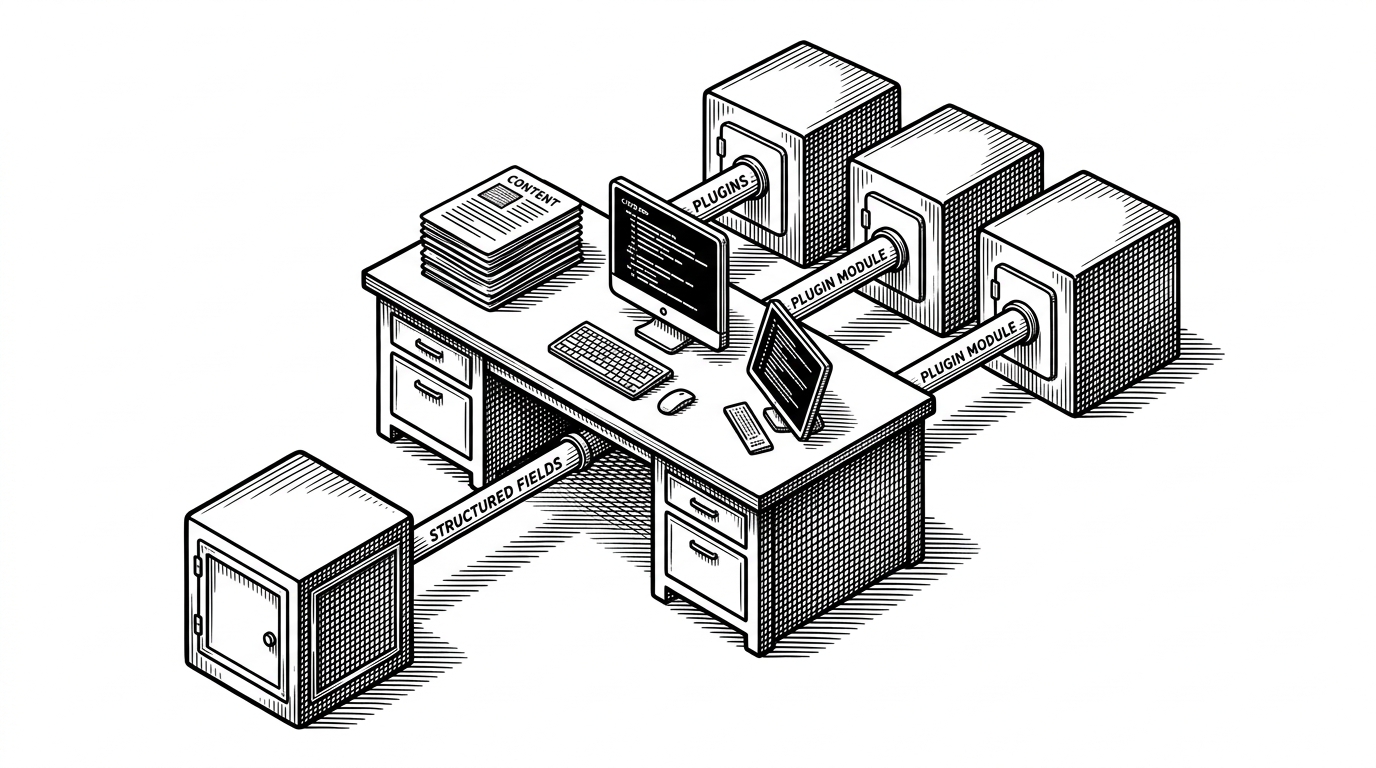
- EhViewer works because it fabricates an API-like experience from fragile HTML, cookies, and fallback parsers.
- Its best engineering move is not one parser but a routing layer that normalizes JSON, DOM, and local archive sources into one model.
- Native C code matters here because archive handling and image delivery are part of the app’s performance promise, not an implementation detail.
- The fork survives by being legible: familiar Android-native UI, conservative maintenance, and fewer ambitions than newer rewrites.
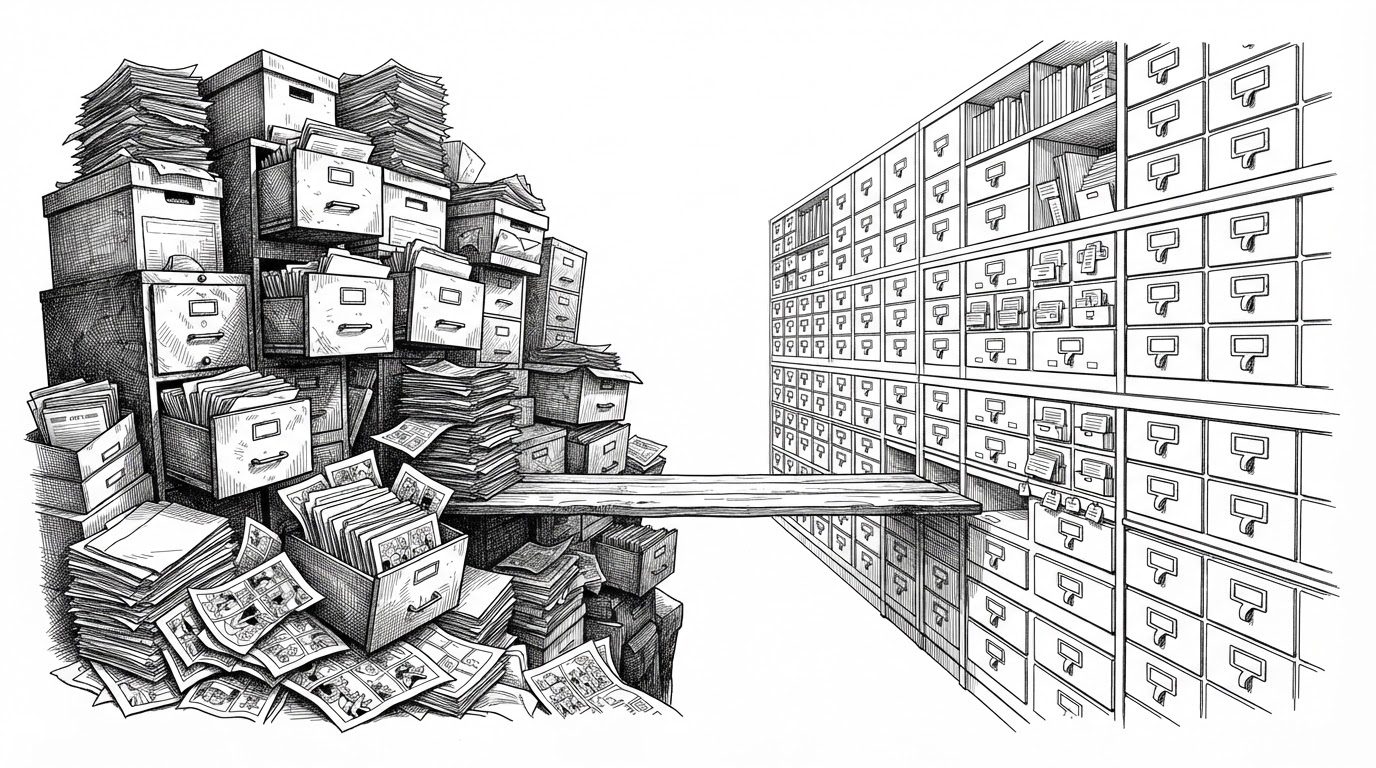
EhViewer is not really an app about galleries. It is an app about transformation: taking unstable web content and turning it into something that behaves like a native library. That is why it feels less like a browser wrapper and more like a product with its own backend, even though the source of truth is someone else’s HTML.
The app that acts like a backend
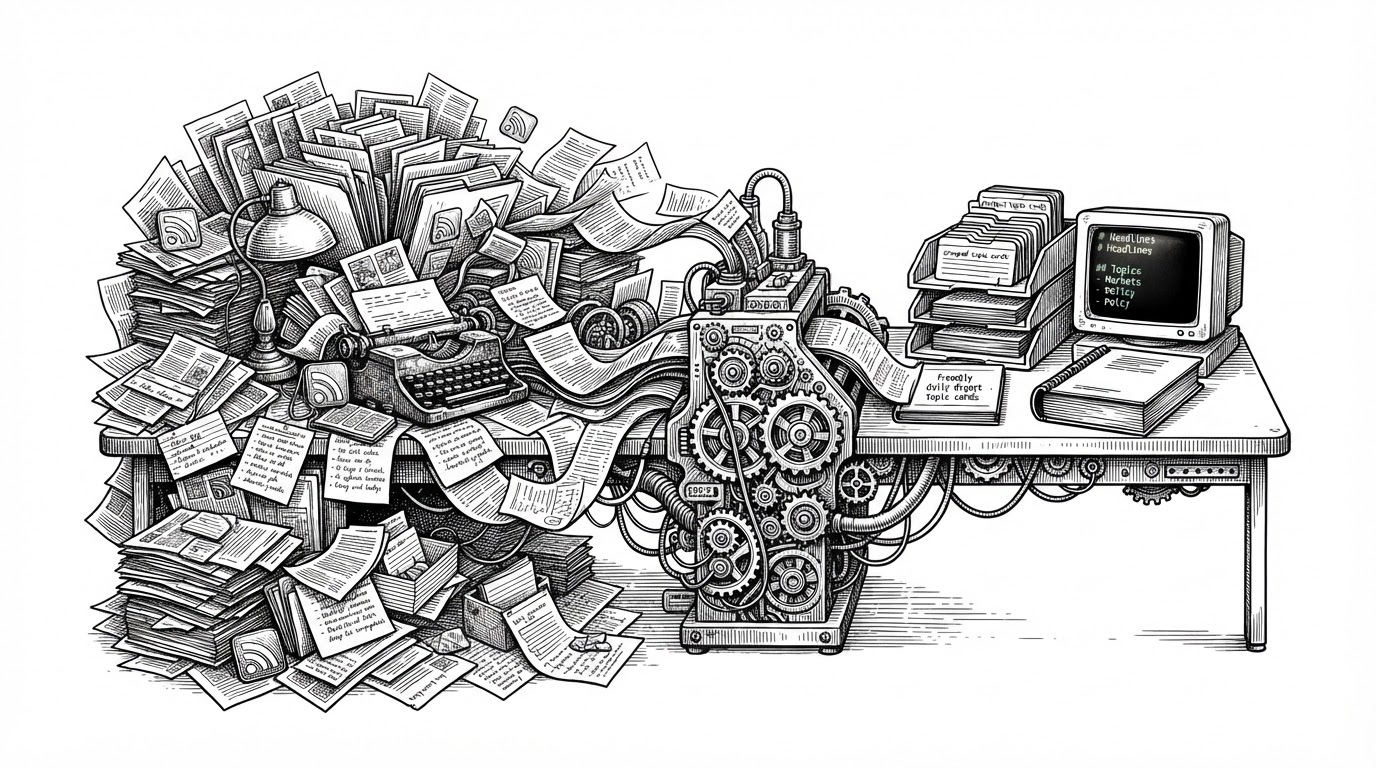
The first surprise is the illusion of stability. Open a gallery, search, or resume a download, and the app behaves as if it owns the catalog. Underneath, it is constantly reconciling session state, parsing brittle pages, and translating failures into domain-specific errors.
A fork of EhViewer, feature requests are not accepted. Forked from https://gitlab.com/NekoInverter/EhViewer
How EhViewer manufactures stability from unstable HTML
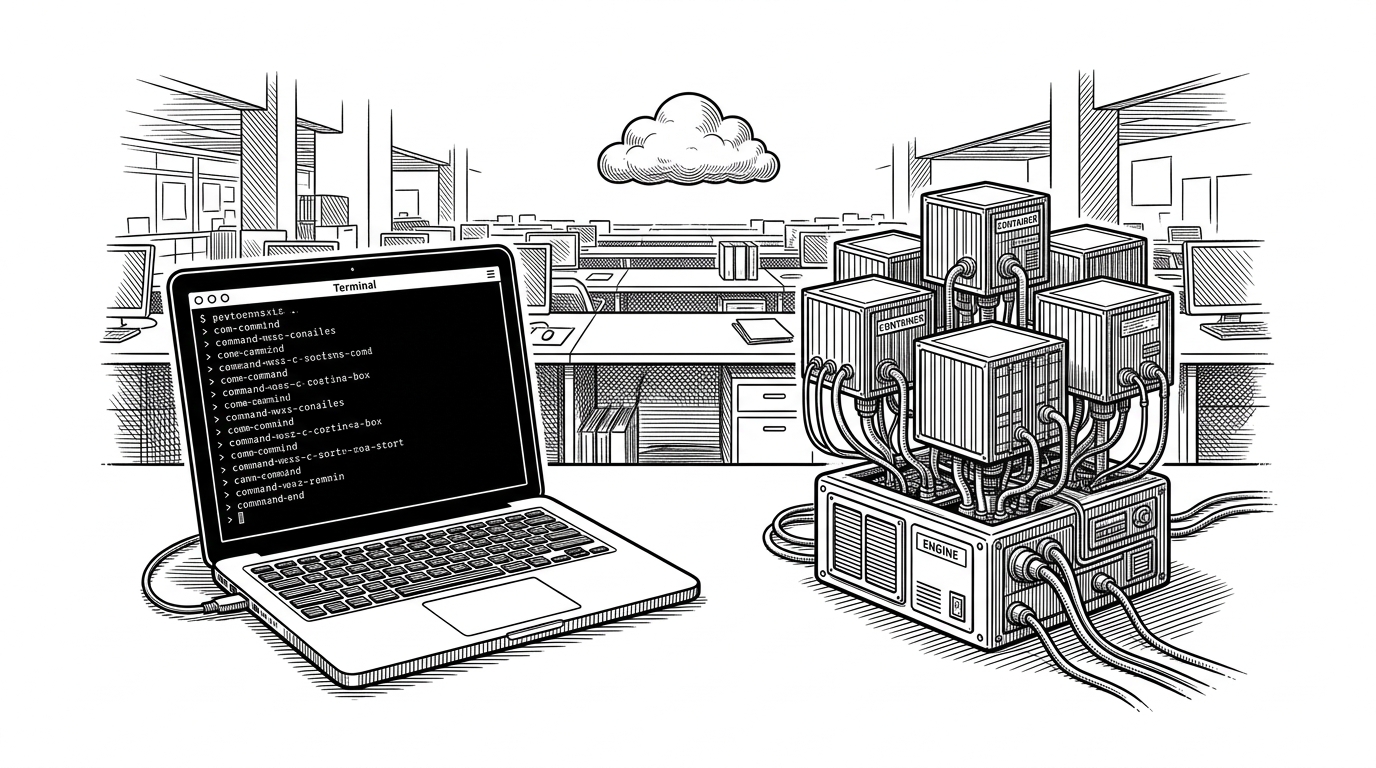
The core path runs through EhClient and EhEngine. The client behaves like a command router, while the engine executes requests, parses responses, and turns service quirks into typed exceptions instead of vague failures.
// Conceptual flow, simplified from the repo
val result = ehClient.execute("openGallery", galleryUrl)

when (result) {
  is GalleryResult.Success -> render(result.gallery)
  is GalleryResult.Error -> showTypedError(result.exception)
}

// The important part is the translation boundary:
// network response -> parser -> domain object -> typed exception
That translation boundary matters. A raw HTML error page is useless to the UI, but a typed exception can drive a retry, a login prompt, or a specific failure state. This is what makes the app feel intentional instead of brittle.
Why hybrid parsing matters
EhViewer does not bet on one source format. When the service exposes structured data, the app uses it. When it does not, it falls back to DOM parsing with Jsoup. That mix is the real resilience layer.
| Source path | What it reads | Why it exists |
|---|---|---|
| JSON parser | Structured API responses | Fast, compact, and stable when available |
| HTML parser | Gallery pages and listing DOM | Necessary when the site only exposes markup |
| Error translation | Raw failures and service pages | Turns ambiguous breakage into actionable states |
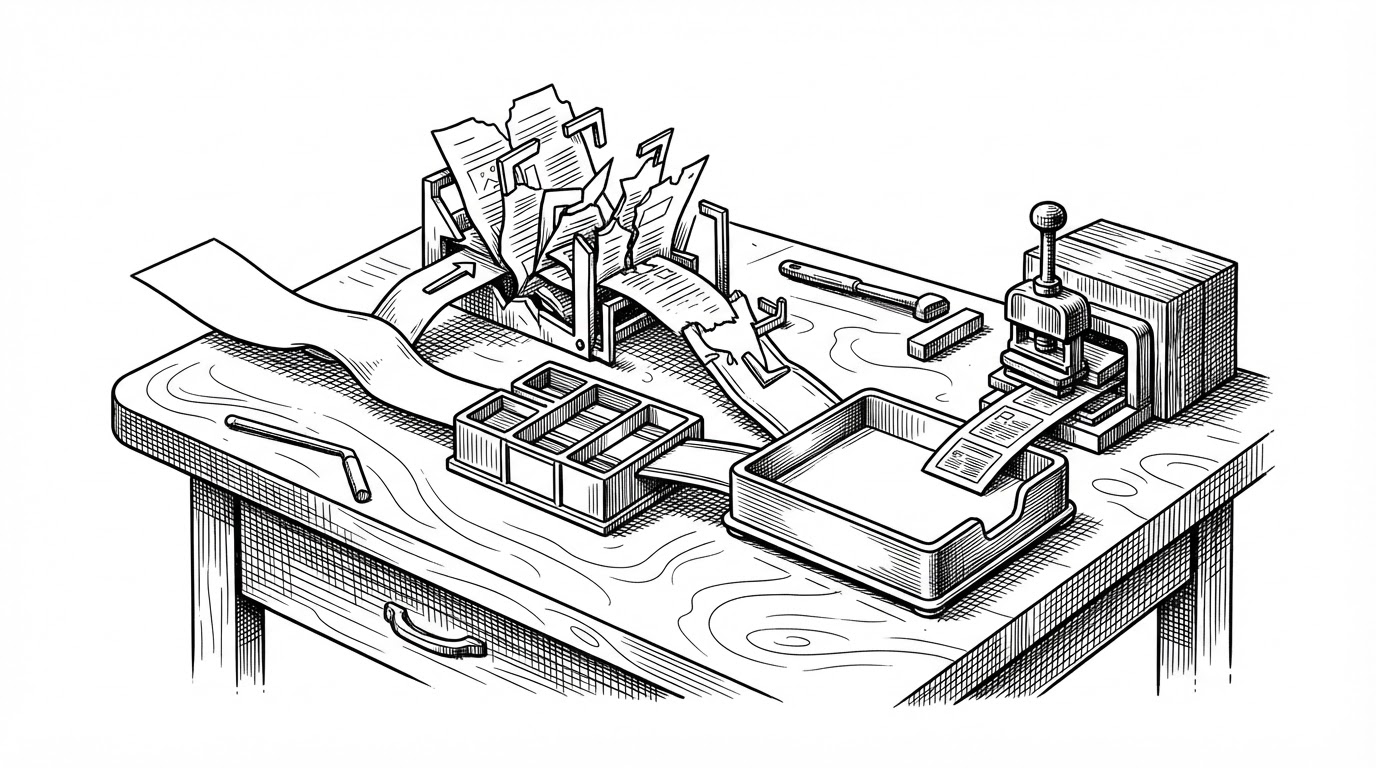
The repo even treats parse failures as something to preserve. When the layout changes, the code can dump the broken body for debugging, which is a practical admission: the website will drift, so the parser needs a memory of the moment it broke.
The native performance play hidden under the UI
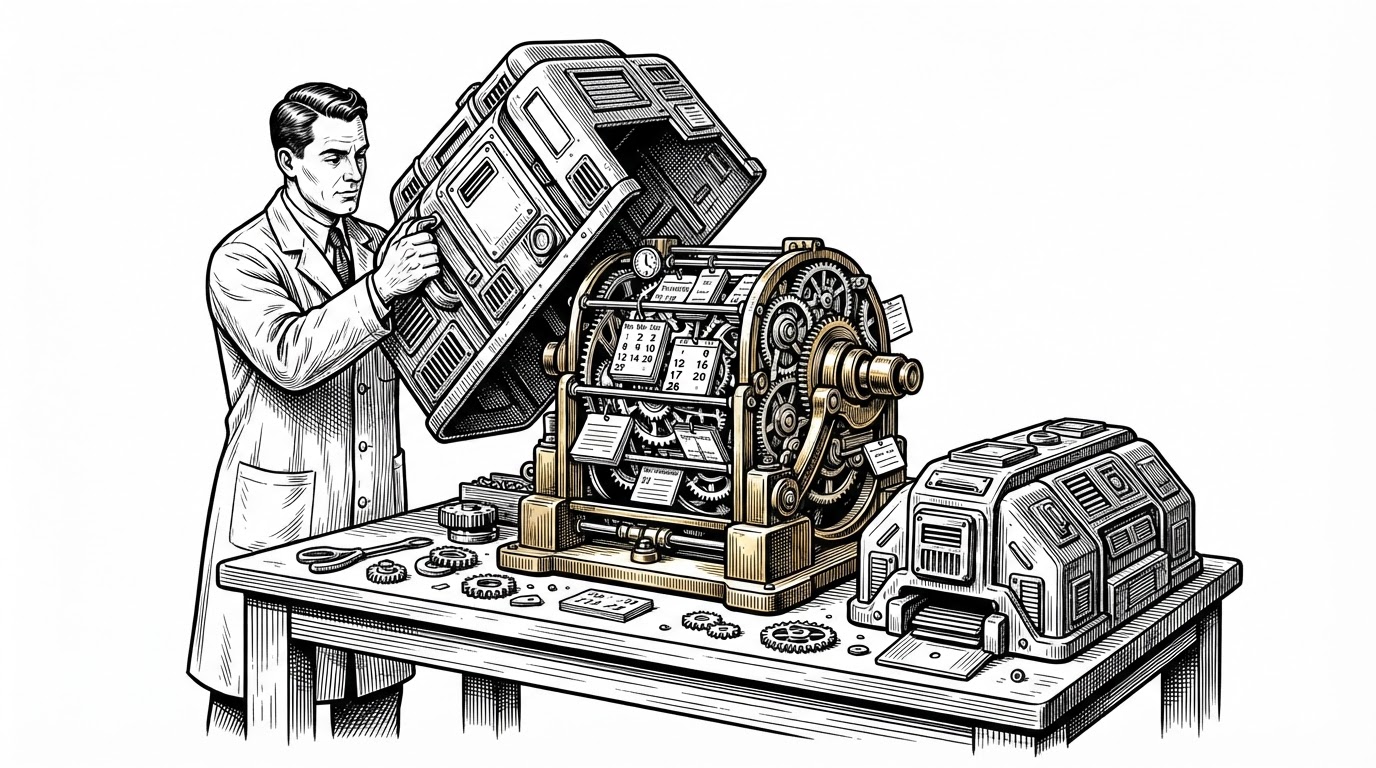
The presence of app/src/main/cpp is the tell. This is not native code for novelty. It exists because archive handling and image-related work are good candidates for a faster, lower-overhead path than pure Kotlin on every device, especially when files are large or compressed.
That choice pairs with a custom Coil pipeline. Local thumbnails, downloads, and interceptors are arranged so the app can move smoothly between online browsing and offline reading without making the user think about the boundary.
What the native layer buys
- Lower memory pressure when reading compressed archives.
- Faster streaming of image data into the viewer.
- Less UI stutter when local files and network content share one pipeline.
In other words, the native layer is not an optimization footnote. It is part of the product contract: galleries should open quickly, even when the source file is awkward.
Why this fork still has a constituency
The fork’s appeal is easy to miss if you only look at feature counts. It keeps the older Android-native feel, the Material 2 identity, and a maintenance posture that privileges stability over reinvention. For many users, that is exactly the point.
| Project | UI philosophy | Platform scope | Best fit |
|---|---|---|---|
| EhViewer-NekoInverter | Material 2, legacy Android-native | Android | Users who want a familiar, fast, proven client |
| EhViewer-Overhauled | Material 3 and Compose | Android | Users who want a modern UI rewrite |
| JHenTai | Flutter cross-platform | Android, iOS, Desktop | Users who want one codebase across devices |
| Ehviewer_CN_SXJ | Localized legacy stability | Android | Users who value long-running familiarity |
| UjuiUjuMandan/EhViewer | Circumvention-focused fork | Android | Users who need stronger regional workarounds |
That comparison makes the niche clear. NekoInverter’s branch is not the newest or the broadest. It is the most legible expression of the original Android-native idea.
Project is no longer actively maintained. Please move to general manga reader like Tachiyomi.
What the alternatives optimized for instead
The broader ecosystem splits along a few obvious lines. Some forks chase a cleaner modern UI. Some chase cross-platform reach. Some specialize in censorship circumvention or regional convenience. EhViewer-NekoInverter sits in the narrow middle, where Android performance and web-service adaptation still matter most.
| Alternative | Primary optimization | Tradeoff versus NekoInverter |
|---|---|---|
| MD3 Compose forks | Modern UI and fresh architecture | More change, more surface area, less of the old feel |
| Flutter apps | Cross-platform consistency | A less native Android experience |
| iOS clients | Apple ecosystem support | Not a comparable Android-native path |
| Circumvention forks | Access and regional routing | Narrower product identity |
That is why the fork persists. It does one hard thing well: it makes a hostile website feel like a dependable local library, and it does it with a stack that still makes sense to Android users who value speed over novelty.