exhentai-manga-manager: The Offline Library That Thinks Like E-Hentai
A local-first Electron app that scans archives, extracts covers, maps tags, and makes a private manga collection search like a live metadata service.

I wrote a software to read compressed files downloaded from exhentai. https://github.com/SchneeHertz/exhentai-manga-manager. However, you still need to be able to access exhentai in order to use it more effectively.
- exhentai-manga-manager is less a reader than a local metadata engine that makes offline archives behave like a live E-Hentai library.
- Its real trick is separating files on disk from searchable tag data in SQLite, then keeping those layers synchronized.
- The app earns its niche by preserving ExHentai-style tag logic, cover extraction, and archive handling without demanding a traditional server.
- Rust is used as a performance escape hatch for the expensive parts of image and archive work, while Electron and Vue handle the interface.
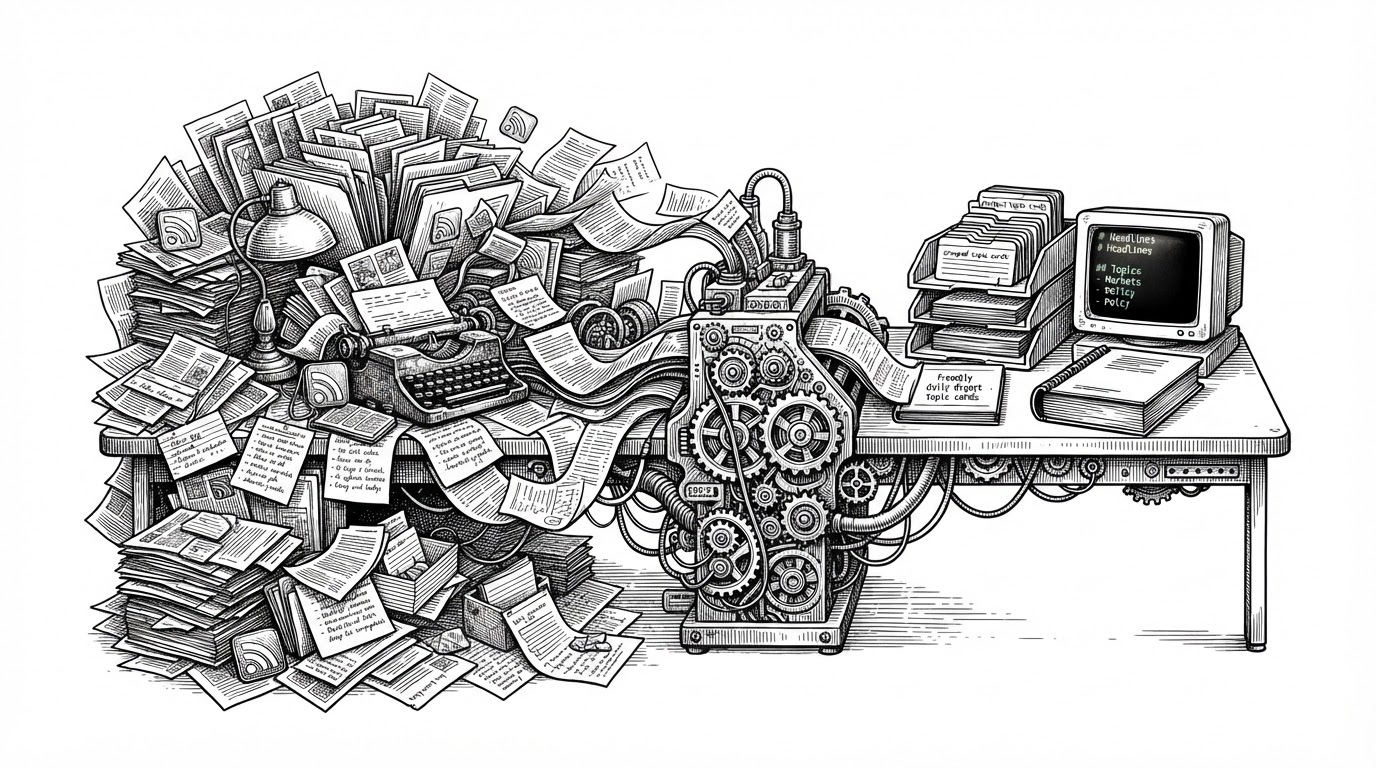
Most manga managers stop at browsing. exhentai-manga-manager goes after a sharper problem: how to keep the metadata intelligence of E-Hentai alive after the files are downloaded, renamed, and scattered across local storage. That is why it matters to collectors who care about tags, comments, and search behavior, not just page viewing.
Why This App Exists
The project exists because folder names are a weak substitute for a real library model. A scan of archives can tell you what files you own, but not how those files should be categorized, searched, or compared the way a web gallery would do it. SchneeHertz built a desktop app to preserve that richer layer offline.
The Core Trick: Local Files, Web-Style Metadata
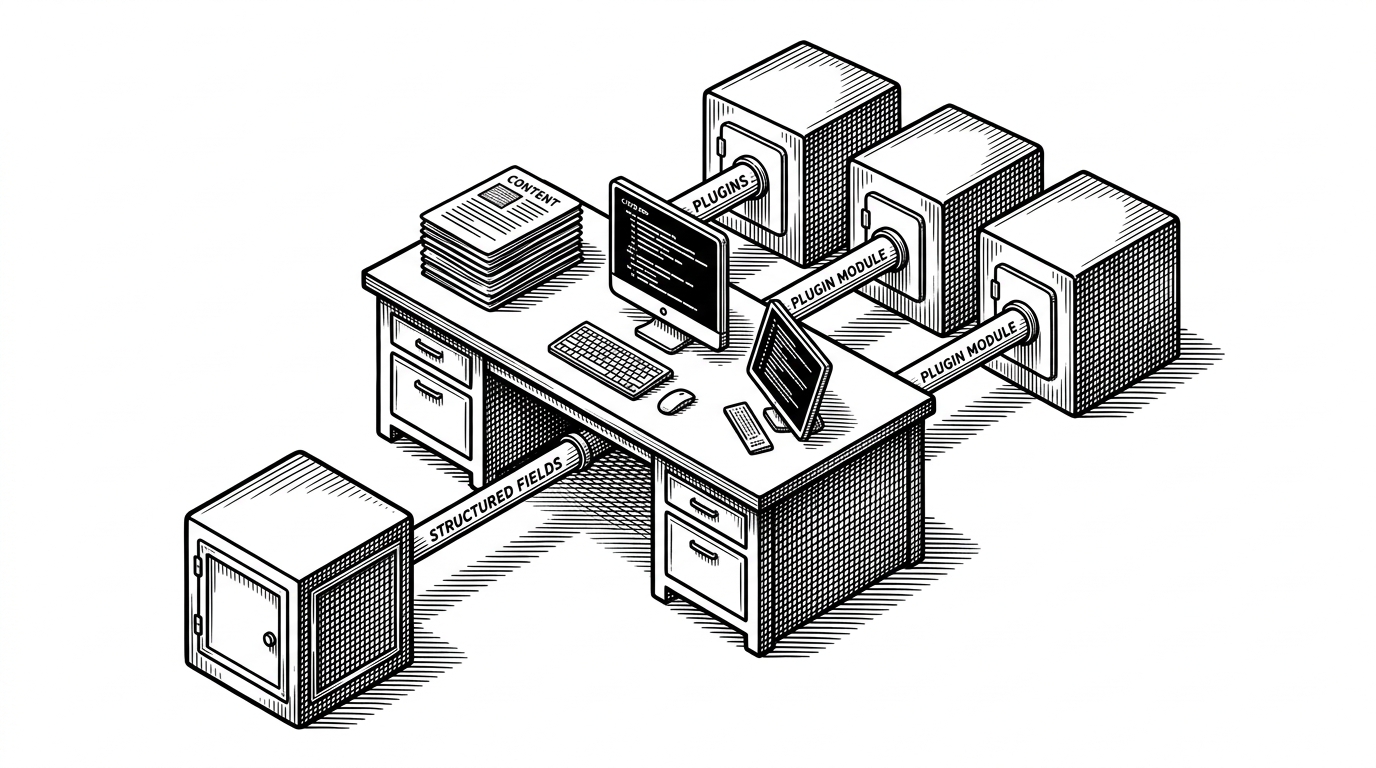
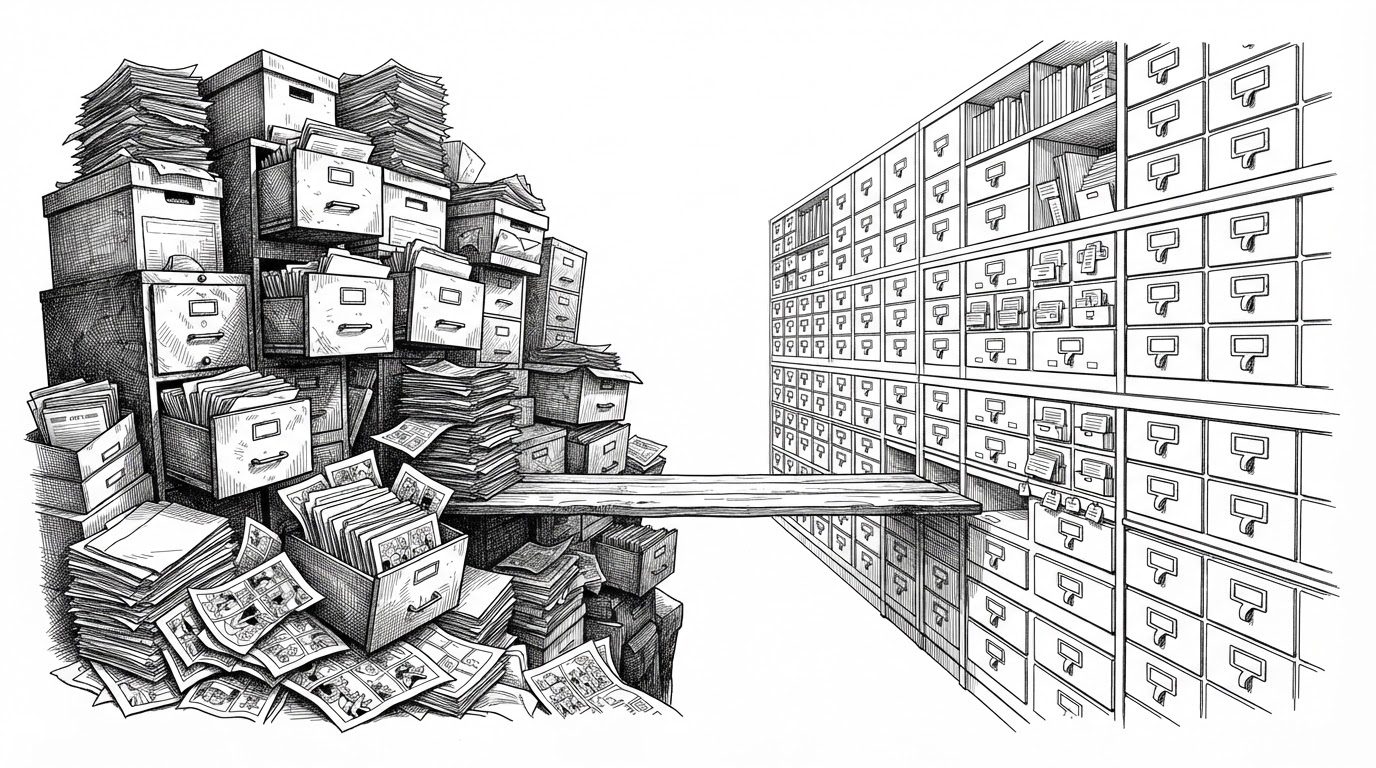
The app keeps two worlds distinct. One world is the archive on disk, whether it is a ZIP, RAR, 7z file, or plain folder. The other world is the SQLite-backed metadata layer, where tags, covers, and searchable fields live. That split is the whole product.
| Task | Folder browser | exhentai-manga-manager |
|---|---|---|
| Find a book | Searches names or directory structure | Searches tag-rich metadata and localized labels |
| Display a cover | Usually renders pages or thumbnails on demand | Extracts and caches a cover image from the archive |
| Preserve gallery semantics | No | Yes, including E-Hentai-style tag logic |
| Run without a server | Yes, but shallow | Yes, while still keeping a structured index |
| Handle metadata depth | Minimal | Designed around it |
What Happens When You Scan a Library
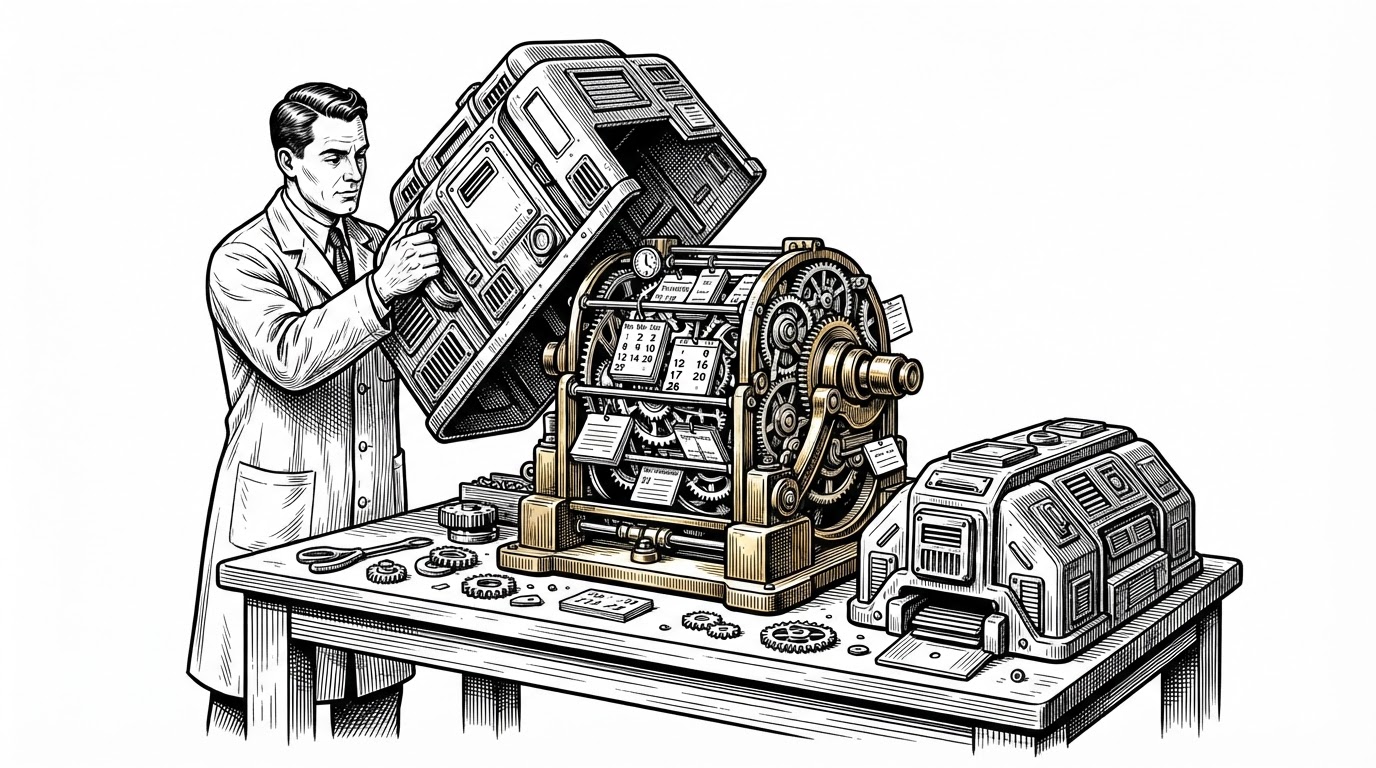
Ingestion is where the app turns from a reader into a database builder. It detects the container, enumerates files, picks the first image for a cover, hashes it, stores the thumbnail in a cover path, and writes the manga record into SQLite. The point is not just speed. It is repeatability.
detect container
  -> enumerate pages
  -> select first image
  -> generate thumbnail
  -> hash and cache cover
  -> write manga + metadata rows
  -> normalize tags for search
  -> expose results in the UI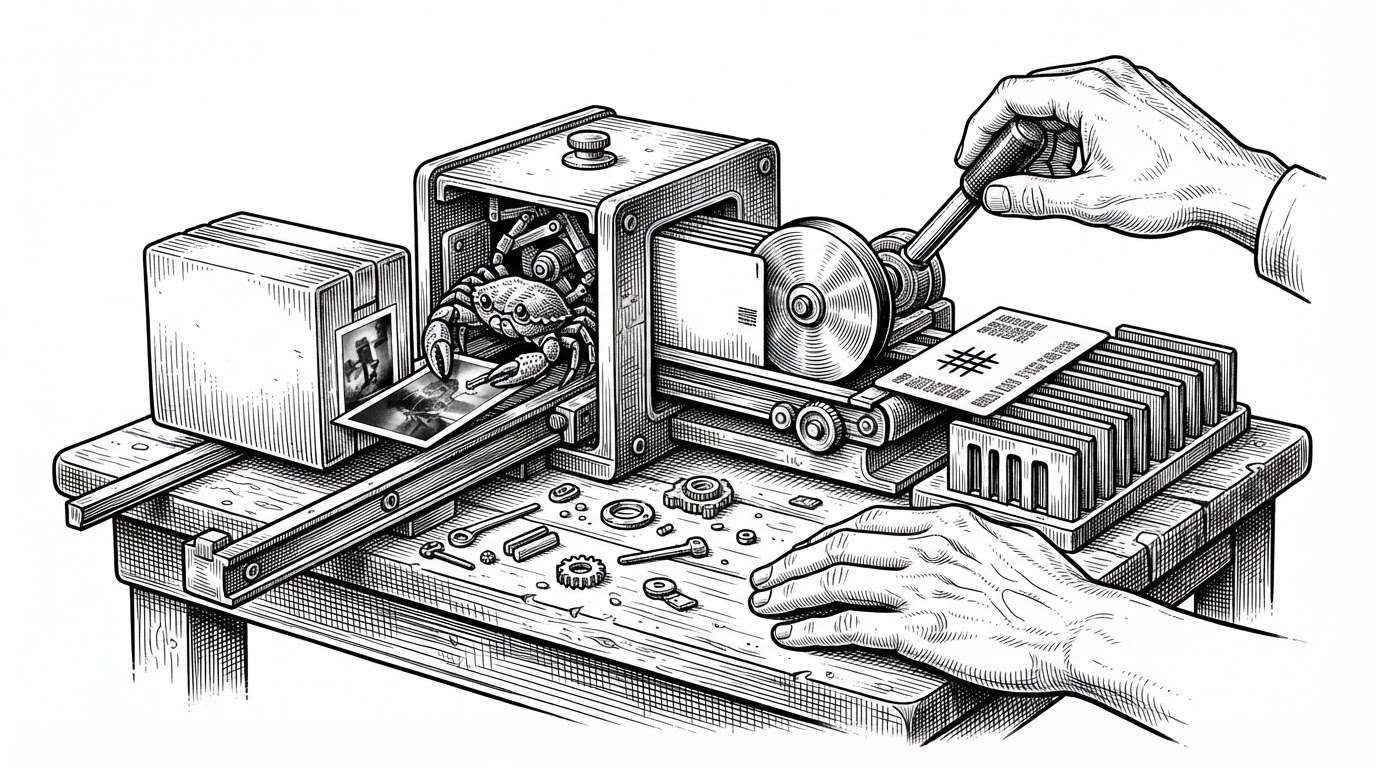
The Search Model Is the Real Product
The search experience is not generic filtering. The Pinia store translates raw tags into E-Hentai-style search syntax, localized display strings, and category letters that mirror the source ecosystem. That means the UI is not merely showing metadata. It is speaking the same language as the archive culture it was built for.
| Search method | What it knows | Why it falls short |
|---|---|---|
| Filename search | Only visible names | Misses the tag structure that collectors actually use |
| General media server search | Titles and basic metadata | Usually lacks E-Hentai-specific tag syntax |
| exhentai-manga-manager | Translated tags, categories, and search strings | Built for a very specific metadata system, which is exactly the point |
That makes the app feel different from a normal library manager. You are not just narrowing a list. You are querying a local clone of a niche metadata ecosystem, with enough fidelity to make offline browsing feel strangely complete.
Why Rust Is in the Room
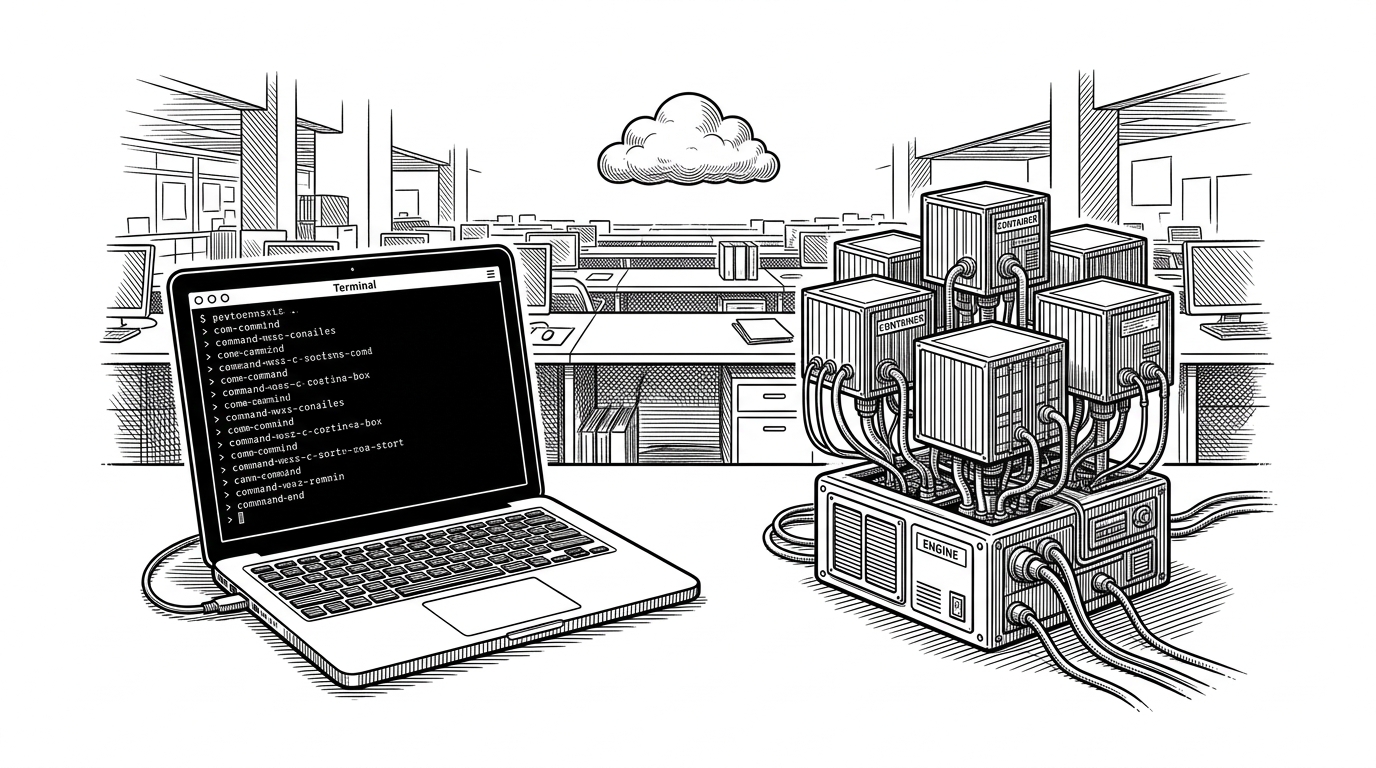
Electron and Vue handle the interface, but the project does not pretend JavaScript should do everything. The Rust component is the escape hatch for work that becomes costly at library scale, especially image decoding and archive-heavy operations. That boundary keeps the desktop shell pleasant while the engine does the hard labor elsewhere.
This is a practical architecture choice, not a language trophy. If the app is meant to scan thousands of compressed galleries on external drives, then the expensive part needs a lower-level toolchain than the UI layer can comfortably provide.
Why This Beats a General-Purpose Media Server
Komga and Kavita are strong at broad media-server problems. LANraragi is powerful for archive management. exhentai-manga-manager wins when the problem is narrower and stranger: a private collection that needs ExHentai-style metadata fidelity, portability, and no always-on server.
| Project | Server required | ExHentai-style metadata | Portable/offline use | Best fit |
|---|---|---|---|---|
| exhentai-manga-manager | No | Strong | Strong | Collectors who want a local metadata engine |
| LANraragi | Yes | Strong | Moderate | Users who want a hosted archive manager |
| Komga | Yes | Limited | Moderate | General comics and manga libraries |
| Kavita | Yes | Limited | Moderate | Broad ebook and manga serving |
That difference is bigger than setup convenience. A serverless desktop app can live on an external drive, travel between machines, and keep private archives self-contained without losing the tag depth that makes the source ecosystem useful.
Who It Is For
This is for people who already know they want more than a viewer. If your library lives on a drive, if you value privacy, if you want archive formats to stay readable without a daemon in the background, and if tag fidelity matters as much as page access, this app makes sense immediately.
It is specialized by design. That specialization is the selling point, because it lets a local machine behave like a tiny, private metadata service without pretending to be a general media platform.