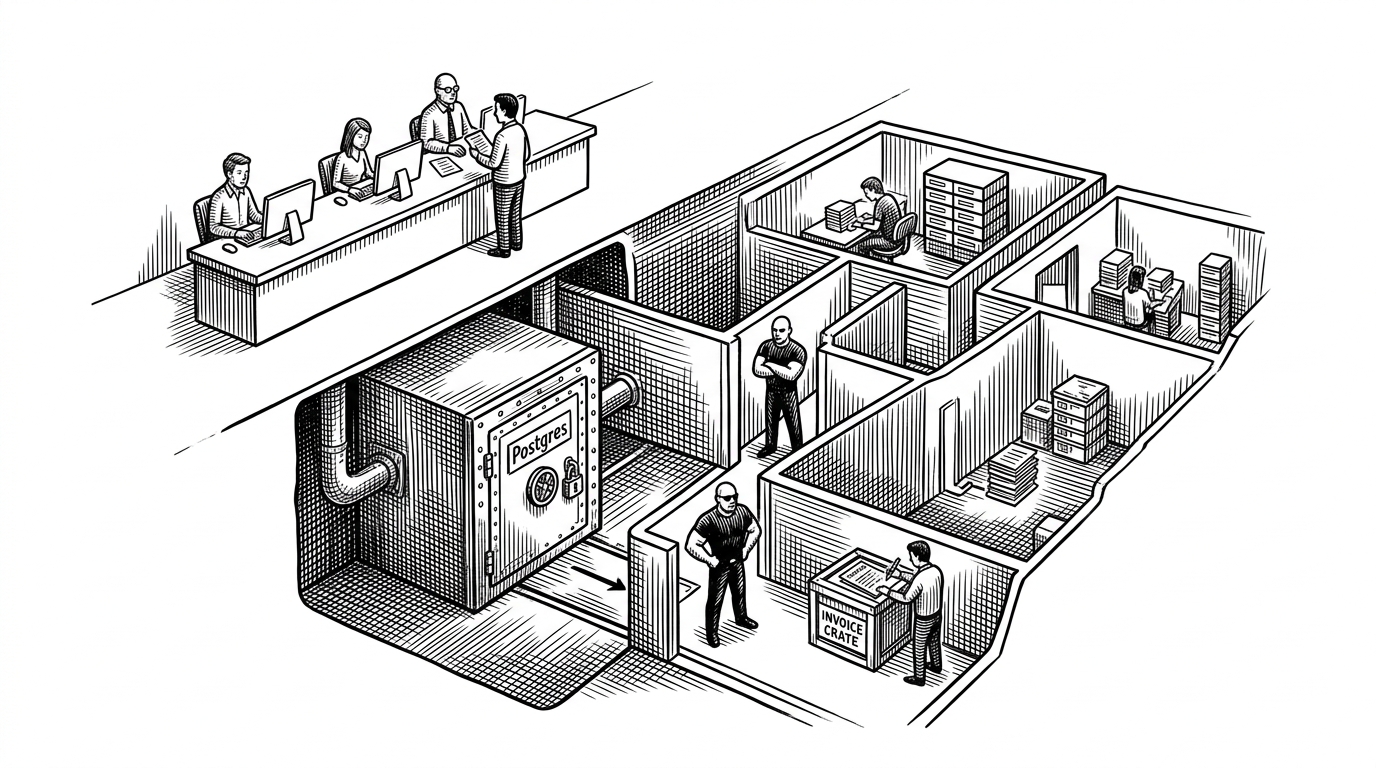
WechatOnCloud: The Docker Layer That Turns WeChat Into a Managed Service
A deep dive into the project that keeps official WeChat running in disposable containers, proxies the session through the browser, and adds the kind of self-healing logic homelab users actually need.

- WOC treats an official consumer app as infrastructure, which changes the problem from client replacement to service orchestration.
- Its real novelty is not Docker alone, but the combination of pull-on-demand sessions, browser proxying, and persistent volumes.
- The project is built for homelab reality, where memory leaks, reconnects, and remote access matter more than perfect elegance.
- WOC occupies a narrow middle ground that is safer than bot frameworks and lighter than full Android emulation.
The app that should not feel cloud-native, but does
WOC makes WeChat feel like a multi-user service even though it is still the official client under the hood. That is the surprise. It gives NAS owners and Docker users persistence, browser access, and remote reach without crossing into a reverse-engineered bot stack.
The project’s own framing is straightforward: “Does not modify the WeChat client.” That matters because it sets the trust boundary. WOC is not trying to outsmart WeChat. It is trying to run it where infrastructure people already live.
Why homelab users care
This is for people who want one long-lived WeChat session they can reach from a laptop, tablet, or browser. NAS owners especially care because their machines are already on, already managed, and already expected to host services that outlive any one device.
| Need | Official client | WOC |
|---|---|---|
| Remote access | Limited to the device session | Browser access from multiple devices |
| Persistence | Tied to one desktop or phone | Container and volume backed |
| Operational control | Minimal | Panel, roles, restart policy |
| Risk profile | Low but constrained | Low risk from client tampering, higher from self-hosting exposure |
| Best for | Ordinary end users | Homelab users and private server operators |
The architecture behind the illusion
The repository is split like a small product company: /panel handles orchestration and UI, /docker defines the runtime image and startup scripts, /fnos packages the FlyOS integration, and /scripts supports builds and automation. That split is the whole story in miniature.
Under the hood, the backend is Fastify and TypeScript, with Docker control through the Docker API. The runtime side uses Xvfb and KasmVNC so the official GUI can stay intact while the browser gets a live session.

Why WOC is not a bot
Most WeChat automation projects are either protocol hacks or rewritten clients. WOC is neither. It keeps the official client intact and runs it in a standard GUI environment, which changes the category entirely.
| Dimension | WOC | Bot framework | Android emulator |
|---|---|---|---|
| Runs official client? | Yes | Usually no | Yes |
| GUI fidelity | High | Low or none | High |
| Account-risk posture | Avoids binary tampering | Higher due to protocol hooks | Lower than bots, heavier footprint |
| Resource cost | Moderate | Low | High |
| Multi-device access | Browser mediated | Programmatic only | Remote desktop style |
| Best for | Self-hosted personal access | Automation and integrations | Full mobile app parity |
That middle position is the point. WOC is useful precisely because it refuses to become a fake client. It behaves more like remote infrastructure for a desktop app than like a chat automation library.
The cleverest part: pull-on-demand sessions
The container does not need to ship with everything baked in. The panel can trigger installation or startup inside the runtime when a user opens a session. That keeps the image lighter and turns the first connection into an orchestration event instead of a static launch.
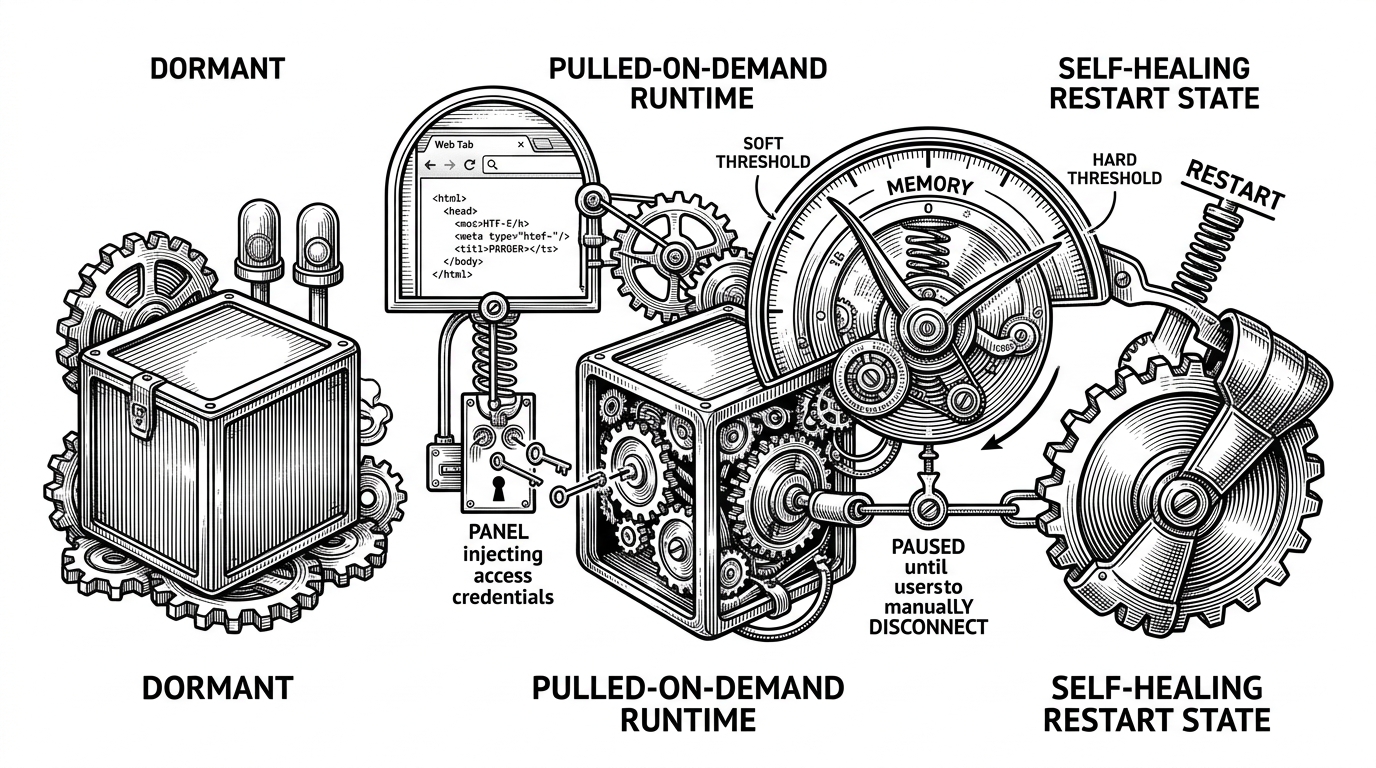
The browser never talks directly to a raw VNC endpoint. The panel proxies the KasmVNC traffic and handles credential injection, so the user sees a session rather than a server console. That is why the project feels like a service.
// Conceptual flow from the panel side
await hostGuard(req)
await checkRBAC(user, instanceId)
await triggerWechat(instanceId)
proxyKasmVNC({ auth: basicAuth(user) })
The self-healing rules that make it usable for months
WOC’s memory policy is a practical answer to long-lived GUI sessions. It distinguishes between a soft limit, where the container can restart only when nobody is connected, and a hard limit, where it restarts even if someone is still in the session to protect the host.
| Limit | Behavior | Why it exists |
|---|---|---|
| Soft limit | Waits for disconnect before restart | Avoids dropping an active chat session |
| Hard limit | Restarts immediately | Protects the host from runaway memory use |
| No limit | Session drifts until failure | Bad fit for homelab uptime |
That distinction sounds small. It is not. It is the difference between an experimental demo and something you could leave on a NAS without babysitting it every day.
Security is part of the product
The browser-facing panel is also a trust boundary, so WOC treats it that way. The host guard blocks hostile Host headers and DNS rebinding tricks, while RBAC keeps admins and sub-accounts from seeing the same control surface.
This matters because the project exposes local Docker control through a web app. A careless setup would turn convenience into attack surface. WOC instead makes local access explicit, role-aware, and bounded by the panel.
The browser is the file manager now
One of the neatest details is file transfer. The browser can drop a file into the panel, and the panel writes it into the container filesystem so it shows up inside WeChat’s send-file flow. The desktop folder mapping makes the browser feel like a front door into the runtime.
That is a subtle but important shift. File movement is no longer a side effect of remote desktop software. It becomes part of the service contract.
How it compares
WOC sits in a strange middle ground. It offers more flexibility than the official desktop client, less weight than a cloud Android emulator, and less protocol risk than a bot framework.
| Criterion | WOC | Official clients | Android emulators | Wechaty-style frameworks |
|---|---|---|---|---|
| Official client preserved | Yes | Yes | Yes | No |
| GUI access | Yes, via browser | Yes, local only | Yes | Usually no |
| Resource footprint | Moderate | Low | High | Low |
| Operational complexity | Moderate | Low | High | Low to moderate |
| Best use case | Self-hosted persistence | Personal use | Full app compatibility | Automation |
If you want a phone-in-the-cloud, emulators are closer. If you want automation, bot frameworks are closer. If you want a managed service layer around the real app, WOC is the odd but compelling answer.
What this project says about NAS software
WOC is a good sign for the NAS ecosystem. These machines are no longer just storage boxes. They are becoming personal application platforms for people who want control, persistence, and a UI that can survive across devices.
That is why this repo stands out. It is opinionated without being flashy, infrastructure-minded without losing the user, and practical enough to make a consumer app feel like something you can operate.