PhoneCLI: The Mobile Agent That Compiles Your App Before It Clicks
Instead of rethinking every screen with a vision model, PhoneCLI maps mobile navigation once, replays it as deterministic commands, and falls back to a model only when the UI is genuinely unfamiliar.
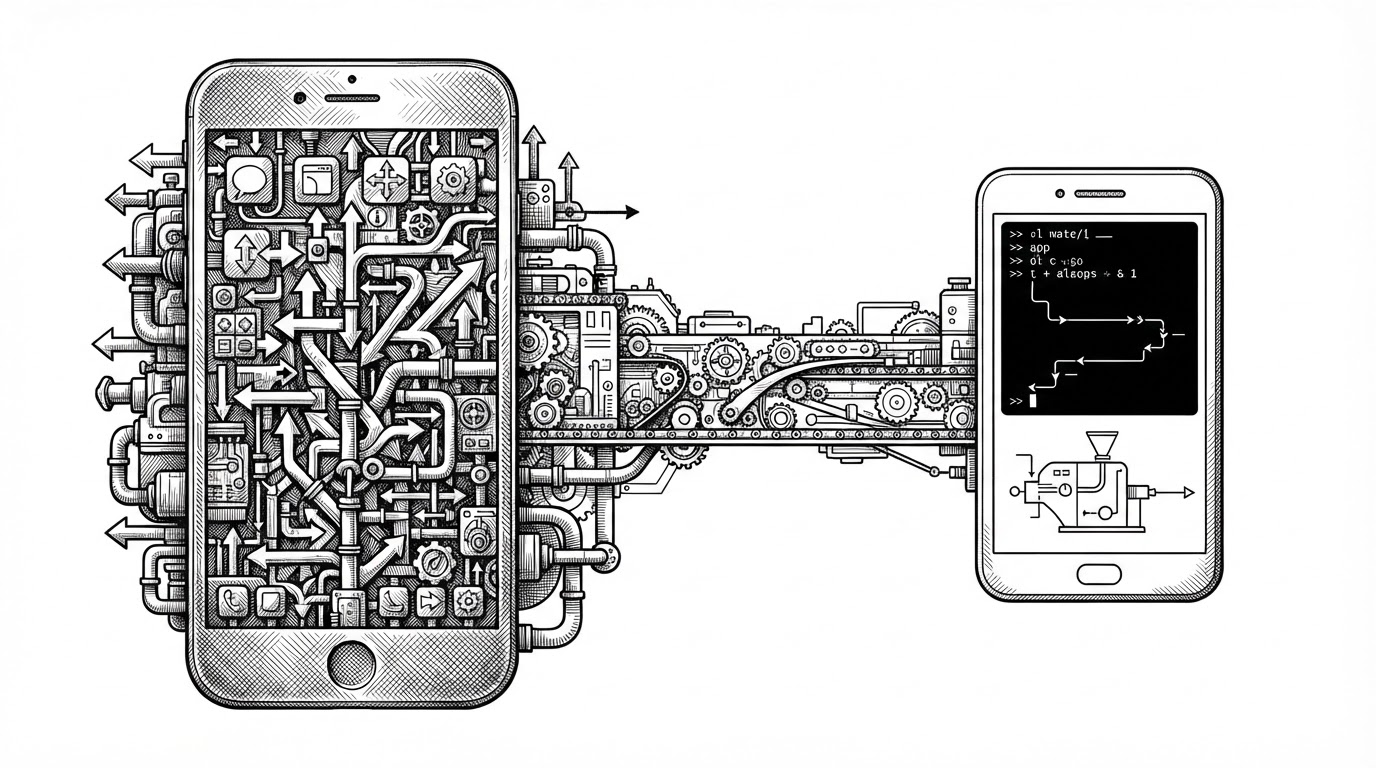
- PhoneCLI treats mobile navigation as something you can compile once, which changes the main cost of automation from repeated inference to reusable execution.
- Its real trick is not better vision, but a better division of labor between deterministic replay, on-device fallback, and cloud fallback.
- The app map is the product, because it turns common UI paths into callable commands that do not need to be rediscovered every time.
- OpenPhone extends that idea into a broader mobile-agent stack with a compact model and training pipeline around it.
The Hidden Tax in Mobile Agents
Most mobile agents still pay the same tax on every step. They look at a screen, ask a model what changed, pick an action, then repeat the whole loop on the next screen. That works, but it is wasteful when the task is a familiar path like opening settings, toggling Wi-Fi, or finding a menu item that never moves.
PhoneCLI starts from a simpler idea: navigation is usually ordered, repetitive, and stable enough to compile. If a path already exists, you should replay it. Save the model for the part that actually needs judgment.
PhoneCLI Turns UI Paths Into Callable Commands
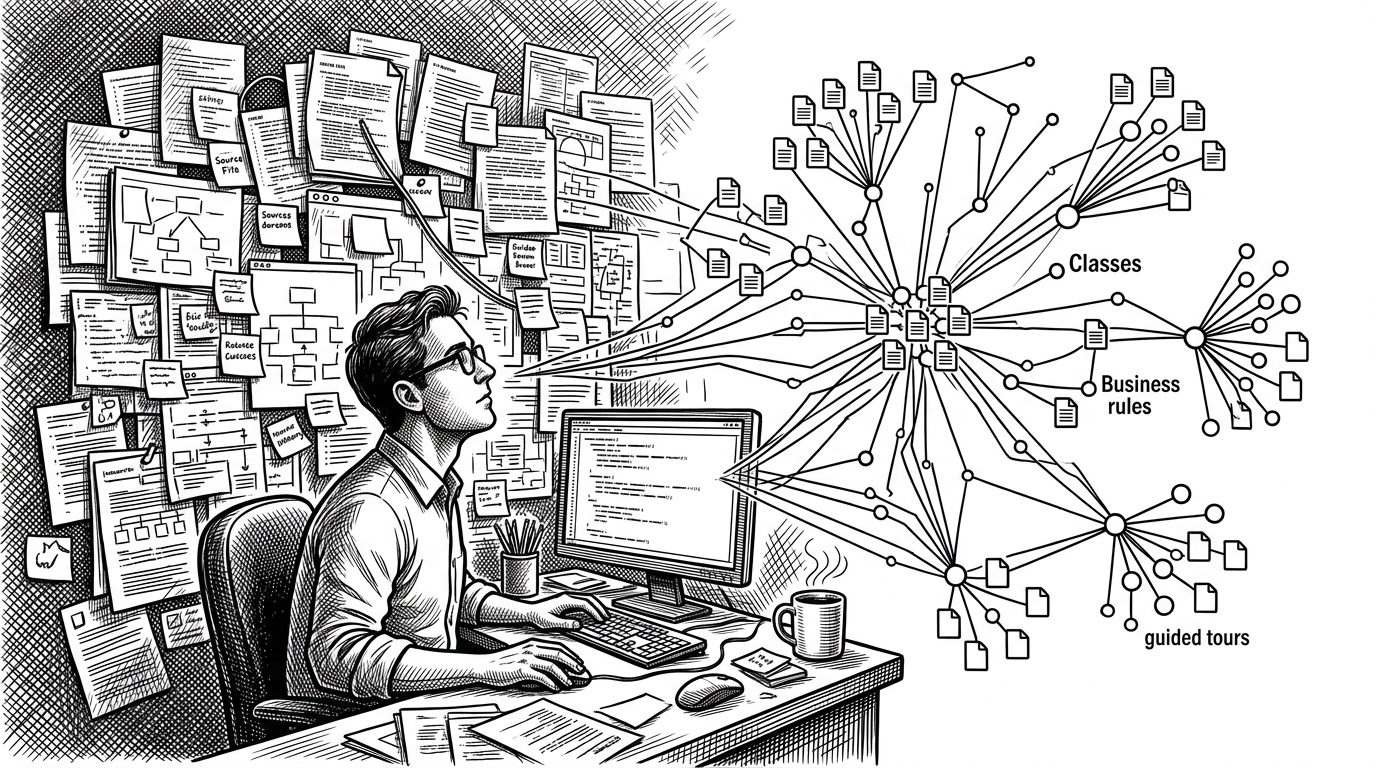
The repo’s central move is the app map. PhoneCLI crawls an app offline, discovers screens and interactive elements, and records the paths between them. Those paths become replayable commands, so the agent can jump straight to a known destination without re-solving the route from scratch.

task: turn_on_wifi
route:
  - launch: Settings
  - tap: Wi-Fi
  - tap: toggle_on
fallback:
  - if_not_found: ask_vlm
  - if_replay_fails: verify_and_retry
The Three-Tier Execution Ladder
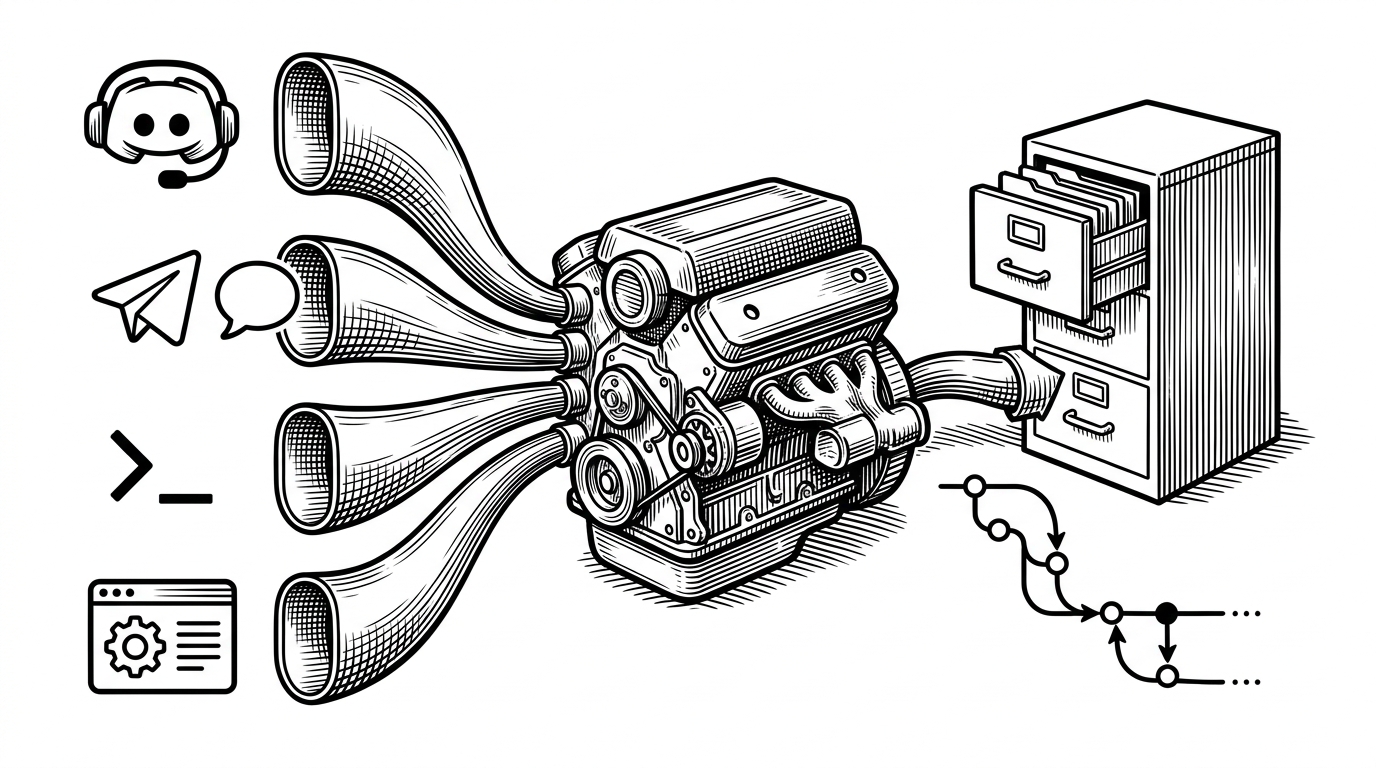
Once the map exists, runtime becomes a routing problem. PhoneCLI tries the cheapest layer first: deterministic CLI replay. If the path is not in the map, or the replay fails, it escalates to an on-device model. Only then does it reach for a cloud model.
| Layer | Navigation strategy | Runtime cost | Privacy posture | Failure mode | Best fit |
|---|---|---|---|---|---|
| Deterministic CLI replay | Use the compiled app map and execute a known route | Lowest | Highest | Fails when the task is new or the UI changed | Routine navigation |
| On-device model | Analyze the screen locally and choose a new action | Moderate | High | Can still miss novel layouts or long-horizon tasks | Unmapped but local tasks |
| Cloud VLM | Send the hard case to a larger remote model | Highest | Lowest | More capable, but slower and costlier | Rare, complex, or ambiguous cases |
That ladder matters because it changes what the model is for. The model is no longer the default navigator. It becomes a fallback tool for novelty, ambiguity, and edge cases.
Our 3B model is: Edge-Optimized: Efficient enough for commodity GPUs and next-generation mobile NPUs. Privacy-First: All computation stays on your device. Cost-Free: No cloud inference and no ongoing API fees.
Why the App Map Matters More Than the Model
This is the conceptual center of the project. The app map is not just metadata. It is the mechanism that turns repeated navigation into lookup and replay. That is why PhoneCLI feels more like systems software than prompt engineering.
A model-heavy agent has to re-perceive the world at every step. PhoneCLI says that is the wrong abstraction for a lot of mobile work. If the route is known, stop paying inference costs for it.
OpenPhone Adds the Training Stack
PhoneCLI is only one layer of the broader OpenPhone stack. The larger project pairs the navigation harness with a 3B mobile foundation model and a training pipeline that moves from supervised fine-tuning to GRPO. The goal is simple: keep capable interaction on-device as much as possible, and escalate only when necessary.
That makes the repo interesting in two directions at once. PhoneCLI is the execution trick. OpenPhone is the training and orchestration system wrapped around it.
Compared With Screenshot-Loop Agents
The cleanest way to understand PhoneCLI is by contrast. Many mobile agents still behave like visual slot machines. They inspect a screenshot, infer an action, and pay the same reasoning cost again one step later. PhoneCLI changes that economics by compiling predictable navigation away first.
| Project | Navigation strategy | Runtime cost | Privacy posture | Failure mode | Best fit |
|---|---|---|---|---|---|
| PhoneCLI inside OpenPhone | Compile app paths into deterministic commands first | Low for known paths, higher only on fallback | Strong, because local execution is the default | Unmapped screens or changed UI structures | Repeatable navigation with selective reasoning |
| AppAgent / Mobile-Agent | Screenshot loop with prompting and exploration | Higher on every step | Usually weaker, because cloud reasoning is common | Every step re-enters the visual loop | General mobile tasking |
| UI-TARS / Qwen-style mobile agents | Unified vision-language reasoning across tasks | Often higher per action | Mixed, depending on deployment | Powerful, but still inference-first | Broad multimodal interaction |
| Screenshot-loop baseline | Look, infer, act, repeat | Highest repetitive cost | Lowest by default if cloud-hosted | Slow and expensive on routine paths | Proof-of-concept automation |
The point is not that the alternatives are bad. It is that they keep treating navigation as an inference problem. PhoneCLI treats it as compiled infrastructure.