The Architect in the Machine: Inside AutoCAD-Agent-CodeGeneration
How an experimental LangGraph workflow stops LLMs from hallucinating coordinates by forcing them to use a custom geometry API.
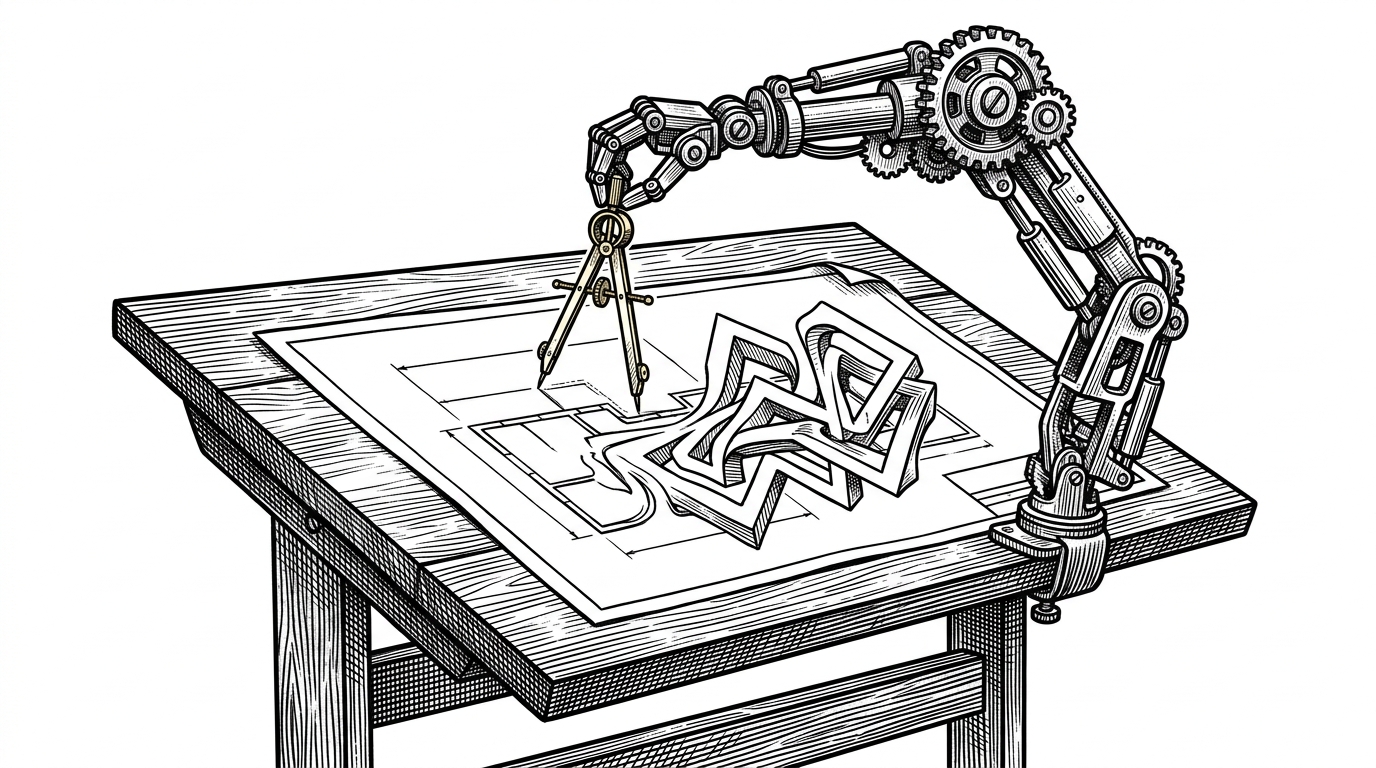
- LLMs struggle with spatial reasoning, making raw CAD coordinate generation highly error-prone.
- AutoCAD-Agent-CodeGeneration bypasses this by using a "Library as a Prompt" pattern, forcing the LLM to output calls to a custom, high-level Python geometry API.
- A three-node LangGraph pipeline separates intent (planning) from execution (coding), mimicking a real-world drafting firm.
- The system handles complex state management, like deleting and redrawing wall segments, to insert architectural features like doors.
The Spatial Hallucination Problem
Large Language Models are notoriously terrible at calculating raw geometric coordinates. If you ask an AI to draw a floor plan using raw pyautocad commands, it will hallucinate overlapping lines and impossible geometries. They are language engines, not geometry engines. Asking an LLM to calculate the four corners of a polyline wall based on a center coordinate and a thickness is a recipe for disaster.
The "Library as a Prompt" Pattern
To solve this, AutoCAD-Agent-CodeGeneration uses a clever abstraction. Instead of asking the LLM to do the math, it provides the LLM with a custom, high-level Python library representing architectural primitives like walls and doors. The system prompt feeds the LLM a mini-documentation of custom classes from the /core directory. The LLM acts as the architect, describing the intent via simple Python scripts, while the underlying Python classes handle the unforgiving coordinate math.
# Raw pyautocad approach (Prone to LLM hallucination)
points = array('d', [0.0, 0.0, 5000.0, 0.0, 5000.0, 4000.0, 0.0, 4000.0, 0.0, 0.0])
model.AddLightWeightPolyline(points)

# Agentic Library approach (Safe and delegated)
room = Room(width=5000, length=4000)
room.draw()
The Three-Node Drafting Firm
The architecture relies on a LangGraph directed acyclic graph. It mimics a real-world drafting firm. The Planner node translates messy user text into strict architectural requirements. The Coder node writes the Python script using the custom API. Finally, the Executer node runs the script via a subprocess and captures the standard output for debugging.
The Geometry Engine and the Wall-Cutting Problem
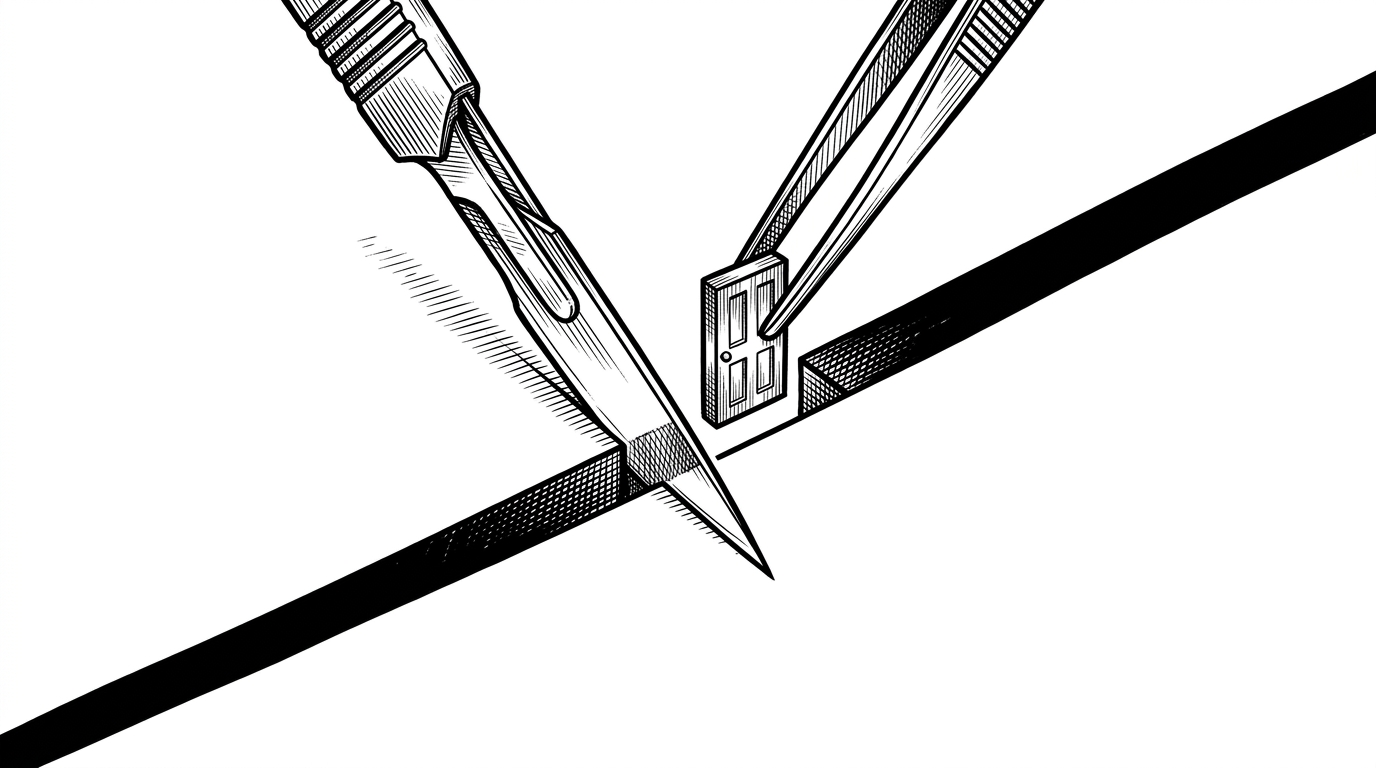
The hardest part of CAD automation is handling junctions and insertions. The logic in door.py reveals the complexity. When inserting a door, the system cannot simply place a block over a line. It must calculate the insertion point, delete the existing wall object, recalculate the vectors, draw two entirely new wall segments to create the gap, and then insert the door block.
Beyond the Chatbot Plugin
Simple CAD chatbot plugins map text directly to single commands. This project takes a fundamentally different agentic approach. It uses a Singleton COM connection to maintain persistent state and a multi-agent workflow to verify logic before execution.
AutoCAD Chatbot V1.0 is here! I'm excited to share the initial version of a project I've been developing: An AutoCAD Chatbot Plugin that uses the Gemini API to convert natural language commands directly into drawings.
| Feature | Standard CAD Chatbot | AutoCAD-Agent-CodeGeneration |
|---|---|---|
| LLM Output | Raw coordinates & commands | High-level Python scripts |
| Geometry Calculation | Hallucinated by LLM | Calculated natively in Python |
| Error Handling | Fails silently | Captures subprocess errors and retries |