REA-Prompts Makes AI Reverse Engineering Show Its Work
A single README with no code, no build, and no tests became one of the most-forked prompt libraries on GitHub by forcing AI agents to cite their evidence and admit what they don't know.
- REA-Prompts is a single README with no executable code, and its real product is a discipline for making AI reverse engineering auditable rather than faster.
- The evidence contract forces every conclusion into one of three buckets (confirmed fact, inference, unknown) and demands a file, function, or address for each claim.
- Narrow, one-feature questions resist hallucination better than broad requests like explain this app, because citations are checkable and vague claims are not.
- The install prompt asks the agent to show its plan before touching the machine, a small human-in-the-loop pattern that outlives this particular tool.
The Repository With Nothing In It
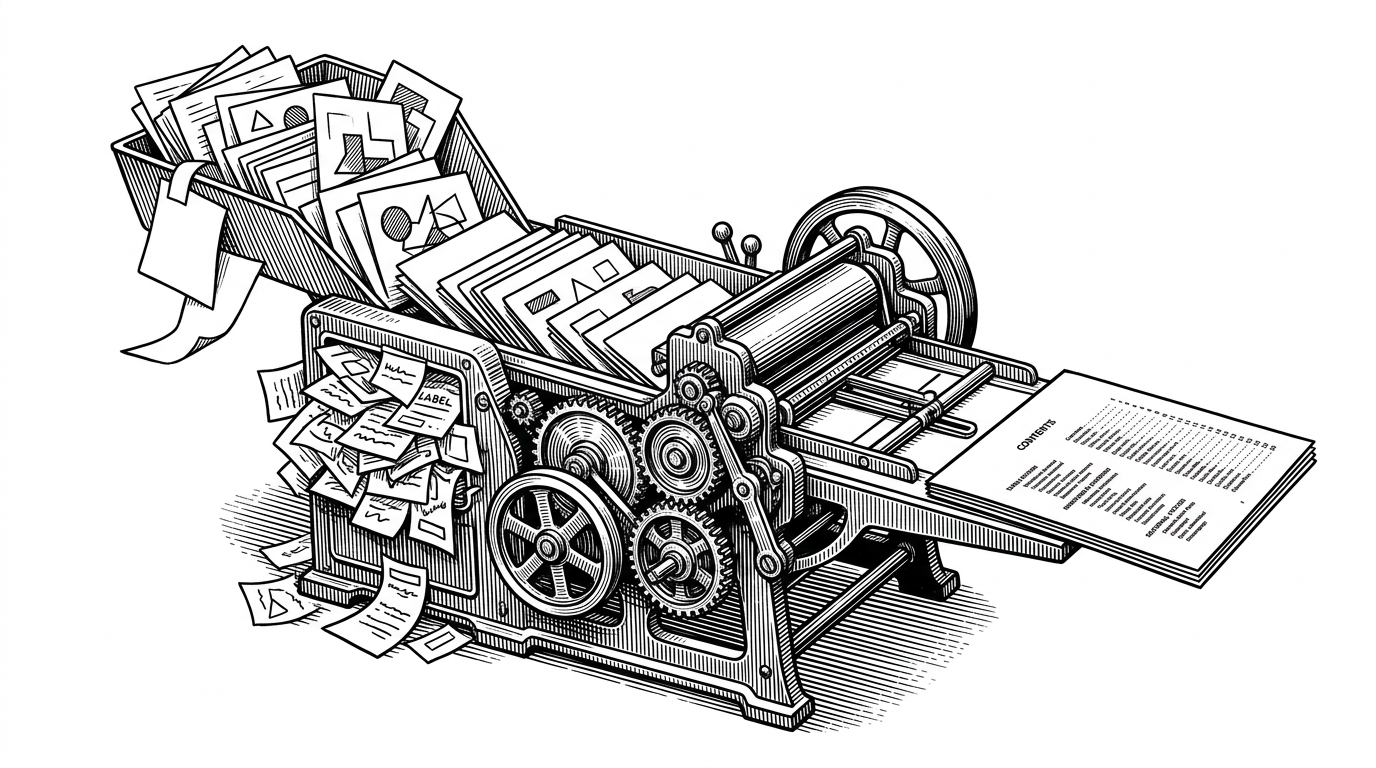
Open the repository and you find one file. No source, no build system, no tests, no license, no releases. Just a README with a 17-section table of contents and a stack of copy-paste prompts. Repository trackers have reported it climbing into the low thousands of stars with a fork ratio near 16 percent, a number that is unusual for a project you cannot run.
That fork ratio is the tell. People were not cloning it to compile it. They were copying the prompts into their own agent workflows, which means the prompts themselves were the product.
REA-Prompts is a companion to REA, short for Reverse Engineer Anything, an agent-facing toolset that lets a coding agent inspect native binaries, firmware, kernels, games, Electron apps, APKs, and websites. REA does the orchestration. REA-Prompts supplies the questions.
The Product Is a Discipline, Not a Prompt
The load-bearing idea is not any single prompt. It is a contract that nearly every prompt in the library enforces: every conclusion the agent reports must be tied to a specific file, function, or address, and every conclusion must be sorted into one of three buckets. Confirmed facts. Inferences. Points that remain unknown.
The README calls this split non-negotiable. It is the reason a prompt library can be useful without a single line of code. The contract does not make the agent smarter. It makes the agent honest about the limits of what it can actually see.
This matters because an agent analyzing a binary is working blind in a way an agent editing a text file is not. It cannot truly read compiled machine code the way a human reads a file. Left unchecked, it produces confident, plausible, and completely unverifiable analysis. The three-way sort turns that failure mode into something a human can audit at a glance.
stops the agent from confabulating.
How to Ask an Agent to Prove It
The mechanics are simple enough to steal. Each prompt uses angle-bracket placeholders like <PATH TO EXECUTABLE> and <FEATURE>, scopes the task to a single feature, and states the required evidence format up front. Several prompts add procedural constraints like "Do not execute the application in this step" or "Start with static analysis."
Every rule exists for a reason. Narrow questions resist hallucination because they are checkable. A vague claim about how an app works cannot be verified, but a claim about address 0x4012A0 can be opened and inspected. Static analysis before execution keeps unknown code from running on your machine until you have decided it is worth running.
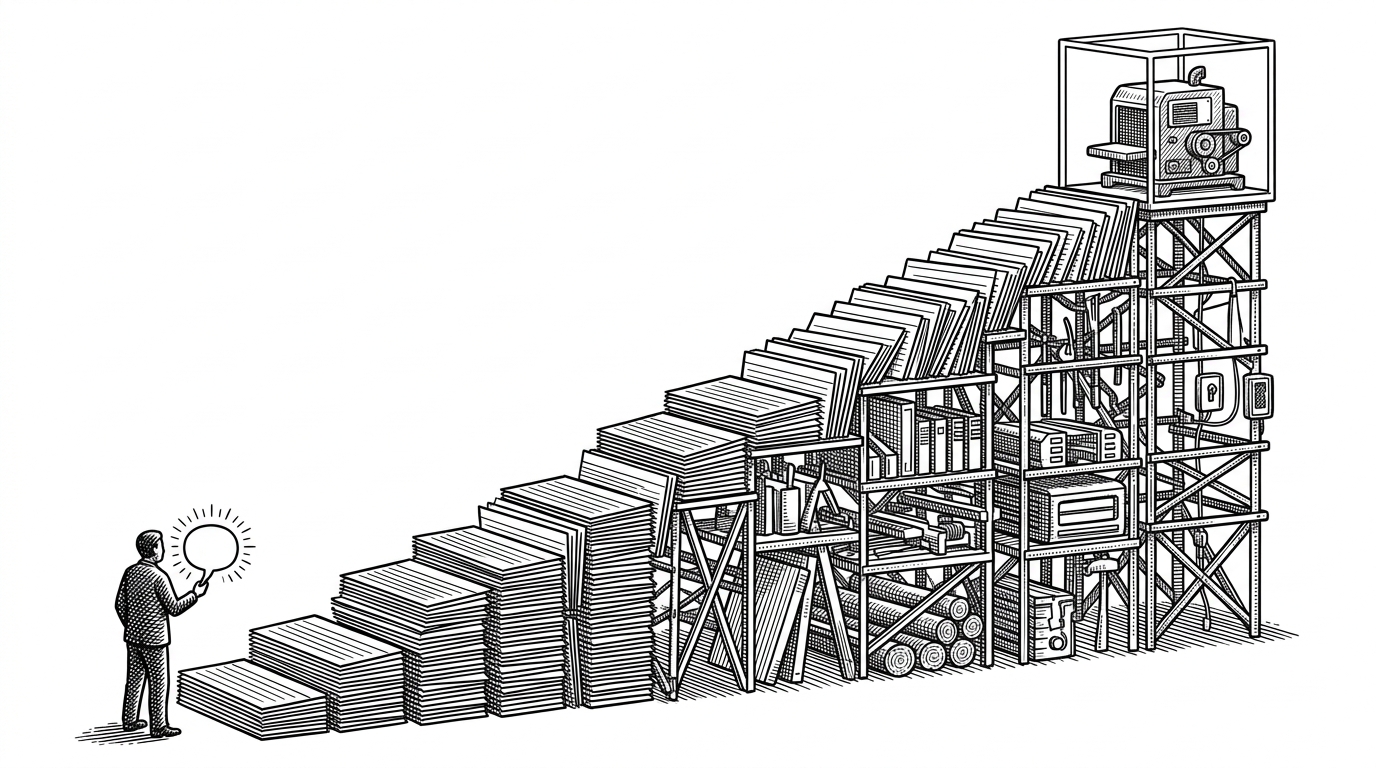
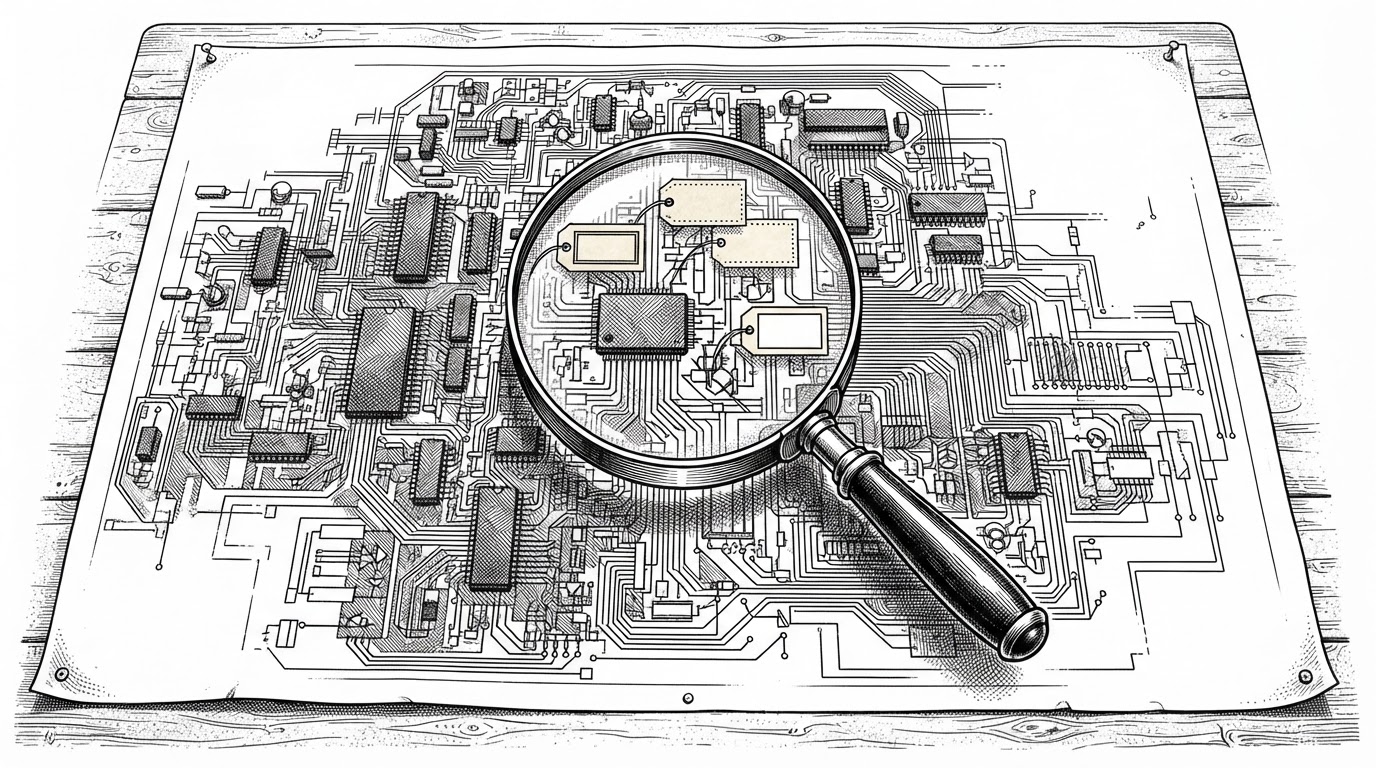
The one-feature rule is the part that surprises people. The README reasons that narrow questions get evidence-backed answers, and the diagram below shows why. Ask an agent to explain a whole application and it floods you with faint, uncited claims. Ask it to trace one license check and the output collapses into a short list you can actually verify.
Trace how <FEATURE> works in <PATH TO EXECUTABLE>.

Rules:
- Start with static analysis. Do not execute the application in this step.
- Keep this request focused on the single feature above.
- For every conclusion, cite the file, function, address, or relevant snippet.
- Separate your output into three lists: confirmed facts, inferences, and unknowns.

Deliverable: a short written trace of the feature, with a citation on every line.
Show Me the Plan Before You Touch My Machine
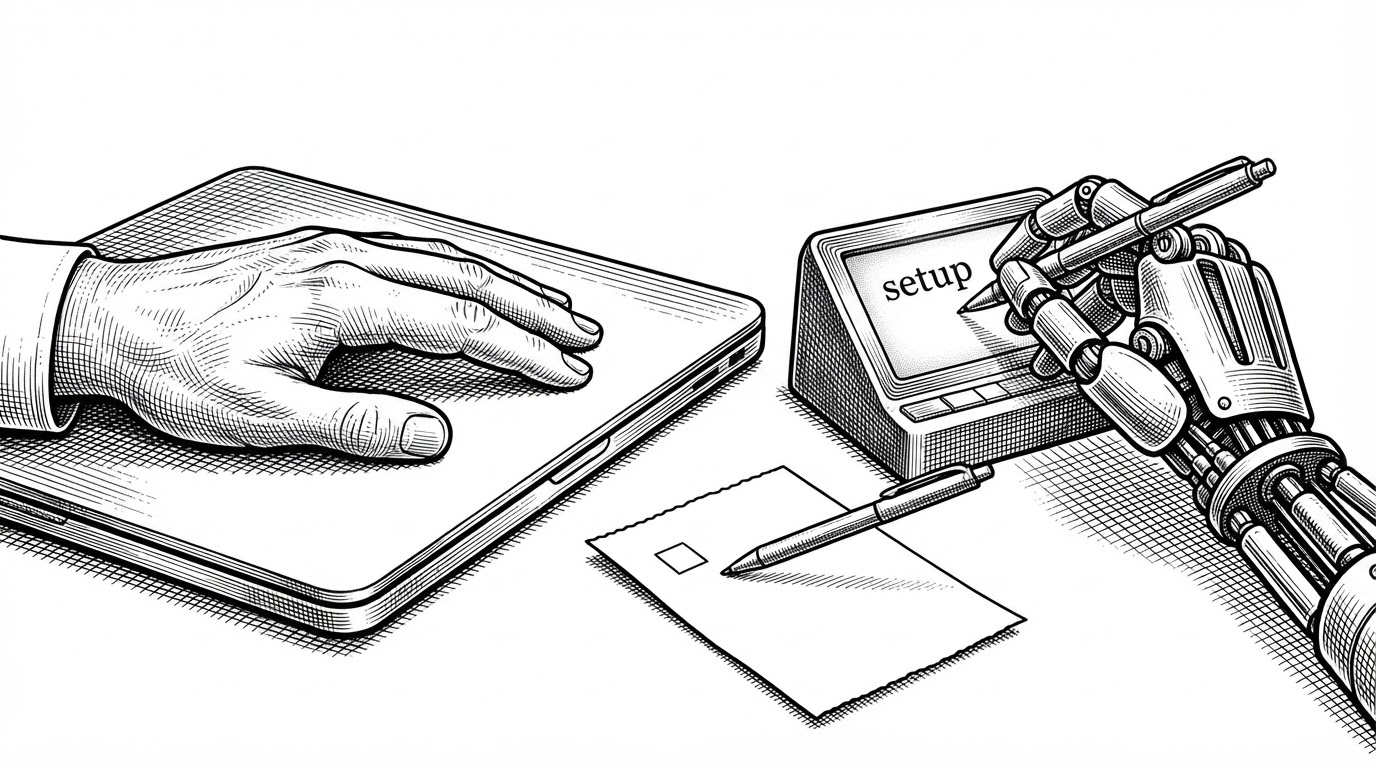
The setup prompt is the smallest and most teachable piece of the library. It reads: install REA and connect it to this agent using npx rea-agents@latest setup, then show me the installation plan and the configuration changes for my approval before proceeding.
That second sentence is the whole pattern. The agent is told to pause, describe what it intends to change, and wait. It is a tiny human-in-the-loop gate, and it works on any agent that can modify your system, not just this one.
There is a tradeoff worth naming. The @latest tag means the install is not pinned to a version, so a future release could change behavior without your knowledge. Requiring approval before execution is the right instinct, but a pinned version would make the guarantee stronger.
The Banner Is Text, Not a Lock
The library spans a lot of ground, and some of it is sensitive. Anti-cheat analysis. Direct memory access. Kernel work. Vulnerability research. Cracking. The README wraps all of it in a use-responsibly banner and an authorization requirement, limiting use to software you own or are authorized to inspect.
The framing is deliberate. The cracking section is written as document, don't bypass. The cloning guidance asks for clean-room behavior extraction rather than copying code, assets, branding, or licensing mechanisms. These are good intentions, clearly stated.
They are also just words. A disclaimer in a README does not stop anyone from using the prompts for piracy or cheating. The safeguard here is user behavior, not enforcement, and it is worth being honest about that rather than treating the banner as a control.
| What the library covers | How the README frames it |
|---|---|
| Anti-cheat analysis | Defensive or authorized security research |
| Direct memory access (DMA) | Research on hardware you own |
| Kernel investigation | Authorized systems research |
| Cracking | Document, don't bypass |
| Cloning a feature | Clean-room behavior extraction, not copying code, assets, or branding |
Where It Sits in the Toolchain
It helps to separate three layers. The analysis engines do the heavy lifting: Ghidra, IDA Pro, Hopper, JADX, Apktool, and others. REA is the agent-facing layer that orchestrates those engines through an MCP interface. REA-Prompts is the workflow layer on top, telling the agent how to ask questions and how to report what it finds.
That means REA-Prompts is not competing with the MCP bridges it resembles. It sits above them. The critique people raise about the whole category still applies: decompiler output is not original source code, and rebuilding a feature still takes real engineering judgment.
What comes back is decompiled guesswork in C-like form, not the original source code. Rebuilding a feature still takes real engineering. The hard analysis is still Ghidra, IDA and Hopper doing what they've done for years.
| Project | Approach | Role in the stack |
|---|---|---|
| REA-Prompts | Prompt collection, not an engine | Workflow and methodology layer |
| REA | Agent-facing MCP and CLI across many formats | Orchestration layer over existing engines |
| ida-pro-mcp | MCP bridge focused on IDA Pro | Engine-specific tool access |
| GhidraMCP | MCP bridge focused on Ghidra | Engine-specific tool access |
| x64dbg-mcp-server | MCP server oriented toward x64dbg | Debugger-specific tool access |
| binary_ninja_mcp | MCP bridge focused on Binary Ninja | Engine-specific tool access |
The Contract Outlives the Tool
The repository is framed around REA, and if REA changes or fades, these prompts go with it. But the discipline inside them does not depend on any particular tool. Cite your evidence. Sort fact from inference from unknown. Ask one narrow question at a time. Show the plan before you act.
Any LLM doing technical work benefits from being asked to prove its claims. That is the real thing this single README figured out, and it is why thousands of people forked a file with no code in it.