liquid-glass: The React component that makes blur feel physical
A deep dive into a TypeScript UI library that bends, splits, and springs light into a convincing glass material.
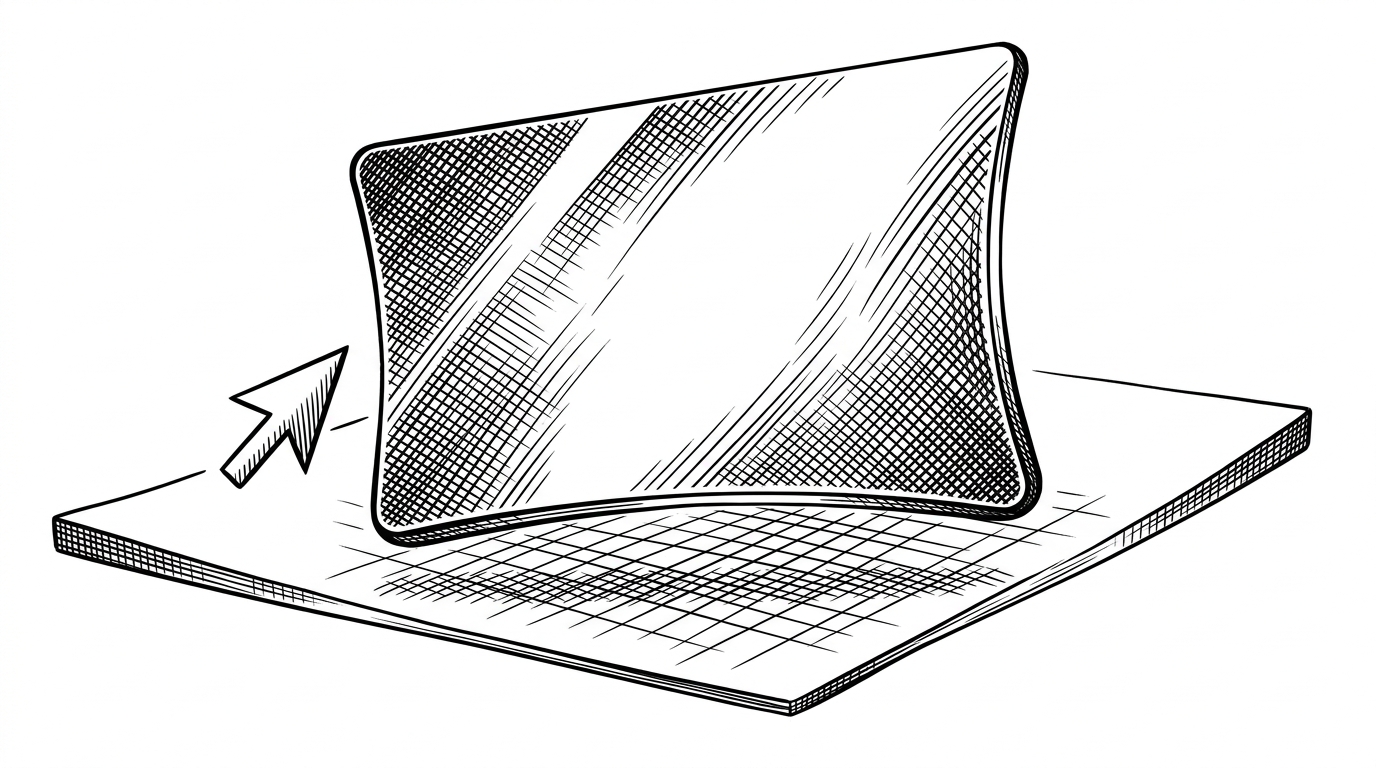
- liquid-glass treats blur as the least interesting layer and builds a full material illusion on top of it.
- Its realism comes from proximity-based motion, SVG refraction, chromatic aberration, and canvas-generated distortion working as one pipeline.
- The component is pragmatic about browser limits, so Chromium gets the richer path while Safari and Firefox get a graceful fallback.
- The repo reads less like a style kit and more like a small shader system translated into React and TypeScript.
The blur is only the surface
Most glassmorphism stops at backdrop-filter. This repo treats that as the floor, not the finish. The point is not to paint a translucent card. The point is to make the browser simulate a material that has edge tension, optical splitting, and weight.
A realistic frosted glass UI component for React with chromatic aberration, edge refraction, and spring physics.
That description is accurate, but it still undersells the project. The effect feels convincing because it reacts before the cursor touches it, which makes the card feel alive instead of merely glossy.
Watch the card react before you touch it
The repo's most interesting move is proximity. computeElasticDeformation starts pulling on the card inside a roughly 200 pixel radius, so the surface changes shape before the pointer lands. computeSpringOffset adds a damped follow-through, which keeps the card from snapping like a UI trick.
That sequence is the whole thesis in miniature. Cursor distance becomes intensity, intensity becomes deformation, deformation becomes refraction, and the refraction changes again when the browser cannot support the full path.
The rendering stack underneath the illusion
The stack is hybrid on purpose. CSS provides the blur and saturation. SVG filters handle the refraction and channel splitting. Canvas generates the distortion texture. React owns the state and dimensions, while useId keeps multiple glass layers from colliding in the DOM.
This base component implements a sophisticated liquid glass effect using SVG filters, specifically leveraging feTurbulence and feDisplacementMap to create dynamic distortion effects that simulate liquid-like behavior when users interact with elements.
const deformation = computeElasticDeformation(pointer, bounds)
const spring = computeSpringOffset(pointer, bounds)
const canRefraction = supportsBackdropSvgFilter()

return canRefraction ? (
  <GlassSurface deformation={deformation} spring={spring} />
) : (
  <ShimmerOverlay intensity={spring.intensity} />
)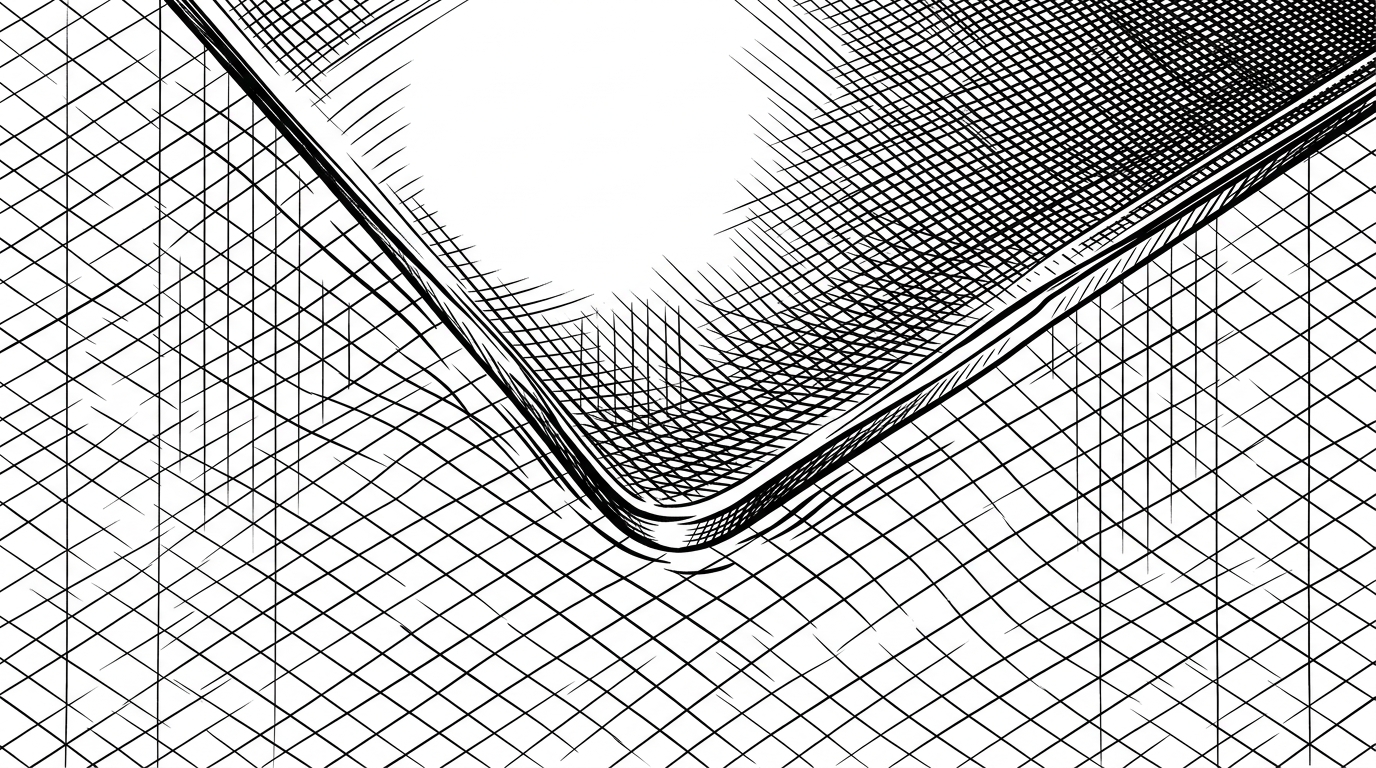
That split between blur, refraction, and motion is why the component feels composed rather than decorative. Each layer does one job, and the jobs are ordered the way light would behave in the real world.
Why browser support changes the design
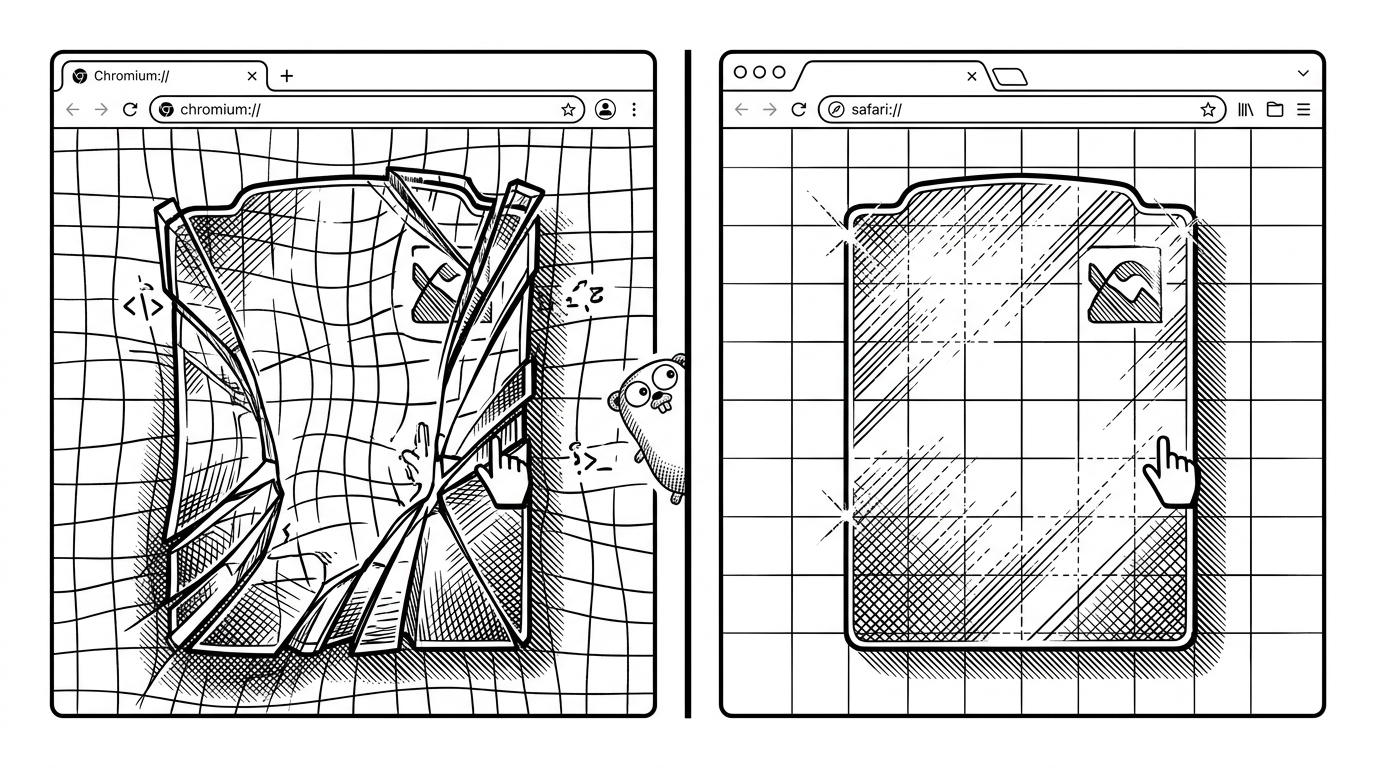
This is where the repo gets practical. Chromium can take the richer SVG filter path, while Safari and Firefox lean on a shimmer overlay that keeps the surface legible when the full refraction stack is less dependable. That is a smart tradeoff because it treats fidelity as a spectrum, not a yes or no.
| Browser path | What it renders | Why it exists |
|---|---|---|
| Chromium-based browsers | Full blur plus SVG displacement, chromatic channel splitting, and spring-driven deformation | Best visual fidelity when the filter stack behaves consistently |
| Safari and Firefox | ShimmerOverlay fallback with lighter distortion | Keeps the experience usable when the deeper filter path is less reliable |
The important part is not that one path is prettier. It is that the component knows when to refuse heroics and preserve the interaction instead.
What makes it different from ordinary glassmorphism
Plain glassmorphism is a skin. liquid-glass is a system. It combines interaction physics, refraction, and browser-specific routing, so the card feels as if it has state, not just style.
| Approach | Visual realism | Interaction model | Browser sensitivity | Implementation burden | Best use case |
|---|---|---|---|---|---|
| Plain CSS glassmorphism | Blur only, readable but flat | Usually hover or none | Low | Low | Background cards and dashboards |
| liquid-glass | Refraction, aberration, and spring motion | Proximity, hover, and press | Medium | Higher | Premium UI moments and hero panels |
| Generic component kit | Styled translucency with standard component behavior | Conventional UI states | Low to medium | Lowest | Shipping product UI quickly |
| Svelte liquid glass generator | High fidelity liquid glass with a generator workflow | Interactive and framework-friendly | Medium | Medium | Cross-framework demos and experiments |
That is the niche. It is not the cheapest way to get glass on a page, and it is not the broadest library. It is the most explicit attempt here to make glass behave like a material under stress.
Why this repo exists
Leonxlnx built the component around a reusable GlassLayer, not a one-off demo, which says a lot about the ambition. This is meant to slot into real UI, where unique filter IDs, hover states, and fallback logic matter more than a perfect screenshot. In that sense, the repo answers a common product request with uncommon depth: make it look premium, but make it survive contact with browsers.
The result is a small but telling shift in how frontend effects get built. Instead of asking how to fake glass, this repo asks how to model a material well enough that the browser can react to it.