Leonxlnx/prompt-library: Escaping the Electron Trap
How a 5MB Tauri desktop app uses Rust and vanilla JavaScript to turn AI prompt management into a system-level reflex.


A lightweight desktop app for organizing, searching, and copying AI prompts. Built with Tauri v2, Rust, and vanilla JavaScript.
- prompt-library abandons heavy frontend frameworks in favor of Vanilla JS and Tauri v2, achieving a total application size of just 5MB.
- A custom IPC retry loop safely bridges the native Rust backend with the lightweight HTML and CSS frontend without the need for a Virtual DOM.
- The application operates as a system-level reflex by using a global hotkey to summon a quick-save window that bypasses the main UI entirely.
- Local JSON storage handled by Rust guarantees privacy for sensitive AI workflows, contrasting sharply with cloud-synced prompt managers.
The Browser Tab Tax
Power users of large language models share a common operational hazard. Their most valuable assets, complex, multi-shot prompts, are scattered across a chaotic wasteland of browser bookmarks, Notion documents, and plain text files. While massive repositories like prompts.chat offer community inspiration, they lack the utility needed for daily workflows.
The standard industry response to this problem is predictable. Developers wrap a web view in Electron, bundle a React frontend, and ship a 150MB desktop application to manage a few kilobytes of text. The resulting tools feel sluggish, demanding significant memory just to copy a string to the clipboard.
The 5MB Payload
Leonxlnx took a different route. By leveraging Tauri v2, the prompt-library repository delivers a complete desktop utility in a 5MB installer. It is an aggressive exercise in minimalism that treats prompt management not as a web document, but as a fast, local-first utility.
The aesthetic of the application is notable. It employs a Neumorphic "Soft UI" design, achieved entirely through custom CSS properties. By carefully layering box-shadow values, the interface provides depth without relying on UI libraries like Tailwind or Material UI, keeping the frontend exceptionally light.
Rejecting the Virtual DOM
A look inside the renderer directory reveals a deliberate rejection of modern conventions. There is no React. There is no Vue. The frontend relies exclusively on Vanilla JavaScript, template literals, and raw innerHTML for dynamic rendering.
To make this work reliably with the Tauri backend, the author implemented a custom invoke wrapper. This bridge includes a retry loop to ensure the Inter-Process Communication channel is fully established before the frontend attempts to fetch data from the native side.
The System-Level Reflex
The true power of prompt-library lives in its Rust core. The src-tauri directory manages file I/O, system tray integration, and global shortcuts. The most critical feature is the Quick-Save module.
Triggered by a global keyboard shortcut (Ctrl+Shift+S), Tauri's WebviewWindowBuilder summons a secondary, lightweight window. This allows the user to save a prompt from anywhere in the operating system without ever opening the main application window. Data flows directly from this quick-save UI through a Rust invoke pipeline to the local disk.
The Local-First Imperative
This architecture represents a fundamental philosophical difference from cloud-based prompt managers. Tools that sync proprietary prompts to external servers introduce privacy risks for enterprise workflows.
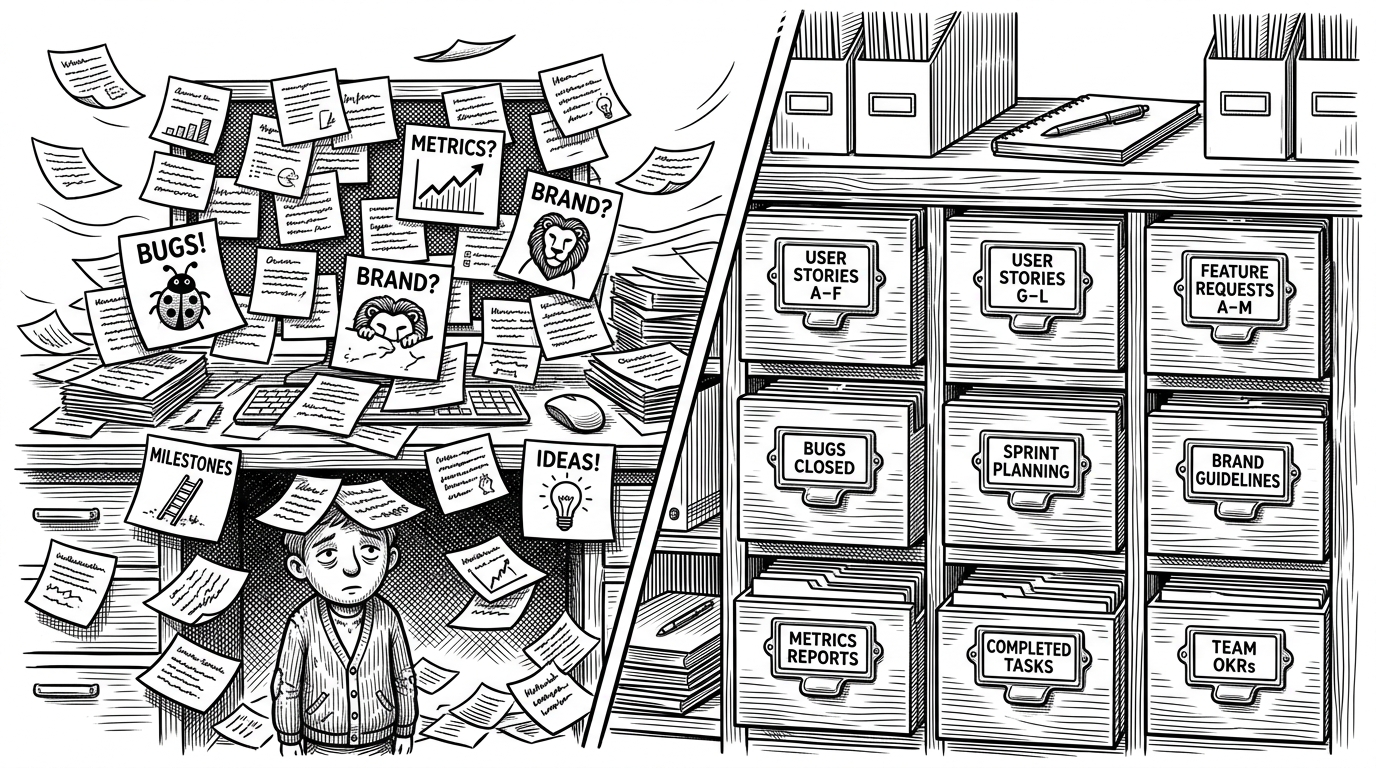
By utilizing a hybrid storage pattern, Rust handling the secure JSON disk writes and the frontend using localStorage for UI state, prompt-library guarantees absolute privacy. It combines the speed of a native application with the simplicity of open web standards.