Flow Teleprompter: The Windows Overlay That Reads Your Script Without Getting Caught
A Rust and Tauri desktop app that combines capture-proof window tricks, offline voice tracking, and remote script collaboration into one lightweight teleprompter.

- Flow’s main trick is not teleprompting, but making the prompt disappear from capture while staying visible to the speaker.
- Its voice tracking is a local pipeline, so scrolling follows speech without handing timing or privacy to the cloud.
- The project is deliberately Windows-native, which lets it lean on system APIs that web apps usually cannot touch.
- Collaboration is treated as a desktop extension, not a separate product, so remote script edits land inside the same reading workflow.
A Teleprompter the Audience Never Sees
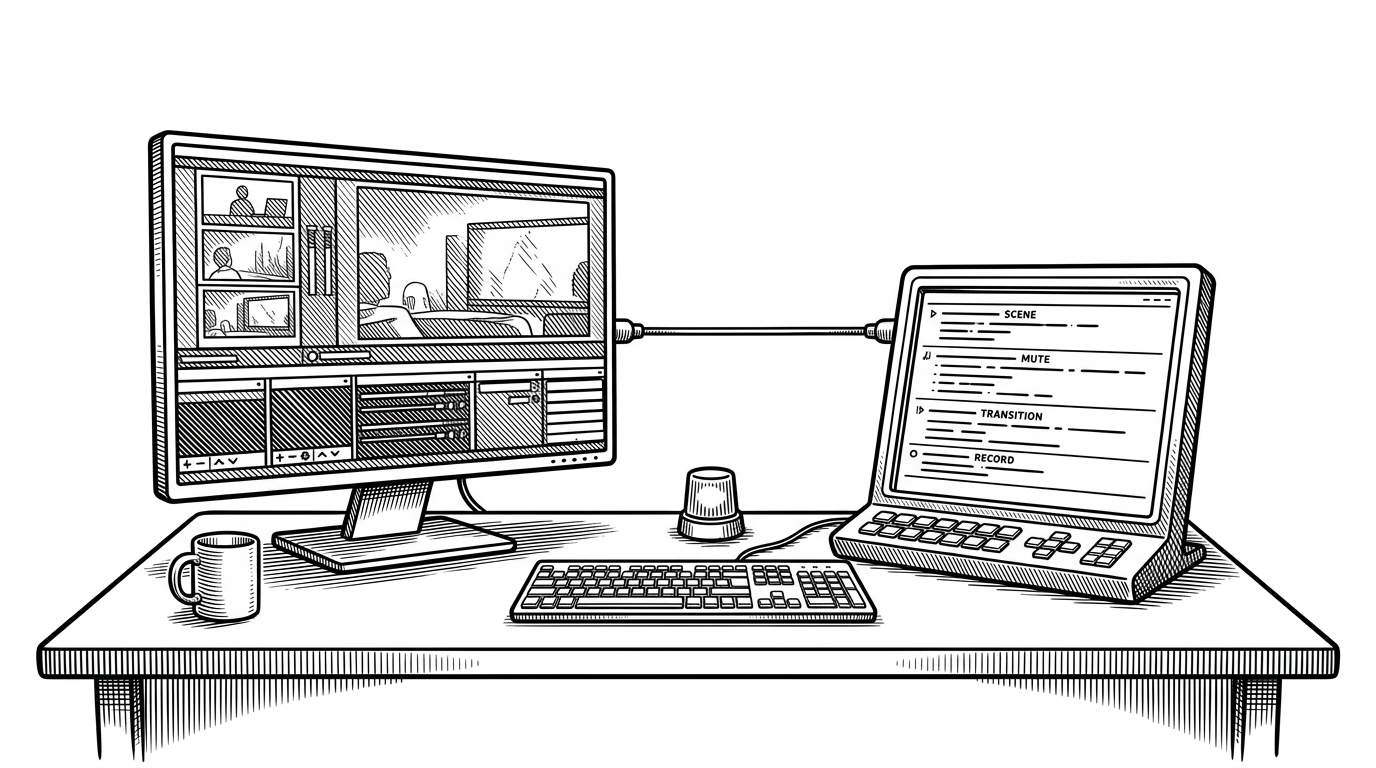
Flow’s best feature is easy to describe and slightly weird to hear: it can sit in front of the speaker, stay on top for reading, and still vanish from OBS, Zoom, and screen recordings. That is the difference between a utility and a broadcast trick.
Waled Alturkmani, who publishes as LumoRez07, built the app around that illusion. In his own words, teleprompter software was either "old or bloated with web-tech that eats 4GB of RAM just to scroll text".
I've always felt that teleprompter software was either old or bloated with web-tech that eats 4GB of RAM just to scroll text. I just released Flow v1.6.1. It's a native Windows utility built for speed and clean reading.
That framing matters. Plenty of teleprompters can float above other windows. Far fewer can behave like production gear, where the screen is present for the speaker and absent for the audience.
Why This Problem Is Harder Than It Looks
A teleprompter in 2026 is not just a text box. It has to survive screen sharing, overlays, resizing, sleep prevention, and a presenter who is reading out loud while pretending not to read at all.
| What matters | Basic overlay app | Flow |
|---|---|---|
| Visible to presenter | Yes | Yes |
| Hidden from capture | Usually no | Yes, on Windows |
| Advances with speech | Usually manual or timed | Yes, through local voice tracking |
| Offline operation | Sometimes | Yes |
| Low footprint | Often mixed | Core design goal |
| Remote collaboration | Rare | Built in |
The Windows Trick Behind the Invisible Window
The illusion depends on desktop control, not browser abstractions. Flow uses Tauri on the frontend and Rust in the backend, which gives it direct access to Win32 behavior like capture exclusion and execution-state control.
In practice, that means the app can request an always-on-top transparent window, then tell Windows to keep it out of capture with SetWindowDisplayAffinity. It also uses SetThreadExecutionState to avoid sleep in the middle of a session.
// Simplified view of the system-level idea
unsafe {
    // Keep the prompter out of screen capture tools.
    SetWindowDisplayAffinity(hwnd, WDA_EXCLUDEFROMCAPTURE);

    // Prevent the machine from sleeping during a session.
    SetThreadExecutionState(ES_CONTINUOUS | ES_SYSTEM_REQUIRED);
}
That is a useful reminder of why Tauri exists. You get a webview for UI, but the app still behaves like a native desktop utility when it needs to.
Voice Tracking Without the Cloud
The most elegant subsystem in Flow is the one that listens. Audio comes in through cpal, gets resampled to 16 kHz, and is handed to a bundled Vosk model in batches so the app can decide when the next chunk of script should appear.
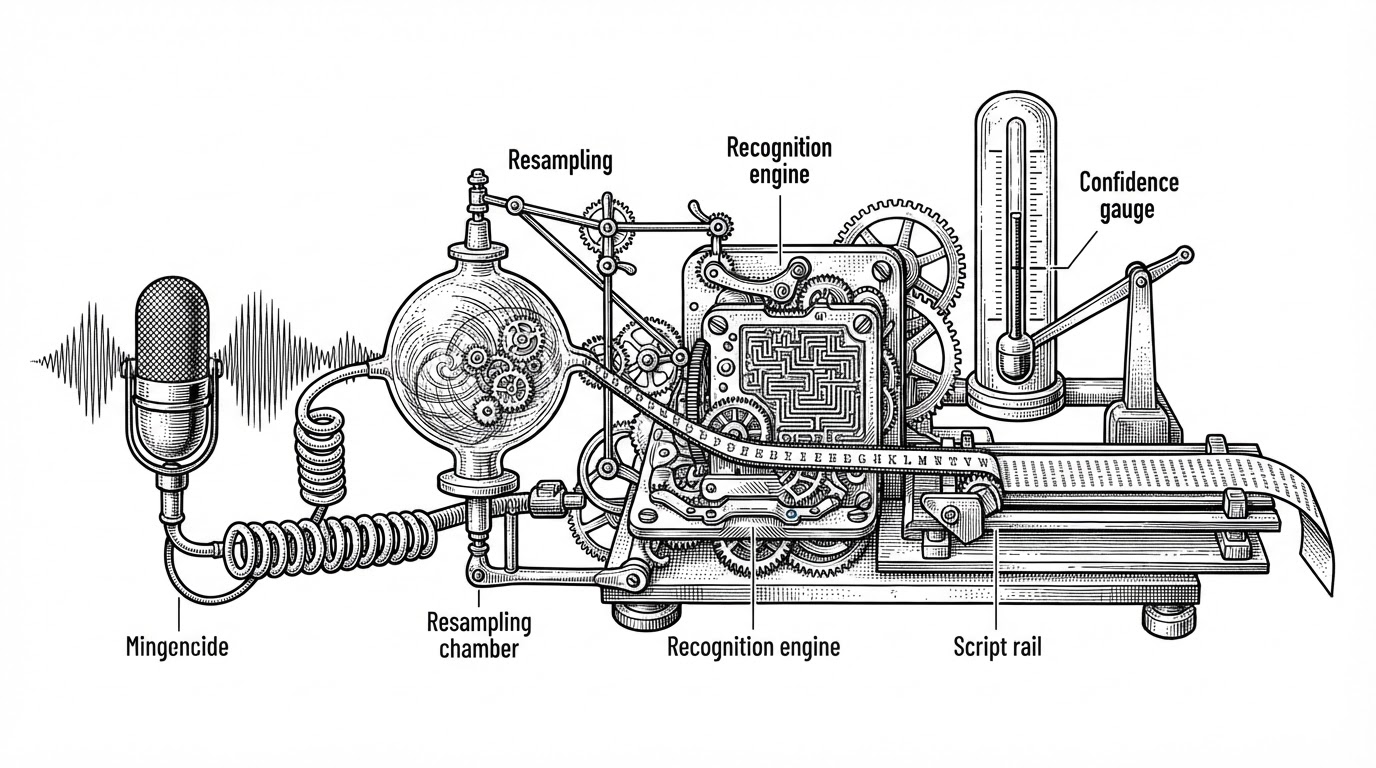
That design keeps the latency low and the privacy story clean. The speech loop stays local, which means Flow avoids the usual tradeoff where convenience comes with a cloud dependency.
Collaboration Turns the Teleprompter Into a Shared Workspace
Flow does not stop at solo reading. It also opens a private browser room through PeerJS, so another person can help edit the script in real time while the presenter stays in the app.
That is a subtle but important product move. The teleprompter is no longer just a display surface. It becomes a shared workspace between speaker and producer.
| Capability | Local desktop teleprompter | Flow |
|---|---|---|
| Script editing | Single-user or file-based | Shared in real time |
| Remote access | Usually separate tooling | Built into the workflow |
| Transport | Manual sync | PeerJS WebRTC room |
| Presenter focus | Breaks when you switch tools | Stays in the same app |
What Flow Chooses Not to Be
Flow is not trying to win every category at once. Compared with tools like PromptSmart and QPrompt, it narrows its bets: Windows first, offline voice tracking, low footprint, and capture safety.
| Tool | Platform focus | Voice tracking | Offline | Capture protection | Cost / license |
|---|---|---|---|---|---|
| Flow | Windows desktop | Local Vosk | Yes | Yes | Free and open source |
| PromptSmart | Mobile and desktop | Proprietary VoiceTrack | Mixed | Product-dependent | Commercial |
| QPrompt | Cross-platform | More manual | Yes | No native focus | Open source |
| Web-based teleprompter | Browser-first | Usually timer-based | Often no | No | Varies |
That tradeoff makes the project feel opinionated instead of generic. It is built for a presenter who cares about eye contact, stability, and not leaking the prompt into a recording.
Why Flow Feels Bigger Than a Solo Utility
The repo has the feel of a broad product, not a narrow script tool. There is multilingual documentation, distribution across GitHub, SourceForge, and the Microsoft Store, and a stated path toward a free and paid split for hosted features.
The Microsoft Store edition is planned to become a Pro version. Its price is expected to increase to 5-10 USD (Not decided yet) to help compensate for server rental, and hosted services will be turned on once the Pro release reaches the required user threshold.
That is a real scaling question, not a marketing flourish. If the app keeps growing, Flow will have to balance open-source distribution, server costs, and the complexity of premium hosted features without losing the lightweight feel that made it interesting in the first place.