`brown-noise`: The Tiny Go Engine That Makes Endless Brown Noise Feel Instant
A real-time audio generator that trades loops and media players for a minimal, low-GC pipeline, a first-order filter, and a shell-script switch you can actually live with.
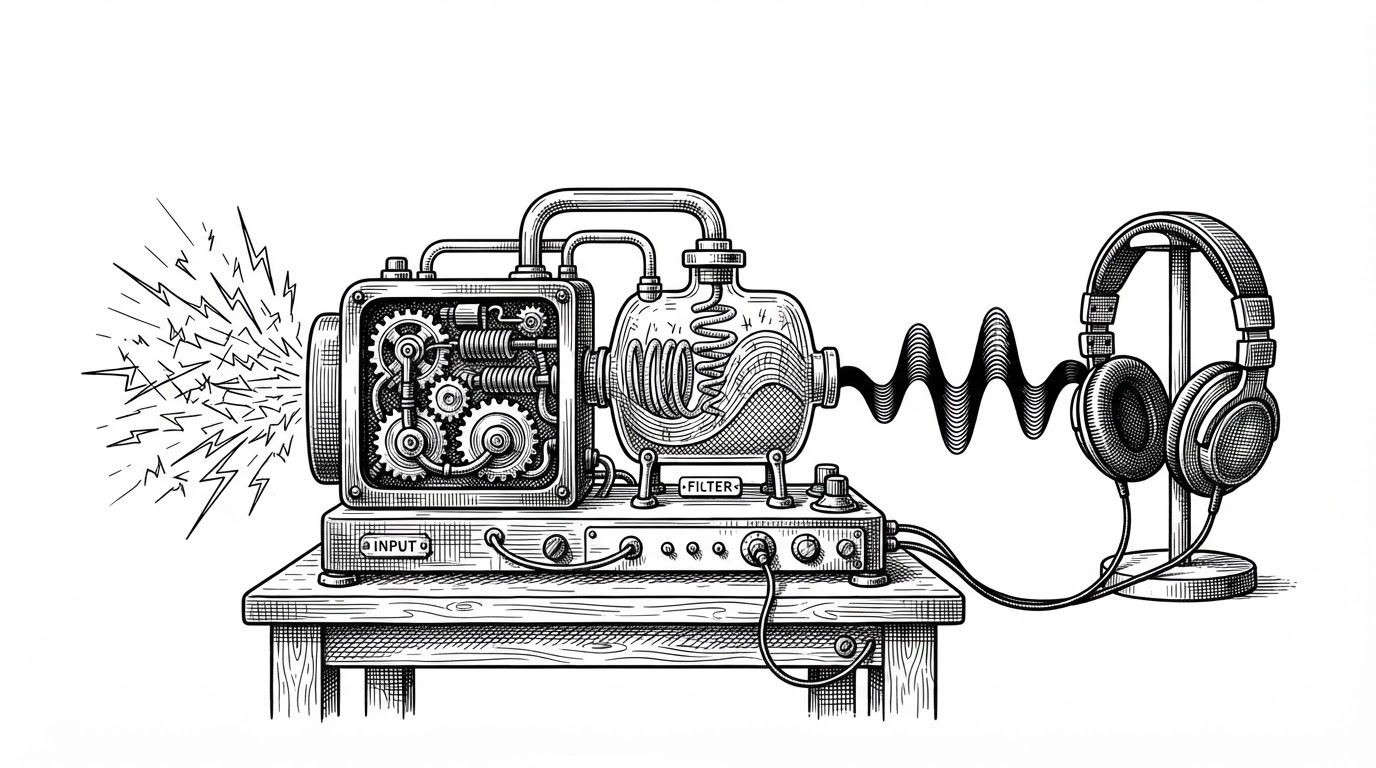

Compared to playing a pre-recorded brown noise MP3 or WAV file, the real-time generation approach used in this application offers the following benefits: Infinite, non-repeating noise generation. No need for large audio files or continuous looping.
- `brown-noise` turns a familiar relaxation app into a tiny streaming system that synthesizes sound instead of looping files.
- Its core trick is simple math plus stateful playback: a first-order filter shapes white noise into brown noise without breaking continuity.
- The repo’s real polish comes from engineering discipline, including buffer reuse, buffered channels, and a UX that behaves like a switch.
- In a crowded field of noise tools, this project stands out by being local, compiled, and almost invisible once it starts.
Most noise apps solve the wrong problem. They ship a file, loop it, and hope your ear never notices the seam. brown-noise takes a cleaner route: it generates an endless signal in real time, so there is no loop point to betray itself and no media player hanging around the edges.
What `brown-noise` actually does under the hood
The repo is small, but it is not casual. A Go program talks to the oto audio backend, fills byte buffers in the background, and writes them out as a continuous stream. That makes the project feel less like a consumer app and more like a compact audio engine with one job.
lastSample = alpha*randomSample + (1-alpha)*lastSample
That line is the center of gravity. Instead of treating brown noise as a static asset, the program treats it as a sequence of samples that are continuously shaped by a first-order filter. The state in lastSample is what keeps the sound connected from one moment to the next.
The filter that turns white noise into brown noise
The math is a smoothed random walk. Each new random sample nudges the previous output instead of replacing it outright, which strips away high-frequency harshness and gives the result that low, rolling character people associate with brown noise. In practical terms, the filter makes the signal feel deeper and less speckled.
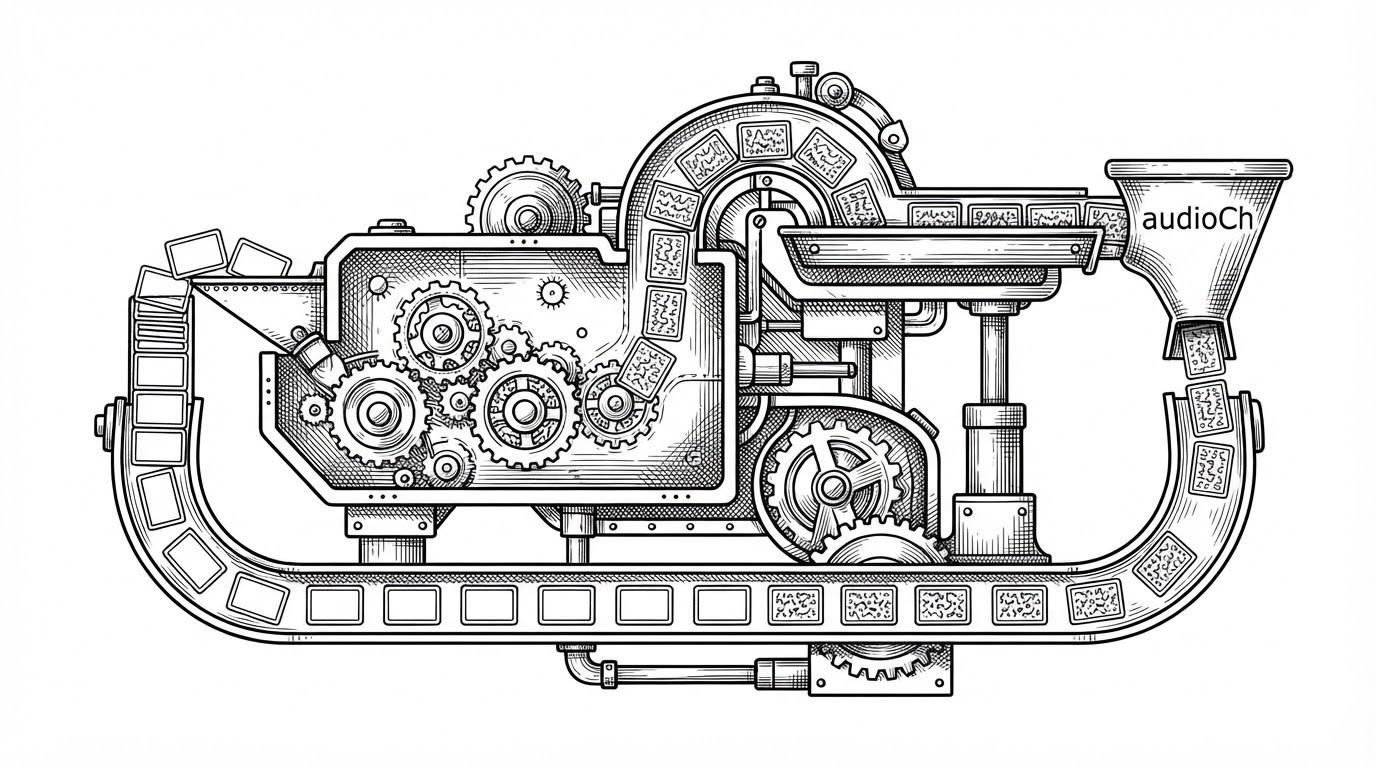
u := uint16((sample + 1) * 32767.5)
binary.LittleEndian.PutUint32(buffer[i:i+4], (u<<16)|u)
That byte-level write matters. The program is not just making sound, it is packing stereo output efficiently enough that the whole thing can stay lightweight and responsive. The point is not cleverness for its own sake. It is to keep the pipeline smooth.
Why the audio stays smooth instead of glitchy
Real-time audio exposes sloppy engineering immediately. If buffers stall, you hear it. If state resets, you hear clicks. If garbage collection interrupts the flow, the illusion breaks. `brown-noise` avoids that with a buffer pool, buffered channels, and a design that keeps the generator busy while playback consumes the next chunk.
| Tool | Runtime footprint | Deployment style | Realtime generation | Best use case |
|---|---|---|---|---|
| brown-noise | Tiny compiled binary | Local CLI plus shell toggle | Yes | Developer-friendly background noise |
| SoX | Broader command-line suite | Installed system tool | Yes | General audio processing |
| myNoise | Browser and web service | Web app | Yes | Polished preset-based listening |
| Python or C# noise tools | Heavier runtime | Script or app runtime | Usually | Quick prototyping and custom DSP |
The tradeoff is clear. SoX is a heavyweight generalist. Browser tools are polished but live inside a browser. Higher-level implementations are convenient but often bring a bigger runtime along for the ride. `brown-noise` is narrower than all of them, and that is the point.
Why the shell script matters more than it looks
The toggle_noise.sh script is a product decision disguised as a utility. It removes the mental overhead of process management and turns the generator into something closer to a light switch. That matters because the best background tool is the one you stop thinking about.
if pgrep -f brown-noise >/dev/null; then
  pkill -f brown-noise
else
  ./brown-noise &
fi
That tiny loop is the whole UX thesis. The repo does not ask you to learn a new interface. It just gives you a reliable local process and a quick way to start or stop it.
What this repo says about Go as a utility language
This is a strong Go story because it is so unglamorous. The language is being used to do one operational thing well, with low ceremony and enough control to care about latency, memory reuse, and byte layout. That combination is exactly why Go still feels like a good language for small tools that need to behave like real systems.
The bigger lesson is not that every audio app should be written in Go. It is that a mundane problem can feel carefully designed when the implementation respects the physics of the thing. Here, the physics is audio continuity. The result is a tool that disappears once it starts, which is probably the highest compliment a noise generator can get.