The Context-Aware Walkie-Talkie for Code: Unpacking ericclemmons/aside
How a lightweight macOS utility hijacks the Right Option key and uses AppleScript to give AI agents eyes on your active window.

- Aside solves context blindness in voice dictation by aggressively scraping the active window's state before dispatching text.
- The utility bypasses standard global hotkeys, using low-level CGEvent taps to create a dual hold-to-type or tap-to-dispatch interaction.
- A strict Redux-style state machine built in Swift tames the unpredictable asynchronous nature of voice processing and UI overlays.
- By defaulting to on-device WhisperKit inference, Aside ensures developer privacy while eliminating cloud transcription latency.
Voice-to-text for coding has historically failed because it lacks context. Standard dictation tools are blind; they simply spit raw text into the active cursor position. If you want to ask an AI agent about the specific function you are looking at in VS Code, or the API documentation open in Chrome, you have to manually copy and paste that context into a chat window before you start talking.
The open-source macOS utility aside solves this "context blindness." Built by Eric Clemmons, it acts as a context-aware walkie-talkie. It hijacks a single modifier key, aggressively scrapes the frontmost window using AppleScript, and orchestrates the messy asynchronous reality of voice and UI updates using a strict Redux-style state machine in Swift.
The Right Option
The physical manifestation of Aside's value is its interaction model. Rather than relying on standard macOS global hotkeys, which can conflict with IDE shortcuts, the tool intercepts the Right Option key (Keycode 61) at a low level using a CGEvent tap.
This approach enables a clever dualism in HotkeyManager.swift. If a user holds the Right Option key, the app acts as a direct-to-cursor dictation tool, typing as they speak. If they tap it, the app enters a persistent recording mode that eventually opens a context-aware dispatch picker. Furthermore, it employs chord detection: if a user holds Right Option but presses another key, the manager detects the chord and safely cancels the voice recording.
| Feature | Standard macOS Dictation | Aside Dispatch |
|---|---|---|
| Trigger | System hotkey (double-press) | CGEvent tap (Hold or Tap) |
| Context | Blind to UI | Captures App Name, URL, and Selection |
| Processing | Cloud (usually) | Local WhisperKit |
| Destination | Active cursor only | AI Agent prompts or active cursor |
Scraping the Screen
The magic of Aside happens in ContextCapture.swift. When you trigger a dispatch, the app needs to know what you are looking at. It executes a fallback cascade to scrape the frontmost window.
It first attempts to grab selected text directly via Accessibility APIs. If the target application resists, it drops down to browser-specific JavaScript injection via AppleScript (targeting Chrome or Safari). If all else fails, it simulates a manual clipboard copy-paste (Cmd+C, read clipboard, restore previous clipboard). The result is a rich JSON payload containing the App Name, Window Title, URL, Selected Text, and the transcribed voice prompt.
Taming the Asynchronous Mess
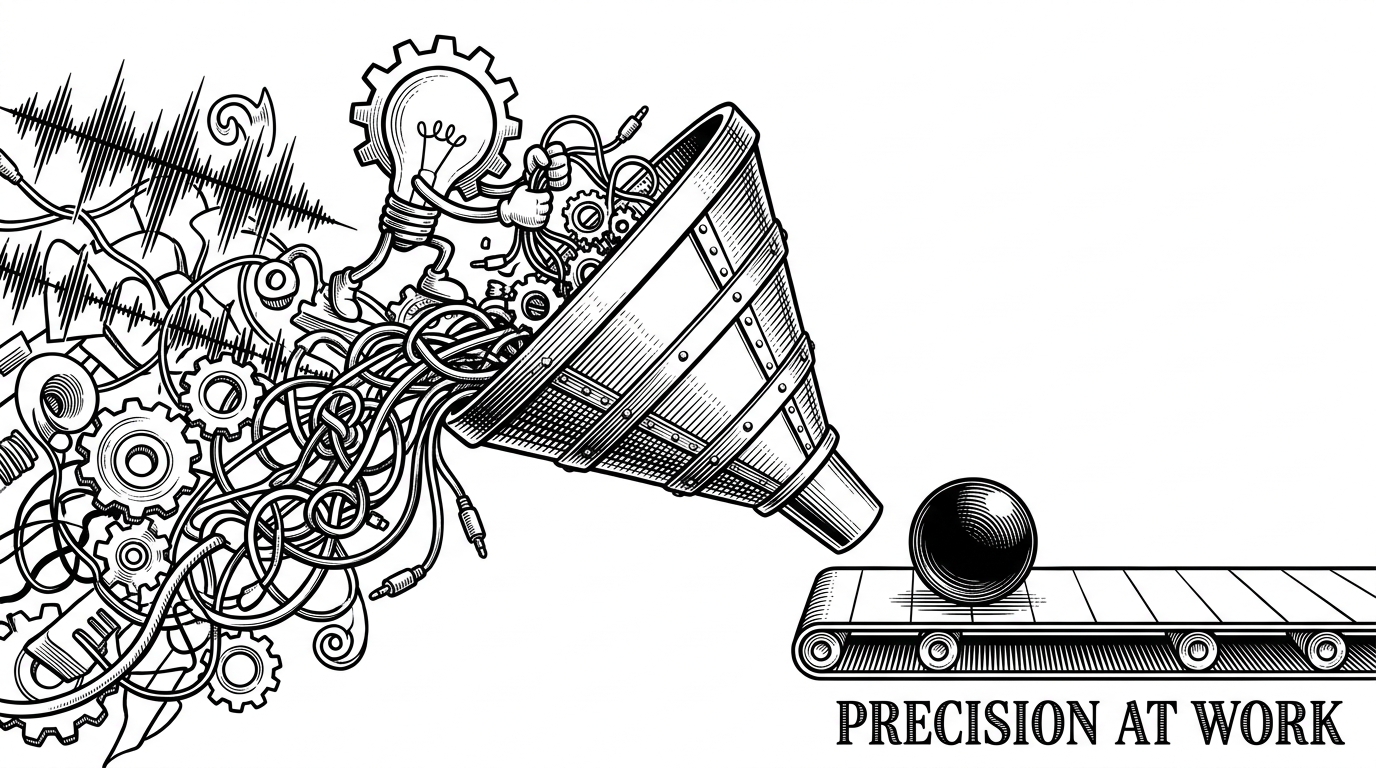
Voice applications are notoriously unstable. Audio interrupts, transcription delays, and UI overlays fire unpredictably. To prevent the application from tearing itself apart, the AsideCore module utilizes a strict unidirectional data flow, effectively bringing Redux to macOS.
The AppReducer.swift file acts as a pure function. It takes the current phase, the captured context, and the incoming event, and outputs a new phase alongside an array of side effects. This keeps the state machine predictable, easily testable, and completely decoupled from the SwiftUI layer.
On-Device by Default
Sending raw audio and developer screen context to a cloud server is a non-starter for many enterprise environments. Aside mitigates this by executing its side effects entirely on-device whenever possible.
The EffectExecutor.swift file acts as the bridge between the pure state machine and the real world. It handles the hot-swapping of transcription engines, defaulting to the on-device WhisperKit. On macOS 15 and later, it even integrates with Apple's FoundationModels to clean up transcriptions—removing "umms" and "ahhs"—without a single byte leaving the local machine.
Building for the Agentic Contributor
Despite operating as a solo-developer indie project, Aside's repository structure treats AI coding assistants as first-class citizens. The codebase includes a strict AGENTS.md file, providing explicit architectural context for tools like Claude or OpenCode.
Combined with an automated CI/CD pipeline that handles Apple Notarization and Homebrew formula updates, the project serves as a blueprint for how modern, context-dense macOS utilities can be built, distributed, and maintained.