Clicky: The macOS AI Assistant That Points at Your Screen
A native Swift app, a thin Cloudflare proxy, and a tiny coordinate language turn Claude into a spatial tutor that follows your cursor instead of hiding in a sidebar.
- Clicky’s main innovation is not chat. It is a coordinate system that lets language point at the desktop.
- Its native macOS client keeps the interaction fast and local-feeling while the Cloudflare Worker keeps secrets and provider routing out of the app binary.
- The app’s screen capture, overlay, and state machine all exist to make the assistant feel like a tutor standing at the cursor.
- Clicky is intentionally rough around the edges, which makes it feel like a hacker-built prototype for a new kind of desktop AI.
The Cursor Is the Interface
Clicky’s strange little breakthrough is that it does not ask you to move into a chat window. It brings the assistant to the place where the decision is happening: the cursor, the highlighted button, the active monitor. That changes the product from a question-answer box into a spatial layer over the desktop.
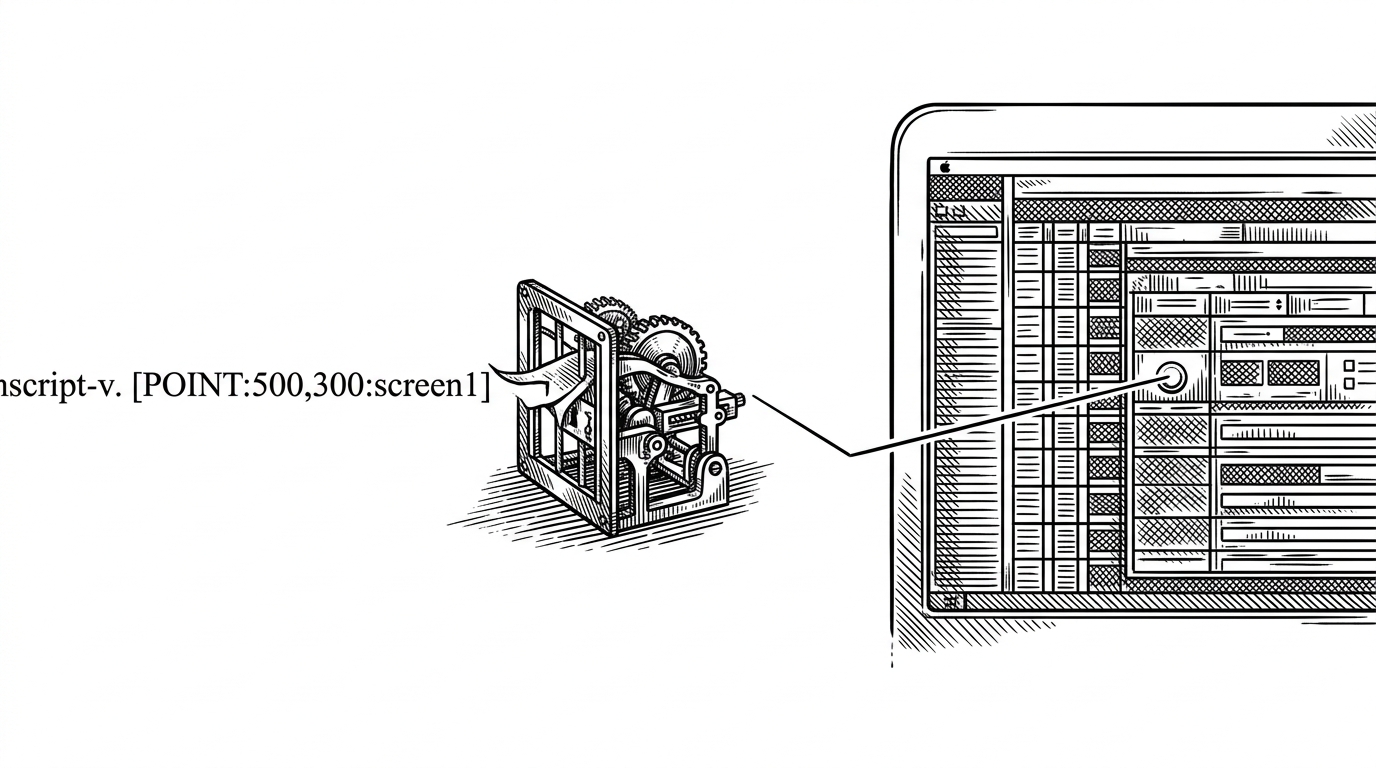
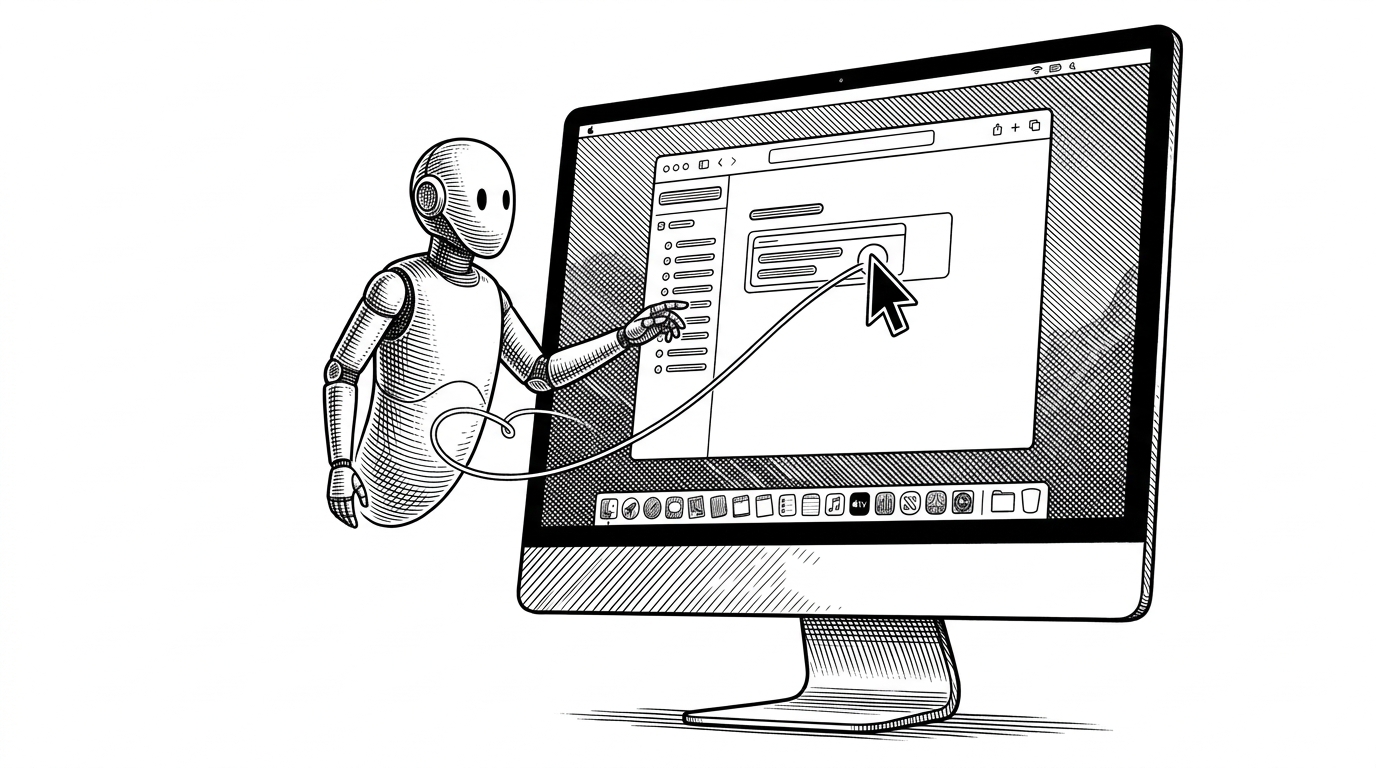
The signature move is a response format like [POINT:x,y:label:screenN]. That tag turns a model output into something the app can map back onto a real screen. Instead of saying, “click the export button,” Clicky can physically point at it. The effect is subtle but huge. The model stops feeling abstract and starts feeling present.
A blue cursor overlay can fly to and point at UI elements Claude references on any connected monitor.
Why the Desktop Needs a Different Kind of AI
Most AI assistants still treat the desktop like a place to observe from a distance. You paste text, get an answer, and then do the translation yourself. Clicky is built around the opposite idea: the assistant should stay inside the workflow long enough to help with the next click, not just the next sentence.
| Chat sidebar assistant | Clicky |
|---|---|
| Lives beside the work | Lives on top of the work |
| Explains what to do | Points at what to do |
| Mostly text-first | Text plus cursor-level action |
| Detached from monitor layout | Aware of multiple screens and coordinates |
| Feels like a support tab | Feels like a desktop tutor |
That difference matters because desktop work is physical. Windows overlap, screens multiply, dialogs hide behind apps, and intent gets lost in translation. Clicky’s job is to reduce that translation cost. It is less a replacement for help docs and more a temporary visual guide.
How Clicky Sees the Screen Without Tripping Over Itself
The screen capture layer is where the project stops being a clever interface idea and becomes a real system. Clicky uses ScreenCaptureKit, which gives it modern multi-monitor capture without falling back to older, slower image-grab APIs. That matters because the assistant has to understand the whole desktop, not a cropped fragment of it.
The tricky part is recursion. If the app captures its own overlay windows, the model can end up seeing itself and chasing its own tail. Clicky filters out its own windows, then maps the captured coordinates back into AppKit space so the cursor can land on the right display, at the right place, with the right origin math.
| Problem | Why it matters | Clicky’s approach |
|---|---|---|
| Multiple monitors | The same pixel address can mean different things on different displays | Tag responses with screenN and map into the correct display frame |
| Self-observation | The assistant can hallucinate around its own overlay | Exclude own windows from capture |
| Coordinate mismatch | Vision coordinates and AppKit coordinates do not match by default | Normalize and remap before cursor motion |
| Latency | Lag makes the tutor feel fake | Use modern screen capture and lightweight overlays |
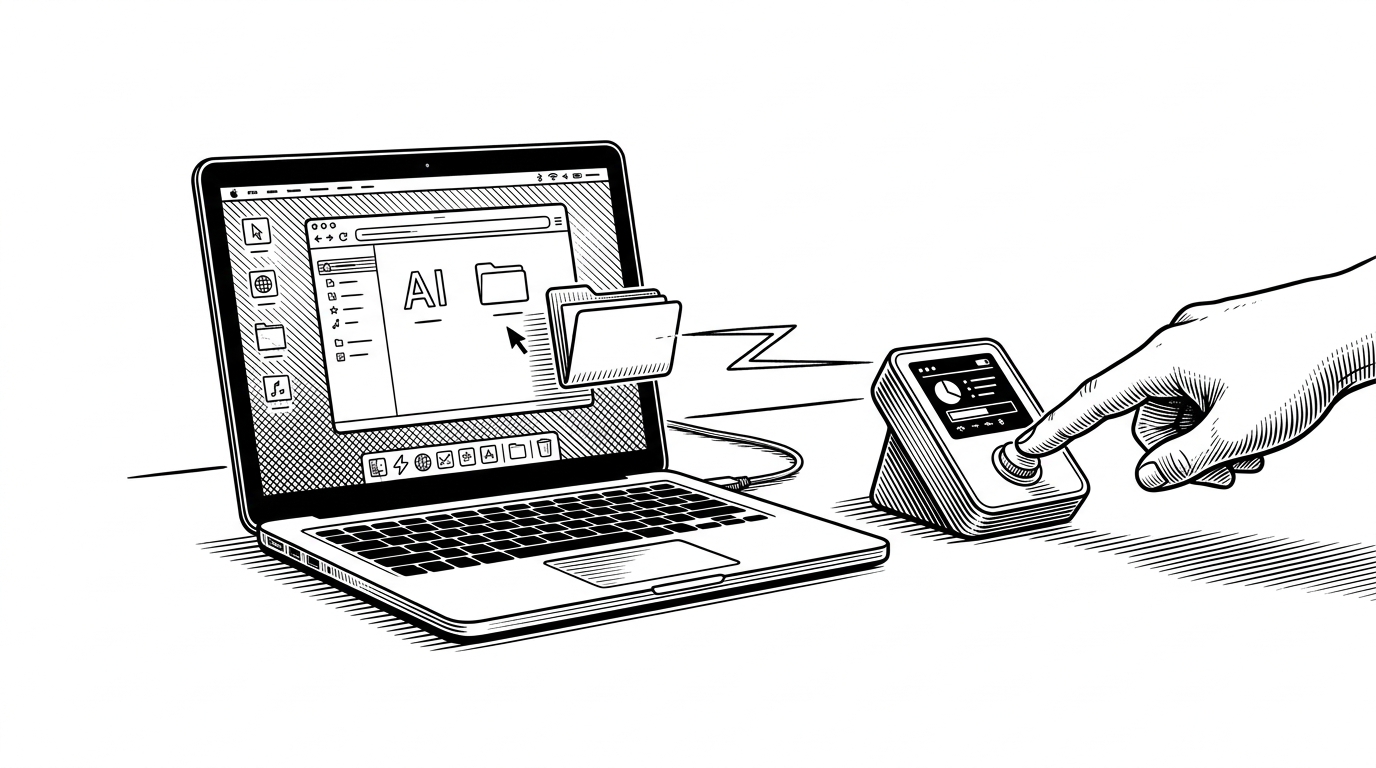
Lives entirely in the macOS status bar (no dock icon, no main window). Clicking the menu bar icon opens a custom floating panel with companion voice controls.
The State Machine Behind the Tutor Feeling
Clicky’s coherence comes from a manager object that keeps the app’s voice and overlay behavior in sync. The assistant is not just “listening” or “talking.” It moves through states like idle, listening, processing, and responding, with shared audio and UI updates flowing through one place.
enum CompanionVoiceState {
    case idle
    case listening
    case processing
    case responding
}

final class CompanionManager: ObservableObject {
    @Published var state: CompanionVoiceState = .idle
    @Published var currentAudioPowerLevel: Float = 0

    func startListening() {
        state = .listening
    }

    func startProcessing() {
        state = .processing
    }

    func startResponding() {
        state = .responding
    }
}