Claude Desktop Buddy: The Desk Pet That Doubles as a Hardware Control Surface for Claude
A tiny ESP32 companion turns Claude Desktop state into motion, mood, and physical approvals, then ships custom assets to the device over BLE with a drag-and-drop workflow.
- Claude Desktop Buddy turns approval from a screen gesture into a physical act, which makes the safety model feel more deliberate and legible.
- Its most novel trick is not the mascot itself but the drag-and-drop asset pipeline that streams custom character files over BLE to flash.
- The firmware is built like a real embedded system, with secure pairing, buffered protocol handling, and state-driven rendering instead of a novelty animation loop.
- The project points toward AI interfaces that are embodied, customizable, and governed by hardware, not just displayed in a window.
Claude Desktop Buddy is easy to dismiss as a desk toy until you notice the control loop. It is not just reacting to Claude. It is also acting as a physical approval surface for what Claude is allowed to do.
That changes the feel of the interface. Approvals become tactile. State becomes visible. And the device itself becomes part of the trust model, not just the decoration around it.
When Claude Becomes a Desk Object
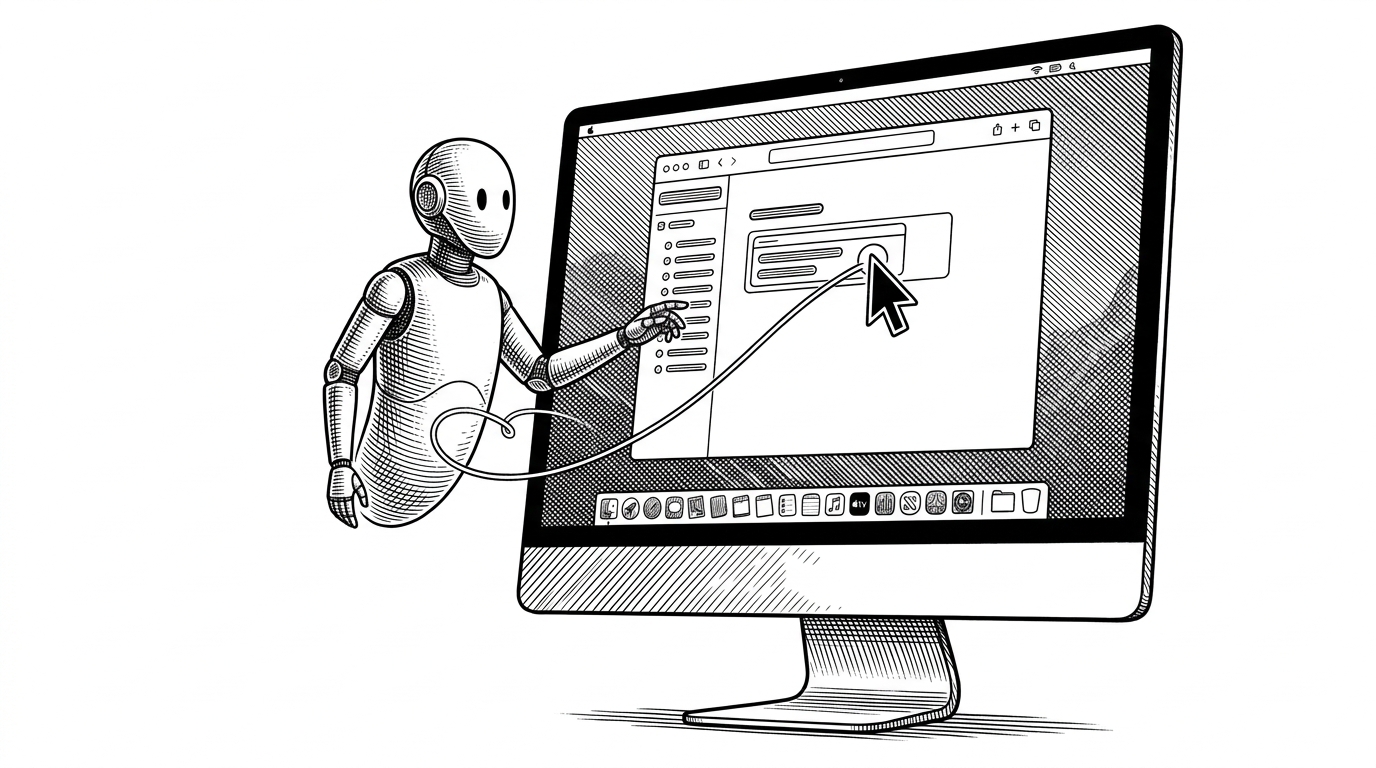
The project’s core idea is simple to describe and surprisingly rich in practice: Claude Desktop state is mirrored onto a tiny ESP32 companion, and the companion gives the user a button-shaped way to confirm or deny sensitive actions. Instead of treating agent permissions as a hidden software event, the repo makes them physical.
把 claude desktop buddy 移植到了我的 esp32-s3-amoled 设备上 真正的编程搭子,花的 token 越多,level 越高 https://t.co/LjvXi2Msnc
That community reaction gets at the real appeal. The project feels playful, but it is also opinionated about interface design: if an AI is going to ask for permission, the permission should have some weight.
The Weirdest Feature Is the Best One: Drag a Folder, Customise the Buddy
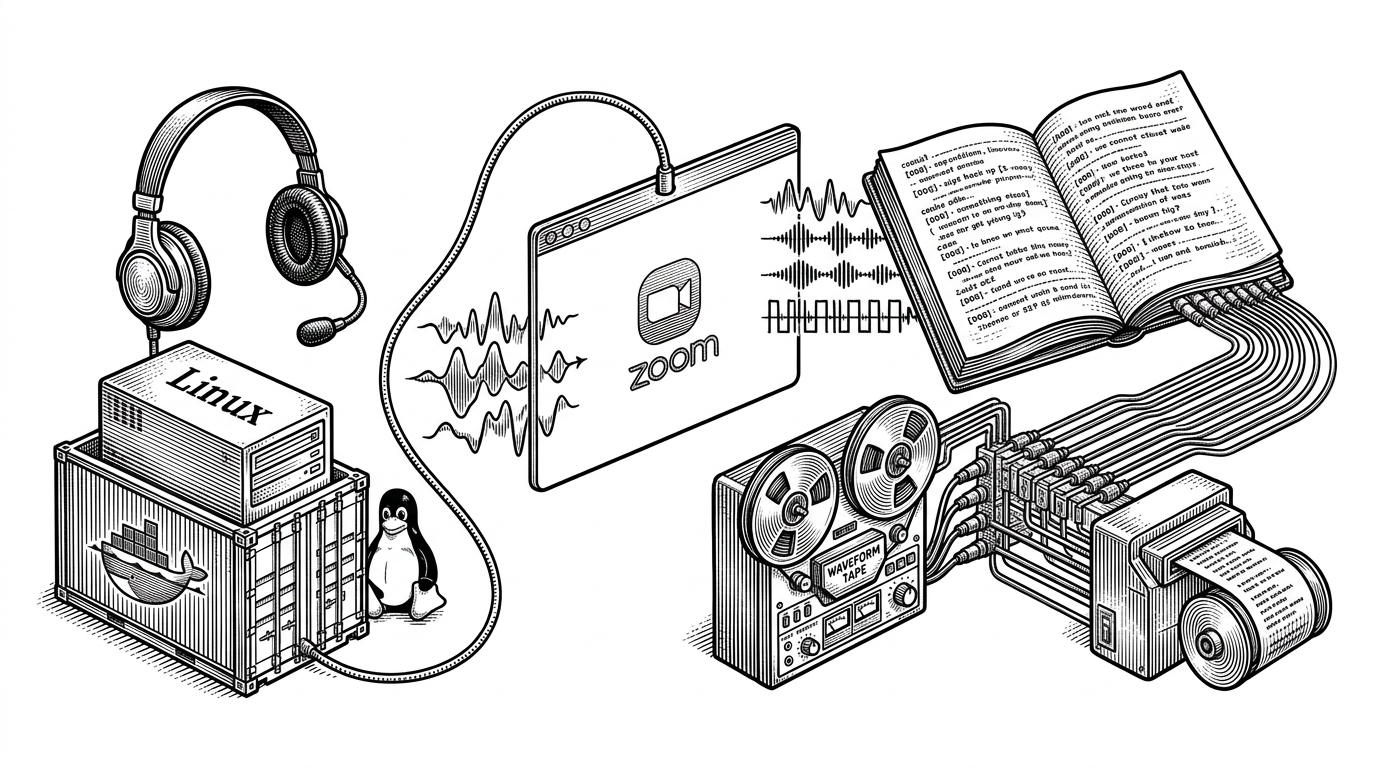
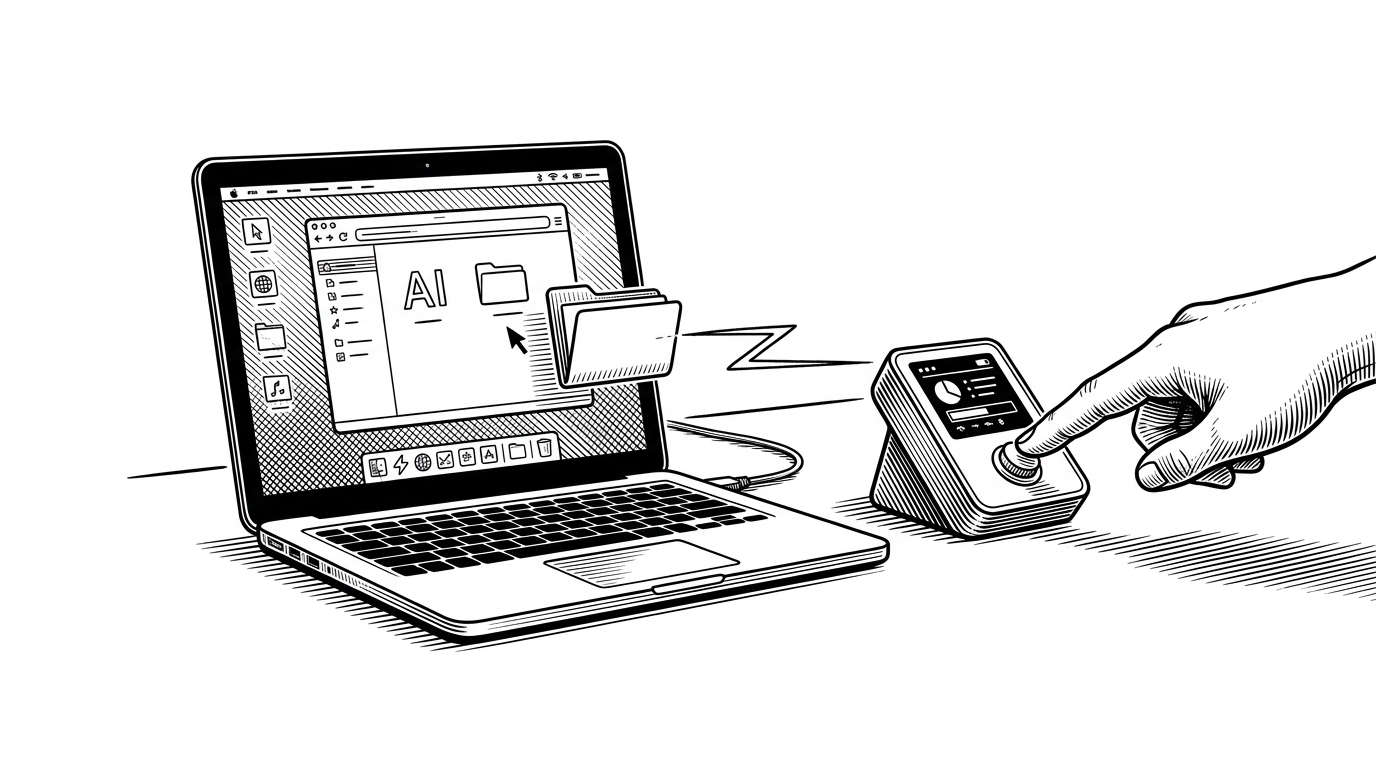
The repo’s sharpest move is the folder-push workflow. A user drags a folder into Claude Desktop, the desktop app streams those files over BLE, and the ESP32 writes them into flash storage so the buddy can immediately switch into a new character set.
That matters because it collapses onboarding, customization, and deployment into one gesture. You are not compiling firmware to change the character. You are handing the device a folder and watching it become something new.

Why the Approval Button Lives on the Desk
The button is not a gimmick. It is part of the security model. The firmware uses secure BLE pairing, and the physical control makes the permission decision feel less like a casual click and more like a conscious act.
That is a small but important distinction. A desktop dialog can be rushed. A button on a device sitting in your field of view invites a pause, and that pause is the design.
| Layer | Standard desktop approval | Claude Desktop Buddy |
|---|---|---|
| Where the decision happens | Inside the app window | On a physical button beside the keyboard |
| How the action feels | Fast and forgettable | Deliberate and tactile |
| What gets protected | A software permission prompt | A permission prompt plus the device that can trigger it |
| Who can update the interface | The app UI team | The user, by pushing a folder of assets |
| Security posture | Mostly software-side | Software-side plus paired hardware trust |
Inside the Buddy State Machine
Under the cute exterior is a seven-state machine: SLEEP, IDLE, BUSY, ATTENTION, CELEBRATE, DIZZY, and HEART. Claude activity, permission prompts, and device motion all feed into those states.
That makes the companion more than an animated icon. It is a small stateful interface that compresses a lot of system information into one glance. Busy means Claude is working. Attention means a prompt is waiting. Dizzy means the device sensed movement.
enum BuddyState {
  SLEEP,
  IDLE,
  BUSY,
  ATTENTION,
  CELEBRATE,
  DIZZY,
  HEART
};

// Motion and app events drive state changes.
// The screen is only one output of the state machine.
What the Hardware Is Actually Doing
The hardware stack is practical rather than flashy. The project targets an ESP32-based M5StickC Plus, uses BLE Nordic UART Service as the transport, stores assets in LittleFS, and relies on a ring buffer to keep radio traffic from blocking the main loop.
Security is not an afterthought either. The BLE bridge implements LE Secure Connections with passkey entry, which is exactly the sort of detail you want if a device can approve tool use or other sensitive actions.
The result is a tiny embedded system that behaves like a product, not a demo. It is responsive, paired, flash-backed, and opinionated about the shape of human oversight.
ASCII Species, GIF Species
The dual rendering system is where the repo shows its range. ASCII buddies are code-defined and memory efficient. GIF buddies are richer and loaded from a manifest, with variant rotation to keep idle states from feeling stale.
That split is smart because it preserves the same interaction model across very different resource budgets. The software can stay tiny, or become expressive, without changing how Claude and the user talk to it.
| Mode | Strength | Trade-off |
|---|---|---|
| ASCII | Very small footprint, easy to ship | Less expressive |
| GIF | Richer personality and motion | More storage and decoding overhead |
| Idle rotation | Prevents visual stagnation | Requires manifest discipline |
| Shared state model | Same buddy behavior in both modes | Different asset pipelines |
Why This Feels Different From a Regular AI Gadget
Most AI hardware tries to replace the screen. Claude Desktop Buddy does something subtler. It sits next to the screen and makes the software’s invisible state physically legible.
That puts it in a different category from generic companion gadgets and old desk toys. Tamagotchi-like products ask for attention. This one asks for judgment. It is less pet, more interface instrument.
That portability is the giveaway. People are not just installing the project. They are grafting it onto other boards because the idea fits. The interface pattern is the product.
What This Suggests About the Future of AI Interfaces
The most interesting thing about this repo is not its cuteness. It is the claim that agent interfaces do not have to live entirely in windows, menus, and prompts. They can also live in buttons, tiny screens, motion sensors, and physical rituals.
That opens a broader design space. If software is increasingly making decisions on our behalf, then the best interfaces may be the ones that slow us down just enough to notice when it matters.