Inside `zoom/meetingsdk-headless-linux-sample`: How Zoom Becomes a Headless Meeting Bot
A C++ Docker sample that keeps the SDK alive, authenticates on the fly, and routes raw meeting audio into recording or transcription pipelines.
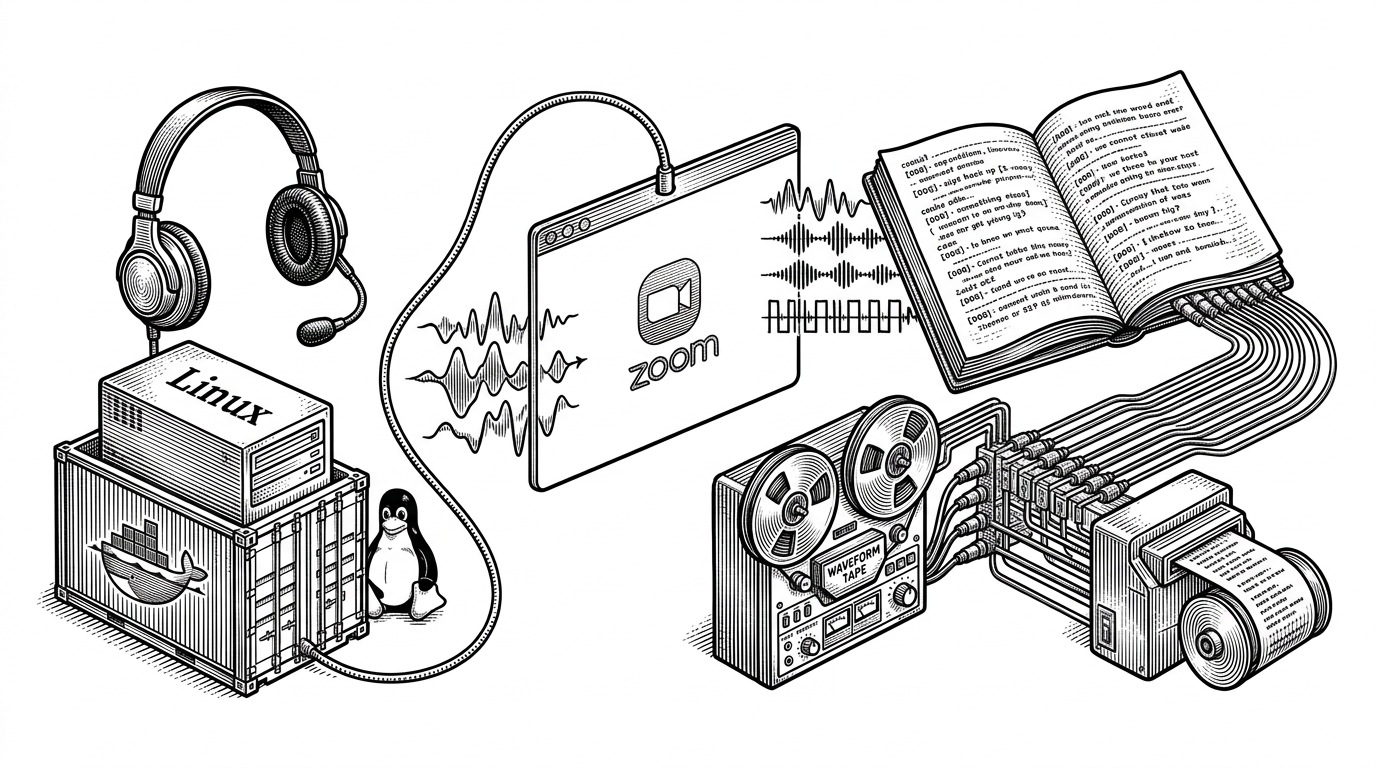
- This sample turns the Zoom Meeting SDK into a background worker that can join meetings, stay alive, and hand off audio without a visible desktop.
- `GMainLoop` is the real runtime backbone, because the process must keep listening for asynchronous SDK callbacks instead of acting like a one-shot CLI.
- The most valuable payload is raw audio, which the sample can either write to disk or stream to a socket for transcription and AI workflows.
- The repo is the control-first path: more flexible than managed APIs, but more demanding to deploy, debug, and operate.
The unusual thing about this repo is not that it connects to Zoom. It is that it keeps a Zoom participant alive in a container, without a GUI, long enough to receive callbacks and move media somewhere useful. That makes it less like a demo and more like a blueprint for a meeting worker.
The strange job this repo solves
Zoom’s Meeting SDK was built for interactive clients, but this sample pushes it into server territory. It joins meetings headlessly, survives in Docker, and exposes the part builders actually want: audio and meeting state, not pixels.
That matters if your real product is a recorder, a transcription service, or an AI assistant. In that world, the meeting window is dead weight. The data path is the product.
What the sample actually is
The repo is an official Linux C++ sample that expects the Zoom Meeting SDK binaries to be mounted in a Docker image. It uses CMake, vcpkg, CLI11, `jwt-cpp`, and a shell entry point in `bin/entry.sh` to keep the setup reproducible and the command-line surface small.
src/
  events/          # Auth, meeting, and recording delegates
  raw_record/      # Raw PCM and YUV capture paths
  raw_send/        # Inject custom media into a meeting
  util/            # Singleton, logging, socket helpers
lib/zoomsdk/       # Proprietary Zoom binaries mounted in
bin/entry.sh       # Container entry point
The architecture is modest on paper, but deliberate. The app wraps the SDK behind a singleton facade, then fans out through event delegates so the rest of the process can react to auth and meeting transitions without polling.
Why GMainLoop matters more than it looks
The key runtime decision is `GMainLoop`. Without a GUI event loop, the process still needs something that stays alive, dispatches asynchronous SDK callbacks, and avoids becoming a dead-on-arrival CLI. `GMainLoop` is not a convenience here. It is the survival mechanism.
That choice explains the whole sample. `main.cpp` starts the process, `Zoom.cpp` orchestrates init, auth, and join, and the event handlers translate SDK callbacks into state transitions. It is a small but real event-driven system.
A demo on creating a headless meeting bot using the Zoom Meeting SDK for Linux and Docker.
That one line from the Zoom forum is accurate, but it understates the engineering move. This is not just a demo that happens to run in Docker. It is a coordination model for a bot that has to wait, listen, and keep moving through async callbacks.
The bot’s real payload is raw audio
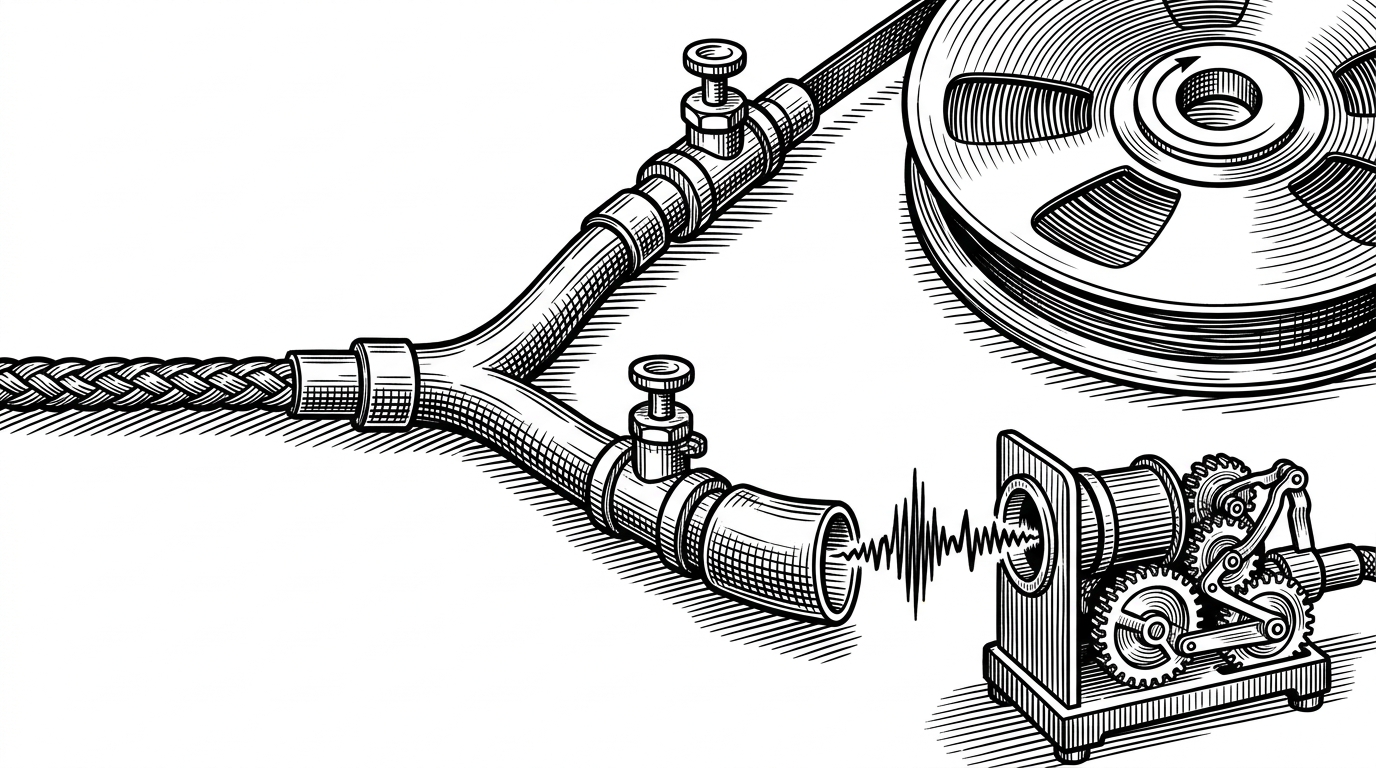
This is where the sample becomes interesting to transcription and assistant builders. `ZoomSDKAudioRawDataDelegate` receives `onMixedAudioRawDataReceived`, which means the app can capture the meeting as a whole, not just individual UI events. From there, the sample supports two practical paths: write PCM to disk, or stream it through a socket.
That split is the entire story. Disk makes it a recorder. Socket makes it a live media source for another process, which is exactly what you want if transcription or analysis happens outside the SDK process.
The URL parser is a product decision, not just a utility
`parseUrl` looks tiny, but it matters. Instead of forcing a user to copy a meeting ID and password into separate fields, the sample accepts a Zoom join link and extracts what it needs. That makes the bot feel operational instead of academic.
This is the kind of detail that tells you the repo is aimed at real workflows. The fewer steps between a join link and a live bot, the more likely someone is to put it in production.
How it compares to the easier paths
| Option | Control over infrastructure | Language accessibility | Joins standard Zoom meetings | Raw media access | Deployment complexity | Best fit |
|---|---|---|---|---|---|---|
| `zoom/meetingsdk-headless-linux-sample` | High. You own the process, media flow, and deployment. | Medium. C++ and Docker raise the bar. | Yes. | Yes. | High. | Teams that want maximum control and can absorb the ops burden. |
| Recall.ai | Low. Managed service hides the stack. | High. API-first integration. | Yes, through the service. | Yes, through the service. | Low. | Teams that want outcomes fast and do not want to run the media plane. |
| PyZoomMeetingSDK | High. Still in-house, but friendlier to Python developers. | High. Python access lowers friction. | Yes. | Yes. | Medium to high. | Teams that want Zoom SDK control without living in C++. |
| Zoom Video SDK for Linux | High, but for a different product model. | Medium. Native SDK, different integration surface. | No. It does not target standard Zoom meetings. | Yes. | High. | Teams building custom video experiences rather than joining Zoom meetings. |
The trade-off is clear. This repo is the most flexible and the most operationally demanding. It is the right fit when you want to own the whole pipe, from meeting join to downstream transcription.
The Meeting SDK is reserved for human use cases and does not support bots or AI notetakers. To build an AI notetaker application or access realtime media, use Zoom RTMS (Real-time media streams).
That line is the tension around the project. The sample exists, it works as a headless bot pattern, and yet the official docs also steer AI notetakers toward RTMS. If you are building on this repo, you are choosing control and proximity to the SDK over the comfort of a managed path.
Who should use this, and who should not
Use it if you need full control over media handling, deployment, and data flow. Use it if C++ is acceptable and you want a server-side Zoom participant that can become the front end of a transcription or analysis pipeline.
Do not use it if your priority is speed, low maintenance, or a polished developer experience. The repo is honest about its complexity. That is also why it is valuable.