gazectl: Your Head is the New Home Row
How a minimalist Swift utility uses computer vision to kill the "Cmd+Tab" bottleneck in multi-monitor workflows.
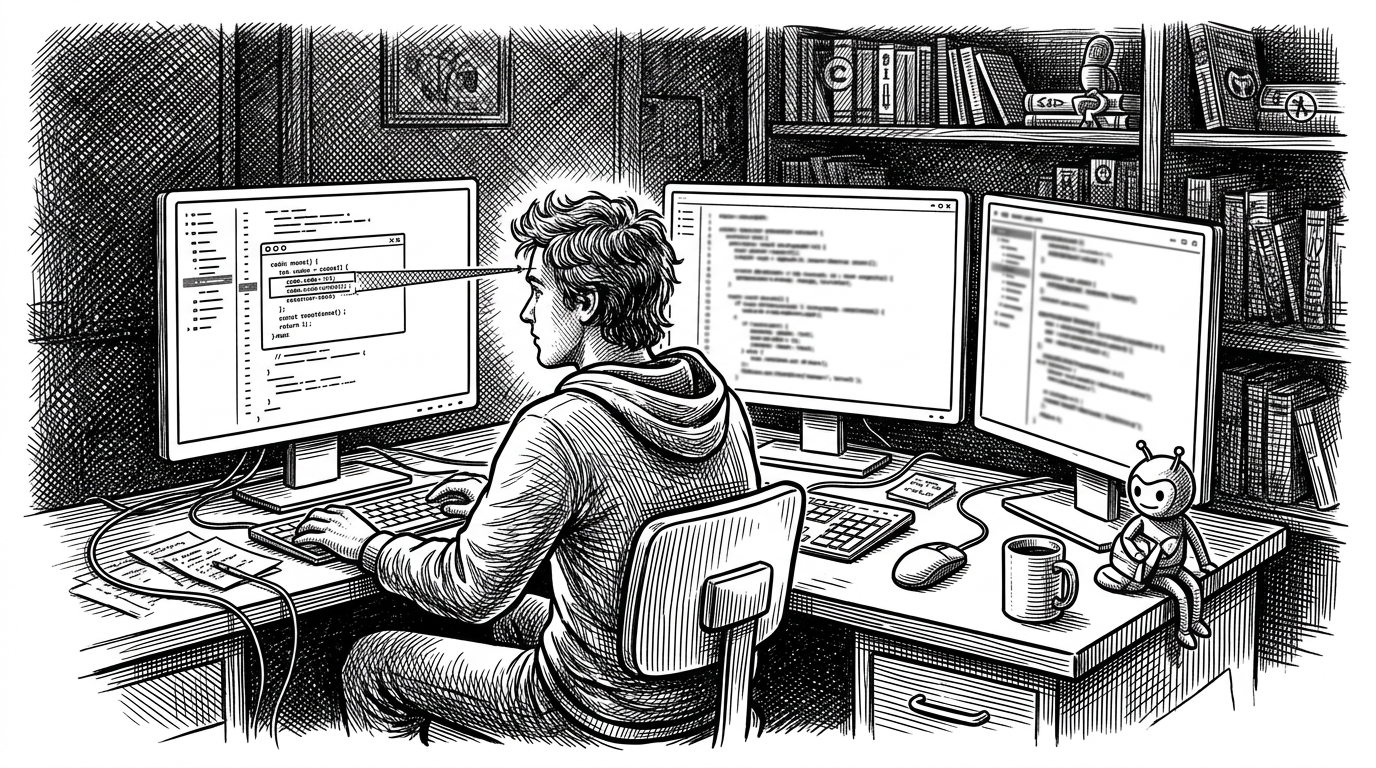
- The utility eliminates multi-monitor context switching by mapping head rotation to system focus events.
- Exponential Moving Average filtering and Apple Neural Engine processing ensure stable gaze tracking with minimal CPU overhead.
- The system shifts focus by programmatically teleporting the cursor and simulating clicks through macOS Accessibility APIs.
- Hysteresis logic and calibration thresholds prevent accidental window flickering during subtle head movements.
The Focus Tax
For developers using multiple monitors, the "mouse" is a 60-year-old bottleneck. While power users have meticulously optimized their keyboards with tiling window managers and Vim bindings, the physical act of switching "context"—moving system focus between three physical screens—still requires a manual interrupt. You must either reach for the mouse to swipe across 5,000 pixels, or execute a complex `Cmd+Tab` cycle.
This micro-friction is the "Focus Tax." It breaks flow. gazectl is a specialized macOS utility built to eliminate this tax entirely. By mapping Apple’s Vision framework to low-level macOS Accessibility APIs, it turns a biological "look" into a system "focus" event.
It is not an accessibility tool designed to emulate a mouse for the impaired. It is a "zero-UI" performance modification for the hands-on-home-row developer, treating the human head as a dedicated hardware peripheral for window management.
Yaw, Pitch, and the Neural Engine
The core of gazectl relies on Apple’s Vision framework, specifically its ability to perform high-speed pose estimation. Instead of tracking the pupil (which requires specialized infrared hardware), it tracks the "Yaw"—the horizontal rotation of the entire head.
Raw webcam data is noisy. If mapped directly to system focus, a 30fps camera feed would cause the active window to flicker erratically with every micro-movement of the user's neck. To solve this, the FaceTracker module implements an Exponential Moving Average (EMA) filter.
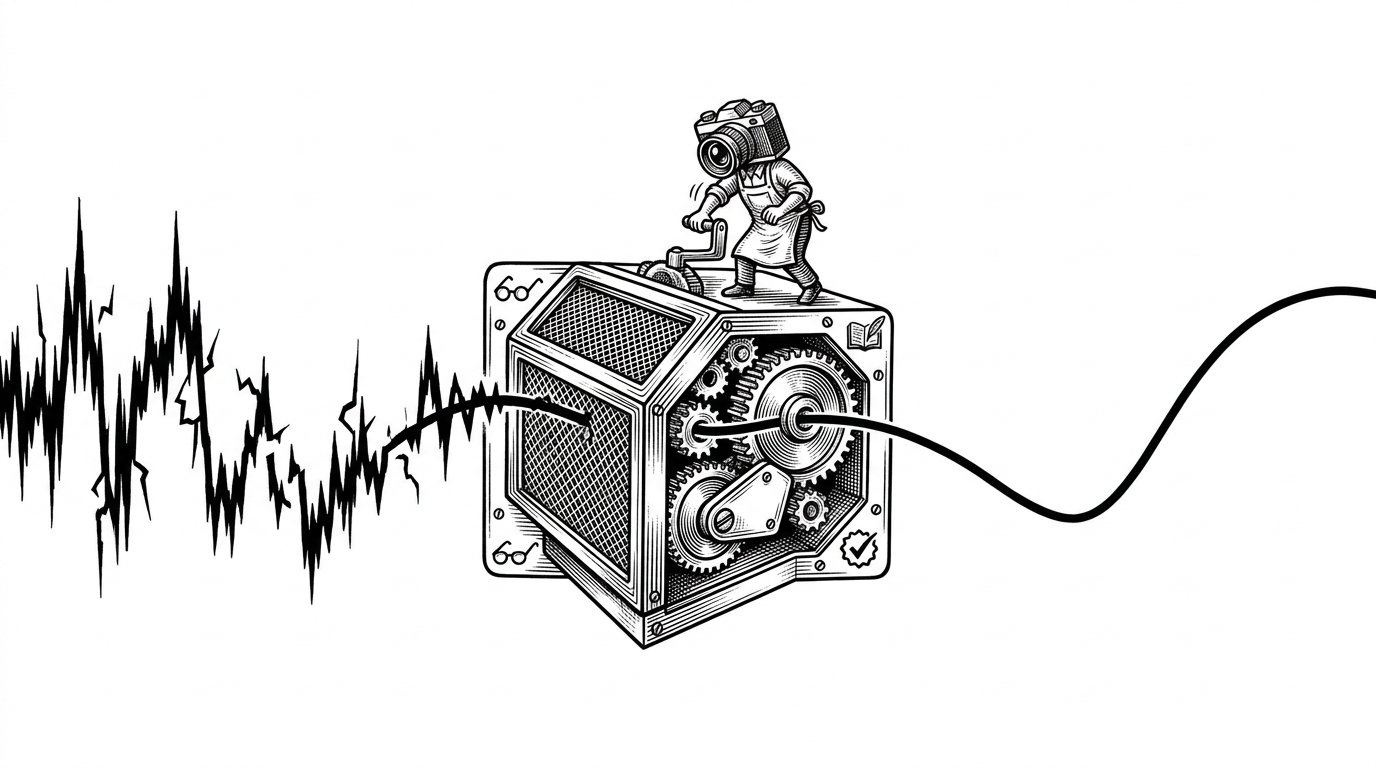
This mathematical smoothing ensures that the calculated gaze vector remains stable, turning a jittery video feed into a reliable, continuous input stream. Because it leverages the Vision framework, much of this processing is offloaded to the Apple Neural Engine (ANE) on Apple Silicon, keeping CPU overhead minimal.
The "Low-Tech" High-Tech Click
Calculating where the user is looking is only half the problem. The harder part is convincing macOS to actually shift window focus without user intervention. Standard macOS APIs do not provide a simple focusMonitor(id: 2) command.
The solution in MonitorManager.swift is brilliantly practical. It uses a "Warp + Click" pattern. By bridging Core Graphics and the Accessibility API (AXUIElement), it instantly teleports the invisible system cursor to the target monitor and simulates a microscopic click.
This forces the OS to natively shift focus to whatever window is beneath that point. It’s a low-tech hack applied to high-tech sensor data, ensuring compatibility with almost any application or tiling window manager (like AeroSpace) without requiring custom integrations.
Not a Mouse, a Switcher
It is crucial to distinguish gazectl from traditional head-tracking software like eViacam or Tracky Mouse. Those tools are emulators designed for total hands-free operation; they map head movement to X/Y cursor coordinates. Trying to write code with your nose acting as a trackpad is an exercise in frustration.
| Feature | gazectl | Traditional Trackers (e.g., eViacam) |
|---|---|---|
| Primary Goal | Context switching (Productivity) | Full cursor control (Accessibility) |
| Output Mechanism | Discrete focus events (Monitor A → Monitor B) | Continuous X/Y coordinate mapping |
| Interface | Zero-UI / Background CLI | Floating GUI / Menubar app |
| Target Audience | Tiling Window Manager power users | Users unable to use physical mice |
gazectl is an orchestrator. It treats the head as a selector for large "zones" (monitors), leaving the fine-grained navigation to the keyboard. This hybrid approach is what makes it viable for fast-paced development work.
The Setup Ritual
Because every desk and webcam placement is different, the tool relies on a simple calibration phase. The user runs a setup command, looks at each monitor in sequence, and the system records the specific yaw angles, saving them to a local JSON file.
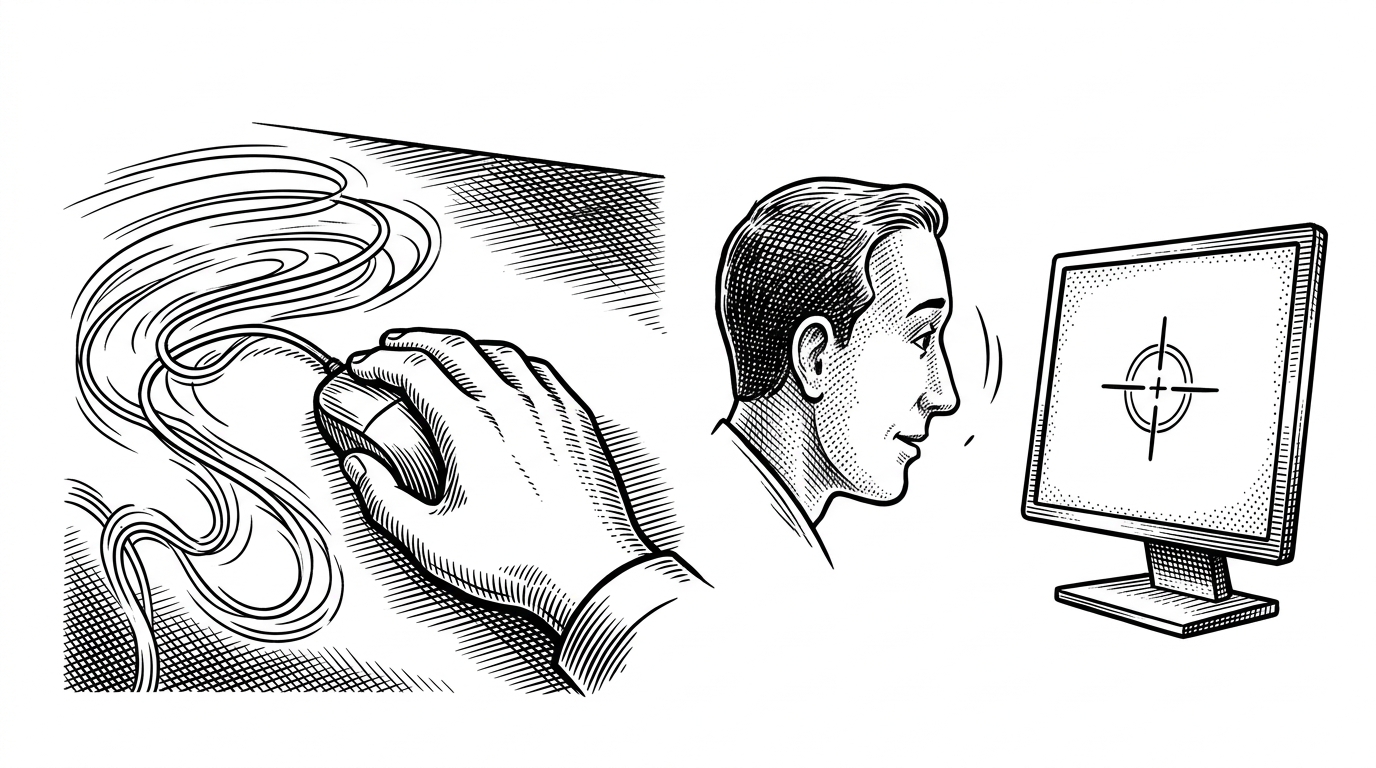
To prevent "flickering" when a user is looking near the boundary between two monitors, the calibration logic employs hysteresis. The currently focused monitor is given a mathematical "distance bonus," requiring the user to make a definitive head movement to trigger a switch, rather than accidentally bouncing focus back and forth.
By combining modern computer vision with pragmatic OS-level hacks, gazectl successfully reclaims the microseconds lost to the focus tax, proving that sometimes the best user interface is no interface at all.