OmniWM Fights macOS for Every Pixel
How a solo-built window manager brings Niri scrolling columns and Hyprland tiling to Apple Silicon, one Accessibility call at a time.
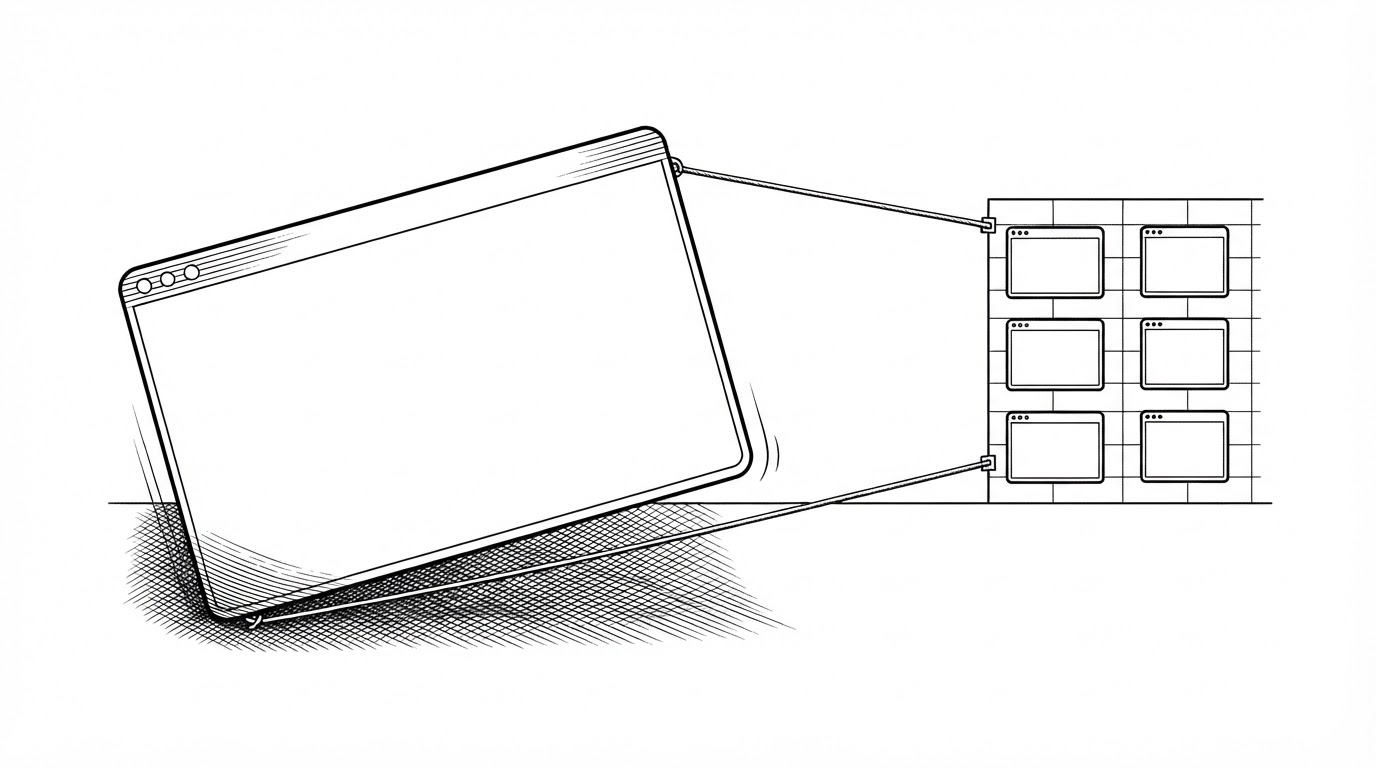
- OmniWM's headline feature list is a thin layer over its real engineering problem: taming macOS's slow, synchronous Accessibility API.
- It ships two incompatible layout paradigms (Niri scrolling columns and Hyprland Dwindle BSP) in one app, selectable per workspace.
- The Core/Ax/ subsystem is roughly 100 files, the largest cluster in the repo, and exists to make window movement feel instant when the underlying API is anything but.
- The project is already upstream: Nehir is an endorsed fork, and other forks are experimenting with new workflow layers on top of it.
The Window Manager macOS Never Shipped
macOS has no tiling. It has never shipped a layout engine, and it gives third-party apps exactly one public lever for moving another app's window: the Accessibility API. That interface was designed for screen readers and automated test tools, not for a compositor. Every tiling window manager on the Mac is a negotiated peace with that lever.
OmniWM is a tiling window manager for Apple Silicon Macs running macOS 26 or later. It brings two Linux compositor layout models to the Mac: Niri-style scrolling columns and Hyprland-style Dwindle BSP. It also layers on a quake terminal, scratchpads, a command palette, and a local IPC and CLI for automation.
That feature list is what the README shows you. The story underneath is the fight it takes to make any of it feel smooth.
Two Paradigms in One App
Most tilers pick one layout model and commit to it. OmniWM ships two, and you choose per workspace. That is the visible differentiator, and it is worth understanding before the technical war behind it, because the two models ask very different things of the code.
The first model is scrolling containers. Windows sit in an orientation-aware strip, horizontal or vertical, and the viewport slides across them. Focus a window and the strip animates so that window centers, with neighbors peeking in at the edges. It is a filmstrip you scroll through rather than a grid you fill.
The second model is Dwindle BSP, borrowed from Hyprland. Each new window splits an existing region in half, recursively, so the screen becomes a binary tree of ever-smaller rectangles. Where scrolling keeps a linear order, BSP keeps a spatial hierarchy.
Shipping both is unusual because the two models disagree about almost everything: how focus moves, how windows are inserted, how the layout responds to a resize. The payoff is that a workspace can match the task. A wide reading session wants scrolling columns. A dense coding layout often wants a tree.
The Accessibility War
Here is the part the README does not tell you. Moving a window on macOS is not one operation. It is a series of small, fragile ones, each routed through the Accessibility API, which is synchronous, slow, and inconsistent from one app to the next. A single smooth-looking window slide is a lie the app tells you, stitched together from many discrete calls.
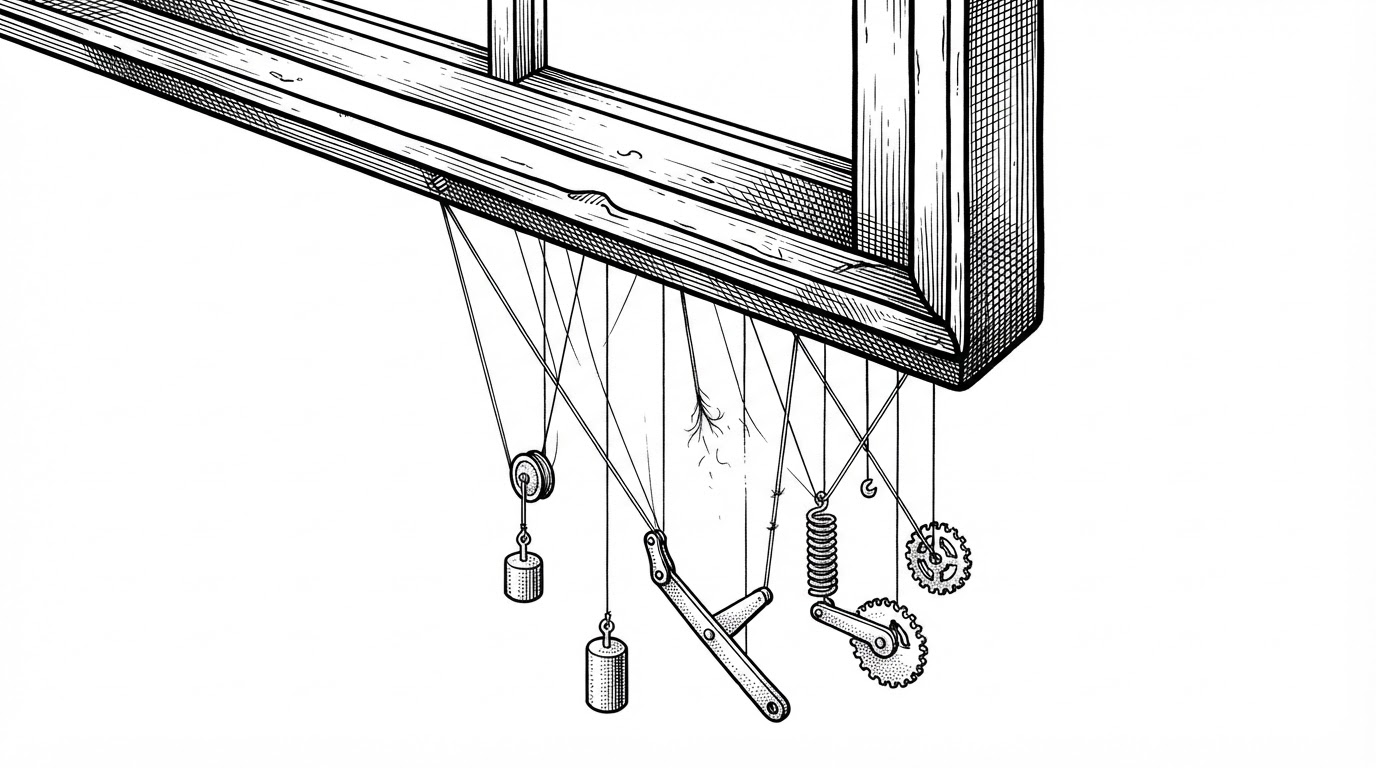
The response lives in Core/Ax/, roughly 100 files and the largest cluster in the repository. An AXManager marked @MainActor acts as the coordinator, dispatching the actual window work off the main thread so the interface never stalls waiting on a call that might take milliseconds or might take much longer.
On top of that sits a physics layer in Core/Animation/: easing curves, spring dynamics, deceleration, and swipe-gesture handling. The animations are not decoration. They are how the app hides the latency of an API it cannot speed up. If the underlying call is slow and uneven, a well-tuned spring makes the result read as intentional motion instead of a stutter.
The code is also honest about its own compromises. Swift 6's strict concurrency makes cross-actor access deliberately awkward, and the app uses a nonisolated(unsafe) weak static var to let NSApplicationDelegate callbacks and SwiftUI scenes reach the same object graph. The unsafe annotation is a signal, not an accident: it marks the exact spot where the concurrency model and the AppKit lifecycle do not quite fit together.
Bending the OS
If the Accessibility API is the public lever, OmniWM is not shy about reaching for others. The build links against the private SkyLight framework for window ordering, the same private surface that many macOS window tools lean on because the public one is not enough.
The project also vendors a surprising amount. It bundles a Luau scripting VM and host for automation, and it ships GhosttyKit as a prebuilt binary target to power the quake terminal. The dependency surface stays deliberately small, and most of what it needs, it carries.
The CLI, omniwmctl, is where the taste shows. Installing it to your PATH is fully reversible, refuses to overwrite a file it does not own, and will not touch /usr/local/bin on its own. It only ever writes inside your home directory, and it detects Homebrew-managed links rather than fighting them.
Even the update system has opinions. There are two release channels, stable and canary, and the updater tells you the correct Homebrew command for the channel you actually installed:
static func isCanaryTag(_ tag: String) -> Bool {
    tag.range(
        of: #"^canary-\d{8}-\d{4}(?:-\d+-\d+)?$"#,
        options: .regularExpression
    ) != nil
}
A canary tag is a timestamp, which means canary versions sort correctly as plain strings. It is a small decision, and it is the kind of small decision that tells you the rest of the code was written by someone paying attention.
How OmniWM Compares
The real fork in the road is layout model: scrolling, tree, or BSP. Everything else is secondary. Here is how the macOS options line up.
| Project | Layout model | Config surface | License / price | Minimum macOS |
|---|---|---|---|---|
| OmniWM | Scrolling columns + Dwindle BSP | GUI, TOML, IPC/CLI | GPL-2.0, free | macOS 26+ |
| Nehir | Scrolling columns only | Fork of OmniWM | GPL-2.0, free | macOS 26+ |
| ChainYourMac | Scrolling strip | GUI, optional TOML | Paid, closed source | macOS 13+ |
| Glidro | Scrolling tiler | Command interface | Paid, closed source | macOS 13 to 26 |
| PaperWM.spoon | Scrolling (Hammerspoon) | Lua | MIT, free | macOS with Hammerspoon |
| AeroSpace | i3-like tree | TOML | Free, open source | macOS 13+ |
| yabai | BSP via shell | Shell commands | Free, open source | macOS |
Pricing and platform claims above are source-attributed snapshots from the linked comparisons, not guarantees. Check each project's own documentation before you install anything. Note also that the macOS 26 requirement is a real constraint, not a formality. If you are on an older Mac, several of the alternatives above will run where OmniWM will not.
A Fork, Then a Family
OmniWM is no longer just one app. Nehir is an endorsed fork that keeps a narrower, Niri-only scrolling workflow for people who want the columns without the broader feature surface. A personal fork in the project's orbit experiments with zone anchors, leader-key menus, and tabbed-column cycling. The upstream project has become the base other people build on.
The creator has been careful about what that means. In the discussion proposing the move to the OmniNull organization, BarutSRB pushed back on reading resemblance as theft:
Similar implementations and timing by themselves do not prove that someone copied OmniWM, and I do not want this discussion to turn into accusations against other developers.
That framing fits the project. OmniWM openly names Niri and Hyprland as its inspirations. A tool built by borrowing from Linux compositors has little standing to complain when the borrowing continues downstream. The interesting question is not who copied whom. It is whether the ecosystem keeps producing things worth copying.
The window manager macOS never shipped now has a family of them, each fighting the same operating system, one Accessibility call at a time.