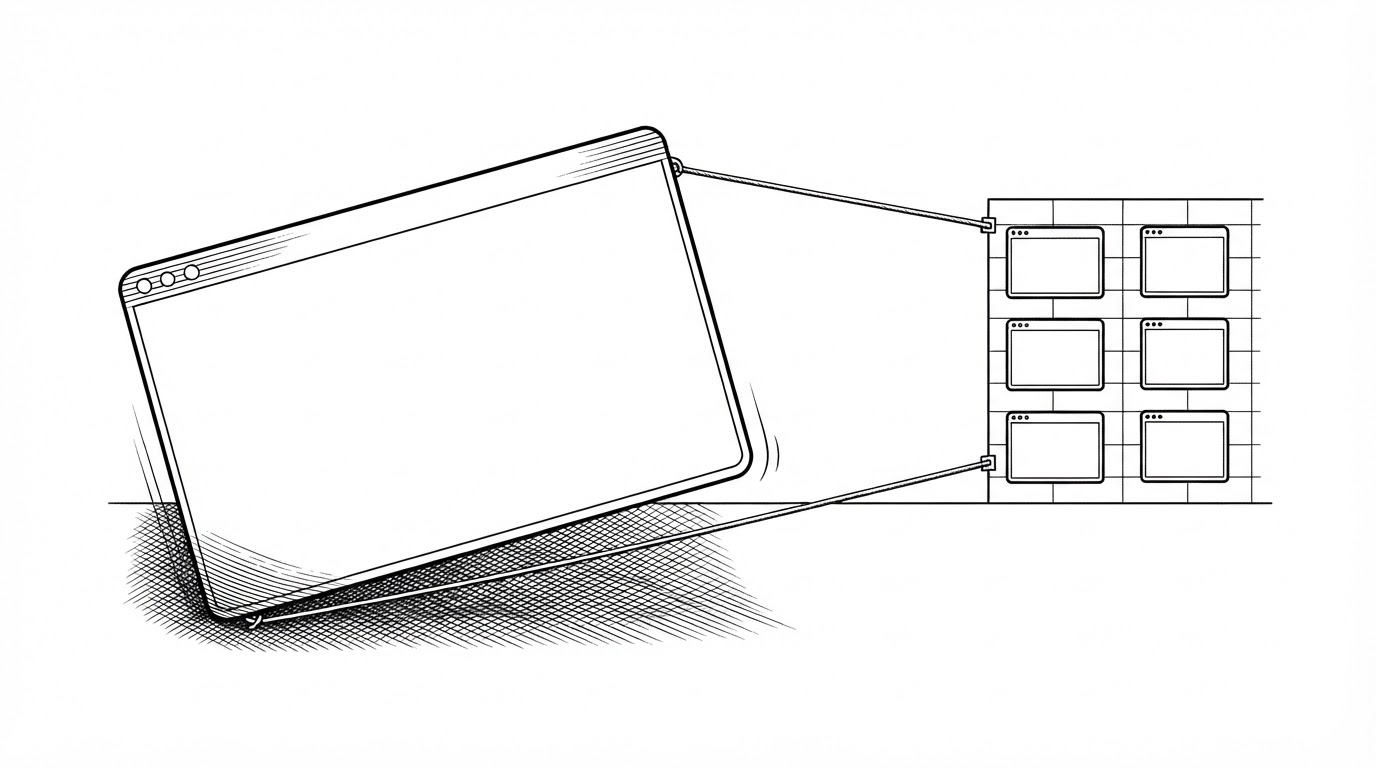
GestaltX Edits the Hidden File That Decides What Your iPhone Can Do
Apple gates Apple Intelligence, eSIM slots, and display features through a plist-backed capability manifest. This Swift app reads it, types it, stages it, and only then writes it back.

- Every iPhone carries a plist-backed capability manifest called MobileGestalt that decides which features it is allowed to ship with, in which region, on which build.
- GestaltX resolves the cache layout from the device's own library, validates it against CacheUUID, and refuses to write when the match is ambiguous.
- The community's two-step eSIM trick works because SIM provisioning and region gating can be decoupled: add a domestic eSIM first, then flip the region code.
- Presets set capability flags, and the README is explicit that flags do not guarantee features.
The Manifest Apple Never Shows You
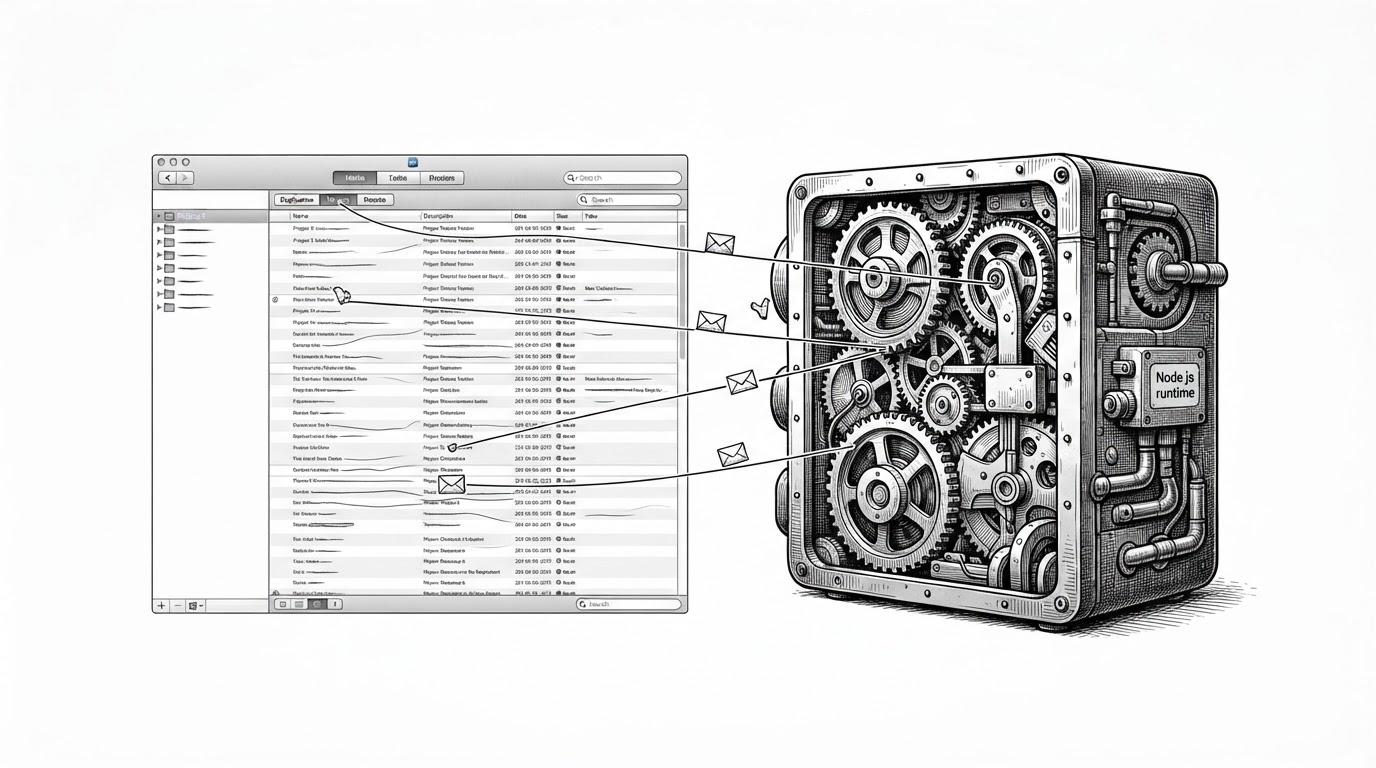
Your iPhone has a file that decides what it is allowed to do. It is called MobileGestalt, and it lives in the system as a property list: a structured cache of device identifiers and capability flags. Apple reads it to decide which features ship on which hardware, in which region, on which OS build.
Inside the plist sits a dictionary called CacheExtra. That is where the capability flags live: a value that says this device reports Apple Intelligence support, a value that says how many eSIM slots it exposes, a value that says whether the display can run Always-On. A second field, CacheUUID, identifies the exact layout of the cache so a reader knows which keys belong where.
The file is load-bearing. iOS consults it early, and a value of the wrong type or the wrong length can break boot. That is why most people never touch it, and why the tools that do tend to be blunt.
GestaltX is not blunt. It is a native Swift app for iPhone and iPad that reads this cache, edits it with typed precision, and writes it back only after it has verified the layout and staged the change as a diff. The engineering posture is the story here, not the toggles.
The Two-Step Trick That Unlocked Foreign eSIMs
The most concrete thing people do with GestaltX is not about Apple Intelligence at all. It is about eSIMs on China-market iPhones.
China-market devices ship with region gating that limits how many eSIM profiles they will accept and which carriers they recognize. Community users reported a sequence that gets around it. First, provision a domestic eSIM while the device still reports as a China-market unit. Then change the region code to a Hong Kong or US value. The phone now accepts foreign eSIMs.
The trick works because SIM provisioning and region gating are two halves of the same system, and they can be decoupled in order. You satisfy the first half before you flip the second. Users described it as wanting both ends at once, and getting them. This is community-reported behavior, not something this article independently tested.
国行 iPhone Air 改个区域码,海外 eSIM 就能加了。 先在国内正常开通 eSIM,再用 GestaltX 把设备区域改成港版或美版,海外运营商的 eSIM 直接能添加,改完全功能解锁。已经有人改完在用了。 GestaltX 改的是系统 MobileGestalt https://t.co/1gQtHJbtJi
Who Built It, and What Apple Did Next
GestaltX was released by a developer who goes by huamidev. The README credits a lineage of prior tools: worse_query from forcequitOS, Nugget from leminlimez, GestaltEdit from frs0n, MGKeys from PoomSmart, NeoSpring and mond from rooootdev, and Ketamine from Nouvborne.
Within about a day of launch, the author's GitHub account was reportedly banned. The claim comes from community posts, not from GitHub itself. The project keeps circulating regardless, and the IPAs are distributed with ad-hoc signatures so SideStore and AltStore can re-sign them.
A MobileGestalt editor for iPhone and iPad.
huamidev 因为发布 GestaltX,GitHub 账号被封了。不确定是否可以解锁国行 iPhone Air / Duo eSIM 数量限制,感兴趣的也许可以试试。证书需要有 App Group。 https://t.co/2B1lNjKWXc
An Editor That Refuses to Guess
Most tweak tools hard-code offsets per model or per OS version. You tell it which phone you have, it assumes a layout, and it pokes the bytes. GestaltX does the opposite. It resolves the cache layout from the device's own MobileGestalt library image at runtime, and it keeps exactly one offline fallback keyed to a known CacheUUID.
Before it uses any candidate layout, it validates. It checks the candidate UUID against the plist's CacheUUID, checks the CacheData length, and refuses any candidate whose UUID set is ambiguous or whose indices collide. When the match is not clean, it throws instead of guessing. The source comment states the rule directly: ambiguous UUIDs or descriptors are rejected, not guessed.
The file also handles a detail specific to Apple silicon. Loaded pointers can carry arm64e PAC bits, so the code never dereferences a pointer. It compares the canonical user address as a value.
func matches(_ candidate: CacheLayoutCandidate) throws -> Bool {
    // Ambiguous UUIDs or descriptors are rejected rather than guessed.
    guard candidate.uuids.count == 1 else {
        throw LayoutError.ambiguousUUID
    }
    guard candidate.cacheDataLength == plist.cacheData.count else {
        throw LayoutError.lengthMismatch
    }
    return candidate.uuid == plist.cacheUUID
}
How GestaltX Reads, Stages, and Writes
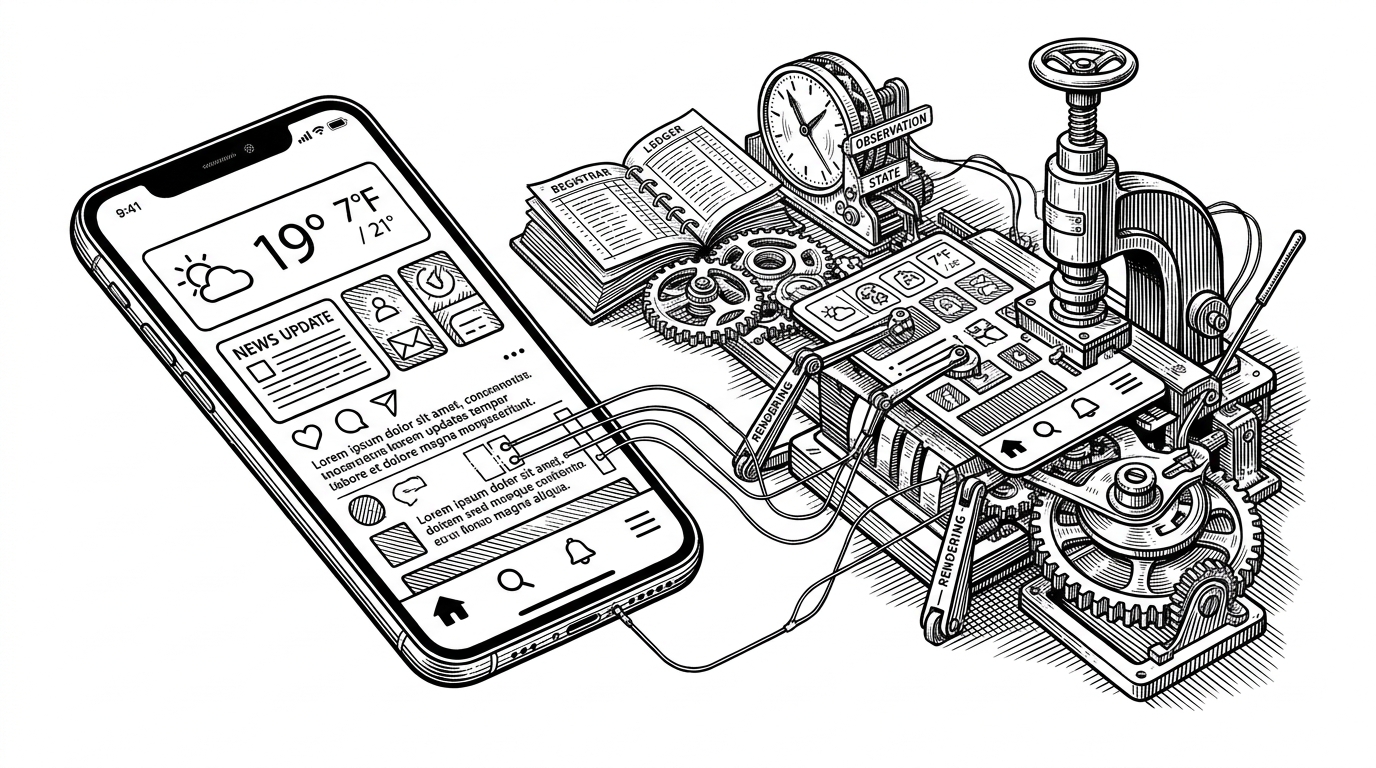
The write path is a pipeline, not a poke. It starts by reading the plist from the device library and resolving the layout. Then it validates that layout against the cache. Only then does it take a snapshot: an immutable original.
From the snapshot it builds a working copy, the editable version. Staged preset changes are applied to a derived preview, which is compared against the snapshot to produce a diff of changeKeys and changeCount. If the count is zero, or the user cancels, nothing is written. If there are changes, GestaltX writes a backup to Application Support/GestaltX/Backups before it commits to the device.
The typed codec is what makes this safe. PlistValueKind covers all eight plist types: String, Integer, Real, Boolean, Data, Date, Array, Dictionary. Integer parsing tries Int64 and then UInt64, because binary plists can carry unsigned 64-bit identifiers. Array and Dictionary edits round-trip through an XML plist fragment, which preserves nested types that a JSON-style editor would silently coerce.
static func parse(_ text: String, as kind: PlistValueKind) -> Any? {
    switch kind {
    case .integer:
        // Binary plists can also contain unsigned 64-bit identifiers.
        return Int64(text) ?? UInt64(text)
    case .boolean:
        return Bool(text)
    case .array, .dictionary:
        // Round-trip through an XML plist fragment to preserve nested types.
        return parsePlistFragment(text)
    default:
        return text
    }
}GestaltX vs. the Alternatives
Nugget, GestaltEdit, and Misaka all sit in the same neighborhood. The difference GestaltX claims is not breadth but auditability: a typed field editor, staged review, backups, and layout-verified writes.
| Tool | Platform | Editing surface | Typed plist values | Staged review | Backup + restore | Verified writes | License |
|---|---|---|---|---|---|---|---|
| GestaltX | iPhone / iPad native | Presets + typed field editor | Yes (8 types) | Yes | Yes | Yes | GPL-3.0 |
| Nugget | Desktop | Presets | Partial | No | Partial | No | Varies |
| GestaltEdit | Mobile | Field editor | Partial | Unknown | Unknown | Unknown | Varies |
| Misaka | Mobile | Broad tweaks | N/A | No | Partial | N/A | Varies |
Where the supplied sources did not establish a feature, the cell reads Unknown. Treat the GestaltX column as its README's claims, not independent testing.
The Caveat That Bears Repeating
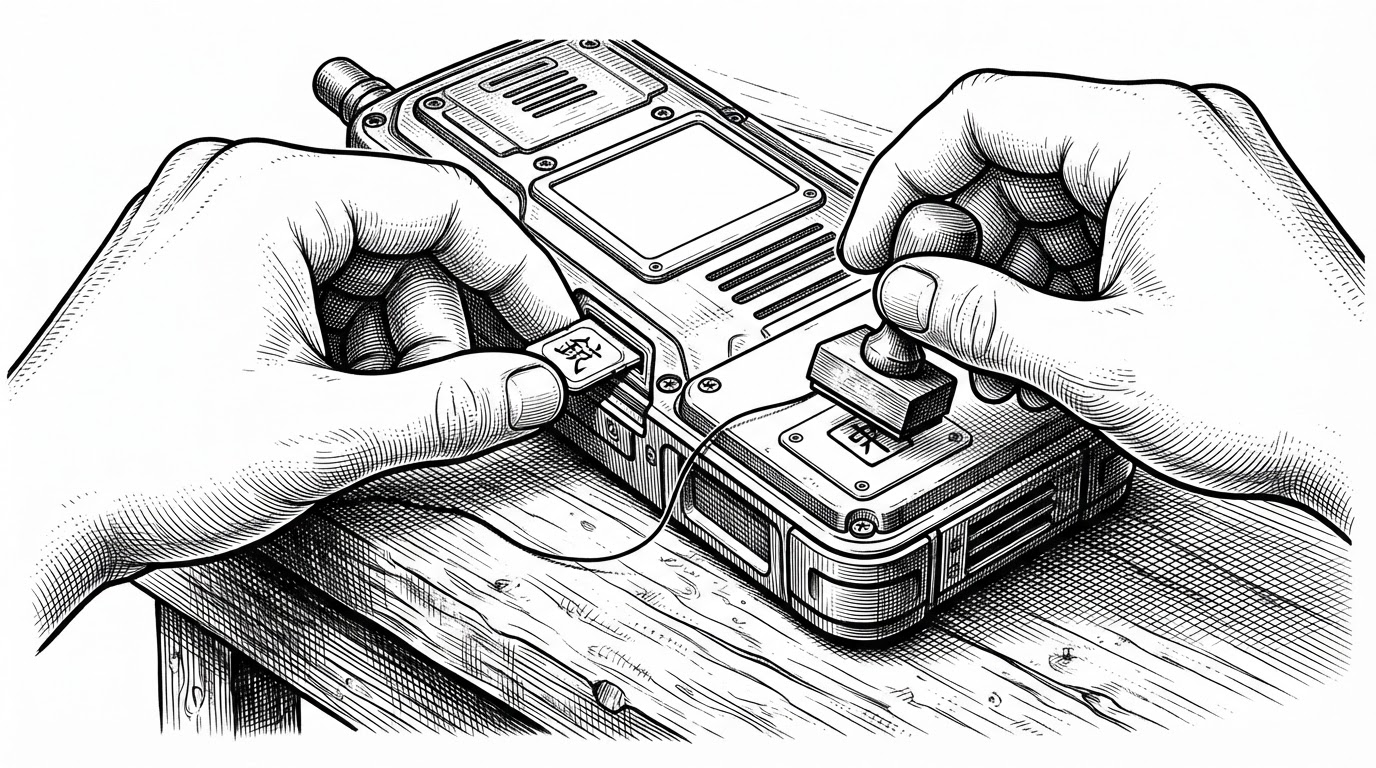
GestaltX sets flags. Flags are not features. The README says so in plain language, and it is the single most important sentence in the project's own documentation.
There is also a compatibility boundary. On-device MobileGestalt access works on iOS and iPadOS 27.x. Version 26.x is not supported for that path. Local plist editing is a separate capability and does not carry the same constraint.
Presets modify capability flags; actual effects depend on the device and OS.
That honesty is what separates a tool like this from a promise. It edits a file that can brick a boot, and it tells you exactly what it does and does not guarantee. The rest is up to the device.