Pirate Wallet Lite Recovery Treats Your Wallet File as Hostile
A small Python tool that pulls seed phrases out of Pirate Chain wallet backups, and the defensive parsing that makes it safe to point at a file you cannot trust.
- Wallet recovery is a security-critical parser pointed at a file you cannot trust, not a convenience feature.
- Every format rule in the tool cites a specific upstream commit, so each assumption can be audited against a fixed source revision.
- The self-test runs inside the shipped binary, so a broken build fails before it can be published.
- The tool documents its own weaknesses, including an unauthenticated AES-CBC path, rather than hiding them.
The File Is the Adversary
You lost access to your wallet. What is left is a file: copied off a USB stick, pulled from a backup drive, downloaded from somewhere you no longer remember. You are about to feed it to a program that will print the seed phrase controlling your money.
That is the whole tension. Most software treats its input as data. A recovery tool has to treat its input as a witness that might be lying. Pirate Wallet Lite Recovery builds its entire parser around that assumption, and the result is a 127 KB Python program that trusts nothing it reads.
The code is blunt about the rule. A comment in the Skull Island reader states the one principle the classifier follows, and every later check inherits it.
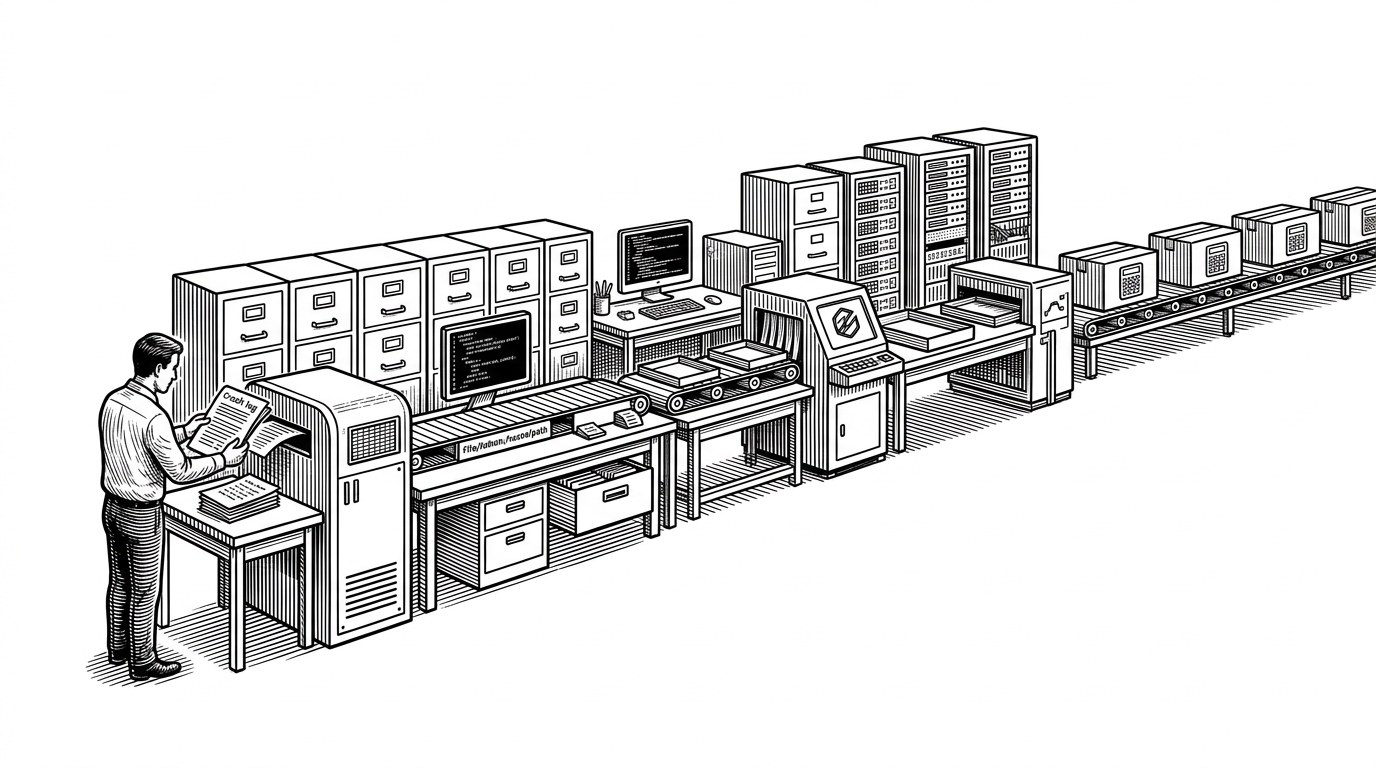
Every extra check in the parser exists to answer a question the file might be lying about. The Reader class enforces a cumulative 8 MiB size budget so a corrupted file cannot make the program allocate unbounded memory. It rejects truncated reads. It accepts only 0 or 1 for a boolean flag, never "any nonzero value." It rejects non-canonical varints. It restricts every string to printable ASCII. It validates Sapling scalars against the Jubjub subgroup order before encoding them. None of this is decoration.
Reading a Format Nobody Documented
The tool exists because the format exists and nobody wrote it down. So the author did the archaeology. The comments in legacy.py cite exact upstream Rust commits: 83f96539 for the Lite keys, and c780b5f6 and c22833ac for the two Skull Island writers. Each format assumption can be audited against a fixed source revision instead of a moving target.
The header uses a three-way version scheme. An outer sentinel value of 24 means a second version field follows, which must fall between 1 and 21. Older formats carry an encrypted-seed flag, a 48-byte ciphertext, and a 24-byte nonce. When encryption is absent, both the original v4 unlock routine and the v24 writer initialize the ciphertext to 48 zero bytes and the nonce to an empty vector. The parser handles that case explicitly, which is the kind of detail that only surfaces after reading the upstream source carefully.
The Salt That Would Have Failed Silently
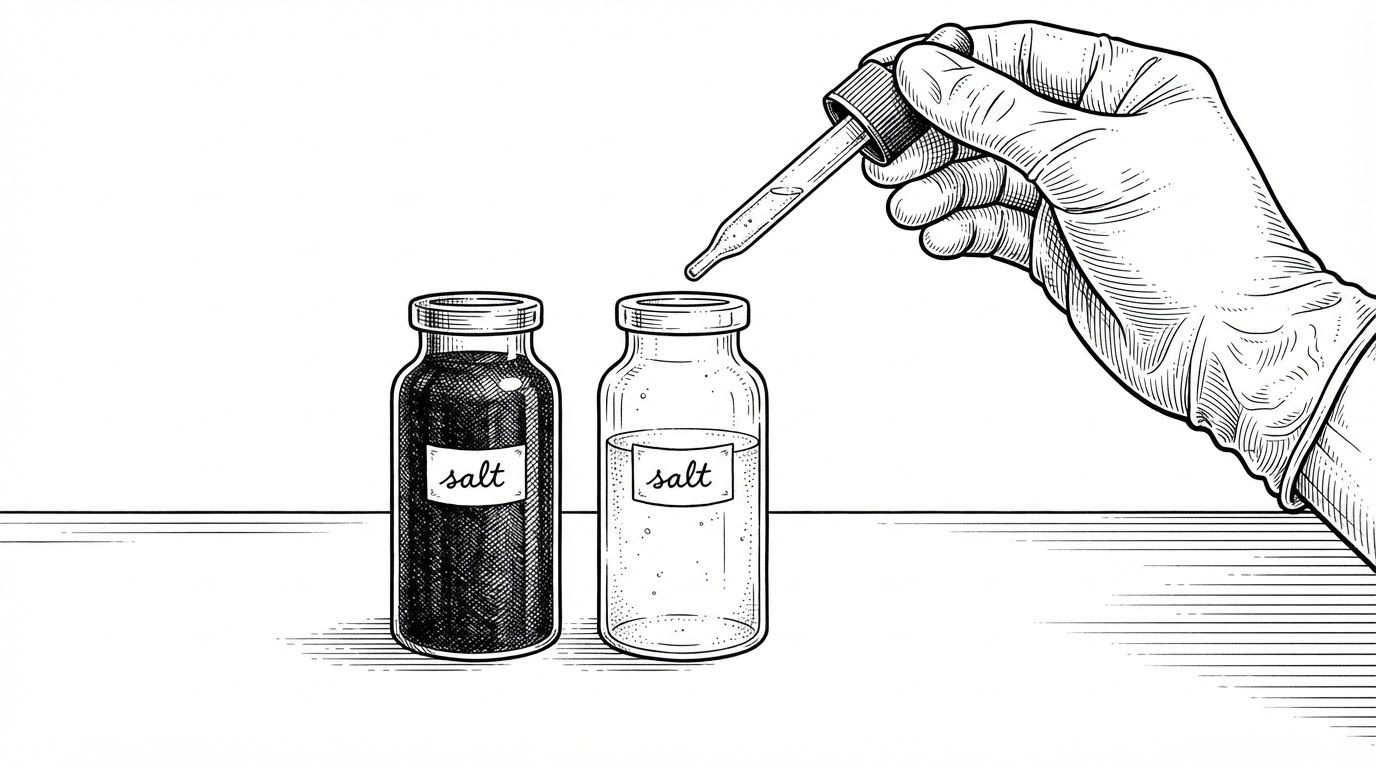
This is the detail worth the price of admission. Skull Island's JSON path derives its keys with HMAC-SHA512 over two constant salts, PW_SALT and KEY_SALT. PW_SALT verifies the password. KEY_SALT splits into a 32-byte AES-256 key and a 16-byte IV. Both salts are 64-character ASCII strings.
A reimplementation that hex-decodes those salts produces a different key. Node's crypto.createHmac('sha512', salt) treats a string argument as UTF-8. A Python port that decodes the same string as hex gets a working program that decrypts nothing, and no error message points at the cause. You would debug the ciphertext, the password, the file, and never suspect the salt.
# Correct: the salt string is used as UTF-8 bytes
key = hmac.new(PW_SALT.encode("utf-8"), password, hashlib.sha512).digest()

# Wrong: hex-decoding the same 64-character salt yields a different key
key = hmac.new(bytes.fromhex(PW_SALT), password, hashlib.sha512).digest()
Both lines run. Only one decrypts. The code comment flags the trap, which is the difference between a port that ships and a port that quietly corrupts.
Proving It Works Without Your Wallet
The self-test is where the credibility claim lives. It uses the public BIP-39 "abandon ... art" mnemonic, which contains no real wallet data. It compares the tool's Sapling output against strings derived independently by the Stashi native SDK. It checks that a wrong password raises. And it runs an AES-CBC round trip inside the packaged binary, because PyInstaller can bundle a module that imports cleanly and fails at runtime.
- A public BIP-39 vector ("abandon ... art") that contains no real wallet data.
- Sapling spending and viewing keys derived independently by the Stashi native SDK.
- A negative test that a wrong password raises a recovery error.
- An AES-CBC round trip that runs inside the packaged binary, not just the source.
synthetic_wallet() builds a complete binary file in memory: header, encrypted entropy, an imported key record, and terminators. The file is a precise round trip of the parser's expectations. Because this self-test runs inside the packaged binary during the release smoke test, a broken build fails before it can be published.
The Build Is Part of the Trust Model
The shipped artifact is the thing users trust, so the pipeline is treated as security surface. Builds are native-only across five targets, and the script refuses to cross-compile, comparing the host OS and architecture against the target and exiting on mismatch. A strict version regex rejects leading zeros, which matters when version tags are matched downstream.
License collection walks every locked dependency and fails the build rather than ship without license text. It checks for symlinks and path traversal so malformed package metadata cannot pull in files from outside a distribution. Archives are created in exclusive mode, so the build stops rather than overwrite an existing release. Signing runs over GPG keys passed through environment variables.
When the App Will Not Open
Most people never reach for a recovery tool. They work through the options they know, in the order of least effort. Here is how those options compare against this one.
| Approach | What you need | Runs offline | What it exposes |
|---|---|---|---|
| Find your written seed backup | The paper you wrote down | Yes | Nothing new |
| Reinstall the app and rescan | A working app, the seed, a lightwallet server | No | Sync metadata, server learns which blocks are yours |
| Restore the seed in another wallet | The seed | No | Same as above, in a wallet you may not have audited |
| Pirate Wallet Lite Recovery | The wallet file, the file's password | Yes | Prints the seed, Sapling keys, transparent keys |
The table is not arguing the tool is better. It is arguing the tool exists for the row where every other option has already failed, which is the row where you no longer have the seed and the app will not open the file.
What the Tool Will Not Do
A security tool that tells you where it is weak is rarer than one that is strong. This one does. Its password derivation is SHA256(SHA256(password)), a historical choice inherited from the upstream Lite wallet. It is fast, not memory-hard, so it is weak against offline brute force. The tool cannot change it without breaking compatibility with the files it is built to open.
The Skull Island JSON path uses unauthenticated AES-CBC, and the module docstring says so plainly. The tool surfaces the limitation to the user instead of hiding it behind the appearance of authentication.
Two smaller admissions matter too. When a password is wrong or a file is damaged, the tool raises one merged message, "Password is incorrect or encrypted data is damaged," which avoids leaking which condition occurred but makes diagnosis harder for anyone trying to tell the two apart. And path normalization calls os.path.expandvars, so environment variables in a path argument are expanded. That is convenient for drag-and-drop, and it is a small surprise for a tool that otherwise trusts nothing.
How to Use It Without Getting Burned
The README is written as a checklist for someone who is not a security engineer, which is the right call for the audience.
- Close the wallet app first, so nothing is holding the file open.
- Copy the wallet file to a machine you control, then disconnect from the network.
- Run the tool and record the seed phrase and keys on paper, not in a screenshot or a text file.
- Do not run it on a machine you do not control.
The tool opens its input read-only and writes nothing to disk, and it says so in its own output.
That sentence is a guarantee the code supports, since no file-writing call appears in the recovery path. It is also the right note to end on. A tool holding your seed phrase should be honest about what it does, what it cannot do, and what it left untouched.