retroclick: RetroTick: The Browser That Pretends to Be Windows
It does not ship a full VM. It parses old binaries, emulates the CPU, and reimplements just enough Win32, Win16, WinCE, and DOS to make classic .exe files come alive.
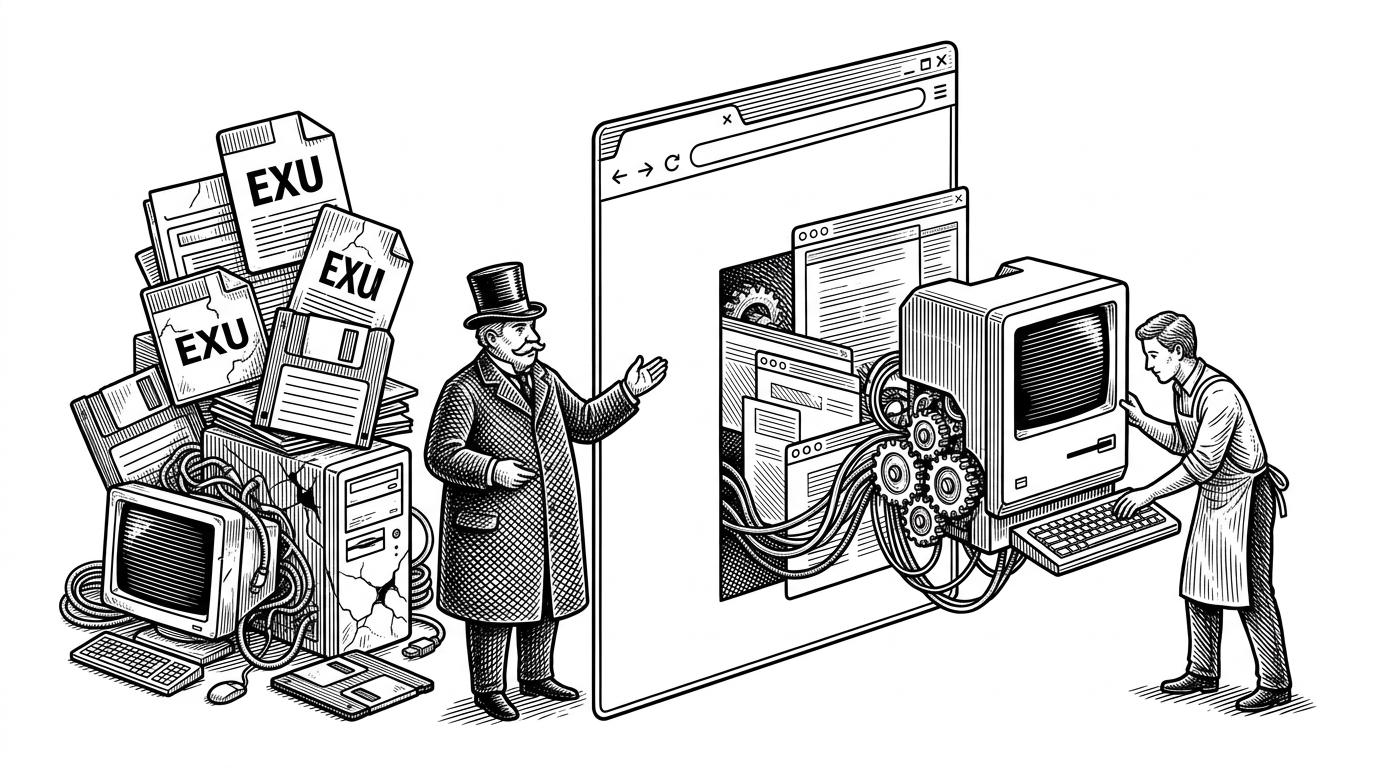
- RetroTick is interesting because it shrinks Windows compatibility to the exact binaries and APIs old programs actually use.
- The browser becomes a runtime boundary, which is a lighter move than pretending to boot a whole desktop.
- Its AI-assisted origin is notable, but the real achievement is the narrow layered architecture underneath.
- Compared with fuller virtual machine approaches, RetroTick trades breadth for a faster path to classic executables.
RetroTick is not a browser trick for the sake of a demo. It is a bet that old software can be made useful again if you stop trying to emulate everything and only rebuild the parts that matter. That is a much smaller problem, and a much more interesting one.
A browser boundary, not a fake PC
Most people hear "run Windows in the browser" and think in full stacks. Virtual machines, heavy runtime layers, a lot of latency, and a compatibility promise that is hard to keep. RetroTick takes the opposite path. It reads the file format, emulates the CPU, and answers the API calls those programs expect, which is enough to make a surprising amount of old software feel alive again.
That is the core trick. The project parses MZ, NE, and PE binaries, then runs the code instruction by instruction with x86 and ARM emulators. Above that, it rebuilds the surface area of Windows and DOS in TypeScript, including windowing, GDI drawing, DOS interrupts, and even OpenGL 1.x to WebGL2 translation.
100% written by Claude Code.
The architecture matters because every layer is doing less work than a full OS would. The emulator handles instruction execution. The compatibility layer handles the Win32, Win16, WinCE, and DOS behaviors that programs touch. The browser does the rest, which means rendering and interaction stay close to native web primitives instead of disappearing into a black box.
Why the project feels different
RetroTick is interesting because it narrows the scope without making the result feel narrow. The goal is not to boot a complete desktop environment. The goal is to make specific executables work, which is why the project can focus on classic games, tools, and utilities instead of chasing universal compatibility.
That choice also changes the engineering shape of the project. A full OS approach has to carry more baggage, more system calls, and more failure modes. RetroTick can invest in the exact paths used by old programs, which is a very different optimization target.
| Project | Approach | Strength | Tradeoff |
|---|---|---|---|
| RetroTick | x86 and ARM emulation plus Win32, Win16, WinCE, and DOS API reimplementation in TypeScript | A small runtime boundary that fits the browser well | Compatibility depends on the API layer |
| retrowin32 | Earlier x86 and Win32 compatibility experiment | Important precursor and proof of concept | Less broad and less automated in scope |
| BoxedWine | Linux VM plus Wine inside the browser | Broader compatibility through a fuller environment | Heavier stack with more overhead |
This is why RetroTick stands out in the comparison. It is not trying to win by completeness. It is trying to win by specificity. The browser becomes a runtime boundary, and the project spends its energy on the smallest set of assumptions needed to make old software believe it is home.
The real story is the boundary
The AI origin story is flashy, but it should not distract from the actual idea. If the codebase really moved that quickly, the important question is not whether AI wrote it. It is why the architecture was simple enough for AI to help build it at all. RetroTick works because the problem was divided into pieces the browser could plausibly own.
That makes the project useful beyond nostalgia. It is a reminder that legacy compatibility does not always require a giant simulation stack. Sometimes the right move is to define a thinner contract, implement only the parts that matter, and let the browser do what it already does well.