Nexus ZKT Integration: Read Every Door Before You Decide Who's In or Out
A Frappe app that turns directionless fingerprint punches into correct ERPNext check-ins, by refusing to judge any single device on its own.
Punches go in one end, Employee Checkin records come out the other.
- Nexus ZKT Integration decides IN or OUT only after reading every configured device, because a single door cannot tell you which way a person walked.
- The hard part of biometric attendance is not the fingerprint reader. It is turning directionless punches into a coherent day.
- Direction logic lives in a pure Python module with no Frappe, no database, and no device, so the rules can be reasoned about and tested on their own.
- Small production details (a ping bypass for containers, HRMS signature introspection, a documented Frappe caching bug) separate this from a tutorial project.
A Fingerprint Reader Has No Idea Which Way You Walked
A ZKTeco terminal records two things per punch: a user ID and a timestamp. That is the entire payload. The device has no concept of arrival or departure. It knows a finger touched a sensor at 9:02 and another at 17:34, and nothing beyond that.
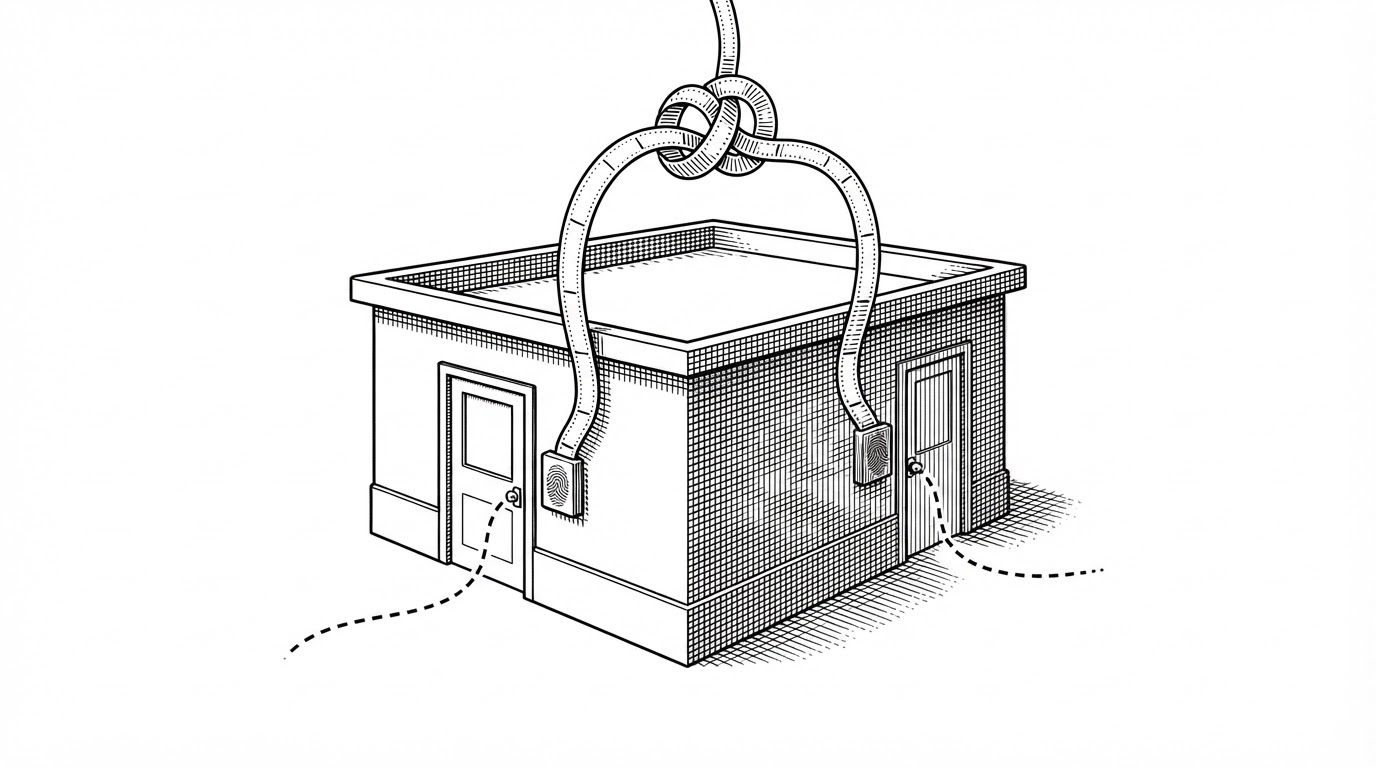
Now put two readers in the same building. A front door and a back door. If the integration decides direction one device at a time, the back-door punch is the first event of the day on that machine, so it gets labeled IN. The person's actual exit is now recorded as an arrival, and the back half of their day runs in reverse. Nothing throws an error. The check-ins just quietly stop matching reality.
The Fix Is to Read Everything, Then Decide
The whole project turns on a single docstring in collector.py. In the repository's own words: "A person walks in the front door and out the back, so their day is spread across machines; deciding which punch is an arrival while looking at only one machine's log gets the second half of the day backwards."
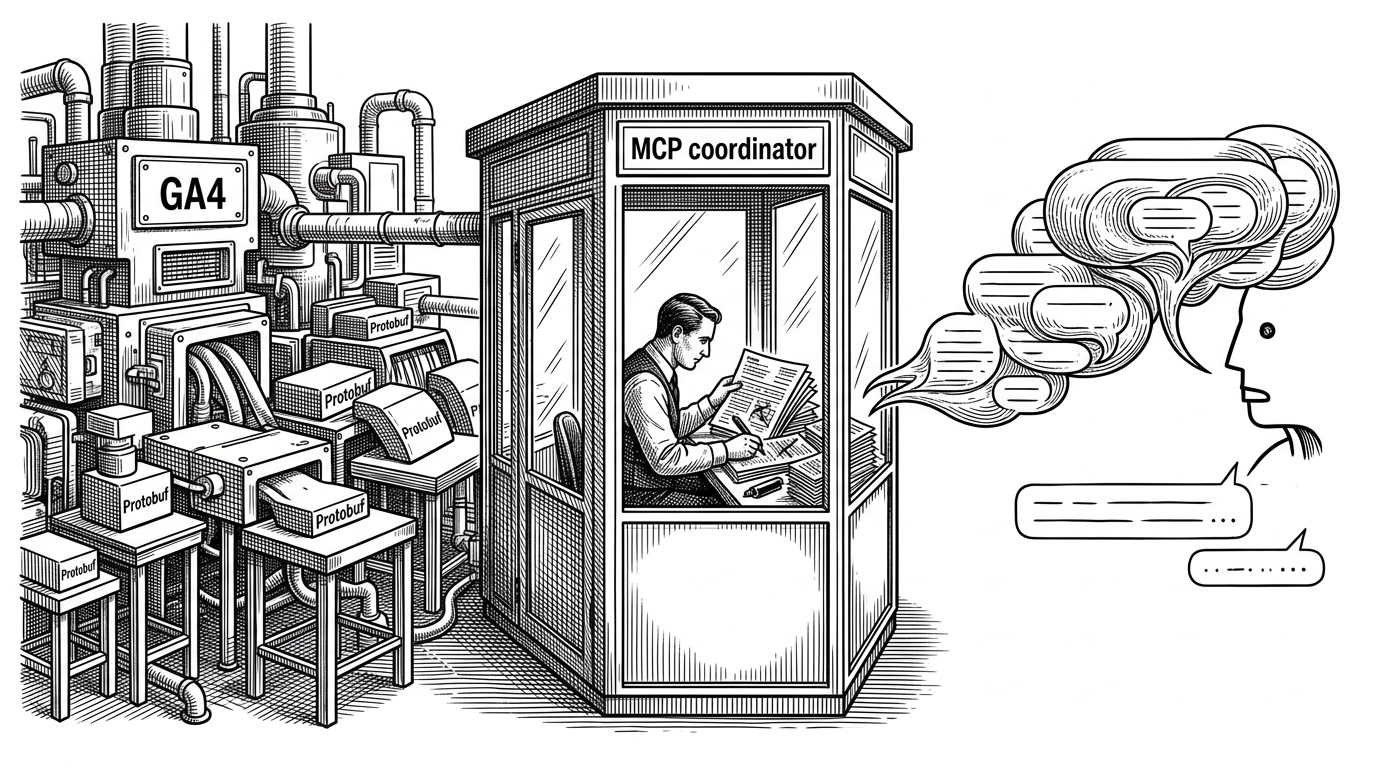
That sentence is the design. Every punch from every configured device is read into memory first. Only after the full set is in hand does the code sort it by time and walk through it as one continuous story per person. Direction becomes a property of the sequence, not of the machine that happened to record the punch.
@dataclass
class Take:
    """Everything one device gave up on this run."""
    device: str
    read_at: datetime
    punches: list[Punch]
    tally: Tally

# ... later, once every device has been read:
every_punch = [p for take in takes for p in take.punches]
every_punch.sort(key=lambda p: p.at)
The Take dataclass carries a device name, a read time, the filtered punches, and a Tally, so each device's numbers stay attributable in the log. The merge is deliberately boring: flatten, sort, decide. All the intelligence is downstream of it.
Three Rules, in Order
DirectionRule.decide() applies three rules in strict precedence. The order matters more than the rules themselves.
- Fixed mode. If a device is configured to always report IN or always OUT, that wins. Some doors are one-way in practice, and the operator knows it.
- Device state code. If the terminal reports a state value, believe it. Codes 0 and 4 mean arrival; 1 and 5 mean departure. The hardware sometimes knows more than the log does.
- Inference by alternation. With nothing else to go on, the direction flips relative to the person's previous event. Two guards protect this: a 2-minute repeat window, so a double press after a missed beep is not a new event, and a 14-hour open-shift limit, so a punch that follows an unclosed arrival by most of a day is treated as a fresh arrival rather than a departure twenty hours too late.
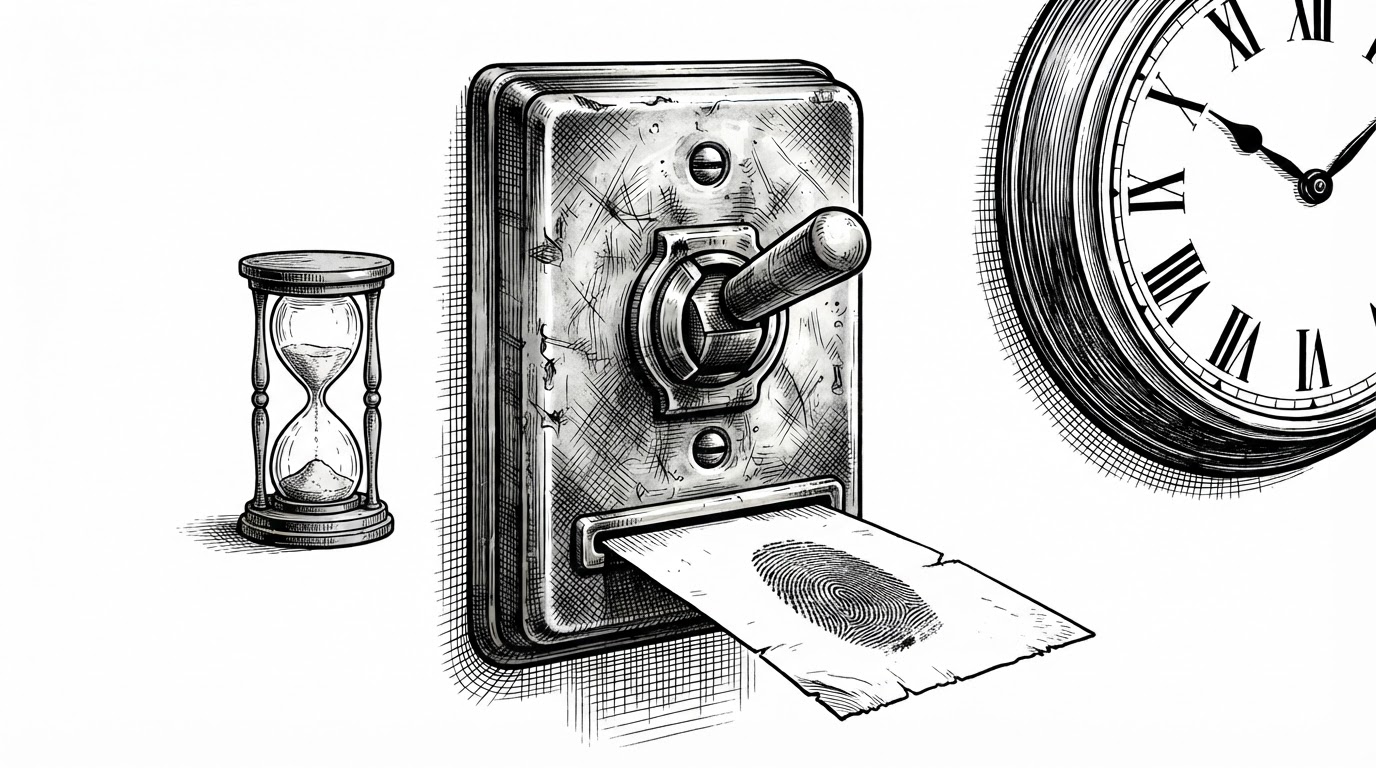
Each guard is a named constant, which is the point. The repeat window encodes a physical quirk: people double-press when the beep is missed. The 14-hour limit encodes a human one: people forget to punch out, and pairing tomorrow morning's punch with yesterday's open arrival would record a shift that ran all night.
How the Pieces Fit
Four modules, one direction of flow. reader.py is the only module that speaks the ZK protocol over TCP; everything network-facing lives there. collector.py orchestrates: it looks up staff, reads each due device with a throttle, merges the results, decides direction, and writes Employee Checkin records. punch.py is pure logic, with no Frappe import, no database handle, and no device socket. journal.py keeps the audit trail in a Nexus Attendance Log doctype and the live run status in the Frappe cache.
@contextmanager
def connected(device):
    zk = ZK(device.ip, port=device_port(device),
            ommit_ping=True, timeout=CONNECT_TIMEOUT)
    conn = None
    try:
        conn = zk.connect()
        conn.disable_device()
        yield conn
    finally:
        for teardown in (conn.enable_device, conn.disconnect):
            try:
                teardown()
            except Exception:
                pass
That finally block is the point. A device that drops the socket mid-hangup cannot crash the run, because each teardown call is wrapped in its own try/except so one failure does not skip the next. Connection errors become a single DeviceUnreachable type whose message is written to be shown to a human, not a raw traceback.
Failure isolation runs through the whole collector. An unreachable device logs a problem and the run continues. Its last_run is deliberately left untouched, so the next scheduled run retries it sooner rather than waiting a full interval. The device's memory is never cleared on sync, so a re-read simply returns the same punches, and deduplication absorbs the repeats.
The Details That Prove This Was Hit in Production
Four small things separate a tested integration from a tutorial.
ommit_ping=True. pyzk shells out topingbefore connecting. In containers and behind forwarded ports that ping fails even when TCP 4370 is wide open. The keyword spelling matches the library's API, typo and all.checkin_helper_takes_coordinates(). HRMS 15 and 16 differ in the signature of the check-in helper. Rather than pin a version, the code introspects the function once per process and passes coordinates only if they are accepted.- A documented Frappe 15 caching bug. The
read_status()comment explains that a cache key written with an expiry is never stored infrappe.local.cache, while a miss on an ordinary read is, so reading the key before the first write pinsNonefor the rest of the request. erase_punchesis separate. The sync path never calls it. Device memory is not cleared on sync, and wiping it is a deliberate, confirmation-protected action of its own.
@functools.lru_cache(maxsize=1)
def checkin_helper_takes_coordinates():
    accepted = inspect.signature(add_log_based_on_employee_field).parameters
    return "latitude" in accepted and "longitude" in accepted
The signature check is a one-person team's answer to version sprawl. It costs a few lines and buys a single codebase that runs on both supported HRMS branches. The caching comment is the opposite kind of saving: it costs a paragraph and spares the next maintainer a day of chasing a phantom.
How It Compares
There are four common ways to move ZKTeco punches into ERPNext. They differ most in who owns the direction logic and how many doors they can reason about at once.
| Approach | Transport | Direction logic owner | Multi-door handling | Duplicate suppression | Network requirement |
|---|---|---|---|---|---|
| Nexus ZKT Integration (direct ZK polling) | Server polls device on TCP 4370 via pyzk | The app, in code you can edit | Merged across all devices | Built in: 2-minute repeat window plus existing check-in dedup | Server must reach each device on TCP 4370 |
| ADMS push mode | Device pushes events to a server endpoint | Vendor firmware | Per device | Vendor-dependent | Device must reach server; works through NAT |
| ZKTeco BioTime | Vendor software pulls or receives events | Vendor | Merged in the vendor UI | Vendor-managed | Depends on deployment |
| Manual CSV export from device | HR downloads a file and imports it | A human, by hand | None | Manual | None |
The trade-off lives in the last column. Direct polling gives you the raw log and lets you own the direction rules in code, but it requires the Frappe server to open a TCP connection to every terminal. ADMS flips that direction and works through NAT, at the cost of handing direction decisions to the vendor's firmware. Nexus's real differentiator is the third column: it is the approach that both merges multiple doors and lets you edit the rules.
Who Built It, and Why
Abbas Raza (abbas0444) is an ERPNext Expert at GK Hair International, and this app grew out of a live HRMS deployment rather than a weekend experiment. The README names the hardware: ZKTeco F22 and K40 terminals. That detail is the tell. The code was written against devices someone had in front of them, not against a protocol spec.
That line is the README's, not a spoken quote. It is the project's own one-sentence summary of what it does, and it is accurate. The repository reports 106 tests and support for both HRMS 15 and 16. The test count is the real signal here, not the star count.