pycodestyle-action: The Smallest Possible PR Reviewer for Python Style
This Docker-based GitHub Action turns `pycodestyle` output into a comment thread with shell, `jq`, and `curl`.
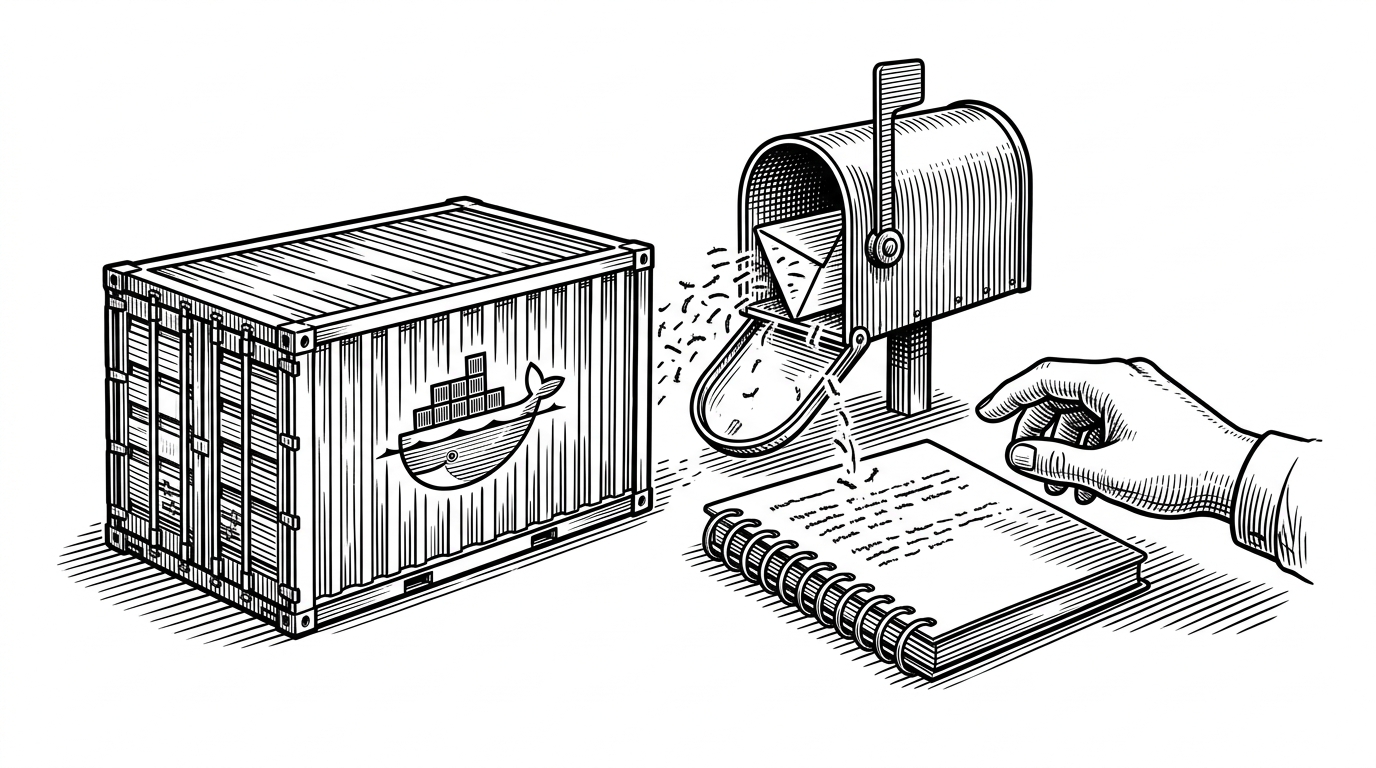
- The project's real product is not linting, it is moving style feedback into the pull request conversation.
- A Docker image, a shell script, `pycodestyle`, `jq`, and `curl` are enough to build a useful reviewer.
- `jq` and delayed exit handling let the action post safe JSON and still fail the build honestly.
- The repo is narrow by design, and that narrowness is what makes it durable.
The linter that talks back
Most lint checks disappear into logs. pycodestyle-action does the useful thing instead: it runs the linter and then posts the result back into the pull request thread. The warning does not sit off to the side. It lands beside the code review.
That is a small change with a big UX effect. The action turns style enforcement from a background gate into a visible reviewer, which makes the feedback harder to ignore and easier to act on.
How a shell script becomes a reviewer
Under the hood, the repo is almost aggressively plain. A Docker image gives the action a predictable shell, Python, curl, and jq. entrypoint.sh runs pycodestyle, captures the exit status, and keeps going long enough to package the output for GitHub's API.
set +e
OUTPUT=$(pycodestyle . 2>&1)
SUCCESS=$?

COMMENTS_URL=$(jq -r '.pull_request.comments_url' "$GITHUB_EVENT_PATH")
BODY=$(jq -n --arg body "$OUTPUT" '{body: $body}')
curl -s -X POST -H "Authorization: token $GITHUB_TOKEN" -H "Content-Type: application/json" --data "$BODY" "$COMMENTS_URL"

exit $SUCCESS
The details matter. jq protects the payload when the linter output contains punctuation, quotes, or newlines. The script also preserves the linter's original exit code, so the job can still fail after the comment is posted. If PRECOMMAND_MESSAGE is set, the action can prepend a short instruction before the raw lint output, which keeps the bot from sounding like a wall of text.

Why the stack is so small
The Dockerfile tells the same story. Start from python:3.7-alpine, add the two command-line tools the script needs, install pycodestyle, and stop there. There is no framework glue, no generated wrapper, and no extra abstraction to maintain.
FROM python:3.7-alpine
RUN apk add --no-cache curl jq
RUN pip install pycodestyle
COPY entrypoint.sh /entrypoint.sh
ENTRYPOINT ["/entrypoint.sh"]
That restraint is a design choice, not an omission. Minimal surfaces are easier to inspect, and inspection matters for a bot that writes into someone else's pull request. The smaller the stack, the easier it is to trust what the action is doing.
Compared with plain CI
Here is the tradeoff in one sentence: logs are storage, comments are interface. Plain CI tells you there is a style problem. pycodestyle-action tells you what the problem is in the same place reviewers are already discussing the change.

| Default CI linting | pycodestyle-action |
|---|---|
| Feedback appears in CI logs. | Feedback appears in the pull request thread. |
| Reviewers must hunt for it. | Reviewers see it beside the diff. |
| The author translates logs into guidance. | The bot does the translation. |
| Failing and explaining are separate steps. | The action posts the explanation and then exits with the linter status. |
| Often adds tooling around the linter. | Keeps the stack to shell, `jq`, `curl`, and `pycodestyle`. |
That difference sounds subtle until you use it. A warning buried in logs is an interruption. A warning in the thread is part of the conversation.
A niche tool with a clean shape
This repo reads like a finished utility. It knows its audience, keeps its promise, and avoids turning a simple review problem into a platform project. That focus is why it stands out.
The lesson is bigger than Python style. When feedback has to change behavior, delivery matters as much as detection. pycodestyle-action gets that part right.