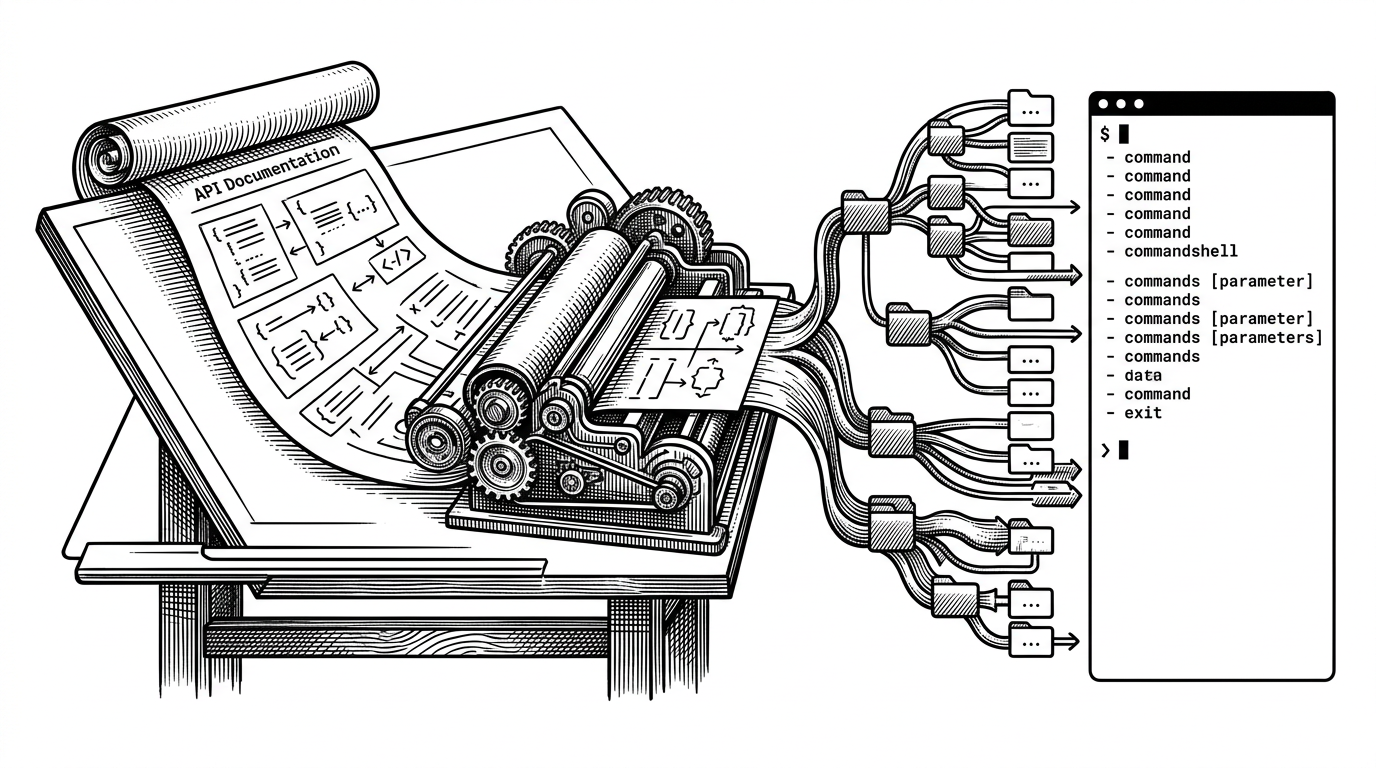
anthropics/homebrew-tap: The Tiny Repo Making Claude Code Feel Native in the Terminal
A one-formula Homebrew tap hides a bigger strategy: binary distribution, shell completions, and the tradeoffs of shipping an AI tool like infrastructure.
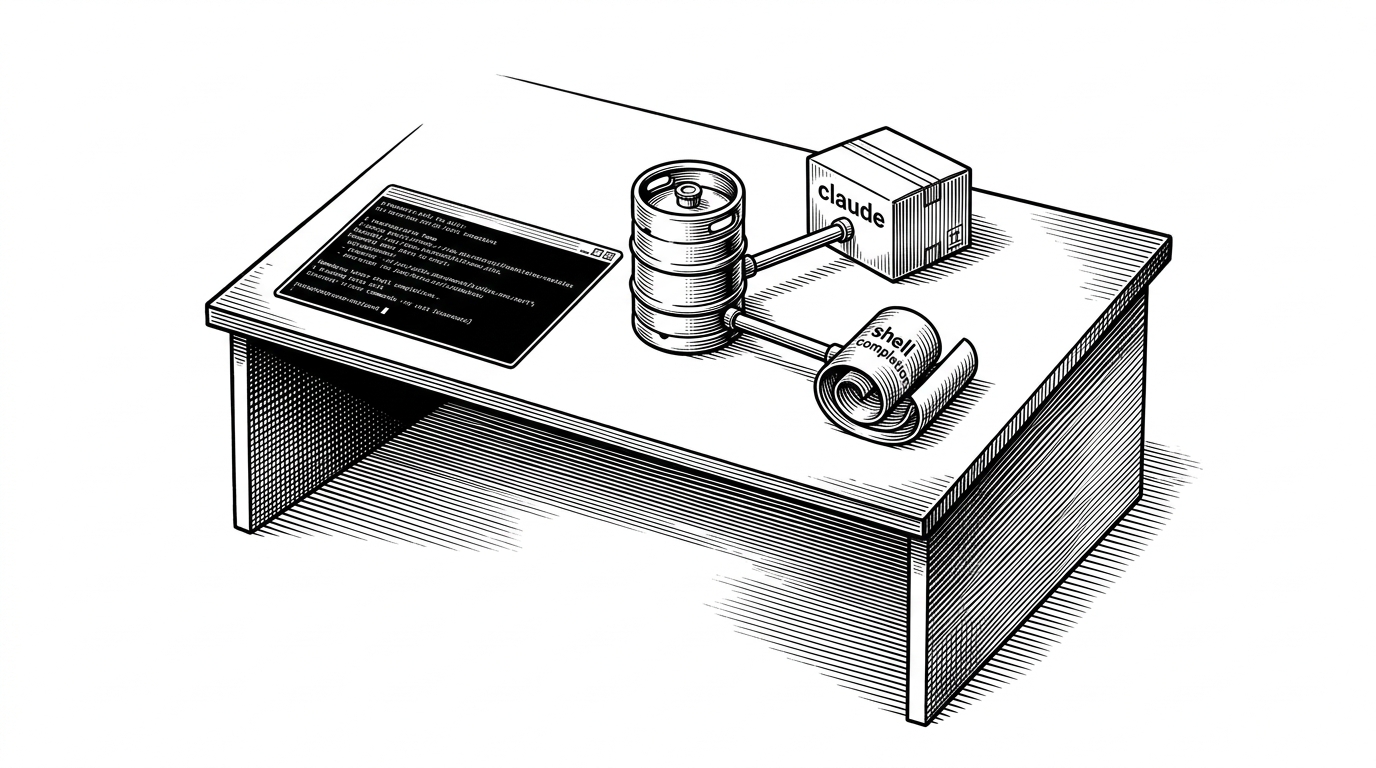
- Anthropic uses a tiny Homebrew tap to make Claude Code feel like a native terminal utility, not a browser product wearing a shell wrapper.
- The repo matters because it hides binary hosting, architecture detection, shell completions, and install validation behind one familiar brew command.
- The real tradeoff is freshness, since the convenience of Homebrew can lag behind npm and community latest paths.
- The tap is small, but it signals that Anthropic wants Claude Code to live beside tools like git and docker as durable developer infrastructure.
The smallest repo with a big job
This repository does not try to be interesting. That is the point. It is only a tap, a thin Homebrew wrapper that makes claude install like any other terminal tool, which is exactly why it matters.
The job is bigger than packaging. Anthropic is using the tap to make Claude Code behave like infrastructure that belongs on the machine, not a feature that lives somewhere else.
brew install anthropic/tap/claude
claude --version
Inside Formula/claude.rb
The repository is a manifest, not a source tree. The interesting work happens in Formula/claude.rb, where the tap points Homebrew at prebuilt binaries, installs shell completions, and runs a quick version check to prove the install works.
def install
  bin.install "claude"
  generate_completions_from_executable(bin/"claude", "completion")
end

test do
  system "#{bin}/claude", "--version"
end
That small surface area hides a lot. The formula has to pick the right binary for Apple Silicon, Intel Macs, or Linux, fetch it from Anthropic's release storage, and make sure the tool lands in the right place on $PATH.
The versioning trap
This is where the story gets less tidy. Homebrew is elegant because it feels native, but it is not the fastest path to freshness. If a release appears on npm first, the brew channel can lag, and that lag shows up as a confusing gap between what Claude Code says you should install and what Homebrew can actually deliver.
| Install path | Source of truth | Freshness | Tradeoff |
|---|---|---|---|
| Official Homebrew tap | Anthropic-maintained binaries in a Homebrew formula | Convenient, but can trail the newest publish | Feels native on macOS and Linux, but adds another release layer |
| npm global install | npm publish flow | Usually the quickest route to a new release | Requires Node-based tooling in the user's environment |
| Community latest tap | A formula that resolves the latest version at install time | Often the freshest brew-based option | Less official and more brittle if upstream packaging changes |
Claude Code shows an update notification prompting users to run `brew upgrade claude-code`, but the Homebrew cask hasn't been updated yet.
This is more of a homebrew decision, nothing to do with Anthropic. More details here: https://github.com/Homebrew/homebrew-cask/pull/255221 Use the `claude-code@latest` formula if you want the latest versions, rather than the stable versions.
That tension is the real editorial spine. The official tap gives you supportability and a familiar install story. The latest-oriented alternatives give you speed. The difference is not cosmetic. It decides how quickly a developer sees a fix, a new feature, or a version mismatch.
What this tap says about Anthropic's product strategy
The repo is tiny, but the signal is large. Anthropic is treating Claude Code less like a website with a download link and more like durable developer infrastructure, something that should be installed, updated, completed, and trusted like any other command-line utility.
That is the real story here. The tap is not just a convenience layer for macOS users. It is a distribution decision that says Claude belongs in the terminal workflow, and that the terminal is now one of the product's primary homes.