manaflow-ai/cmux: The First Terminal for AI Managers
As developers transition from typists to orchestrators, a native macOS terminal uses Ghostty's rendering engine to solve the human-in-the-loop bottleneck.

another libghostty-based project with vertical tabs, better organization/notifications, embedded/scriptable browser specifically targeted towards people who use a ton of terminal-based agentic workflows.
- cmux flips the terminal control model, allowing AI agents to programmatically manipulate the macOS UI via AppleScript to demand human attention.
- By wrapping Ghostty's Zig-based rendering engine in native Swift and AppKit, the project prioritizes raw performance over cross-platform Electron bloat.
- A scriptable, integrated browser solves the challenge of verifying remote web apps built by local AI agents by tunneling localhost traffic over SSH.
- The project represents a shift from text-based multiplexing (like tmux) to graphical multiplexing, where the terminal container understands the state of the processes inside it.
The Human-in-the-Loop Bottleneck
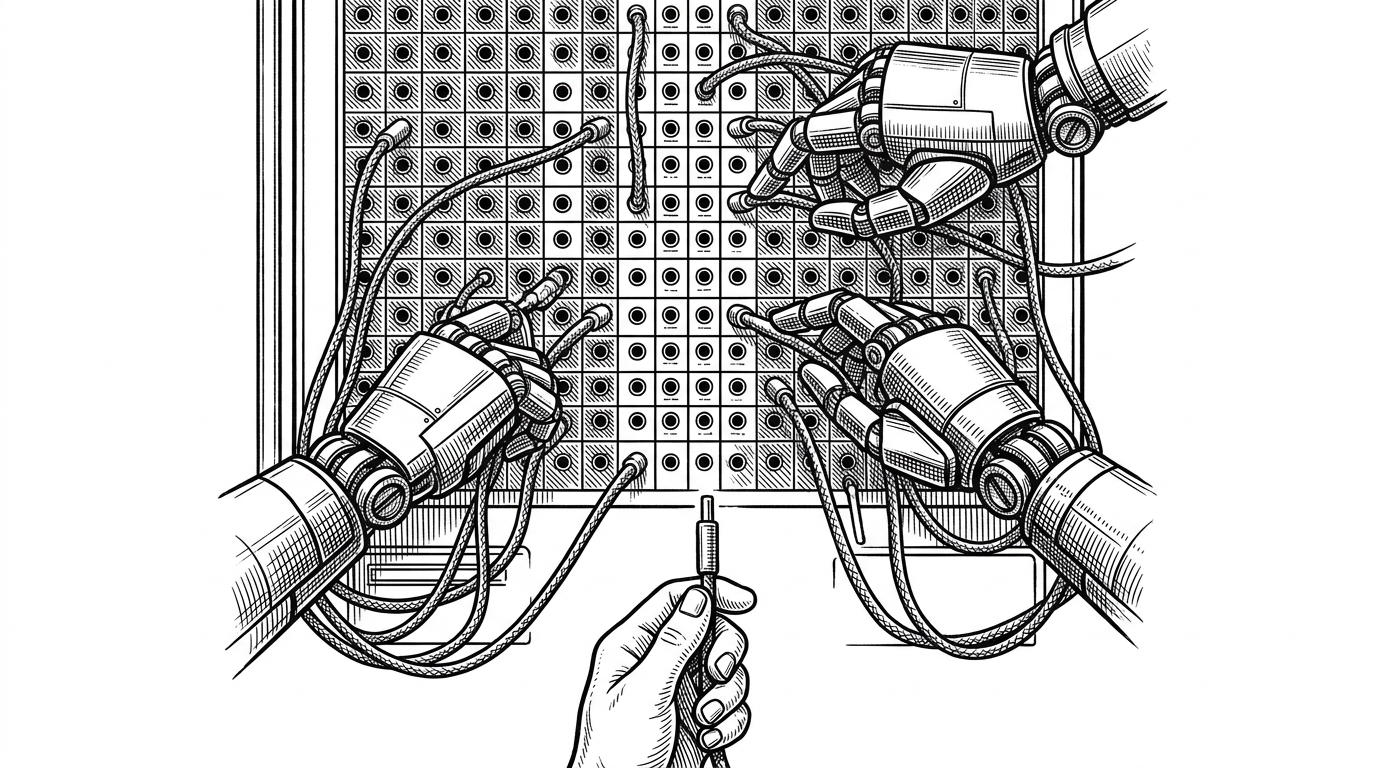
The traditional terminal was built for a single human typing commands sequentially. When you run ten autonomous coding agents simultaneously, that model collapses. You stop being the driver and become the bottleneck. Standard terminal tabs hide context. A system bell or bouncing dock icon tells you something needs attention, but not which of your twelve agents hit a merge conflict or needs an API key.
This is the reality of "agent fatigue." The bottleneck is no longer compute; it is the human-in-the-loop. cmux was built specifically to address this physical limit of attention, transforming the terminal from a passive text grid into an active orchestration dashboard.
Agents Controlling the Glass
The most radical architectural decision in cmux is its AppleScript Dictionary (cmux.sdef). Instead of relying solely on shell escapes or CLI flags, cmux exposes a formal object model to macOS: application to window to tab to terminal.
This flips the traditional control model. The AI agents themselves can script the UI. If an agent encounters a blocking error, it can programmatically split a pane and draw a "Notification Ring"—a bold blue border around its specific terminal view—to demand human intervention. The container reacts to the process.
Borrowing Ghostty's Engine
Building a terminal emulator from scratch is a massive undertaking. Rather than reinventing the wheel, cmux leverages libghostty, the GPU-accelerated rendering engine from the highly anticipated Ghostty terminal. This hybrid approach—compiling a Zig/C rendering core into a native Swift/AppKit shell—is a direct rejection of Electron and Tauri.
This "Native First" philosophy sacrifices cross-platform compatibility for absolute performance on macOS. It ensures fast startup times and low memory usage, which is critical when the system is already under load from local LLMs or heavy orchestration tasks.
The Localhost Illusion
A common workflow for AI-assisted development involves running an agent on a remote server (for compute) while verifying the resulting web application locally. Routing localhost traffic through remote SSH sessions to a local browser is historically painful.
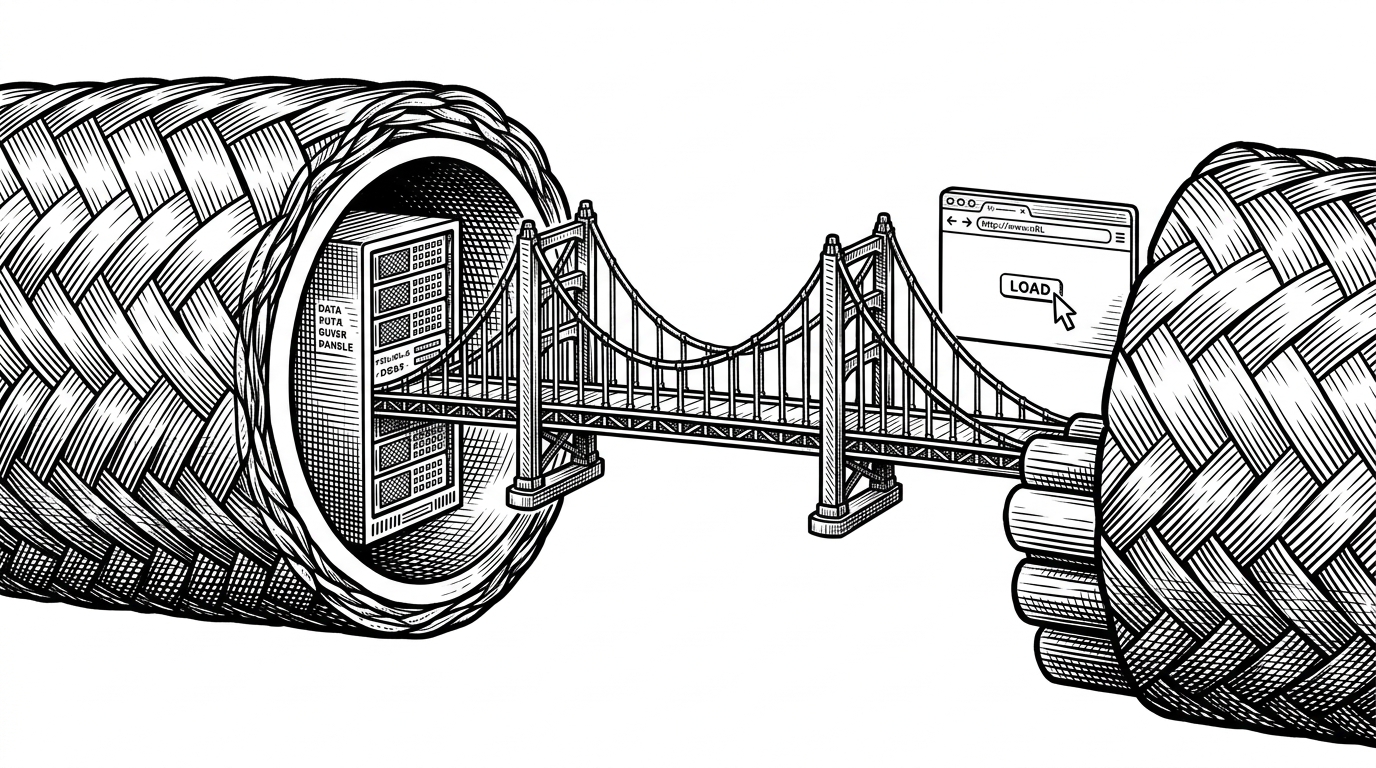
cmux solves this by integrating a scriptable Chromium browser directly into the terminal interface. This built-in browser tiles seamlessly next to terminal panes and handles the SSH tunneling automatically. The local AI agent can visually verify the remote web app, and the developer can inspect the results in the same window.
The Post-Tmux Era
For decades, tmux ruled the era of manual multiplexing. However, it operates entirely within the text buffer. It is blind to the actual state of the processes running inside it. cmux represents a shift to "Graphical Multiplexing." By leveraging the native OS window manager and a state-aware sidebar, the container itself understands what is happening inside the panes.
| Feature | Standard Terminals | tmux | cmux |
|---|---|---|---|
| Rendering | CPU bound | Text UI | GPU-accelerated (libghostty) |
| Process Awareness | Blind | Text-buffer only | Sidebar metadata (ports, git) |
| Alert Mechanism | System Bell | Status Line | Notification Rings |
| UI Scriptability | Shell escapes | CLI flags | Native AppleScript Object Model |