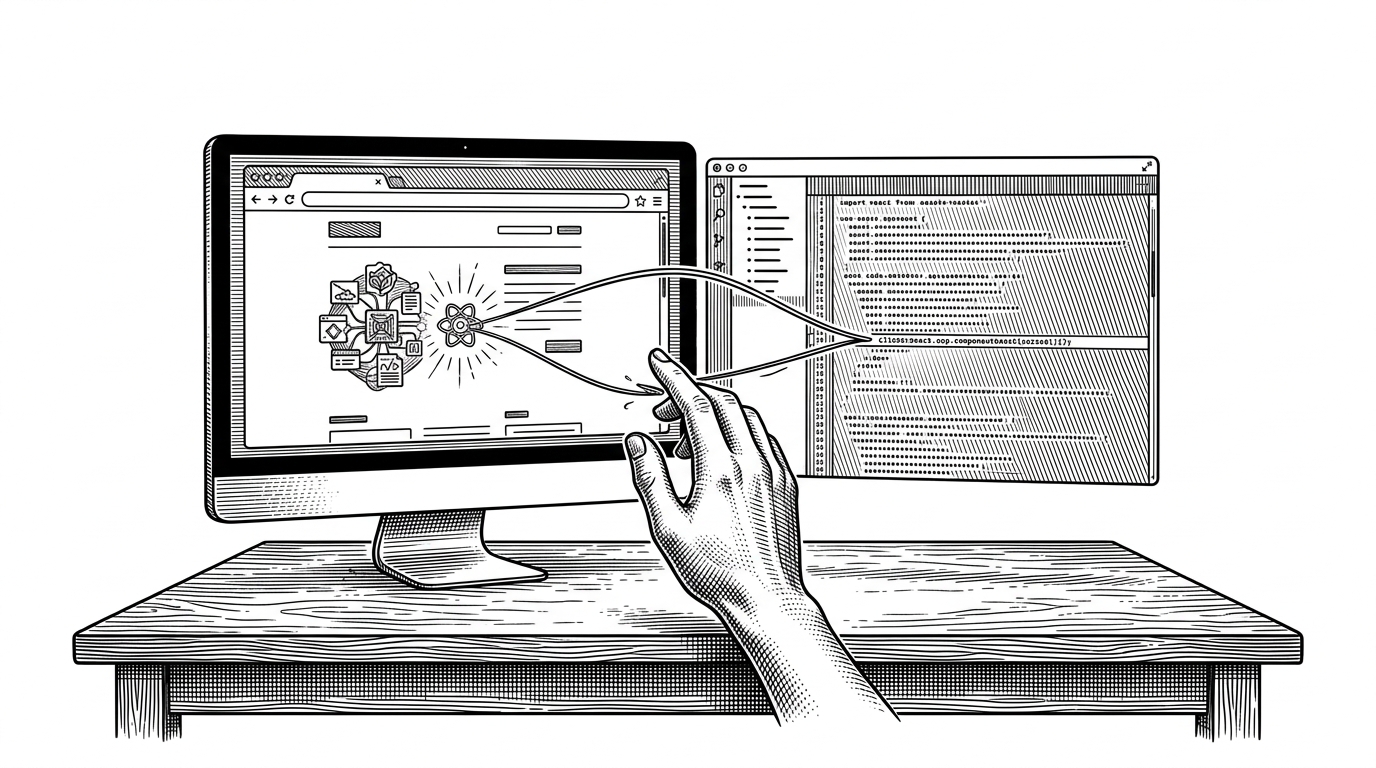
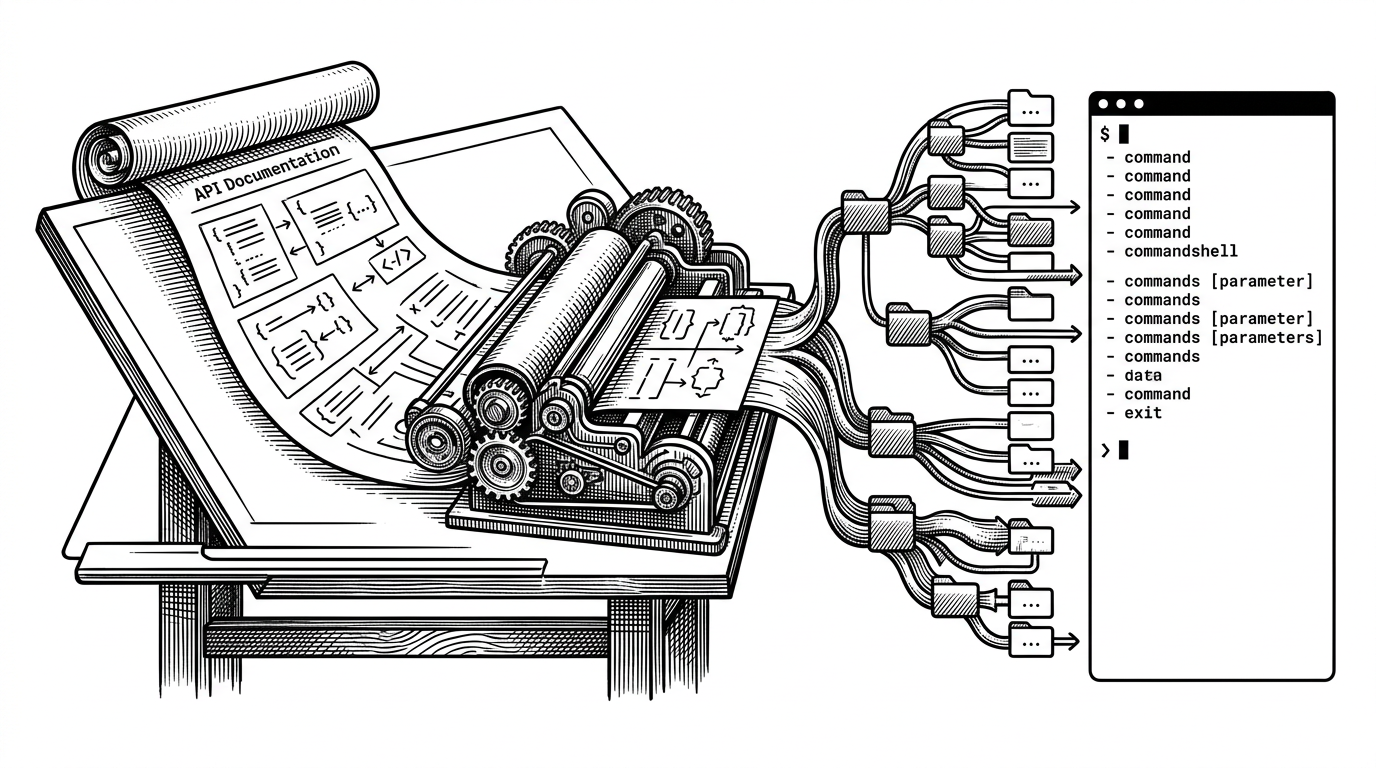
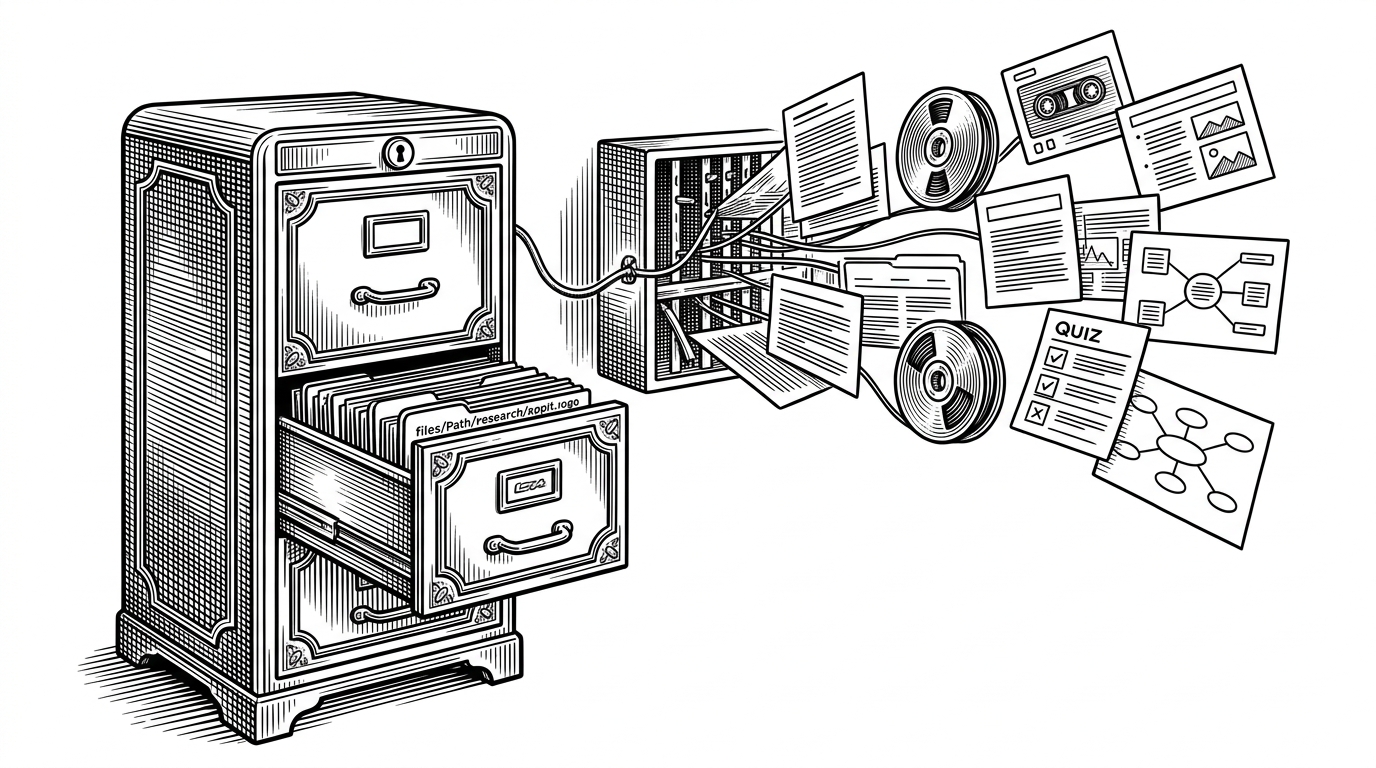
npm-forgecode: Forge’s npm Wrapper Turns Native AI Into a One-Command Terminal Tool
A deep look at `npm-forgecode`, the distribution layer that detects your platform, chooses the right binary, and makes a compiled coding agent feel like a normal npm package.
- Forge’s real innovation is packaging, not model logic, because the wrapper makes a native agent behave like a simple npm tool.
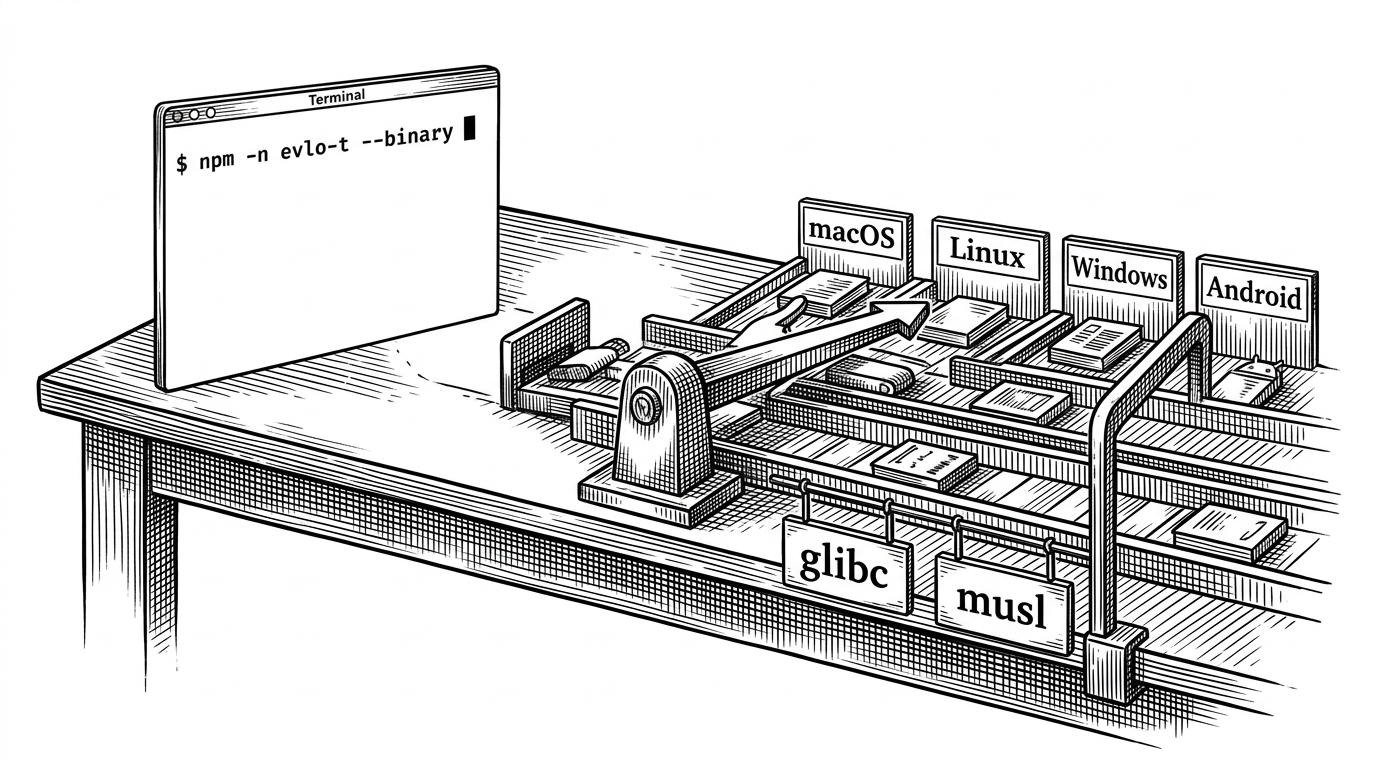
- The repo treats compatibility as a routing problem, with platform, architecture, Android, glibc, and musl checks all feeding the final binary choice.
- Terminal-native AI only feels good when installation and fallback behavior are boringly reliable, and this project is built around that idea.
- The packaging model suggests a clean split between a private native engine and a public distribution shell.
The real product is the wrapper
The first mistake is to read `antinomyhq/npm-forgecode` as the AI agent. It is not. This repo is the shipping layer, the part that makes a compiled terminal tool feel as easy as `npx forgecode`.
That distinction matters. A native binary can be fast and capable, but without a wrapper that understands real developer machines, it is still fragile. Forge’s bet is that the hard part is not the model loop. It is getting the right executable onto the right system with almost no friction.
ForgeCode is an open-source coding agent. Engineers on X were posting about how good Claude Code felt. We felt the same about ForgeCode in daily usage — fast, capable, generally reliable.
Why terminal-first still wins
Forge stays in the shell instead of moving the work into a new app surface. That is a product choice, not just a UI preference. It keeps the developer in their own environment, with their own files, aliases, and habits intact.
The terminal is not a nostalgia play here. It is a portability strategy. If the agent can live where the code already lives, the tool does not need to win a new interface war before it becomes useful.
Type `:` to talk to ForgeCode right inside your terminal. Your custom aliases and Oh My Zsh plugins keep working — ForgeCode slots in without friction.
| Packaging model | Install friction | Portability | Performance potential | Terminal fit | Lock-in |
|---|---|---|---|---|---|
| Pure JavaScript CLI | Low | High on one runtime, weaker for native workloads | Limited by the runtime layer | Strong | Low |
| Native binary through npm wrapper | Low | High across platforms if the router is smart | High | Strong | Low to medium |
| IDE-embedded assistant | Medium | Bound to a specific editor or environment | Varies by vendor | Medium | Higher |
forge.js is a routing engine for machines
The main job of `forge.js` is selection. It inspects `process.platform`, `process.arch`, then goes further when the machine is Linux or Android. That extra work is the point. Compatibility is not a static list. It is a cascade of checks.
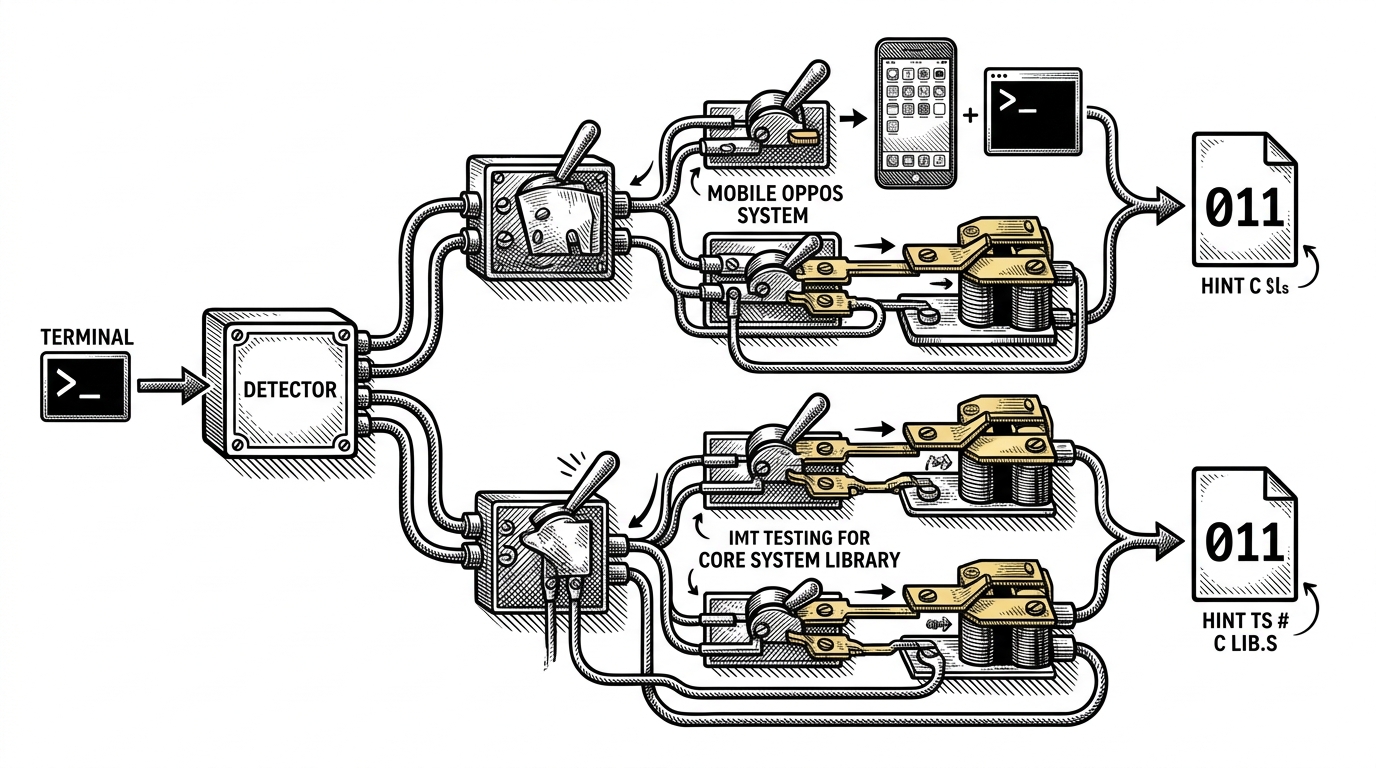
The architecture is straightforward once you see it. Node.js is the dispatcher. The `/bin` directory holds the native payloads. `install.js` acts as the gatekeeper, and the wrapper resolves the machine into the right executable path.
function getBinaryPath() {
  const platform = process.platform;
  const arch = process.arch;

  if (platform === 'linux' && isAndroid()) {
    return '/bin/android-arm64/forge';
  }

  if (platform === 'linux') {
    const glibcVersion = getGlibcVersion();
    if (glibcVersion && glibcVersion >= '2.39') {
      return `/bin/linux-${arch}-gnu/forge`;
    }
    return `/bin/linux-${arch}-musl/forge`;
  }

  return `/bin/${platform}-${arch}/forge`;
}
Android and musl are the giveaway
This is where the repo gets interesting. It does not stop at desktop convenience. It explicitly checks for Android, Termux, and Linux libc differences. That tells you the target user is not just on a polished laptop. It is someone working in messy terminal environments.
The practical payoff is larger than the feature list suggests. A wrapper like this reduces the number of ways a native tool can fail before the user ever sees the product. That is support work disguised as distribution engineering.
Install-time checks reduce support pain
`install.js` does not try to be clever. It checks compatibility early and warns before the user wastes time. That is exactly the kind of boring behavior that keeps terminal tools from becoming support tickets.
- Catch unsupported setups before runtime.
- Warn instead of silently misbehaving.
- Keep the install path simple enough for global and local use.
if (!isSupportedPlatform(process.platform, process.arch)) {
  console.warn('ForgeCode: unsupported platform or architecture');
  process.exitCode = 1;
}
The release pipeline is part of the product
For a wrapper repo, release automation is not housekeeping. It is core architecture. `update-package.sh` keeps the package, the binary artifacts, and the GitHub release flow aligned so the npm shell always points at a coherent set of native builds.
| Release approach | What breaks | Support burden | Result |
|---|---|---|---|
| Manual packaging | Version drift and missing binaries | High | Fragile installs |
| Automated sync script | Fewer mismatched artifacts | Lower | Repeatable distribution |
That matters because distribution is the interface for this project. If the wrapper is the product, then the release pipeline is part of the user experience.
What this pattern says about commercial open source
Forge points to a familiar but still powerful split: keep the native engine private or tightly controlled, then open the distribution shell so adoption stays easy. That is a clean model for performance-sensitive tools that need reach without exposing every implementation detail.
It also explains why this repo exists at all. A native AI agent is only useful if people can install it, trust it on their machine, and forget about the packaging complexity afterward. This wrapper is the part that makes forgetting possible.