Atari Jaguar 240p Test Suite: Teaching a Difficult Console How to Diagnose Itself
A deep dive into BitJag’s native calibration suite, where custom text rendering, object-list graphics, and PAL-aware timing turn the Jaguar into its own test bench.

This software is a work in progress. When compared with other ports of the 240p Test Suite, some functionality is missing.
- The Jaguar port matters because it turns one of the hardest consoles to program into its own calibration instrument.
- The project’s real novelty is not the test patterns themselves, but the custom rendering and text systems required to make them work on Jaguar hardware.
- Memory limits, asset decompression, and PAL or NTSC handling shape the entire design, which makes the port a hardware lesson as much as a utility.
- Compared with the original suite and mainstream ports, the Jaguar version shows how much a familiar tool changes when the video model is radically different.
The Atari Jaguar has a reputation for making simple ideas expensive. That is exactly why a native 240p Test Suite port is interesting. A tool built to judge displays and signal chains becomes more revealing when it has to survive on a machine that does not offer the usual comfort of tilemaps, native text, or generous memory.
The hardest part of the story is the hardware
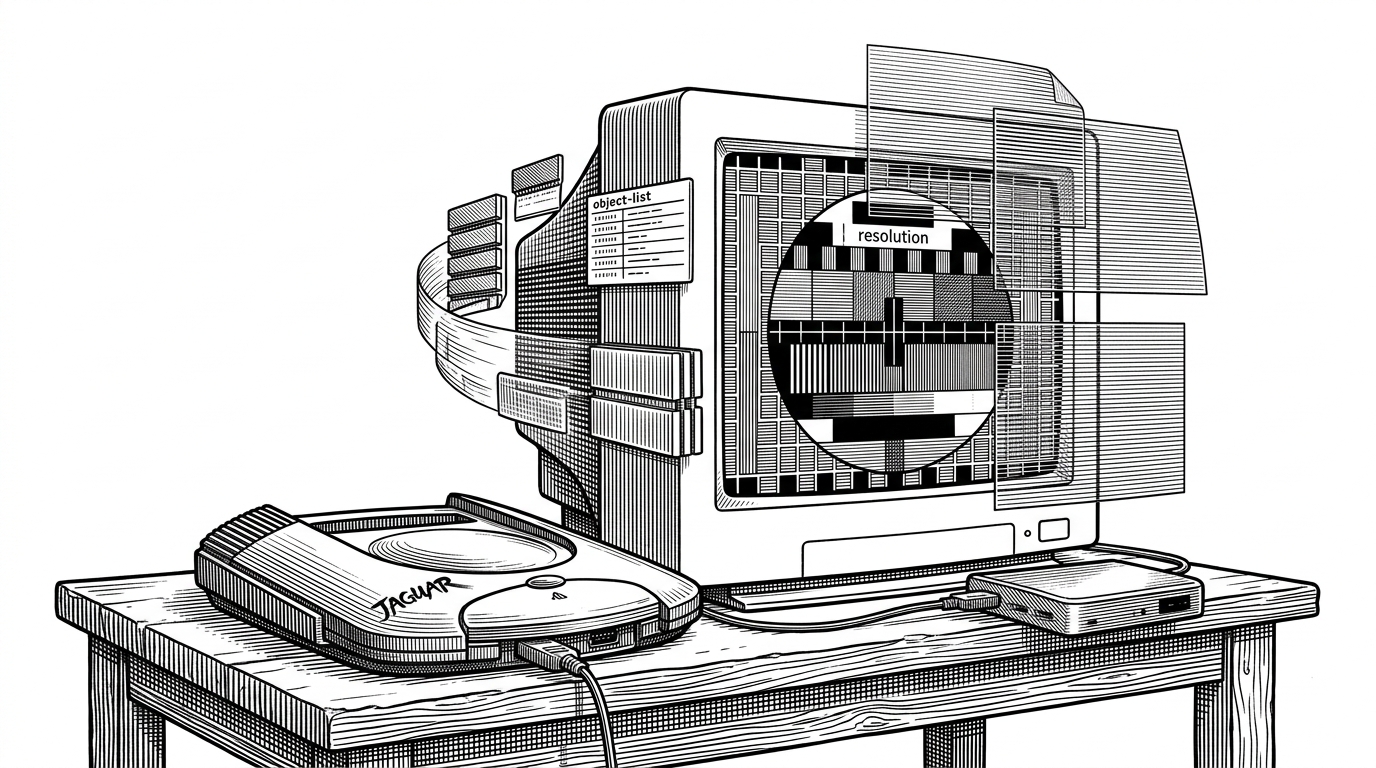
The Jaguar is not a normal 16-bit console wearing a bigger number. Its graphics pipeline revolves around the Object Processor, which means the port cannot lean on the easy assumptions that older homebrew platforms sometimes inherit. The suite has to be useful on real hardware, but it also has to teach the machine how to present text, overlays, and calibration patterns at all.
That is the real hook. This is not just a ROM full of patterns. It is a diagnostic instrument built around a console that resists being treated like a standard framebuffer box.
What the suite actually does on real hardware
The 240p Test Suite earns its keep by making video problems visible. On the Jaguar, that means checkerboards, color bars, line tests, flicker tests, black and white level checks, and other patterns that expose how a CRT, scaler, or line doubler handles the signal. The goal is not nostalgia. It is measurement.
| Platform | Graphics model | Text and UI | Asset handling | Main limitation or differentiator |
|---|---|---|---|---|
| Atari Jaguar port | Object Processor and display lists | Custom text engine with sprite-generated glyphs | LZ77 decompression into limited RAM | Built to work inside the Jaguar’s unusual video model |
| Original 240p Test Suite | Baseline cross-platform design | Native UI patterns adapted per port | Varies by implementation | Reference implementation for calibration tests |
| Mainstream console port | Tilemaps or simpler sprite layers | Usually straightforward HUD rendering | More mature asset pipelines | Easier to adapt because the graphics model is more familiar |
The 240p test suite is a homebrew software suite for video game consoles developed to help in the evaluation of upscalers, upscan converters and line doublers.
The Jaguar does not have a normal video stack
This is where the port stops being a translation exercise and becomes a hardware choreography problem. The repo’s architecture pushes assets through LZ77 decompression, into memory, then into pattern generation and a custom text layer, before both are assembled into the Object Processor display list. The screen is not a canvas. It is a negotiated output.
The important insight is that the port does not merely render test patterns. It stages them through the Jaguar’s own object system, which is why the suite doubles as a proof that the platform can still be reasoned about cleanly.
The custom text engine is the quiet breakthrough
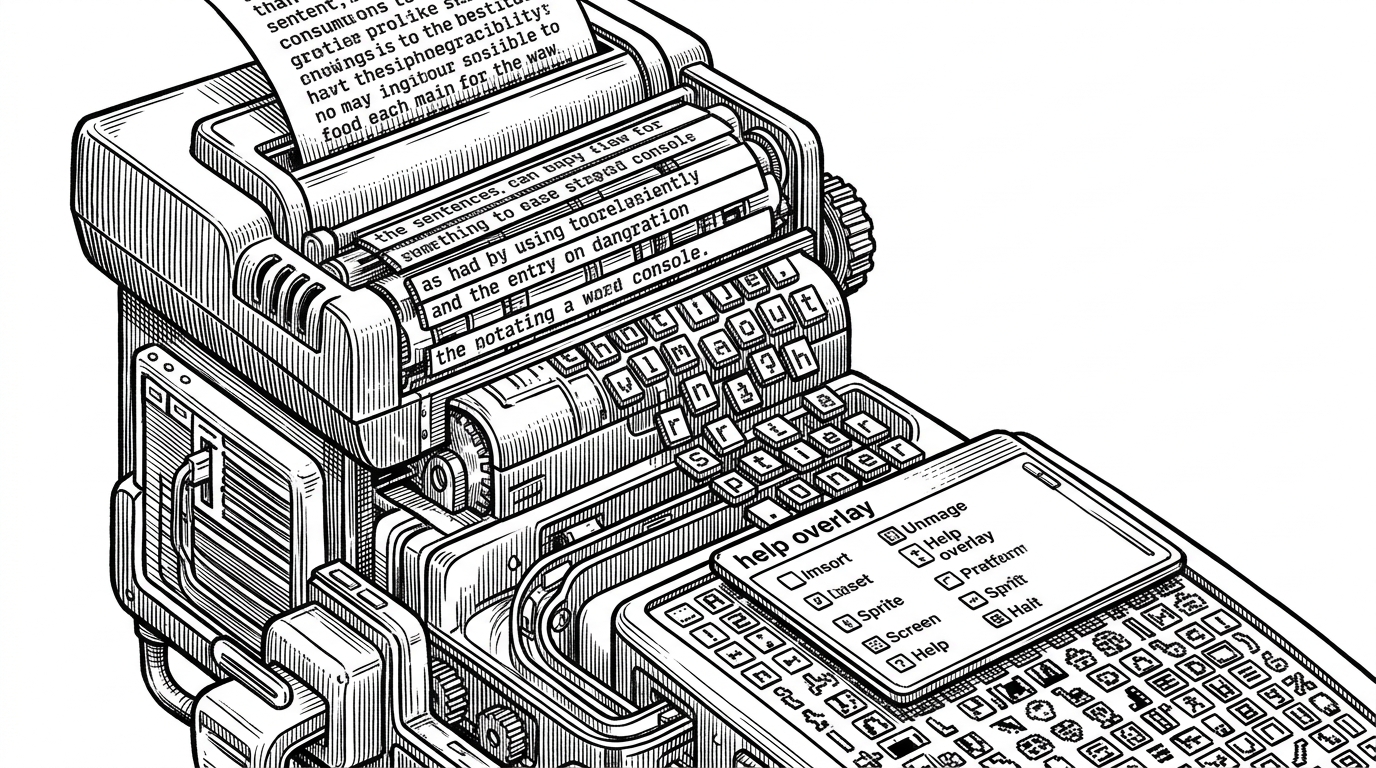
`text_engine.c` is the kind of file that makes a port feel finished. It introduces the missing piece the hardware never provided, with abstractions like `textBox` and `font`, word wrapping, and sprite generation for on-screen strings. That is basic UI, but on the Jaguar it is also systems design.
// Conceptual flow in the Jaguar port
textBox helpBox = makeTextBox(16, 16, 288, 120);
font uiFont = loadFont("gfx/font");
lineBreakAndWordWrap(&helpBox, uiFont, "Use the D-pad to move through tests");
attach_sprite_to_display_at_layer(&helpBox, 2);
The tests are not just visuals, they are signal stressors
The suite’s patterns are designed to make bad video handling obvious. Checkerboards reveal scaling artifacts. Every-other-line patterns expose deinterlacing mistakes. Flicker tests and drop-shadow effects show whether the display chain preserves intended temporal behavior or guesses wrong and smooths away the signal.
| Pattern | What it stresses | What can go wrong |
|---|---|---|
| Checkerboard | Pixel structure and scaling | Blur, shimmer, uneven sampling |
| Every-other-line rendering | Interlace handling and line doubling | False deinterlacing or combing artifacts |
| Drop-shadow flicker | Temporal accuracy | Incorrect blending or motion smoothing |
| Color bars | Levels and color response | Crushed blacks, clipped whites, shifted hues |
That is why the suite matters even outside the Jaguar community. These tests separate faithful video from useful-looking video. The difference shows up immediately when hardware tries to be clever.
Memory pressure shapes everything
The Jaguar’s 2MB RAM budget forces discipline. Assets are compressed in ROM and decompressed on demand, which keeps the suite viable without pretending the machine has modern storage habits. The code has to treat memory as a scarce staging area, not an invisible background service.
That constraint also explains why running from RAM can be less reliable than running from a proper ROM build. On a machine like this, logistics are part of the product.
PAL and NTSC are not edge cases here
A diagnostic suite has to be honest across regions. The Jaguar port uses region-aware offsets and timing adjustments so the same tests remain meaningful on PAL and NTSC hardware. That sounds minor until you remember that display calibration is mostly about tiny differences that accumulate into visible errors.
| Region | What changes | Why it matters |
|---|---|---|
| NTSC | Baseline vertical timing and position | Matches the common reference setup for many tests |
| PAL | Vertical offset and timing adjustments | Prevents the UI and patterns from sitting in the wrong place or implying the wrong result |
How it compares to the original 240p Test Suite
Compared with the original suite and more mature ports, the Jaguar version is younger and less complete. That is not a weakness so much as a clue about the cost of adaptation. The familiar tests are still there, but the path from code to screen is much more expensive on this hardware.
| Version | Strength | Trade-off |
|---|---|---|
| Jaguar port | Native calibration for Jaguar hardware | Work in progress, with features still missing |
| Original suite | Canonical reference design | Not tied to the Jaguar’s hardware quirks |
| Mature mainstream port | Feature-rich and well proven | Does not teach the reader as much about unusual video architecture |
Why this matters to preservation
This project is useful to collectors, modders, CRT owners, and preservationists because it converts lore into repeatable inspection. A good test suite is part of software culture. It tells you what the machine is doing, not just whether it boots.
On the Jaguar, that matters even more. The port is a working reminder that difficult hardware can still be understood if someone is willing to build the right instrument for it.