The Browser is the New Oscilloscope: Inside usb-Input-shaper-calibrator
How a React frontend and the Web Serial API replaced Linux, Python, and GPIO wiring to democratize high-speed hardware diagnostics.
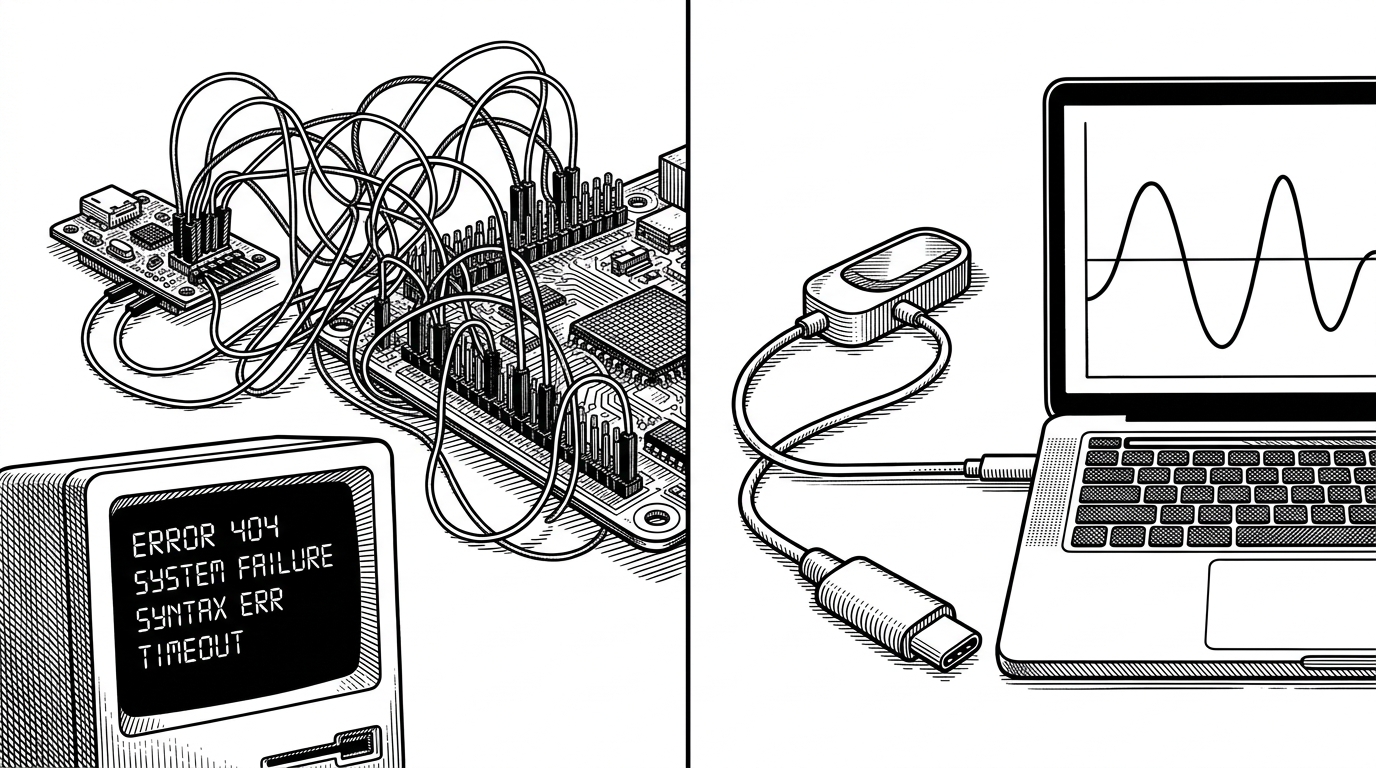
- The project transforms the browser into a complete high-frequency hardware diagnostic suite using the Web Serial API.
- A custom bit-packing algorithm compresses three 13-bit integers into a 5-byte payload to maintain a 3.2kHz data stream over serial.
- Heavy computational tasks like Fast Fourier Transforms are offloaded to Web Workers to ensure a responsive 60fps React interface.
- A built-in digital twin uses a Biquad filter to simulate hardware resonance, enabling software development without physical hardware.
The Browser as an Oscilloscope
Hardware diagnostics usually require a dedicated software stack. You install drivers, compile firmware, and run desktop utilities. The usb-Input-shaper-calibrator project bypasses all of this by turning Google Chrome into a plug-and-play oscilloscope. By leveraging the Web Serial API, the browser communicates directly with an RP2040 microcontroller over a standard USB-C cable.
This architecture eliminates the need for native drivers or command-line interfaces. The website acts as the firmware flasher, the data receiver, and the real-time diagnostic dashboard. It is a seamless bridge between raw hardware signals and a modern React frontend.
Escaping the GPIO Trap
Calibrating input shaping on a 3D printer running Klipper firmware is notoriously tedious. The traditional method involves wiring an ADXL345 accelerometer directly to the GPIO pins of a Raspberry Pi. This requires precise soldering, careful cable routing to avoid signal interference, and an SSH session to run Python scripts that generate static CSV files.
Run Klipper's input shaping calibration without the need for a full Klipper setup.
The 3D printing community has been actively building tools to bypass this friction. By moving the sensor to a dedicated RP2040 board connected via USB, the entire process becomes modular. The user plugs in a cable, opens a webpage, and immediately sees live resonance data.
3,200 Samples Per Second in JavaScript
Streaming high-frequency sensor data into a browser presents a massive performance challenge. JSON-over-serial is too slow and bloated for a 3.2kHz sample rate. To solve this, the firmware uses a custom bit-packing scheme. It crams three 13-bit signed integers (representing X, Y, and Z acceleration) into a dense 5-byte payload.
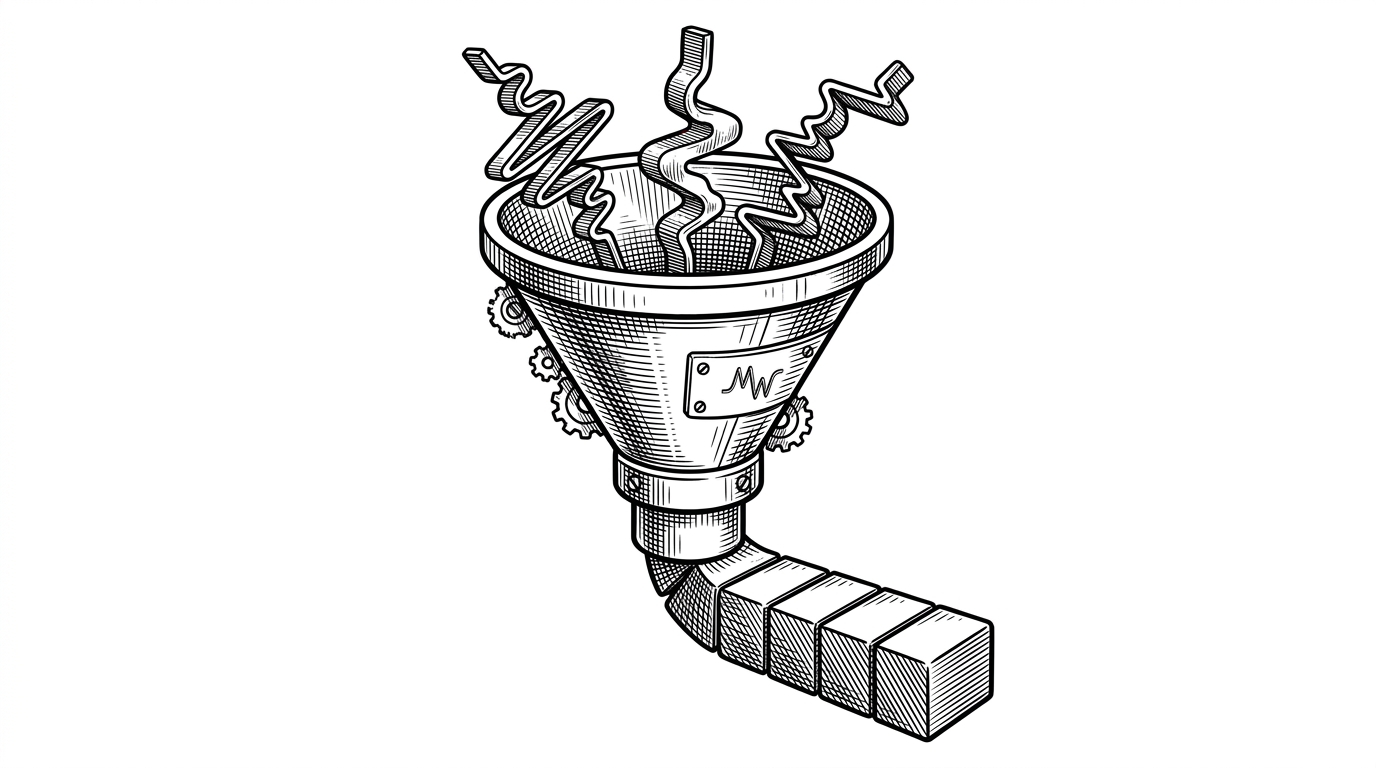
Once the bytes reach the browser, a dedicated Web Worker takes over. It intercepts the data stream, performs bitwise operations to reconstruct the numbers, and runs a Fast Fourier Transform (FFT) using the kissfft-js library. This architecture prevents the main UI thread from locking up.
const lo = (b0 | (b1 << 8) | (b2 << 16) | (b3 << 24)) >>> 0;
const hi = b4 & 0xff;
const get13 = (startBit: number): number => {
  // Bitwise extraction logic ensuring fast, garbage-free number reconstruction
};
Building a Digital Twin
Building software for specialized hardware is difficult when you do not have the hardware on hand. To iterate rapidly on the UI, the developer implemented a SimulationPort. This module acts as a digital twin of the physical accelerometer.
Written entirely in TypeScript, the simulation uses a 2nd-order Biquad filter to generate realistic resonance peaks from white noise. It mimics a physical 3D printer vibrating at specific frequencies, allowing developers to test the visualization components and input shaper optimization math without ever plugging in a USB cable.