OpenMontage: The Video Studio Built for AI Agents
A deep look at the open-source system that turns coding assistants into directors, routes work across multiple model providers, and uses code to do the parts AI video tools still cannot control.
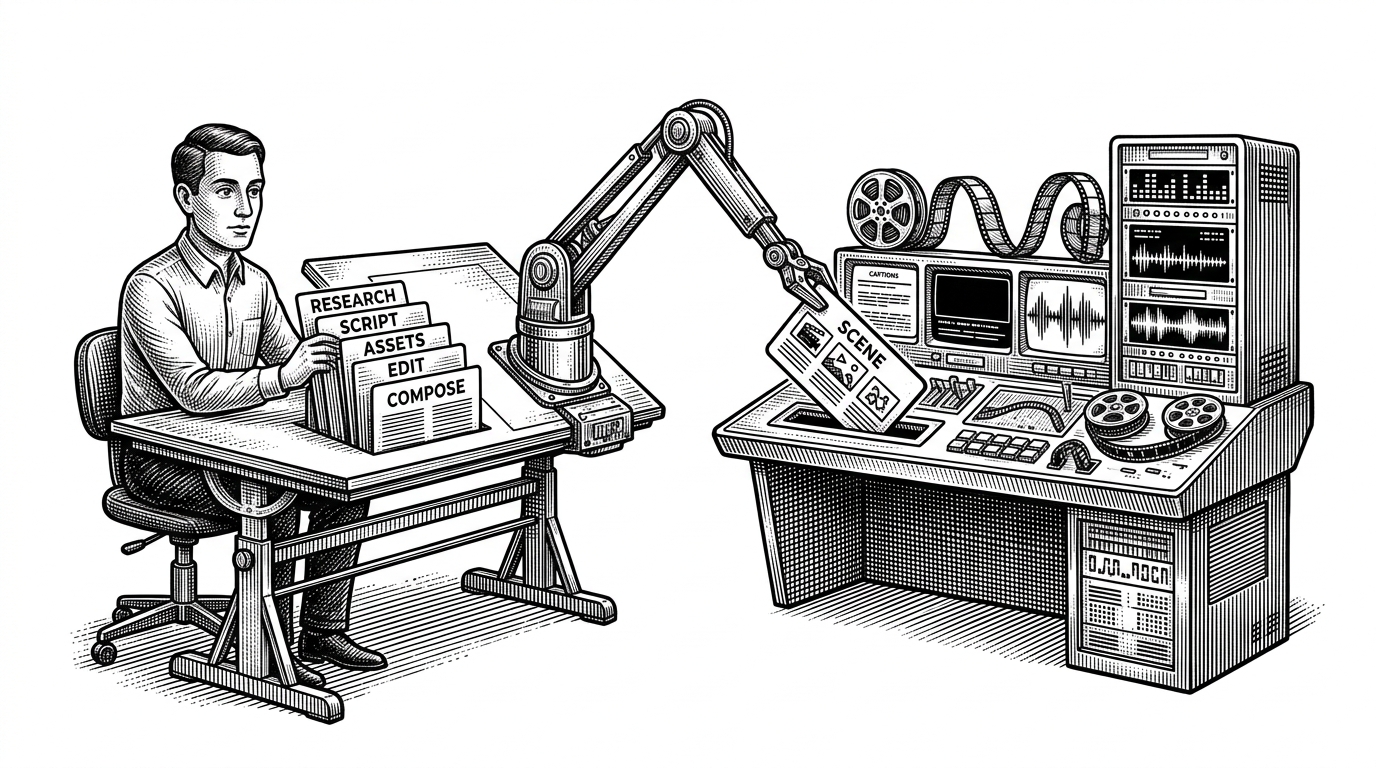
Turn your AI coding assistant into a full video production studio. Describe what you want in plain language — your agent handles research, scripting, asset generation, editing, and final composition.
- OpenMontage matters because it treats an AI coding assistant as the primary operator, not a human clicking through a video app.
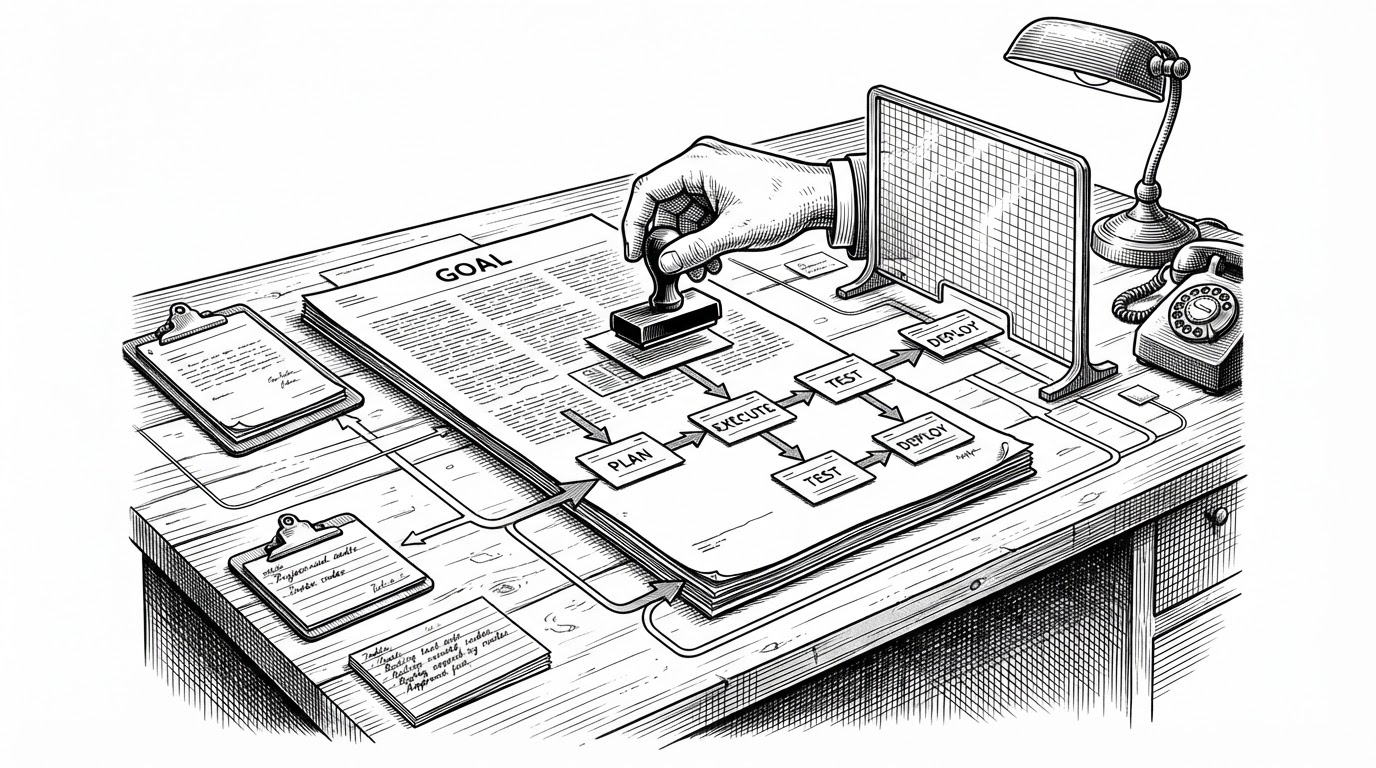
- Its real product is orchestration: skills, routing, manifests, timing, and render control stitched into one production pipeline.
- The project wins by combining stochastic generation with deterministic composition, so rough AI outputs become frame-accurate scenes.
- Its most strategic bet is control, not model supremacy, which makes the system resilient across providers and use cases.
OpenMontage is built for the assistant, not the operator
Most AI video tools still assume a human is sitting in front of the screen, nudging prompts, picking variants, and patching gaps by hand. OpenMontage flips that assumption. The repo is designed so an AI coding assistant inside Cursor, Claude Code, or a similar environment can drive the whole production flow from brief to render.
That changes the shape of the product. The interesting unit is no longer the generated clip. It is the production system around it: research, script, asset generation, editing, composition, and fallback logic. In OpenMontage, the repository is the studio, and the model is just one of the workers in it.
The repo treats production as a stack of skills
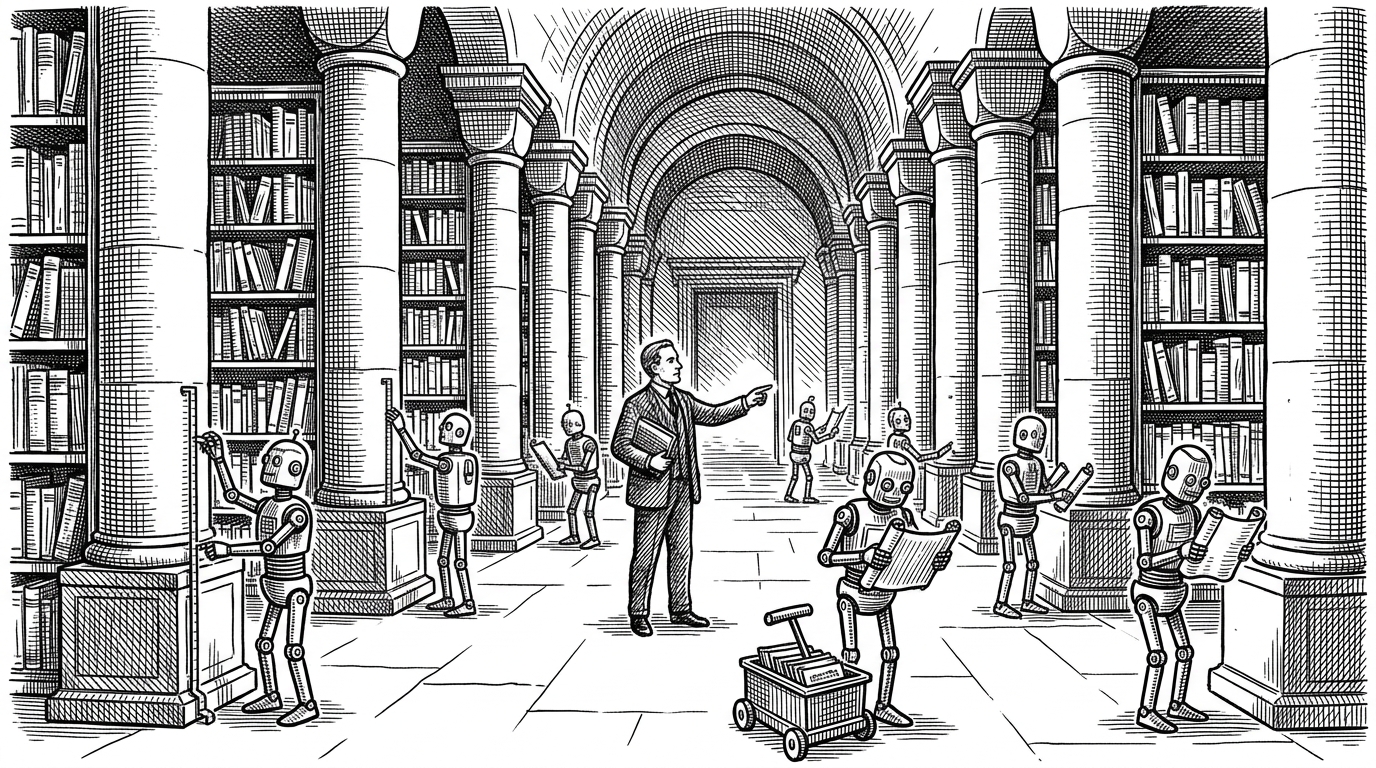
The most revealing part of the repository is not a web UI. It is .agents/skills/. That folder is the product surface for the agent. Each skill packages instructions, tool permissions, and workflow rules so the assistant knows how to behave in a specific media task.
This is a different interface philosophy. Instead of designing buttons for humans, OpenMontage designs instructions for agents. The result is a modular production system where one skill handles video planning, another handles provider selection, another handles composition, and another handles narration or subtitles.
Why one model is not enough
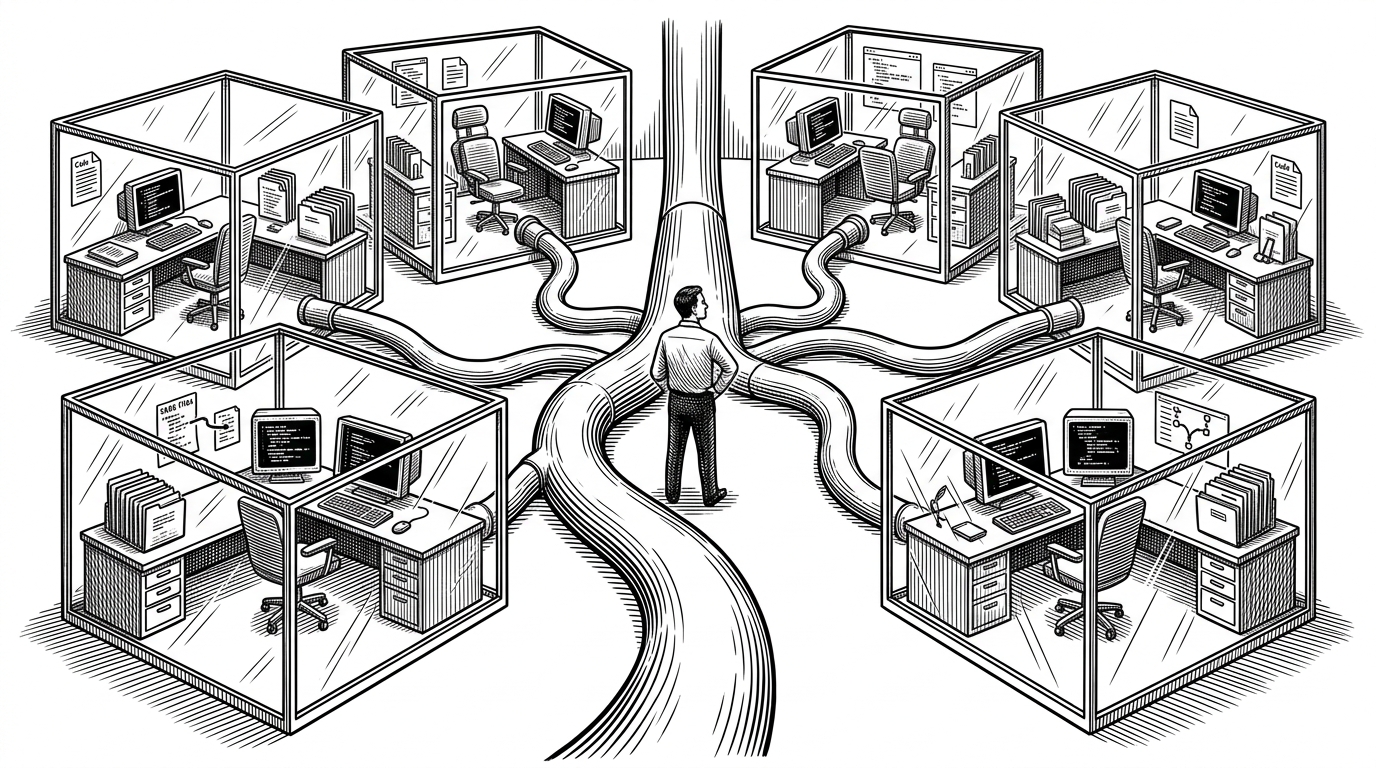
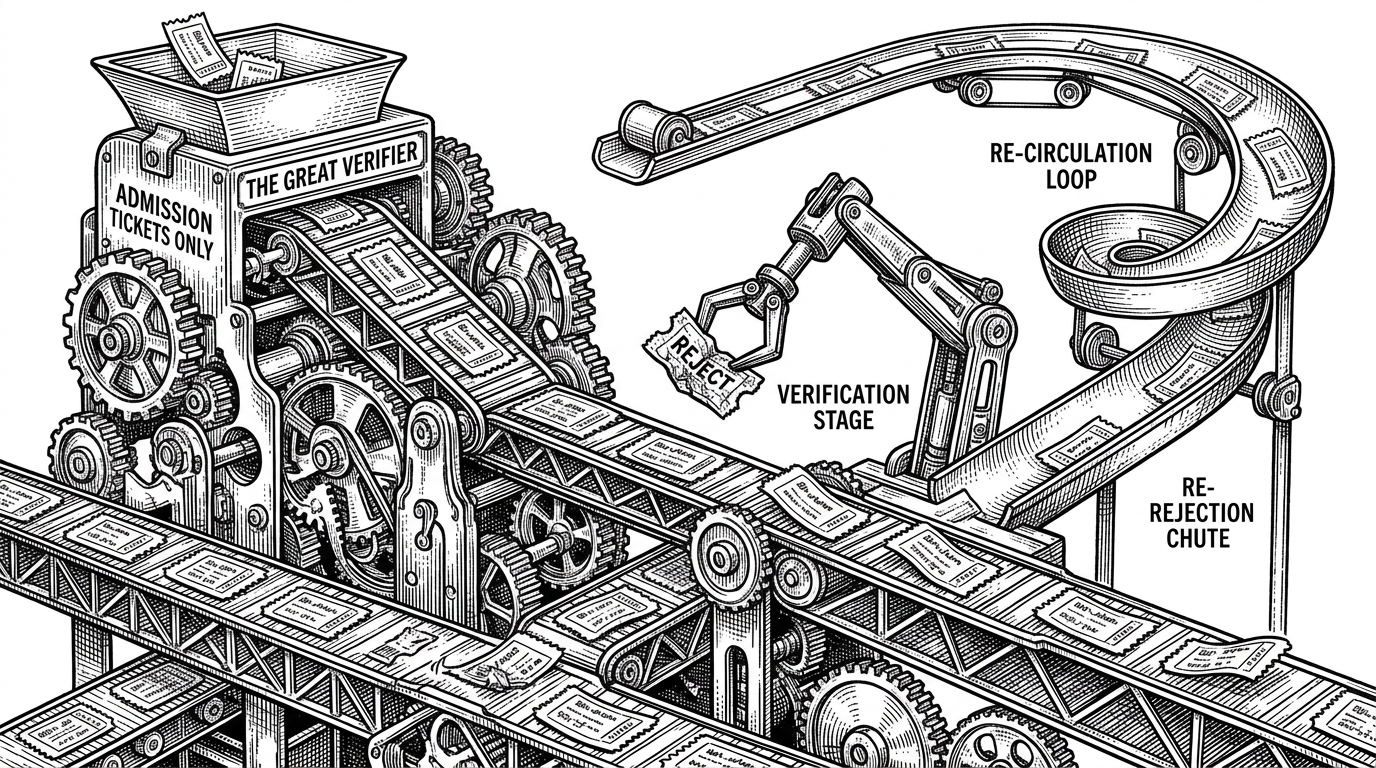
OpenMontage does not bet the project on a single video model. It routes across providers, compares cost and quality, and falls back when one path is better than another. That matters because video generation is expensive, unreliable, and uneven across tasks. The practical win is not novelty. It is control over risk.
| Dimension | Raw foundation models | Avatar platforms | Traditional editors | OpenMontage |
|---|---|---|---|---|
| Primary user | Prompting human | Business user | Human editor | AI coding agent |
| What it produces | Short generated clips | Presenter-led videos | Manually edited timelines | Multi-asset productions |
| Manual control | Low to medium | Medium | High | High, but automated |
| Vendor routing | Usually one model | Usually one stack | N/A | Multiple providers |
| Open source | No | Usually no | No | Yes |
| Composition and timing | Limited | Moderate | Strong | Strong and agent-driven |
| Fallback logic | Rare | Limited | Manual | Built in |
# Simplified provider selection logic
choices = [
    {"name": "Veo", "cost": 0.42, "quality": 0.93, "available": True},
    {"name": "Kling", "cost": 0.18, "quality": 0.86, "available": True},
    {"name": "Runway", "cost": 0.31, "quality": 0.89, "available": False},
]

acceptable = [c for c in choices if c["available"] and c["quality"] >= 0.85]
selected = min(acceptable, key=lambda c: c["cost"])
print(selected["name"])
Remotion is where the rough outputs become a film
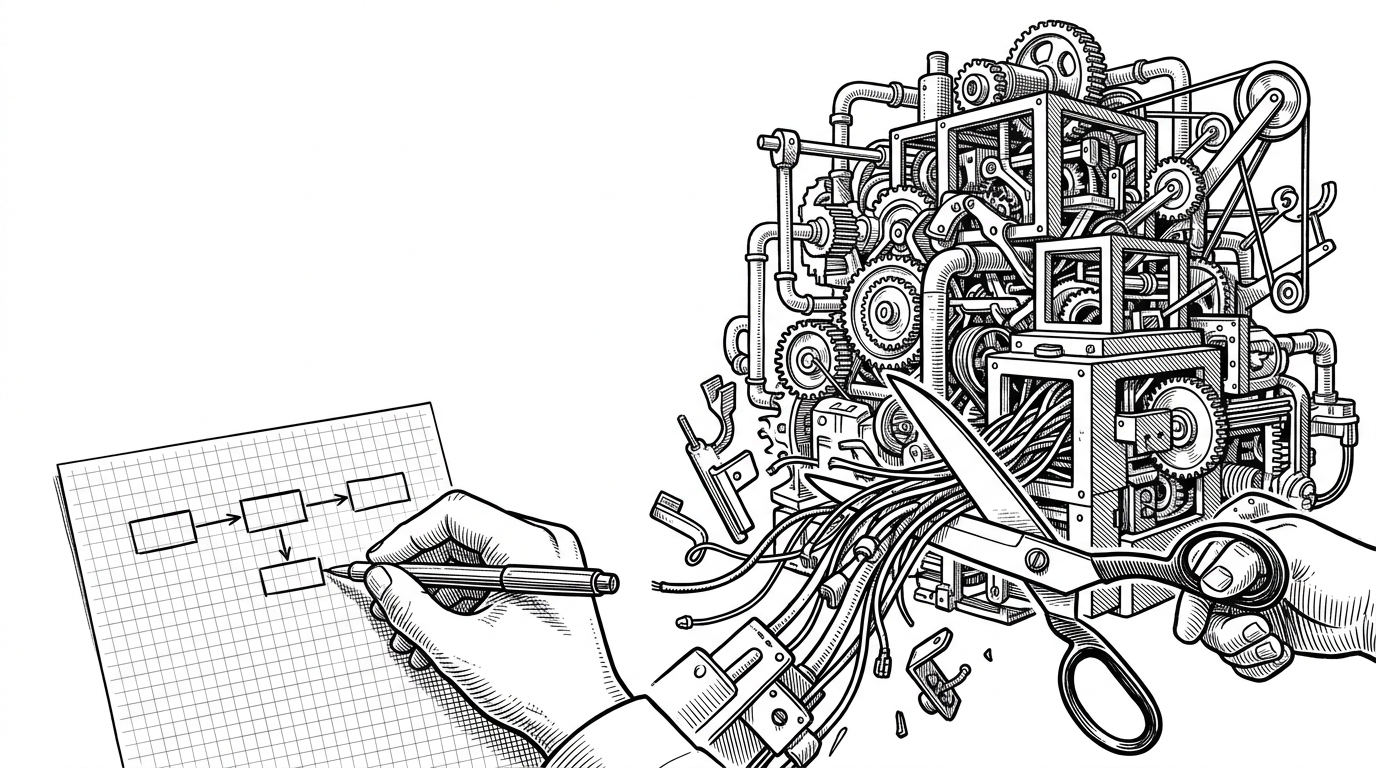
The repo’s hybrid trick is the real technical insight. AI is used for assets. Code is used for composition. That split is what makes the system feel like a production OS rather than a model demo. The generated pieces can be rough or inconsistent, but Remotion turns them into a precise sequence with timing, transitions, captions, and overlays.
That matters because video is more than a pretty frame. It is coordination across time. OpenMontage hands that coordination to deterministic code, which means the final result can be edited, repeated, and debugged in a way that pure text-to-video tools still struggle to match.
Manim makes the system useful for explanation, not just spectacle
The most distinctive specialization is the Manim pipeline. Manim is not just about motion. It is about explanation. That gives OpenMontage a second personality: it can make videos that teach, not only videos that impress.
That two-stage workflow is important. The agent has to understand the concept first, then create the scene plan second. That structure reduces the chance of hallucinated visuals and makes the output more useful for technical storytelling, math, and data-heavy narration.
Important distinction: OpenMontage can make image-based videos, but it can also make a real video video for free/open-source workflows: the agent builds a corpus from free stock footage and open archives, retrieves actual motion clips, edits them into a timeline, and renders a finished piece. That is not the usual "animate a handful of stills and call it video" trick.
That distinction also explains why the repo feels broader than a generator. It can be used for documentation, explainers, and documentary-style montage work where the point is not just motion but evidence, sequencing, and clarity.
What OpenMontage changes about the market
The cleanest way to place OpenMontage is by category. Raw foundation models are good at generation. Avatar platforms are good at presenter workflows. Traditional editors are good at manual control. OpenMontage lives one level up, where orchestration is the product.
| Category | Examples | Strength | Limitation | OpenMontage’s position |
|---|---|---|---|---|
| Raw video models | Sora, Kling, Veo, Runway | Fast clip generation | Little workflow control | Inputs to the pipeline |
| Avatar platforms | HeyGen, Synthesia | Polished spokesperson output | Narrow format | One supported use case |
| Traditional editors | Premiere, DaVinci Resolve | Precise human editing | Labor intensive | Downstream composition layer |
| Agentic orchestration | OpenMontage | Controlled end-to-end production | Depends on agent quality | The core product |
That is the open-source bet here. The future is probably not one monolithic model that solves everything in one shot. It is a controllable system of interchangeable services, reproducible steps, and agent-readable instructions. OpenMontage is making that future concrete, and it is doing it with code instead of marketing.