The LLM as Database Admin: Unpacking chroma-mcp
How the official Model Context Protocol server for Chroma replaces hardcoded RAG pipelines by giving AI agents autonomous control over their own vector memory.

- The `chroma-mcp` server flips the traditional RAG model by granting LLMs full CRUD access to a vector database, allowing them to autonomously create and manage memory collections.
- By persisting embedding functions within collection configurations, the server eliminates the need for manual embedding synchronization between the client and the database.
- The integration of 13 specific MCP tools, including `chroma_fork_collection`, enables safe experimentation and dynamic memory management directly via natural language commands.
- A flexible factory pattern supports ephemeral, persistent, HTTP, and cloud client modes, making it seamlessly adaptable for both local-first privacy and managed cloud deployments.
The Death of the Hardcoded RAG Pipeline
For the past two years, building "memory" for an AI agent meant building a RAG (Retrieval-Augmented Generation) pipeline. Developers spent hours writing custom Python orchestration code. They had to intercept a user's prompt, vectorize it, query a vector database, fetch the top-k results, and stuff those results back into the context window before finally sending the payload to the LLM.
This approach treated the LLM as a passive receiver of information. The developer had to anticipate exactly when and how the AI would need memory. The `chroma-core/chroma-mcp` project deletes this entire layer of middleware.
| Feature | Traditional RAG Pipeline | Autonomous MCP Server |
|---|---|---|
| Architecture | Middleware Orchestration | Direct Tool Calling |
| Memory Creation | Pre-defined by developer | LLM creates collections on the fly |
| Context Assembly | Developer scripts fetch and inject | LLM queries exactly what it needs |
| Embedding Sync | Manual configuration matching | Auto-persisted in collection metadata |
By implementing Anthropic's Model Context Protocol (MCP), `chroma-mcp` turns the database into a set of tools that the LLM can invoke directly. If the AI is asked to summarize a codebase, it can autonomously query the database for relevant files. If it generates a useful insight, it can choose to save that insight to a new collection for future reference. The LLM becomes its own database administrator.
Giving the AI the Keys to the Database
The core of this paradigm shift lives in `src/chroma_mcp/server.py`. The project uses the `FastMCP` framework to expose 13 specific database functions to the LLM via `@mcp.tool()` decorators.
These tools cover the full CRUD lifecycle. The LLM can use `chroma_create_collection` to establish a new memory bank, tuning HNSW parameters for search performance if necessary. It can use `chroma_add_documents` to store information and `chroma_query_documents` to retrieve it.
When your agent is experimenting with different embedding strategies or chunking approaches, it can fork a collection, modify the fork, compare results, and keep or discard — without touching the original data.
The inclusion of `chroma_fork_collection` is particularly sophisticated. It allows an AI agent to safely duplicate a memory bank for experimentation—perhaps testing a new chunking strategy or refining a subset of data—without risk of corrupting the original, verified dataset.
Zero-Config Memory and Client Flexibility
One of the most persistent headaches in traditional RAG is ensuring the embedding function used to vectorize the user's query exactly matches the function used to vectorize the stored documents. If they mismatch, the vector math fails.
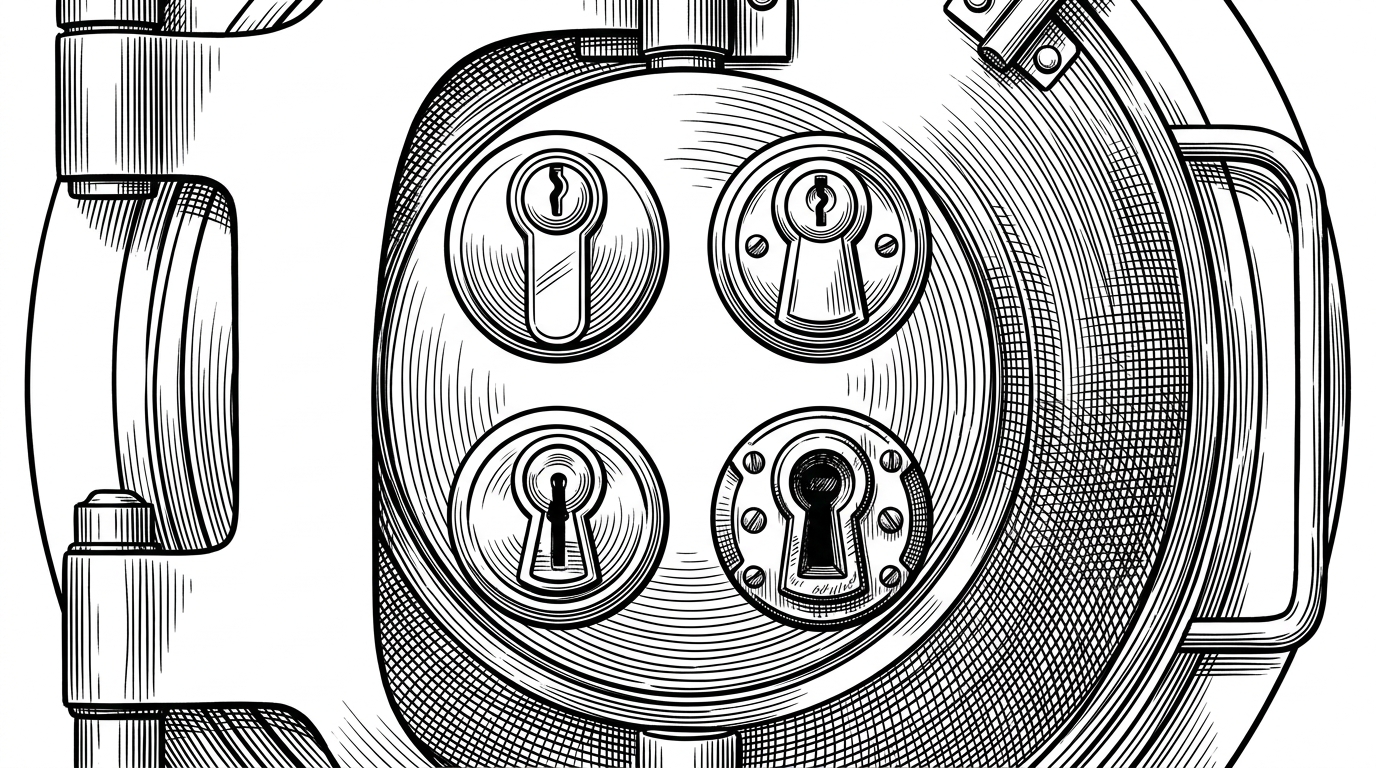
`chroma-mcp` solves this elegantly by relying on Chroma's native ability to persist the embedding function within the collection configuration itself. The MCP server (and by extension, the LLM) never has to guess how to vectorize a query; the database metadata handles it automatically.
Furthermore, the `get_chroma_client` implementation uses a robust factory pattern. It reads the user's configuration and instantly adapts the server to run in one of four modes: `ephemeral` (in-memory for quick tests), `persistent` (local file-based storage), `http` (connecting to a self-hosted instance with optional Basic Auth), or `cloud` (connecting to managed Chroma Cloud).
The Local-First Intelligence Stack
The practical implications of this architecture are significant, particularly for privacy-conscious developers. By pairing a local LLM interface, such as Claude Desktop, with the `persistent` client mode of `chroma-mcp`, developers can construct a completely private, air-gapped research assistant.
A Model Context Protocol (MCP) server implementation that provides database capabilities for Chroma
In this setup, no data ever leaves the machine. Yet, the AI retains long-term, semantic memory across sessions. It can index local codebases, read local documentation, and recall previous conversations with perfect fidelity. The `chroma-mcp` server proves that the future of AI tooling is not about building more complex middleware, but about standardizing protocols that let the AI manage its own infrastructure.