Elevate: The AI Orchestration Stack That Treats Memory, Retrieval, and Model Choice as Separate Problems
A deep look at a Next.js AI suite that crawls live sites, distills domain knowledge, scopes retrieval per workspace, and falls back across providers when reliability matters.
- Elevate is interesting because it splits AI memory into distinct jobs instead of forcing one chat layer to do everything.
- Its most important architectural move is pairing structured knowledge distillation with traditional vector retrieval, then letting the product choose between them.
- The repo reads like an insurance policy against model lock-in and service failure, with multiple providers and edge routes built into the stack.
- The UI is not decoration. It is part of the product promise that this system can feel fast, confident, and explainable even when the underlying work is complex.
Why Elevate Is Not Just a Chatbot
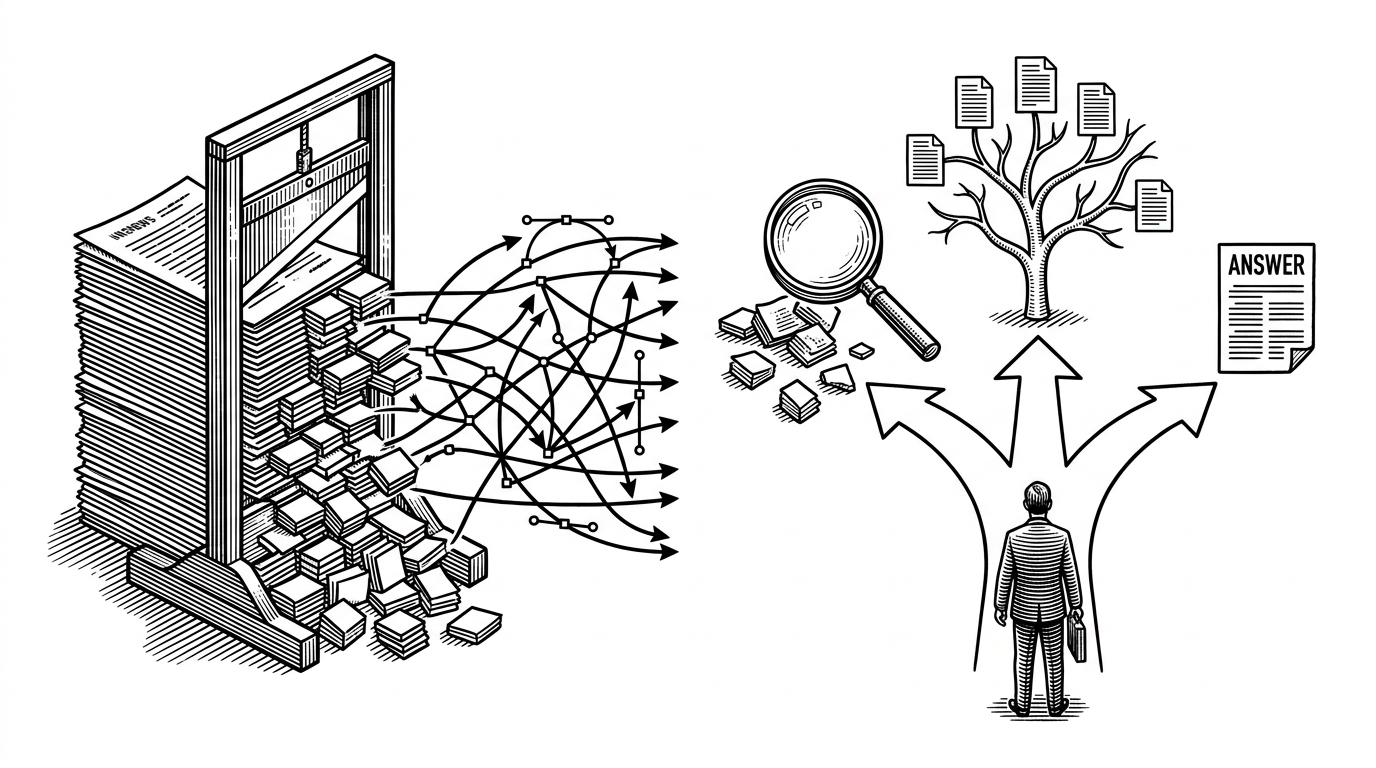
Most AI apps start with a prompt box and grow outward. Elevate starts with a harder question: what kind of memory should this interaction use? That shift matters because some tasks need a distilled view of a site, while others need exact retrieval from source chunks.
The result is less like a generic assistant and more like an AI workspace. It crawls, extracts, indexes, and routes, then decides which memory layer is best for the question in front of it.
Two Ways to Teach an AI About a Website
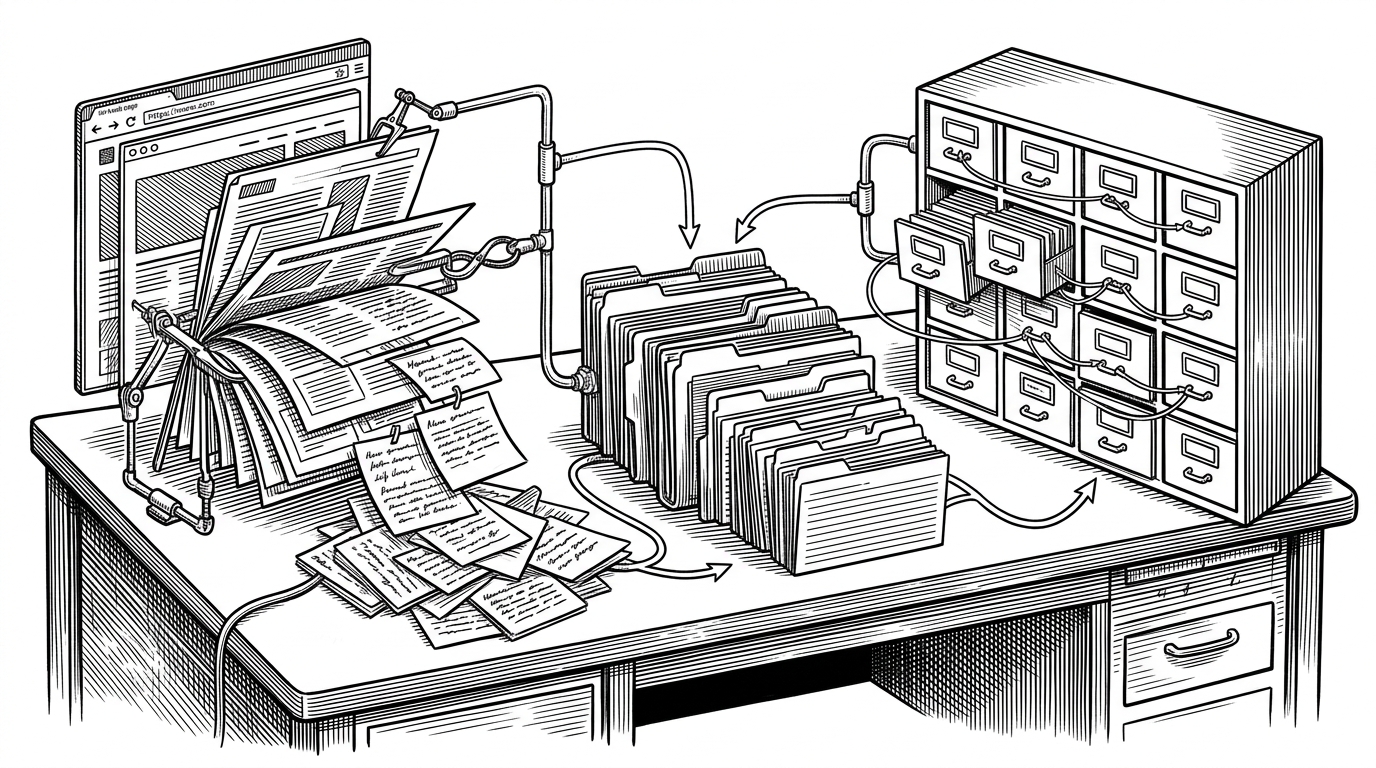
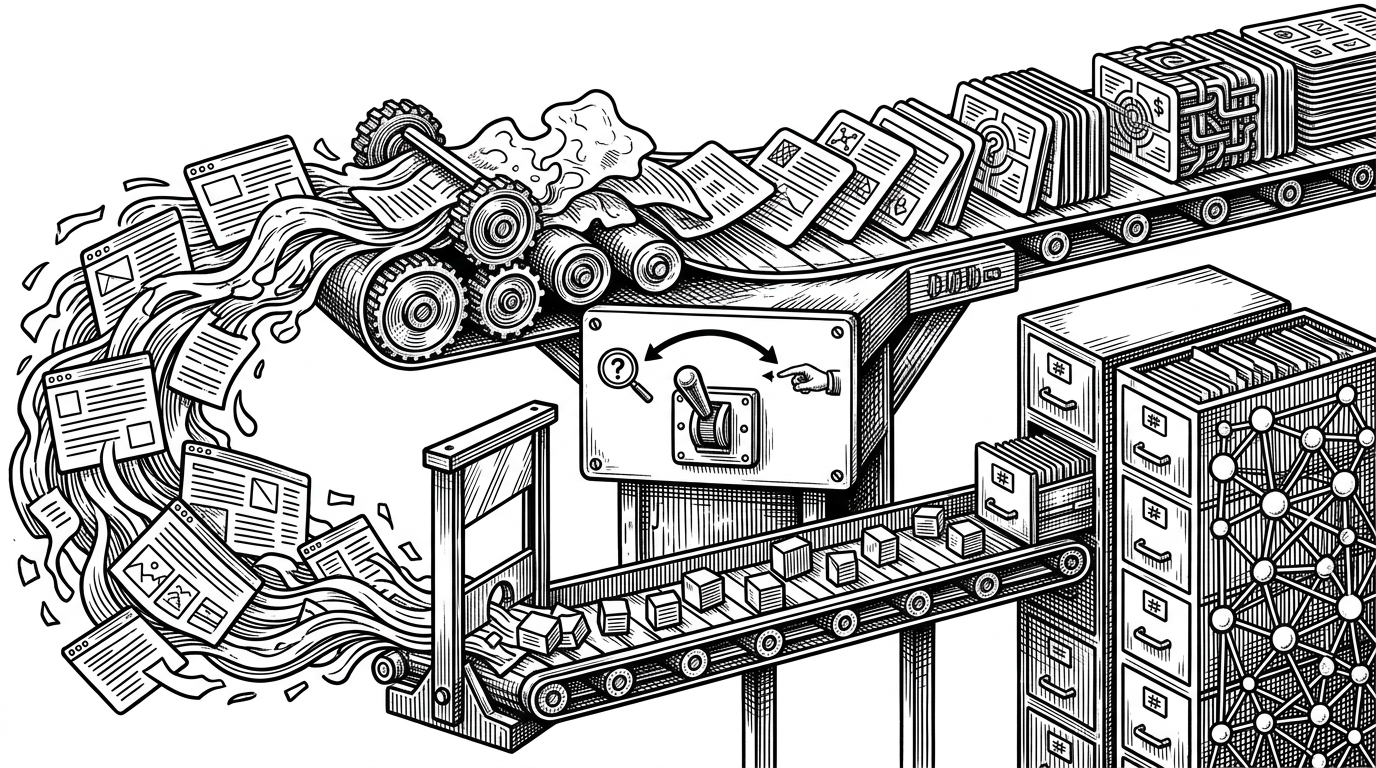
The core idea in Elevate is a split between a Knowledge Agent and a RAG Agent. One path turns a website into structured domain knowledge. The other keeps the raw material searchable as chunks in vector memory.
| Approach | Best for | Weakness | What Elevate does differently |
|---|---|---|---|
| Structured knowledge | High-level understanding, concept synthesis, consistent tone | Can lose source-level detail | Builds a distilled domain layer from crawled content |
| Vector RAG | Exact facts, source grounding, long documents | Can feel fragmented across chunks | Keeps retrieval scoped per workspace with namespaces |
| Single chat memory | Quick answers over small inputs | Breaks down on larger or mixed sources | Chooses a memory strategy instead of assuming one fits all |
How the Research Pipeline Actually Works
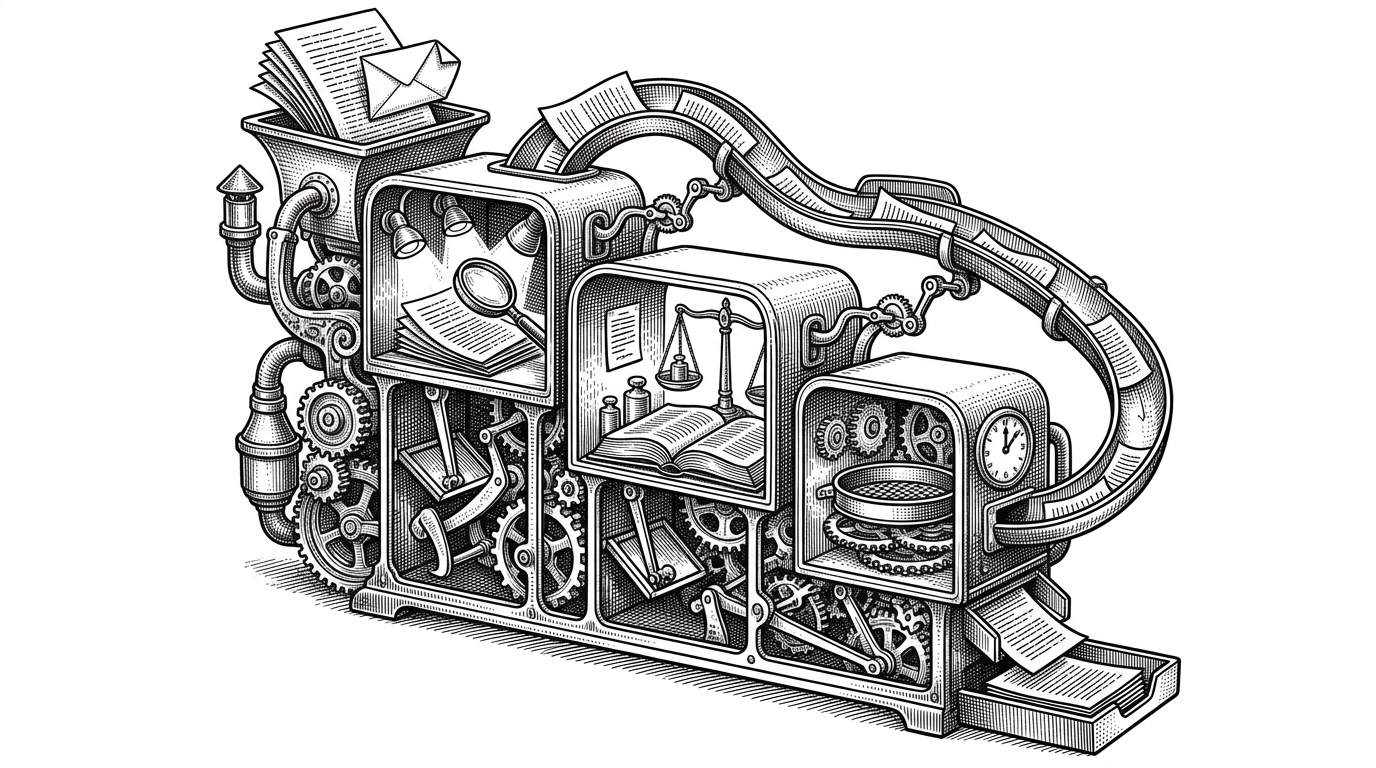
The deep-research route is built like an agentic workflow, not a single LLM call. Firecrawl pulls live pages into Markdown, tool calling adds search and crawl steps, and the research context keeps earlier findings in view as the session continues.
export const runtime = 'edge';

const webSearch = tool({
  description: 'Search the web and crawl relevant sources',
  parameters: z.object({ query: z.string() }),
  execute: async ({ query }) => {
    const results = await firecrawl.crawlUrl(query)
    return results
  }
})

const response = streamText({
  model,
  system: buildSystemPrompt(researchContext),
  tools: { webSearch }
})
That edge runtime choice is not a footnote. It is part of the product experience. Streaming starts sooner, responses feel less inert, and the system can move from search to synthesis without dragging the user through a slow, heavy request cycle.
The Stack Behind the Resilience
Elevate’s model layer is deliberately plural. The repo wires in providers such as Bedrock, OpenAI, OpenRouter, and Azure-style fallbacks so one outage or rate limit does not collapse the whole product.
| Layer | Primary job | Why it matters |
|---|---|---|
| Provider abstraction | Route across models and vendors | Reduces lock-in and makes fallback behavior explicit |
| Edge API routes | Stream responses with lower perceived latency | Improves responsiveness in long AI sessions |
| Supabase | Auth and persistence | Keeps workspace data and sessions tied together |
| Pinecone | Vector storage and retrieval | Handles semantic search at workspace scope |
| Firecrawl | Web ingestion | Turns live sites into clean source material |
Why the Documentation Assistant Feels Smarter Than a Search Box
The documentation assistant is the strongest proof that Elevate thinks in workspaces, not one-off prompts. Each website gets its own Pinecone namespace, so retrieval stays scoped instead of bleeding across unrelated projects.
That isolation matters more than it sounds. It keeps answers relevant, keeps evaluations cleaner, and makes the product feel like it remembers the right thing for the right audience.
The UI Is Trying to Sell Confidence
Elevate’s dashboard components, heatmaps, and thinking states are doing product work, not just visual work. They make the system feel active while it is thinking, and that matters when the underlying process is opaque.
AI products win trust when the interface makes effort visible. Elevate leans into that with polished surfaces that say, this system is working, not guessing.
What Elevate Is Really Competing Against
Elevate is not trying to beat plain chat apps on simplicity. It is trying to beat them on usefulness once the work becomes messy, multi-source, and persistent.
| Competitor type | Strength | Weakness | Elevate’s answer |
|---|---|---|---|
| Plain LLM chat | Fast to start | Forgets structure and source boundaries | Keeps separate memory layers and scoped workspaces |
| Traditional RAG app | Good source grounding | Often reduces everything to chunk search | Adds structured knowledge distillation |
| Single-provider wrapper | Simple infrastructure | Vendor risk and brittle fallbacks | Routes across multiple providers with explicit resilience |
That is why Elevate feels more ambitious than another AI wrapper. It is trying to turn memory, retrieval, and reliability into first-class design decisions.