The Architecture of a Pivot: Inside chroma-migrate
How an interactive CLI wizard bridged the gap when a leading vector database completely rewrote its storage engine.
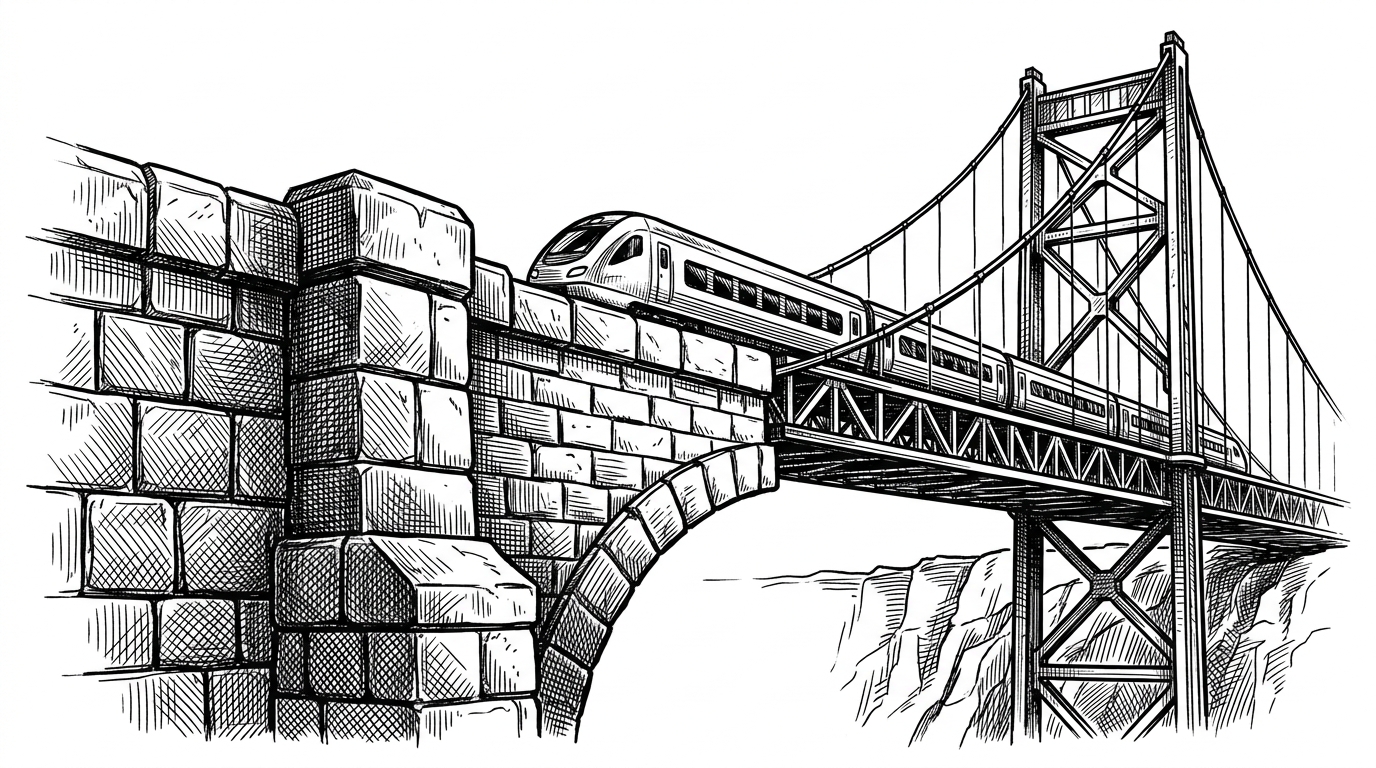
- Chroma's shift from a DuckDB analytical backend to a lightweight SQLite transactional engine created a massive migration debt for early adopters.
- Rather than relying on brittle bash scripts, chroma-migrate uses an interactive terminal state machine to guide users safely across the architectural chasm.
- The tool reconstructs legacy schemas in memory to extract Parquet files and maps legacy UUIDs to new collection objects.
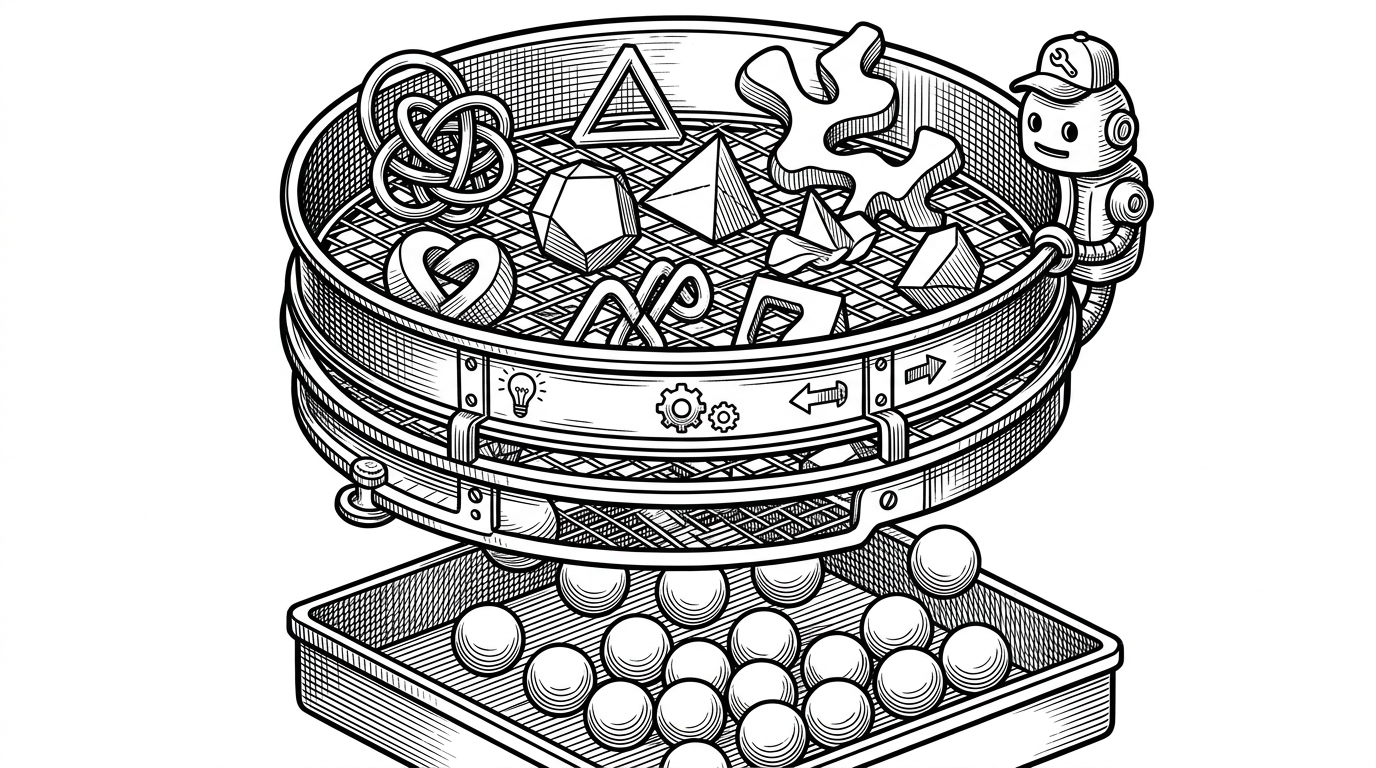
- A strict metadata filter drops complex nested JSON to ensure compatibility with the new, rigid SQLite requirements.
The Migration Debt
Vector databases initially optimized for heavy analytical batching hit a wall when applied to the fast, incremental write patterns required by AI agents. Chroma realized their foundational architecture, built on DuckDB and ClickHouse, was the wrong tool for the emerging developer workflow. They needed to pivot to SQLite.
This pivot introduced version 0.4.0, a breaking change that stranded early users on a deprecated architecture. The core challenge became clear: how do you completely swap a database engine without abandoning your community?
And then ChromaDB drops a new major version. Not just “minor API changes,” no. A mutation. A biological one. The sort of mutation where your innocent goldfish suddenly grows limbs, starts quoting RFC standards, and demands a GPU.
A UX-First Bridge
The standard solution for a database migration is a CLI utility demanding a precise combination of obscure flags. The Chroma team took a different path with chroma-migrate. They treated the migration like a software installation wizard.
By leveraging the bullet library in cli.py, the tool acts as a terminal-based state machine. It dynamically builds a decision tree based on user input, prompting for the source type, the destination type, and authentication details only when necessary.
Extract, Transform, Chunk
Behind the smooth interface lies a complex Extract, Transform, Load (ETL) pipeline implemented via a provider pattern. Files like import_duckdb.py manually recreate the legacy schema within a temporary memory connection to extract data from old Parquet files.
Once the data is extracted, the tool maps legacy UUIDs to the new Chroma collection objects. To prevent HTTP timeouts or memory overflows during the load phase, chroma-migrate relies on the more-itertools library to chunk data into safe batches of 1,000 records.

The Metadata Filter
The new SQLite backend demanded a stricter schema. Where older versions allowed loose, deeply nested JSON, the 0.4.0 architecture required flat dictionaries containing only strings, integers, and floats.
This is where utils.py and its validate_collection_metadata function serve as a strict border checkpoint. The utility actively flattens or drops nested legacy data that would otherwise crash the new system at runtime.
| Feature | Legacy (v0.3.x) | Modern (v0.4.0+) |
|---|---|---|
| Storage Engine | DuckDB / ClickHouse | SQLite |
| Write Pattern | Analytical Batching | Fast Incremental Updates |
| Metadata Rules | Nested JSON allowed | Strict flat dictionaries (str, int, float) |