The Anatomy of a RAG App: Inside gpt4-pdf-chatbot-langchain-chroma
How a Next.js boilerplate moved AI development past the single-prompt wrapper by bringing vector math and local-first document retrieval to the TypeScript ecosystem.
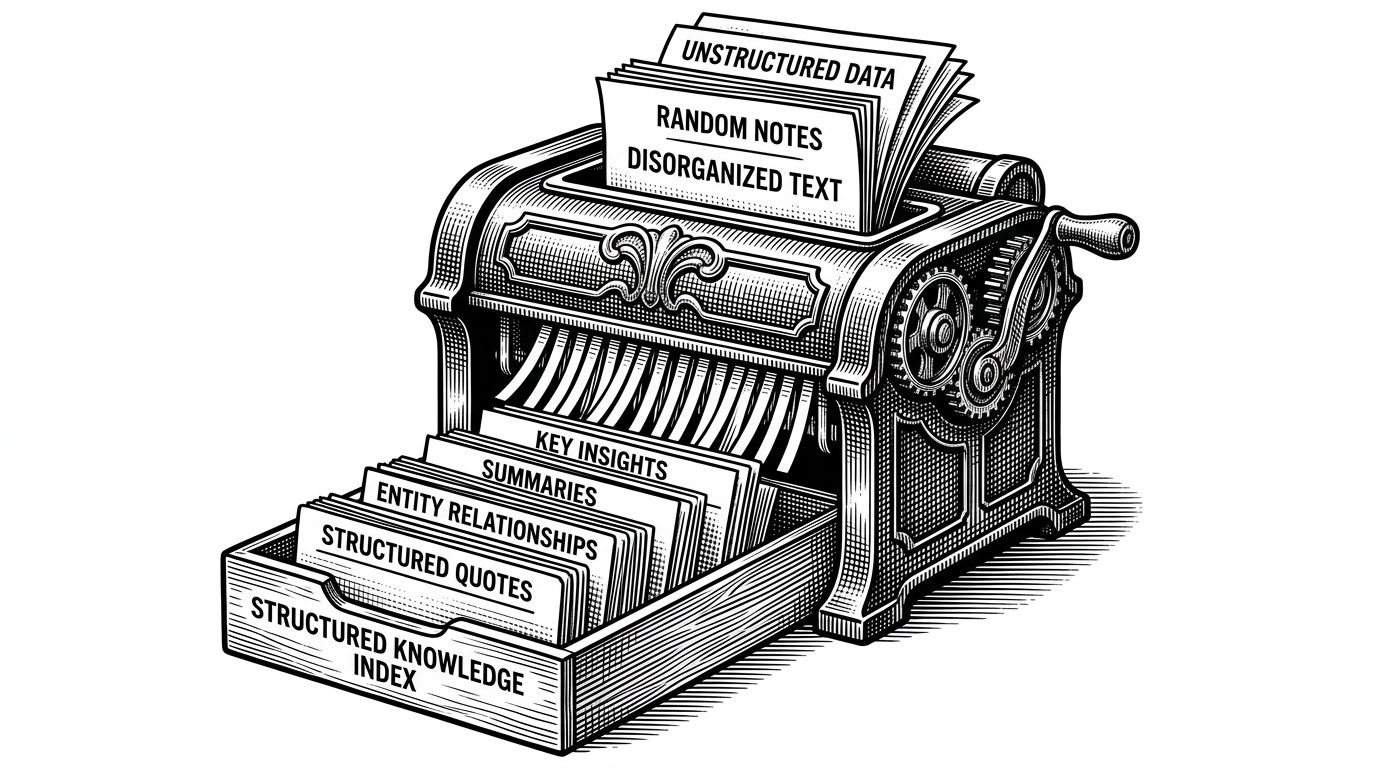

javascript implementation of a PDF chatbot
- Context window limits forced the industry to adopt Retrieval-Augmented Generation to handle large documents.
- The application intercepts follow-up questions and rewrites them into standalone queries before searching the database.
- Document ingestion relies on overlapping text chunks to preserve semantic meaning across arbitrary text breaks.
- Running ChromaDB locally via Docker provides a privacy-first alternative to cloud vector services for sensitive data.
The Context Window Collapse
Early large language models suffered from a fundamental limitation. You cannot paste a 500-page legal PDF into a standard chat interface without exceeding the context window constraints. If you try to build a basic wrapper around an API, the AI forgets the beginning of the document by the time it reaches the end.
This memory bottleneck introduced the necessity of Retrieval-Augmented Generation (RAG). Instead of loading the entire document into the prompt, the system searches a database for the most relevant paragraphs and feeds only those fragments to the model.
The Standalone Question Pivot
The most fascinating piece of this codebase lives inside a file called makechain.ts. It solves a critical failure point in early AI chatbots where the system loses conversational context.
When a user asks a follow-up question like "How old is he?", the application does not search the database for the word "he". Doing so would return useless results. Instead, it uses a specialized prompt to ask the AI to rewrite the query using the chat history. The AI translates the input into "How old is the CEO, John Doe?" before executing the vector search.
The Document Shredder
Before the AI can search for answers, the data must be prepared. The ETL pipeline in scripts/ingest-data.ts handles this heavy lifting.
The script uses a custom loader to parse PDFs and split the text into 1000-character chunks with a 200-character overlap. This overlap is crucial. It ensures that sentences cut in half during the chunking process do not lose their semantic meaning. The script then batches these chunks into the database to prevent API timeouts.
The Local-First Vector Rebellion
Many similar projects rely on managed cloud services to store vector embeddings. This boilerplate takes a different architectural path. It defaults to ChromaDB running in a local Docker container.
This architectural choice prioritizes privacy over convenience. By keeping the vector database local, developers can build tools for highly sensitive legal and medical documents without sending proprietary data to a third-party vector cloud.
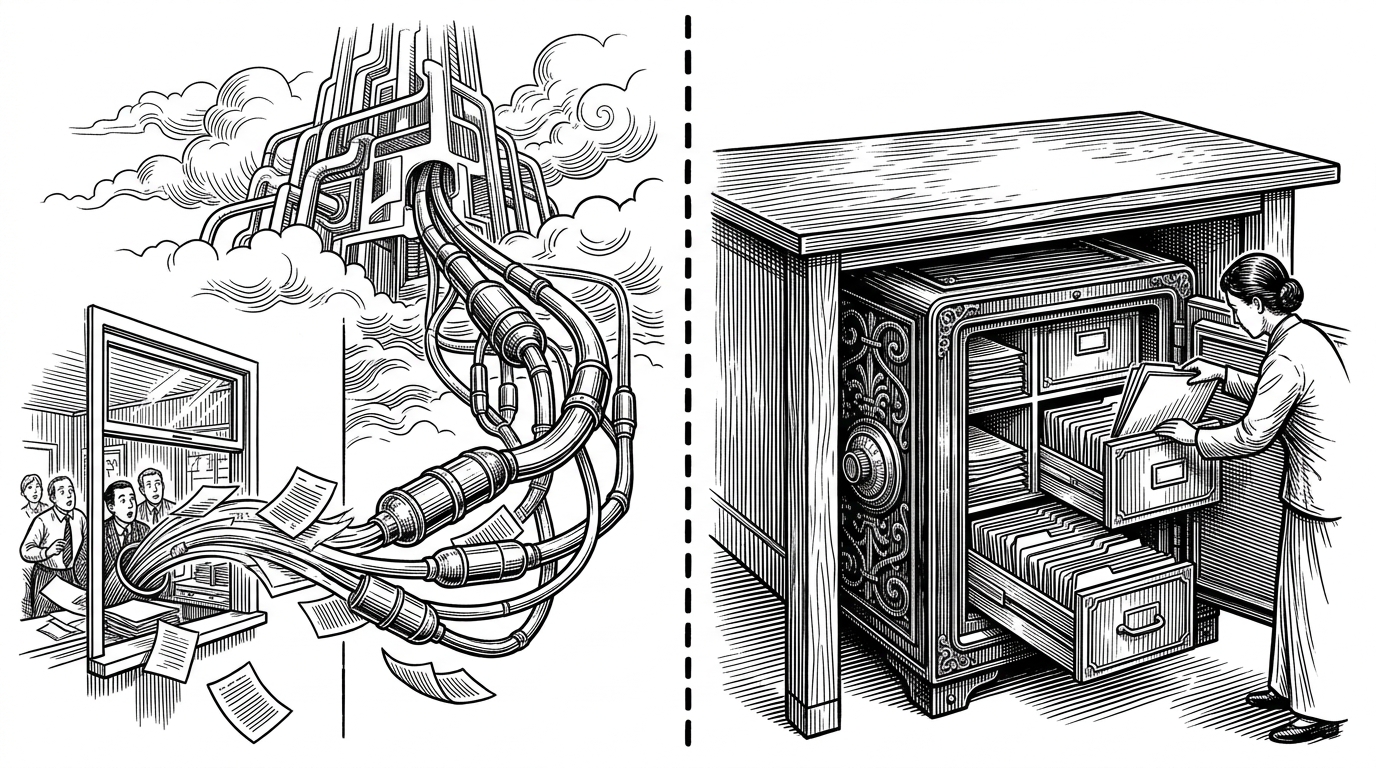
| Feature | Single-Prompt Wrapper | Orchestrated RAG Pipeline |
|---|---|---|
| State Management | Passes full history every time | Retrieves only relevant chunks |
| Document Limit | Bound by context window | Virtually infinite, bound by disk space |
| Hallucination Risk | High, relies on internal weights | Low, constrained to retrieved text |
| Privacy | Sends entire document to API | Stores full text locally in Chroma |
A Bridge for the Web Developer
This repository codified complex Python-native data science concepts into the Lingua Franca of the web. It provided a robust starting point for developers working within the Node and React ecosystems.
By translating document ETL, vector embeddings, and multi-prompt LLM orchestration into a Next.js boilerplate, it proved that frontend developers could build state-of-the-art AI tools without switching languages.