MarkItDown: Microsoft’s Document Converter That Treats Markdown as an AI Ingestion Layer
A stream-based, plugin-driven pipeline that turns messy Office files, PDFs, images, and more into structure LLMs can actually use.
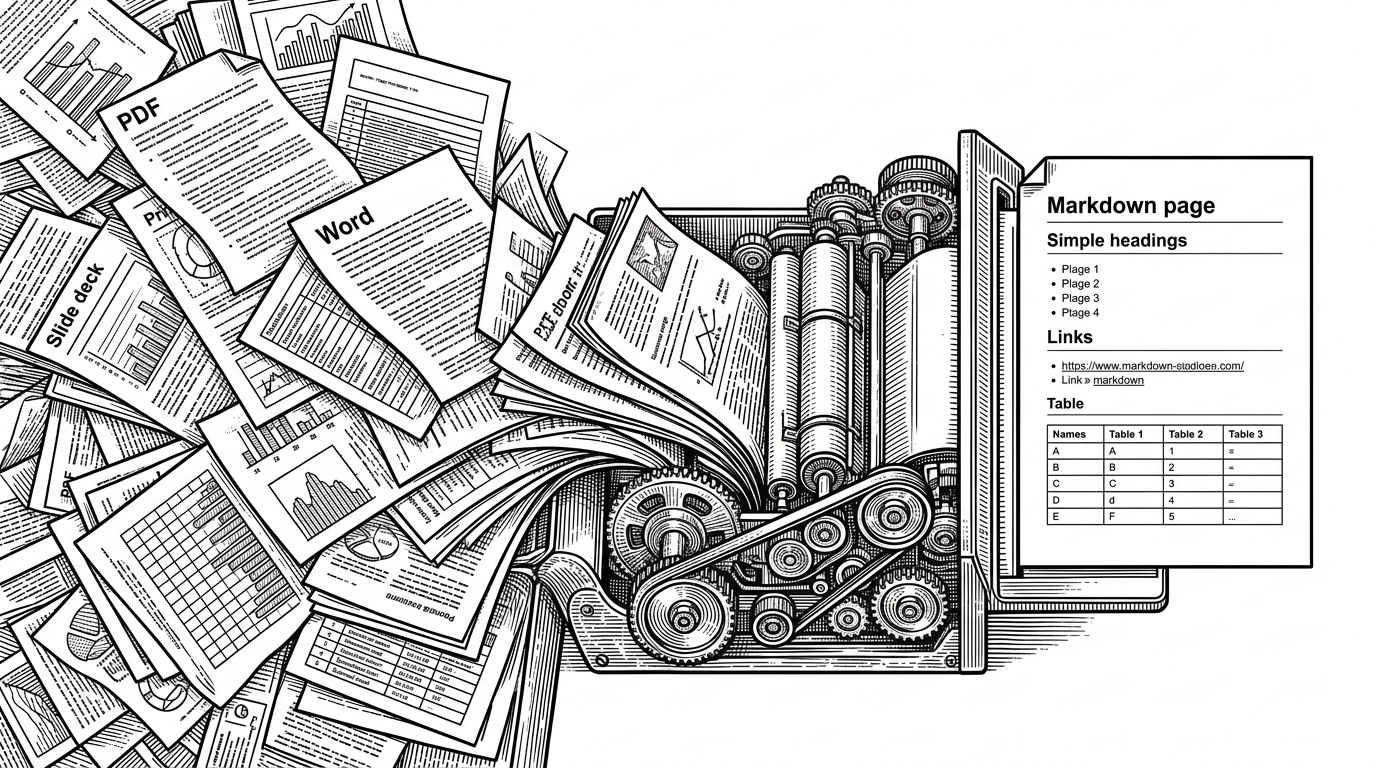
- MarkItDown treats Markdown as an AI ingestion layer, not as a publishing format.
- Its core advantage is structural cleanup, not visual fidelity, which makes it better suited to LLMs and RAG pipelines.
- The pipeline is stream-first and plugin-first, so the converter stays lightweight while format support expands outward.
- The most distinctive move is recursive enrichment, where embedded images can be described before they are written back into the Markdown output.
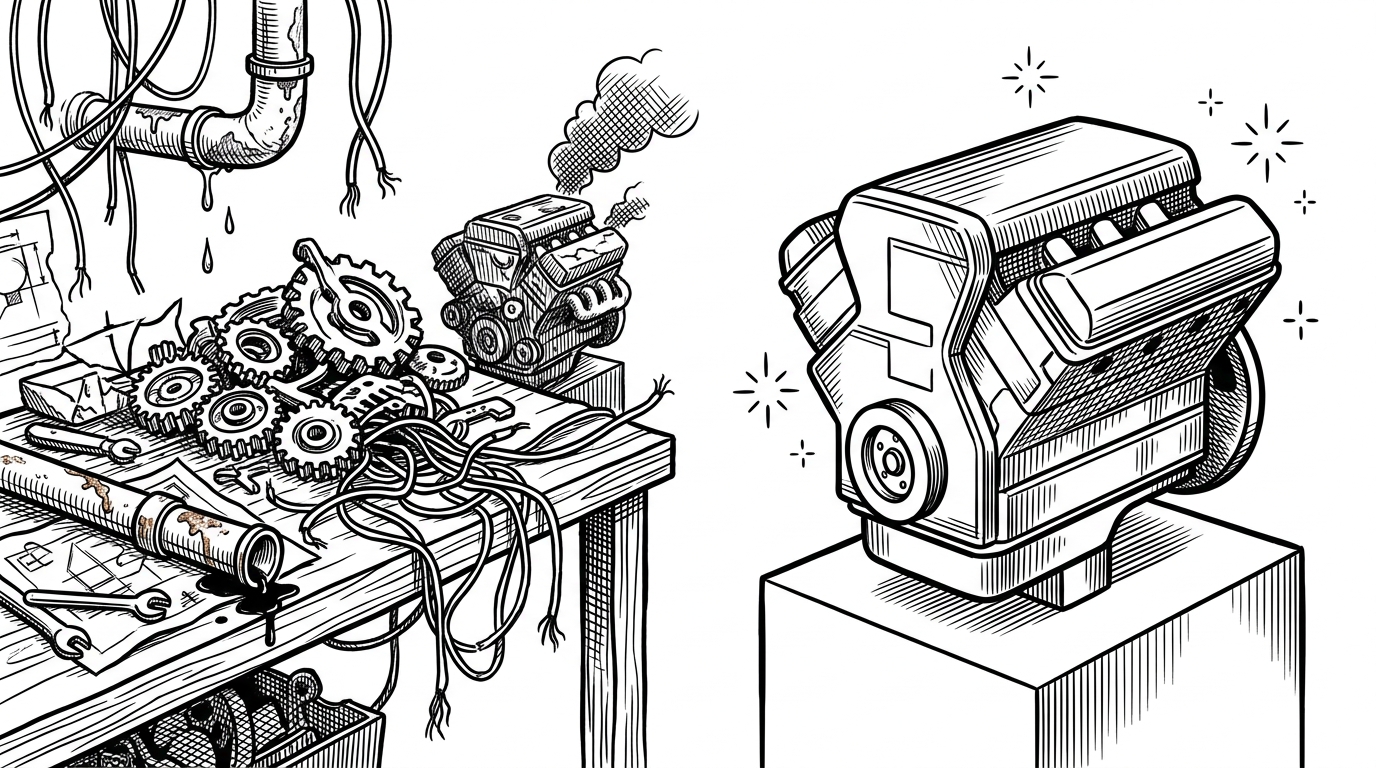
MarkItDown looks boring until you compare it to the problem it is actually solving. It is not trying to make documents prettier. It is trying to make them legible to systems that read in tokens, not layouts.
That shift matters. A PDF that looks perfect to a person can be toxic to an LLM: multi-column text gets scrambled, tables collapse, and images become dead weight. MarkItDown chooses a different target, one the README states plainly: it is meant for text analysis tools, not high-fidelity human consumption.
Why Markdown, Not Fidelity
The project’s thesis is simple. Markdown is close enough to plain text to stay compact, but expressive enough to preserve headings, lists, links, and tables. That makes it a useful intermediate representation for LLMs, which are often better at reasoning over structure than over ornate formatting.
MarkItDown is a lightweight Python utility for converting various files to Markdown for use with LLMs and related text analysis pipelines. To this end, it is most comparable to textract, but with a focus on preserving important document structure and content as Markdown (including: headings, lists, tables, links, etc.) While the output is often reasonably presentable and human-friendly, it is meant to be consumed by text analysis tools -- and may not be the best option for high-fidelity document conversions for human consumption.
That is the design choice that separates MarkItDown from a traditional converter. It does not optimize for perfect rendering across formats. It optimizes for semantic shape. For AI workloads, that is often the right trade.
| Tool | Primary goal | Output | Best at | Trade-off |
|---|---|---|---|---|
| MarkItDown | Structured text for LLMs | Markdown | Preserving useful document structure | Less visual fidelity |
| Pandoc | Broad conversion for many outputs | Many formats | Flexible document transformation | More options, more complexity |
| Textract | Raw text extraction | Plain text | Pulling text out of documents quickly | Little structural preservation |
The Part That Makes It Different
The repo’s most interesting idea is that conversion can be active, not passive. If MarkItDown sees an embedded image or slide asset and you provide an LLM client, it can ask the model to describe that image and then write the description back into the Markdown.
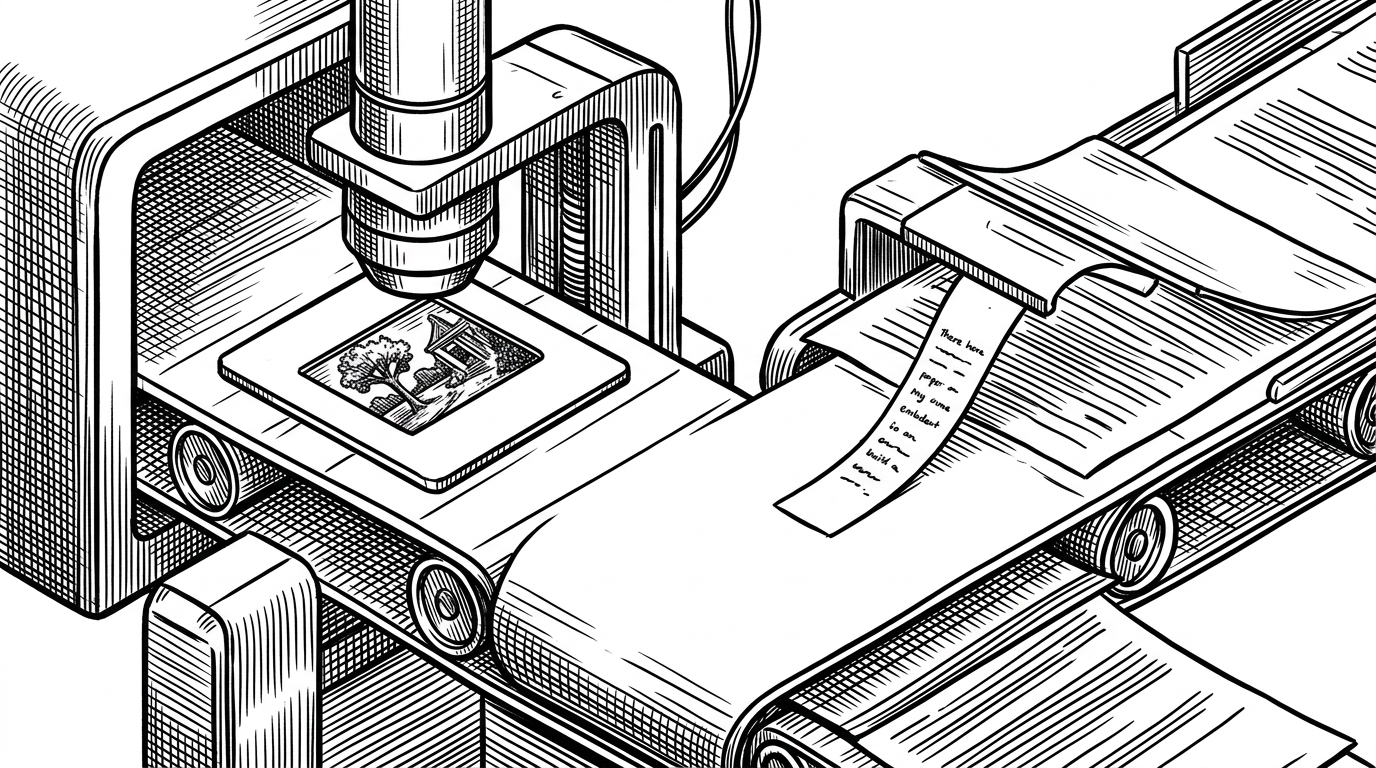
That is not a minor feature. It turns the converter into a participant in the meaning-making process. In a document-heavy AI workflow, that is exactly where the missing signal often lives.
Inside the Conversion Pipeline
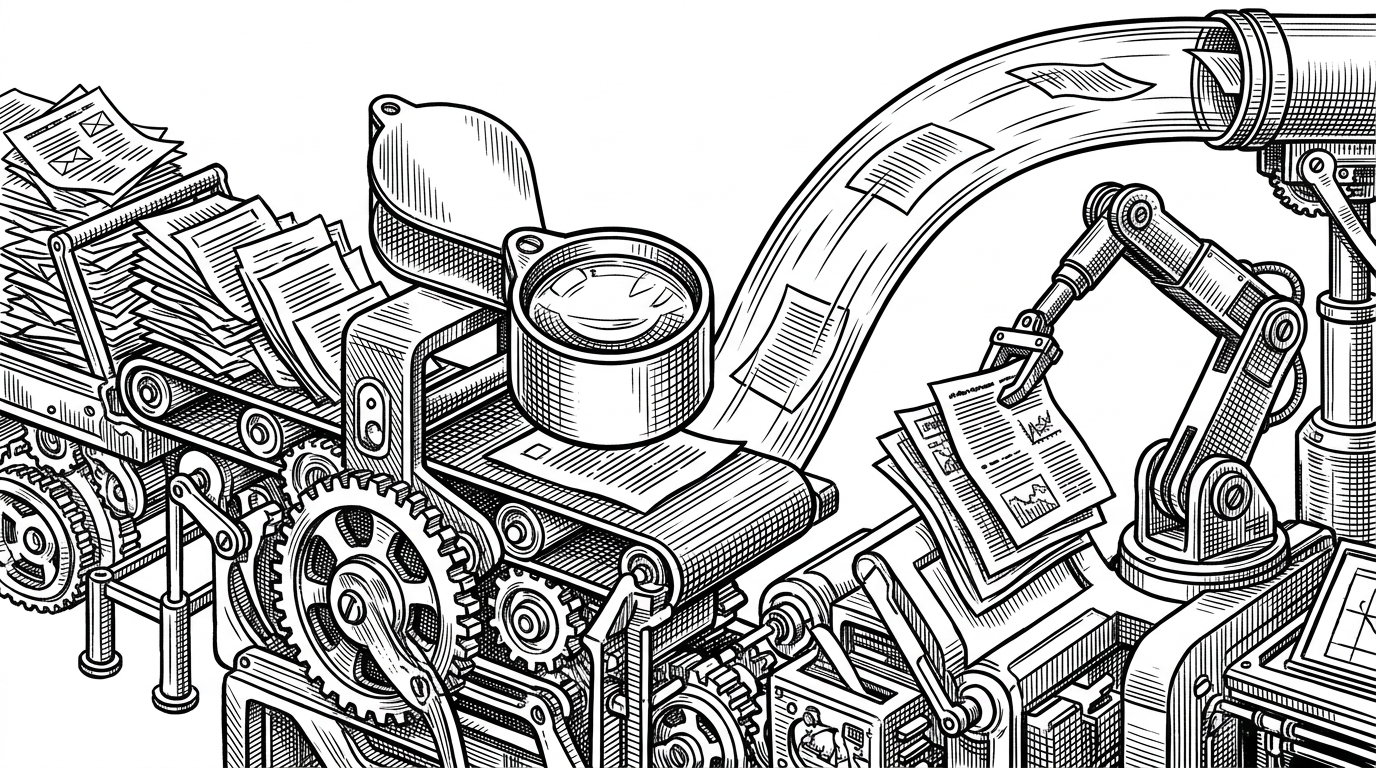
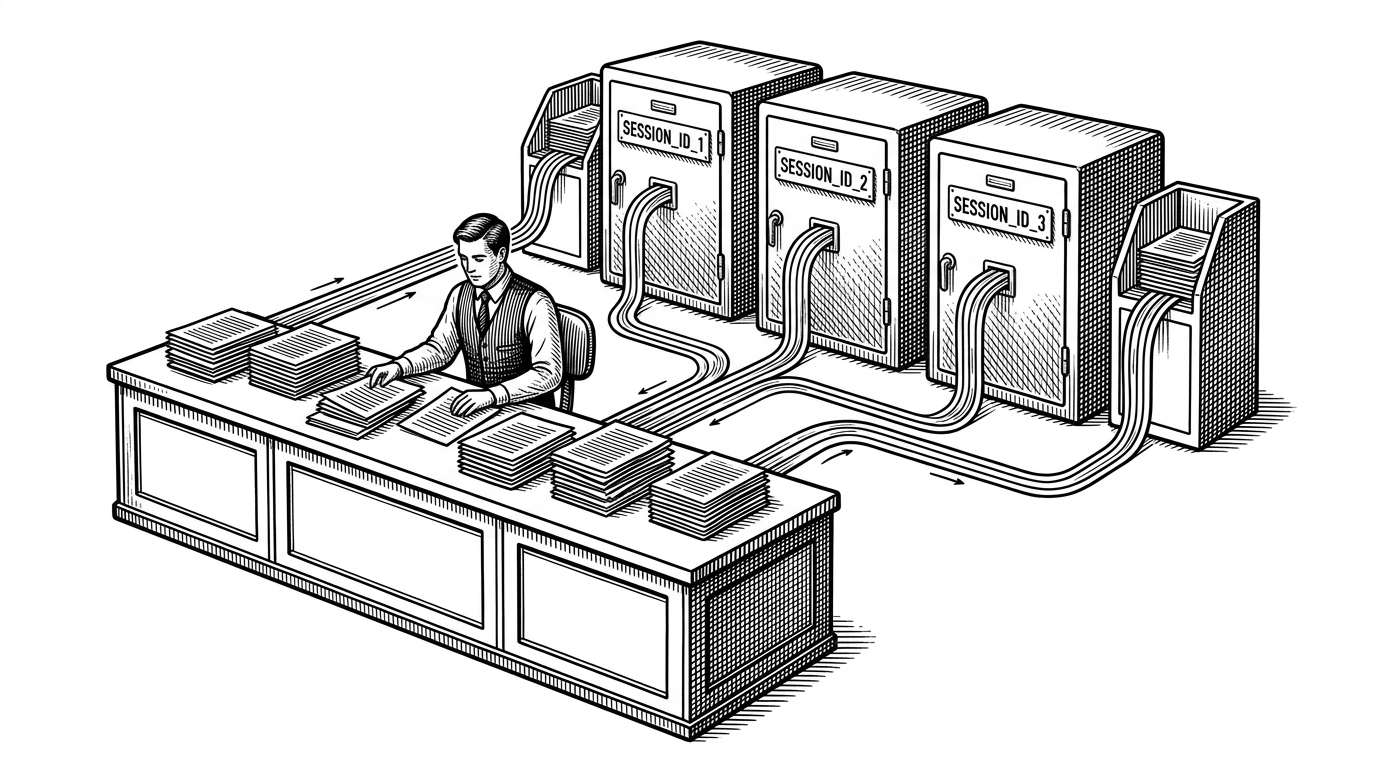
At the center is a registry of converters managed by the `MarkItDown` orchestrator. The input is a stream, not a file path, which keeps the system friendly to cloud workflows and in-memory processing. A MIME detector such as Magika helps identify the format, then the orchestrator walks the registered converters by priority.
from markitdown import MarkItDown

md = MarkItDown()
result = md.convert("report.pdf")
print(result.text_content)
The abstraction is deliberately small. Converters implement a common interface with an `accepts()` check and a `convert()` method. That means the core engine stays lean while plugins can extend format support without rewriting the dispatcher.
The stream-first choice matters more than it first appears. It avoids unnecessary temporary files, makes it easier to pipe data from network sources, and fits the kind of ephemeral workloads common in automation and agent stacks.
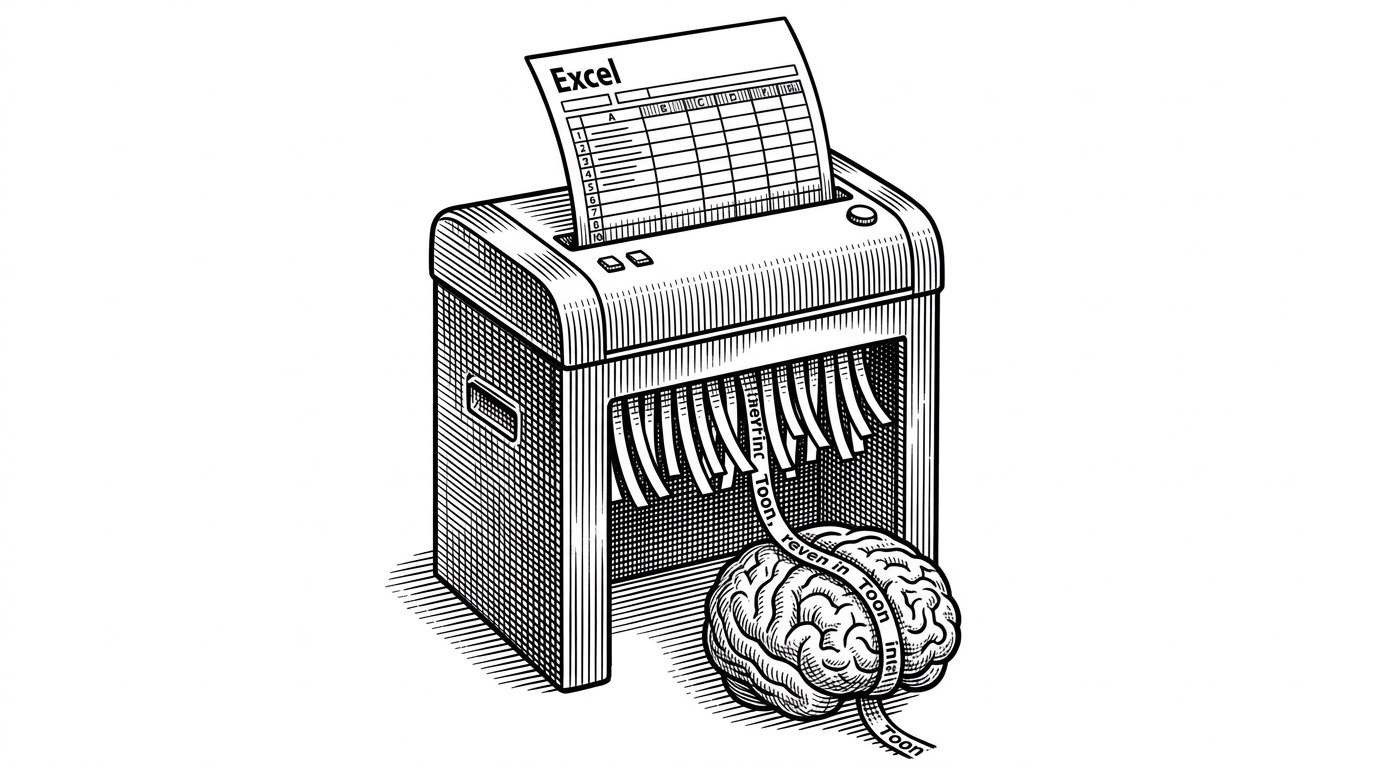
Markdown is extremely close to plain text, with minimal markup or formatting, but still provides a way to represent important document structure. Mainstream LLMs, such as OpenAI's GPT-4o, natively ""_speak_"" Markdown, and often incorporate Markdown into their responses unprompted. This suggests that they have been trained on vast amounts of Markdown-formatted text, and understand it well. As a side benefit, Markdown conventions are also highly token-efficient.
Why PDFs Are the Hard Case
PDF is where the project stops being abstract and starts being practical. The format is a museum of layout decisions, line fragments, and table guesses. MarkItDown’s PDF converter has to repair what extraction libraries cannot fully infer on their own.
That is why the repo includes cleanup logic for things like numbering lines and borderless table reconstruction. It is also why the output is intentionally opinionated. A converter for LLMs does not need to preserve every quirk of the source layout if those quirks reduce readability for the next stage.
# Conceptual sketch of the PDF path
# 1. extract words and layout hints
# 2. merge broken numbering or list fragments
# 3. detect table-like word groups
# 4. emit Markdown tables and paragraphs
The point is not that PDF extraction becomes easy. The point is that MarkItDown treats cleanup as part of the product, not as a bug left for downstream consumers.
The Daisy Chain Trick
Some converters do not go straight to Markdown. DOCX, for example, can be normalized through HTML first and then handed to the HTML-to-Markdown path. That daisy chain is a design decision, not a shortcut.
It reduces duplication and concentrates the hard part of the transformation in one place. If HTML is the common intermediate layer, the rest of the system can stay focused on dispatch, cleanup, and enrichment.
| Approach | Flow | What it buys you |
|---|---|---|
| Direct per-format rewriting | DOCX to Markdown, PPTX to Markdown, PDF to Markdown | Fine-grained control, more repeated code |
| Normalization through HTML | DOCX to HTML to Markdown | Shared cleanup logic and less duplication |
How It Fits the Agent Stack
The repo does not stop at a library. It also ships an MCP server, which means other tools can call MarkItDown as a capability inside a larger agent workflow. That moves it closer to infrastructure than to a one-off converter.
This is the bigger strategic signal. If AI systems need to ingest arbitrary files, then document conversion becomes a primitive, not a utility. MCP support makes that primitive callable.
The plugin model reinforces the same idea. Format support can grow around the core without bloating it, which is exactly what you want when the long tail of documents keeps expanding.
MarkItDown vs. Pandoc vs. Textract
The best way to understand MarkItDown is by intent. It does not want to be the most flexible converter. It wants to be the most useful ingestion layer for AI systems.
| Dimension | MarkItDown | Pandoc | Textract |
|---|---|---|---|
| Primary intent | LLM-ready structure | General document conversion | Text extraction |
| Output philosophy | Markdown first | Many targets | Plain text first |
| Plugin stance | Core extension point | Broader but more monolithic | Library-centric |
| AI enrichment | Yes, with LLM-assisted image descriptions | No native focus | No native focus |
Pandoc is the heavyweight generalist. Textract is the extraction specialist. MarkItDown is opinionated about the job it wants to do, and that opinion is increasingly aligned with how document pipelines are built for RAG and agents.
The Bigger Bet
MarkItDown is interesting because it reframes a familiar task. The goal is not to reproduce documents as they were seen. The goal is to convert them into a form that can be reasoned over, indexed, summarized, and chained into other tools with minimal friction.
That is a very different kind of converter. It says the future of documents is not better rendering. It is better machine reading.